5 Best Macro Pads and Macro Keyboards in 2026
The Keychron Q0 Plus is the best starting point for most people: a full aluminum numpad and macro block with hot-swap switches and QMK/VIA support.
 By Shihab Mia · Published 27 Nov 2026
We run no ads and no affiliate links at launch. The order of a list follows our published method. How lists are ordered: how we score.
Prices are the starting prices vendors list publicly. Plans change, so confirm the current price on the vendor page before you buy.
Key takeaways
- Macro pads range from roughly $20 DIY kits to $150+ aluminum boards, and most use QMK or VIA for remapping.
- Key count matters more than brand: 3 to 6 keys suit single-app shortcuts, 12 to 18 keys suit multi-app workflows.
- Hot-swap sockets let you change switches without soldering, which most 2023 to 2025 pads now include.
- Per-key RGB and rotary encoders are common, but onboard memory for profiles varies by model.
- Software support decides long-term value: QMK, VIA and vendor apps differ in how much they can remap.
Side-by-side
Grouped by fit and cost. Tap a product to jump to its full entry.
| Fit | Cost | |||
|---|---|---|---|---|
| Product | Best for | Standout feature | Listed starting price | Free plan or trial |
| 1Keychron Q0 Plus | Numpad and macro keys in one aluminum board | QMK and VIA support for full remapping | Check current retail price | One-time hardware purchase |
| 2Adafruit MacroPad RP2040 | Learning and DIY macro control | RP2040 microcontroller with CircuitPython support | Check current retail price | One-time hardware purchase |
| 3Razer Tartarus V2 | Gaming-style keypad with a thumb cluster and macro keys | 32 programmable keys including a thumb pad | Check current retail price | One-time hardware purchase |
| 4Pimoroni Keybow 2040 | Compact 16-key DIY pad | 16 keys in a small footprint | Check current retail price | One-time hardware purchase |
| 5Glorious GMMK Numpad | A modular macro and numpad deck for hot-swap tinkerers | Hot-swappable switch sockets let you change switches without soldering | Check current retail price | One-time hardware purchase |
How we picked
We compared these pads using vendor product pages, published spec sheets, firmware documentation and manufacturer list prices. We checked key counts, switch type, hot-swap support, firmware (QMK, VIA or vendor software), onboard profile storage and connection type. We did not run hands-on tests. Where a vendor does not publish a price, we mark it as check current retail price rather than estimate. Models were limited to products released between 2023 and 2025 that the manufacturer still lists as available.
The 5 picks in detail
- Best for
- Numpad and macro keys in one aluminum board
- Standout
- QMK and VIA support for full remapping
- Starting price
- Check current retail price
- Free plan or trial
- One-time hardware purchase
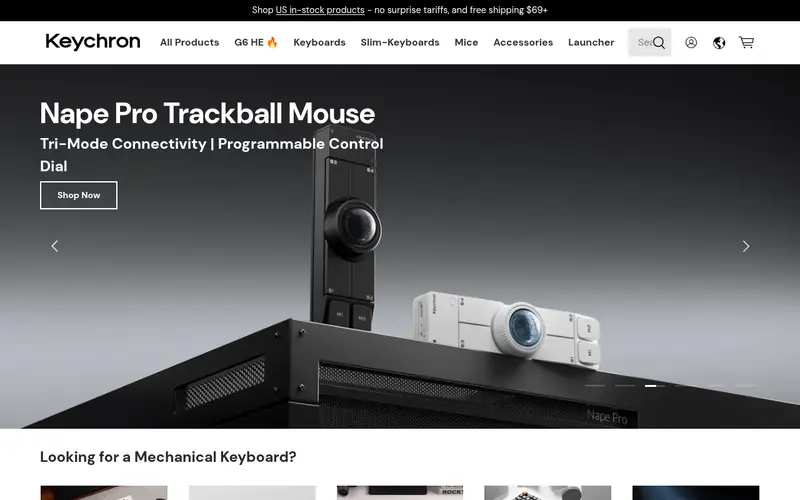
The Q0 Plus is a 21-key numpad that Keychron positions as a macro and number pad. It uses a gasket-mounted aluminum case, hot-swap PCB and south-facing RGB. Because it runs QMK with VIA support, you can remap every key, build layers and store profiles in the board itself rather than in a background app. That matters if you switch between computers.
It suits people who want a numpad and a macro block without buying two devices. The catch is the barebone price: you supply switches and keycaps, so the real cost is higher. It is also wider than a six-key pad, so desk space is a consideration.
Where the price comes from
Check current retail price. Hardware prices move often, so check the Keychron Q0 Plus maker page or a retailer before you buy.
Benefits
- QMK and VIA support for full remapping
- hot-swap sockets
- aluminum case with gasket mount
Drawbacks
- Larger footprint than a small pad
- switches and keycaps cost extra on the barebone
Use case to skip: this limit matters to you: larger footprint than a small pad.
Our take. A sensible pick for numpad and macro keys in one aluminum board.
If it does not fit, compare Adafruit MacroPad RP2040 or Razer Tartarus V2 in this list.
- Best for
- Learning and DIY macro control
- Standout
- RP2040 microcontroller with CircuitPython support
- Starting price
- Check current retail price
- Free plan or trial
- One-time hardware purchase
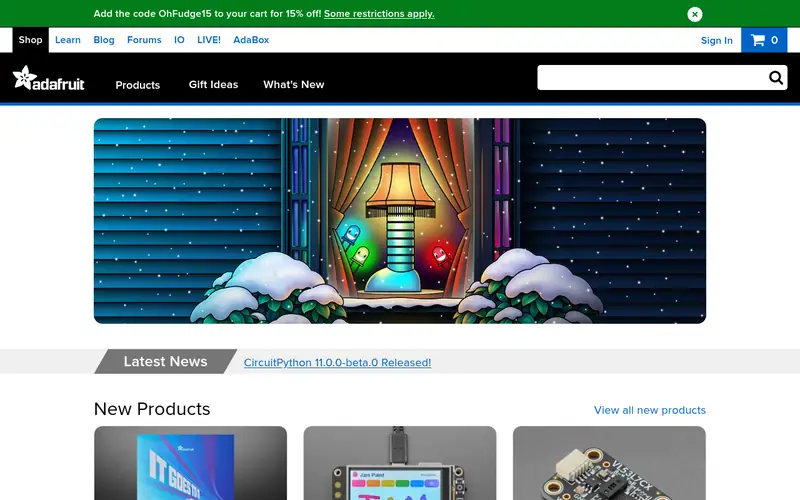
The MacroPad RP2040 is a development board shaped like a macro pad. It has 12 mechanical keys, a rotary encoder, a small OLED and per-key NeoPixel RGB, all driven by the RP2040 chip. Adafruit documents it for CircuitPython, so you write the shortcut logic yourself or adapt community examples.
It suits makers, students and anyone who wants to learn how macro firmware works. It is not a plug-and-play product: you need to flash firmware, write or copy code, and often print or buy a case. For a fixed workflow with no tinkering, a vendor-app pad is a better fit.
Where the price comes from
Check current retail price. Hardware prices move often, so check the Adafruit MacroPad RP2040 maker page or a retailer before you buy.
Benefits
- RP2040 microcontroller with CircuitPython support
- 12 keys plus rotary encoder
- OLED display and RGB
Drawbacks
- Requires coding or firmware work
- no finished case or keycaps in the base kit
Use case to skip: this limit matters to you: requires coding or firmware work.
Our take. A sensible pick for learning and DIY macro control.
If it does not fit, compare Keychron Q0 Plus or Razer Tartarus V2 in this list.

- Best for
- Gaming-style keypad with a thumb cluster and macro keys
- Standout
- 32 programmable keys including a thumb pad
- Starting price
- Check current retail price
- Free plan or trial
- One-time hardware purchase
The Tartarus V2 is a one-handed keypad with a 32-key layout, a thumb pad and an adjustable wrist rest. Razer Synapse handles macro recording, key remapping and profile storage. The main rows use Razer's mecha-membrane switches, which feel softer than full mechanical switches.
It suits gamers and power users who want a compact cluster of keys under one hand. The catch is the software: Synapse is required for remapping and profiles, and it needs an account. The switch feel is also a matter of taste compared with hot-swap mechanical pads.
Where the price comes from
Check current retail price. Hardware prices move often, so check the Razer Tartarus V2 maker page or a retailer before you buy.
Benefits
- 32 programmable keys including a thumb pad
- Razer Synapse remapping
- adjustable palm rest
Drawbacks
- Membrane-feel keys on the main rows
- Synapse account and software required
Use case to skip: this limit matters to you: membrane-feel keys on the main rows.
Our take. A sensible pick for gaming-style keypad with a thumb cluster and macro keys.
If it does not fit, compare Keychron Q0 Plus or Adafruit MacroPad RP2040 in this list.
- Best for
- Compact 16-key DIY pad
- Standout
- 16 keys in a small footprint
- Starting price
- Check current retail price
- Free plan or trial
- One-time hardware purchase
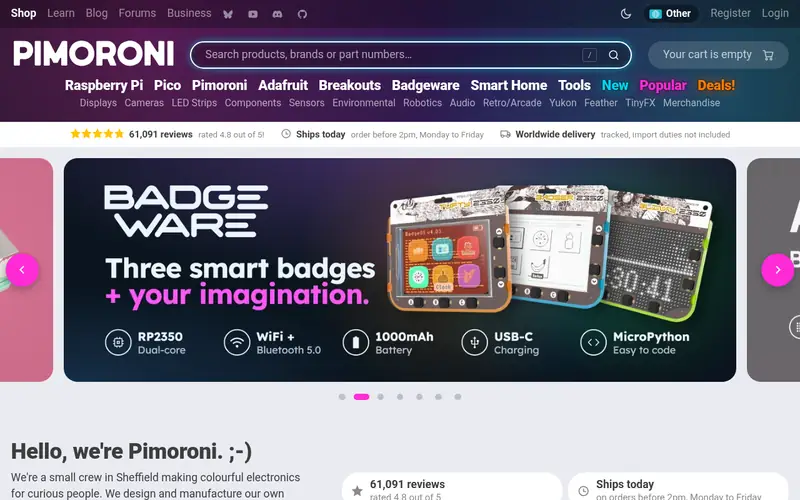
The Keybow 2040 is a 16-key pad built around the RP2040. It ships as a board with per-key RGB and Kailh choc-compatible sockets, and Pimoroni documents CircuitPython examples for mapping keys to shortcuts. It is small enough to sit beside a keyboard without crowding the desk.
It suits tinkerers who want more keys than the Adafruit MacroPad in a similar footprint. The catch is the same: you write or adapt firmware, and you need a case and keycaps to finish it. It is a project, not a finished product.
Where the price comes from
Check current retail price. Hardware prices move often, so check the Pimoroni Keybow 2040 maker page or a retailer before you buy.
Benefits
- 16 keys in a small footprint
- RP2040 chip with CircuitPython support
- per-key RGB
Drawbacks
- DIY firmware required
- case and keycaps sold separately or self-made
Use case to skip: this limit matters to you: DIY firmware required.
Our take. A sensible pick for compact 16-key DIY pad.
If it does not fit, compare Keychron Q0 Plus or Adafruit MacroPad RP2040 in this list.
- Best for
- A modular macro and numpad deck for hot-swap tinkerers
- Standout
- Hot-swappable switch sockets let you change switches without soldering
- Starting price
- Check current retail price
- Free plan or trial
- One-time hardware purchase
The Glorious GMMK Numpad is a standalone numeric and macro pad built around the GMMK modular idea. It uses hot-swap sockets, so you can fit your own MX-style switches without soldering, and it has per-key programmability through Glorious's configuration software. A rotary knob adds an analog control you can map to volume, zoom or scrolling. The layout is compact, aimed at people who want extra macro keys beside a main keyboard rather than a second full board.
It suits users who already like the GMMK line and want a matching pad for shortcuts, streaming controls or spreadsheet work. The main catch is that it is an accessory, not a complete keyboard, and depending on the configuration you may need to supply switches and keycaps yourself. Check the vendor page for the current bundle and price.
Where the price comes from
Check current retail price. Hardware prices move often, so check the Glorious GMMK Numpad maker page or a retailer before you buy.
Benefits
- Hot-swappable switch sockets let you change switches without soldering
- programmable keys and a rotary knob cover macros and volume or zoom control
- modular design pairs with the wider GMMK ecosystem
Drawbacks
- It is a compact add-on pad, not a full keyboard
- you pay separately for switches and keycaps in many configurations
Use case to skip: this limit matters to you: it is a compact add-on pad, not a full keyboard.
Our take. A sensible pick for A modular macro and numpad deck for hot-swap tinkerers.
If it does not fit, compare Keychron Q0 Plus or Adafruit MacroPad RP2040 in this list.
What specs matter most when buying a macro pad?
Key count, switch type and firmware support matter most. Match the key count to the number of shortcuts you actually use, choose hot-swap switches if you want to change feel later, and pick a pad whose firmware (QMK, VIA or vendor software) can remap every key.
Key count is the first decision. Three to six keys cover a single app or a few global shortcuts. Twelve keys suit a layer of app switching, media and editing commands. Eighteen or more keys, like the Keychron Q0 Plus, work when you want a numpad and macros together. Buying more keys than you use adds desk clutter without adding speed.
Switch type affects feel and noise. Hot-swap sockets let you try linear, tactile or clicky switches without soldering, which most 2023 to 2025 pads now offer. Firmware is the other half: QMK and VIA store layouts on the device, while vendor apps like Base Camp and Synapse keep profiles in software. Onboard storage matters if you move the pad between computers. Finally, check the connection: wired USB is standard, and wireless is rare on macro pads.
Which macro pad should I buy if I mostly want shortcuts in one app?
If your shortcuts live in one application, a small pad is enough. The Adafruit MacroPad RP2040 gives you 12 keys and an encoder for about $35 if you are willing to write firmware.
For a single app with a fixed set of commands, six to twelve keys cover most workflows. The Keychron Q0 Plus is the better pick if you also want a numpad and prefer open firmware. Avoid 30-key gaming pads unless you need the thumb cluster, since the extra keys rarely get used in office work.
Questions worth answering first
Buying checklist
- Count the shortcuts you use daily and pick a key count slightly above that number.
- Confirm the pad supports hot-swap switches if you plan to change switch feel later.
- Check whether layouts are stored on the device or only in vendor software.
- Verify the firmware option (QMK, VIA, CircuitPython or vendor app) matches your comfort level.
- Confirm the connection type and cable, since most macro pads are wired USB only.
- Check the vendor's published price and whether switches and keycaps are included.
FAQ
Do macro pads work on Mac and Windows?
Most do, but support varies. QMK and VIA pads work on both because the keyboard sends standard keycodes.
Can I use a macro pad without installing software?
Yes, if the pad stores its layout in firmware. QMK and VIA boards keep keymaps on the device, so they work on any computer without a background app.
How many keys do I need on a macro pad?
Start with six to twelve keys. That covers app switching, media controls and a few editing commands for most people. Choose 16 to 21 keys only if you also want a numpad or run many layered shortcuts, since unused keys take desk space without adding speed.
Are macro pads allowed in competitive games?
It depends on the game and tournament rules. Many competitive titles restrict macros that automate repeated inputs, and tournament organizers set their own hardware rules. Check the specific game's terms and the event rulebook before relying on a macro pad for anything beyond single key remaps.
What is the difference between a macro pad and a stream deck?
A macro pad is a keypad that sends keyboard shortcuts. A stream deck is a controller with display keys that trigger software actions through a companion app. Macro pads usually work without software, while stream decks depend on their app for labels and actions.
Do I need a mechanical macro pad, or is membrane fine?
Mechanical switches are common on 2023 to 2025 macro pads and are easier to replace on hot-swap boards. Membrane pads like the Razer Tartarus V2 cost less and feel softer. If you type on the pad all day, mechanical switches with hot-swap sockets give more options later.
Sources we checked
Change log: First published 27 Nov 2026.