7 2FA Authenticator Apps Compared on Price and Fit
Apple Passwords leads the list, best for built into Apple devices. Alternatives: Microsoft Authenticator for Microsoft accounts and workplaces, and 2FAS for open source and refined. The remaining 4 options are covered below with prices and limits.
 By Shihab Mia · Published 21 Nov 2026
We run no ads and no affiliate links at launch. The order of a list follows our published method. How lists are ordered: how we score.
Prices are the starting prices vendors list publicly. Plans change, so confirm the current price on the vendor page before you buy.
Key takeaways
- Apple Passwords is the opening pick, best for built into Apple devices.
- The cheapest monthly starting price in the list is $2.99 per month, offered by 1Password.
- Ente Auth is the one to check for open source with encrypted sync.
- 6 of the 7 tools have a free plan, including Apple Passwords, Microsoft Authenticator, 2FAS and Google Authenticator.
- What to know about Apple Passwords first: Apple devices only for the full experience.
Side-by-side
Grouped by fit and cost. Tap a product to jump to its full entry.
| Fit | Cost | |||
|---|---|---|---|---|
| Product | Best for | Standout feature | Listed starting price | Free plan or trial |
| 1Apple Passwords | Built into Apple devices | Codes sync through iCloud Keychain across your Apple devices automatically | Free | Free plan |
| 2Microsoft Authenticator | Microsoft accounts and workplaces | Cloud backup to your Microsoft account or iCloud guards codes across phone changes | Free | Free plan |
| 32FAS | Open source and refined | Widgets and Apple Watch support for fast codes | Free | Free plan |
| 4Google Authenticator | The straightforward default | Scans setup QR codes immediately, clean | Free | Free plan |
| 51Password | Codes inside your password manager | A governed system instead of a lost phone panic | $2.99 a month | No free plan |
| 6Proton Authenticator | Privacy inside the Proton ecosystem | The Swiss privacy company behind Proton Mail, with end to end encrypted sync for signed in users, free, with apps across products including desktop | Free | Free plan |
| 7Ente Auth | Open source with encrypted sync | A free level ample enough for most people's full account list | Free | Free plan |
How we picked
The comparison looks at four things: starting price, free access, how well the feature set matches 2FA Authenticator apps, and the main limit of each tool. Figures are shown as the vendors publish them. Billing terms, seat minimums and add-ons can change the real cost. Position on the page reflects fit for a typical buyer first, with price clarity and free access breaking ties. Treat it as a guide, not a ruling.
The 7 picks in detail
- Best for
- Built into Apple devices
- Standout
- Codes sync through iCloud Keychain across your Apple devices automatically
- Starting price
- Free
- Free plan or trial
- Free plan
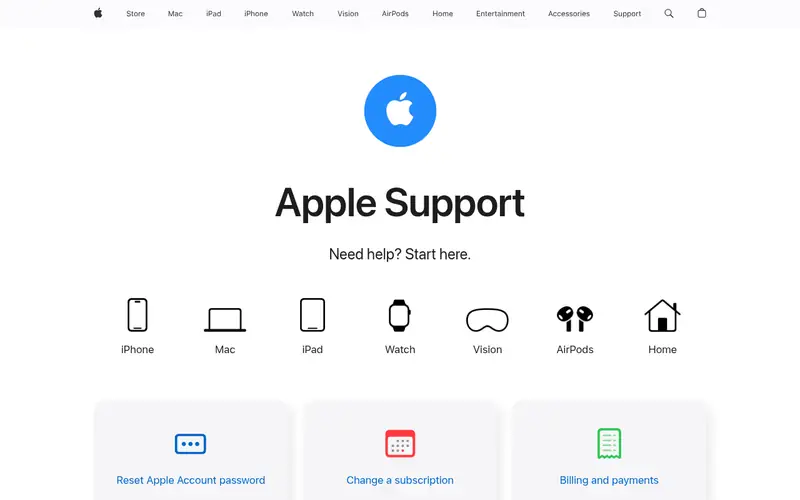
Apple Passwords is built with built into Apple devices in mind. Apple Passwords quietly became a real authenticator.
The starting price for Apple Passwords: Free. A free plan is available with Apple Passwords.
Where it falls short: Apple devices only for the full experience; A Windows PC at work breaks the chain.
Where the price comes from
Free, as listed by the vendor (Apple Passwords website). Confirm the current plan price before you buy.
Benefits
- Codes sync through iCloud Keychain across your Apple devices automatically
- Protected by your Apple account and device biometrics
Drawbacks
- Fewer power features than the dedicated apps
Use case to skip: this limit matters to you: fewer power features than the dedicated apps.
Our take. A sensible pick for built into Apple devices.
If it does not fit, compare Microsoft Authenticator or 2FAS in this list.
- Best for
- Microsoft accounts and workplaces
- Standout
- Cloud backup to your Microsoft account or iCloud guards codes across phone changes
- Starting price
- Free
- Free plan or trial
- Free plan
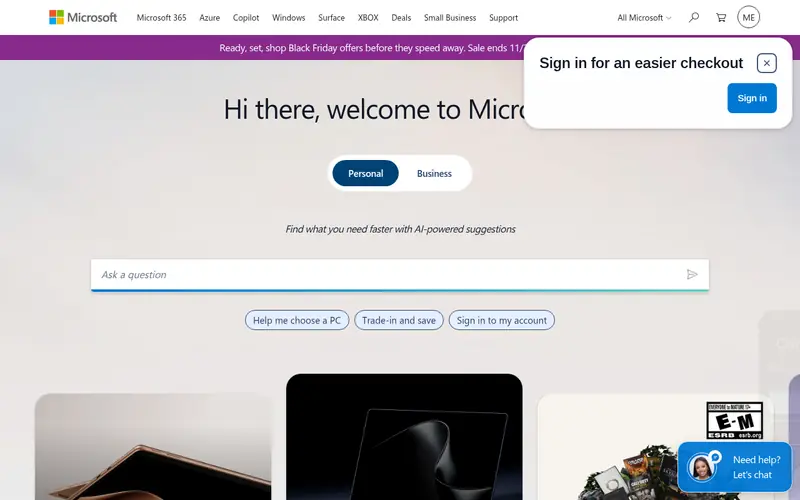
Microsoft Authenticator works best for Microsoft accounts and workplaces. For anyone working in a Microsoft 365 organisation, it is effectively compulsory and genuinely decent. Its backup story needs one careful minute.
Attackers spam approval requests hoping for a tired tap; the sign in context the app displays is there to be used. More specifically, enrol a second device before you need it. Codes back up to your Microsoft account on Android and to iCloud on iPhone, which is fine until a product switch turns recovery into a research project. Entry price for Microsoft Authenticator: Free. Microsoft Authenticator offers a free plan.
Where it shines: the standard choice in Microsoft 365 workplaces, so IT departments support it natively.
Downsides: Third party codes feel like guests in someone else's app; The experience is Microsoft first.
Where the price comes from
Free, as listed by the vendor (Microsoft Authenticator website). Confirm the current plan price before you buy.
Benefits
- Cloud backup to your Microsoft account or iCloud guards codes across phone changes
- Passwordless sign in and push approvals for Microsoft accounts go beyond codes
Drawbacks
- Backup behaviour differs between Android (Microsoft account) and iPhone (iCloud), which confuses movers between systems
Use case to skip: this limit matters to you: backup behaviour differs between Android (Microsoft account) and iPhone (iCloud), which confuses movers between systems.
Our take. A sensible pick for microsoft accounts and workplaces.
If it does not fit, compare Apple Passwords or 2FAS in this list.
- Best for
- Open source and refined
- Standout
- Widgets and Apple Watch support for fast codes
- Starting price
- Free
- Free plan or trial
- Free plan
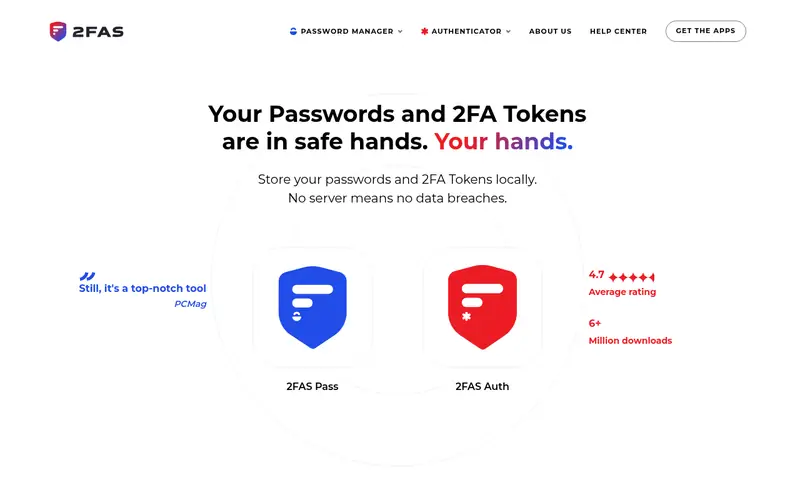
For open source and refined, 2FAS is a natural candidate. Your cloud account's security becomes part of the system, as with every synced choice here. 2FAS is the enthusiast favourite that keeps winning converts: open source, quick, and thoughtful about the desktop problem (its browser extension asks your phone to approve a code.
Where it shines: free and unusually refined, with browser extensions that request codes from your phone for desktop sign ins; keeps codes workable across phone changes.
Honest limits: not a full app; desktop presence is via the extension. So you never type from the small screen). It feels like the authenticator a power user would design, since it is. Its backup model encrypts your codes into your own Google Drive or iCloud, a reasonable middle path between Google's account sync and completely manual exports. Choose 2FAS if you want sync and polish without joining a suite. You are comfortable being a little more responsible for your own setup than the one tap choices demand. On cost, 2FAS starts like this: Free. Free access exists with 2FAS.
Where the price comes from
Free, as listed by the vendor (2FAS website). Confirm the current plan price before you buy.
Benefits
- Widgets and Apple Watch support for fast codes
- Backup through your own cloud accounts (Google Drive or iCloud) under encryption
Drawbacks
- Cloud backup rides on your own storage accounts, so its safety inherits theirs
Use case to skip: this limit matters to you: cloud backup rides on your own storage accounts, so its safety inherits theirs.
Our take. A sensible pick for open source and refined.
If it does not fit, compare Apple Passwords or Microsoft Authenticator in this list.
- Best for
- The straightforward default
- Standout
- Scans setup QR codes immediately, clean
- Starting price
- Free
- Free plan or trial
- Free plan
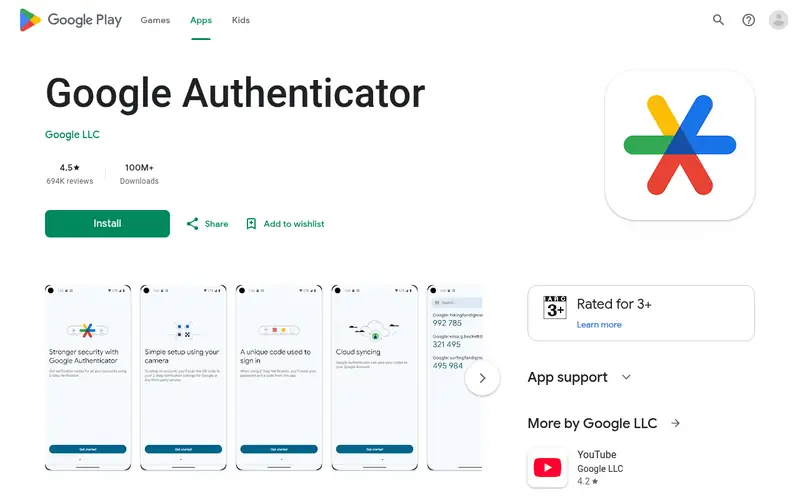
Google Authenticator serves the simple default. If your threat model contains targeted attackers, choose an encrypted choice below.
Where it is weaker: Codes live on the phone only; no app lock choices as deep as dedicated rivals on some products, no desktop app.
Worth adding: the purist objection is real: sync concentrates risk, since whoever compromises your Google account can reach your codes. Beyond that, for most people that trade is right: a Google account protected by a capable password and passkeys is a safer vault than a phone that can fall in a lake. What you pay to start with Google Authenticator: Free. You can start on Google Authenticator without paying.
Where the price comes from
Free, as listed by the vendor (Google Authenticator website). Confirm the current plan price before you buy.
Benefits
- Scans setup QR codes immediately, clean
- Ending the old lose your phone
Drawbacks
- Bulk export and organisation features are minimal for large account collections
Use case to skip: this limit matters to you: bulk export and organisation features are minimal for large account collections.
Our take. A sensible pick for the straightforward default.
If it does not fit, compare Apple Passwords or Microsoft Authenticator in this list.
- Best for
- Codes inside your password manager
- Standout
- A governed system instead of a lost phone panic
- Starting price
- $2.99 a month
- Free plan or trial
- No free plan
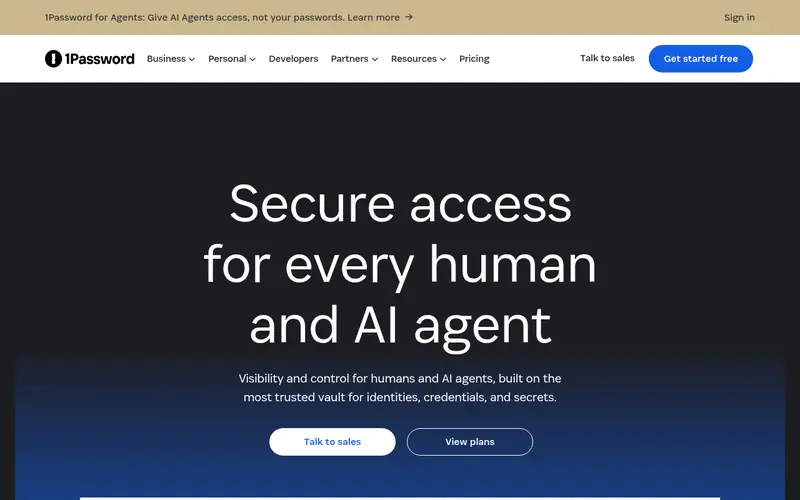
1Password is a good fit for codes inside your password manager. Sign in becomes: autofill the password, autofill the code, done, on every device, with family sharing for the household accounts that otherwise live on one person's phone. Beyond that, the purity debate deserves its sentence: True two factor security wants factors separated, and one vault merges them.
Where it shines: Codes live in the same vault as the passwords they protect, so one app completes the entire sign in and autofills both steps; recovery runs through your 1Password account and Secret Key process.
From a buyer's view, millions of users have decided that flow is worth the theoretical purity it spends. 1Password answers the convenience argument fully. For households and teams, the shared vault feature is quietly the best 2FA feature in this article: the code for the joint bank or the office social account stops being one person's hostage. What you pay to start with 1Password: $2.99 per month. 1Password has no permanent free option.
Downsides: a debated trade the security community argues about honestly; overkill if a password manager is not already your habit.
Where the price comes from
$2.99 a month, as listed by the vendor (1Password website). Confirm the current plan price before you buy.
Benefits
- A governed system instead of a lost phone panic
- Family and team plans let codes be shared safely for joint accounts
Drawbacks
- It costs money: individual plans from 2.99 dollars per month billed yearly
Use case to skip: this limit matters to you: it costs money: individual plans from 2.99 dollars per month billed yearly.
Our take. A sensible pick for codes inside your password manager.
If it does not fit, compare Apple Passwords or Microsoft Authenticator in this list.
- Best for
- Privacy inside the Proton ecosystem
- Standout
- The Swiss privacy company behind Proton Mail, with end to end encrypted sync for signed in users, free, with apps across products including desktop
- Starting price
- Free
- Free plan or trial
- Free plan
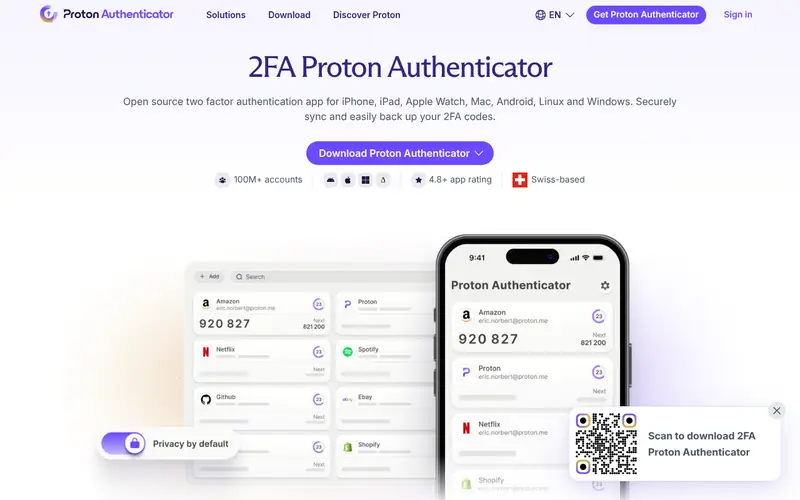
Proton Authenticator is aimed squarely at privacy inside the Proton ecosystem. Judge it again in per year.
Worth adding: Proton Authenticator arrived in 2025 as the obvious extension of the Proton suite: if your mail, drive and passwords live encrypted at Proton, your codes should too. What you pay to start with Proton Authenticator: Free. Proton Authenticator has a free plan.
The main drawbacks: support ecosystem is smaller than Google's or Microsoft's; import and organisation features are still maturing. What users get: From Proton.
Where the price comes from
Free, as listed by the vendor (Proton Authenticator website). Confirm the current plan price before you buy.
Benefits
- The Swiss privacy company behind Proton Mail, with end to end encrypted sync for signed in users, free, with apps across products including desktop
- Works offline without an account for entry-level use
Drawbacks
- Best experienced inside a Proton account, which is one more account ecosystem to join
Use case to skip: this limit matters to you: best experienced inside a Proton account, which is one more account ecosystem to join.
Our take. A sensible pick for privacy inside the Proton ecosystem.
If it does not fit, compare Apple Passwords or Microsoft Authenticator in this list.
- Best for
- Open source with encrypted sync
- Standout
- A free level ample enough for most people's full account list
- Starting price
- Free
- Free plan or trial
- Free plan
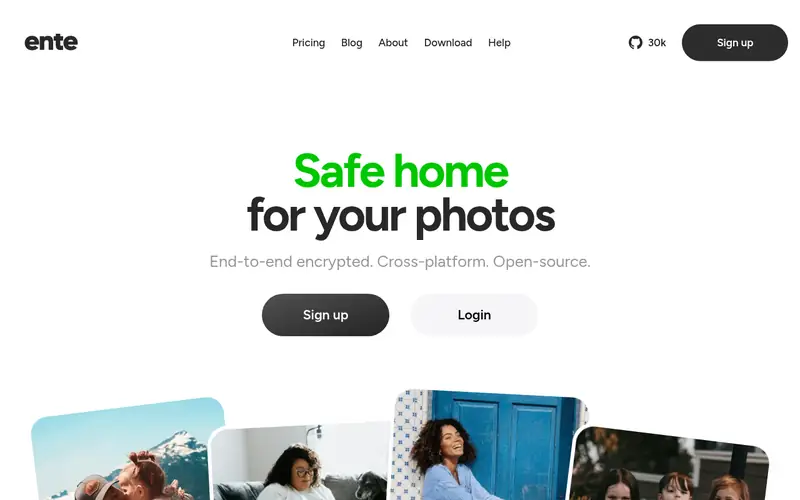
Think of Ente Auth for open source with encrypted sync. Ente Auth is the privacy engineer's pick that normal people can use.
Points against: setup asks more understanding of users than Google's one tap sync; fewer support desks will recognise it during an account recovery call.
Forget your Ente password and lose your recovery key, and the encryption does its job against you too. The apps are refined beyond what open source normally handles. Starting cost for Ente Auth: Free. A free plan is available with Ente Auth.
Where the price comes from
Free, as listed by the vendor (Ente Auth website). Confirm the current plan price before you buy.
Benefits
- A free level ample enough for most people's full account list
- Whose encrypted storage is their entire business
Drawbacks
- Encrypted recovery relies on your Ente password and recovery key discipline
Use case to skip: this limit matters to you: encrypted recovery relies on your Ente password and recovery key discipline.
Our take. A sensible pick for open source with encrypted sync.
If it does not fit, compare Apple Passwords or Microsoft Authenticator in this list.
Questions worth answering first
Buying checklist
- Confirm the entry price on the vendor page: 1Password starts at $2.99 per month, but seat counts and billing terms change the total.
- Look at free plan limits closely: Apple Passwords, Microsoft Authenticator, 2FAS and others have one, and the caps decide whether it is usable for real work.
- Before choosing Apple Passwords, weigh its main limit: Apple devices only for the full experience.
- Involve the people who will use Proton Authenticator daily; a short pilot beats a long feature checklist.
- Check the support hours and onboarding help Google Authenticator offers; smaller vendors vary a lot here.
FAQ
What happens if I lose my phone with my authenticator on it?
Without it, you use each service's recovery codes or account recovery process, account by account, which is slow and occasionally impossible. In practice, enable backup before the loss, and keep recovery codes separately.
Should I use recovery codes or trust the sync?
Sync deals with the ordinary phone upgrade; recovery codes manage the day the account itself is the problem. Save the codes for email, banking and your password manager in a physical place or a separate encrypted note, and refresh them when a service reissues them.
Is Apple Passwords the right pick for everyone comparing 2FA Authenticator apps?
No single tool suits every team. Apple Passwords comes first because it fits built into Apple devices, while Microsoft Authenticator suits Microsoft accounts and workplaces and 2FAS suits open source and polished. Match the tool to your own size, budget and workflow before deciding.
Are authenticator apps safer than text message codes?
Yes. Every account that offers an authenticator choice is safer with it, and safer still with a hardware key or passkey where supported.
Do these tools publish their prices?
Yes. Every tool from Apple Passwords to Ente Auth shows a starting price, though seats, add-ons and billing terms still change the final cost.
What is the cheapest option for 2FA Authenticator apps in this list?
On published monthly entry prices, 1Password is the lowest here at $2.99 per month. Entry price is only part of the cost, because seats, add-ons and billing terms can change the total.
Sources we checked
Change log: First published 21 Nov 2026.