7 Anti-Malware Software Options Compared on Price and Fit
Microsoft Defender comes first here, mainly for built in Windows protection. For a different need, Bitdefender Total Security covers strong all round protection and Malwarebytes covers straightforward malware cleanup. Details, prices and limits for the rest of the 7 tools are below.
 By Shihab Mia · Published 21 Nov 2026
We run no ads and no affiliate links at launch. The order of a list follows our published method. How lists are ordered: how we score.
Prices are the starting prices vendors list publicly. Plans change, so confirm the current price on the vendor page before you buy.
Key takeaways
- Microsoft Defender sits first on this list: built in Windows protection.
- Only 5 of the 7 tools have a free plan (Microsoft Defender, Bitdefender Total Security, Malwarebytes, Avast One, AVG Internet Security), so check the caps.
- Norton 360 Deluxe suits families wanting extras.
- What to know about Microsoft Defender first: no VPN, password manager, or identity monitoring.
Side-by-side
Grouped by fit and cost. Tap a product to jump to its full entry.
| Fit | Cost | |||
|---|---|---|---|---|
| Product | Best for | Standout feature | Listed starting price | Free plan or trial |
| 1Microsoft Defender | Built in Windows protection | Built into Windows at no additional cost | Free | Free plan |
| 2Bitdefender Total Security | Solid all round protection | Spans five devices on the starting plan | $59.99 a year | Free plan |
| 3Malwarebytes | Straightforward malware cleanup | Free scanner for on demand checks | $44.99 a year | Free plan |
| 4Avast One | Capable free level | Free level contains live protection | Free | Free plan |
| 5AVG Internet Security | Free level with premium upgrade | Free antivirus for entry-level protection | Free | Free plan |
| 6McAfee+ | Households with numerous devices | Simple family setup | $49.99 a year | Free trial |
| 7Norton 360 Deluxe | Families wanting extras | Password manager | $49.99 per year | Free trial |
How we picked
Selection started from tools commonly considered for anti-malware software, then narrowed to 7 that have clear pricing information or a clear quote process. Where a vendor does not publish a price, the entry says quote. Where a price depends on seats or billing term, the entry says so. The ranking is editorial: typical fit first, then clear pricing, then free access. If your needs are unusual, read the profiles rather than relying on position.
The 7 picks in detail
- Best for
- Built in Windows protection
- Standout
- Built into Windows at no additional cost
- Starting price
- Free
- Free plan or trial
- Free plan
Microsoft Defender is built with built in Windows protection in mind. Microsoft Defender is already on your Windows PC, and for numerous careful users it is enough. It gives you live antivirus, firewall, and ransomware controls, and it updates with Windows.
Honest limits: No VPN, password manager, or identity monitoring.
Also, if you want those extras, or you share a computer with children, a premium suite may still be the better fit. Also, what you do not get is the suite layer. Worth adding: if you only need core protection and you keep backups, Defender is a sensible free choice. On cost, Microsoft Defender starts like this: Free. Free access exists with Microsoft Defender.
Where the price comes from
Free, as listed by the vendor (Microsoft Defender website). Confirm the current plan price before you buy.
Benefits
- Built into Windows at no additional cost
- Updates through Windows Update
Drawbacks
- No cross device management for phones and Macs
Use case to skip: this limit matters to you: no cross device management for phones and Macs.
Our take. A sensible pick for built in Windows protection.
If it does not fit, compare Bitdefender Total Security or Malwarebytes in this list.
- Best for
- Solid all round protection
- Standout
- Spans five devices on the starting plan
- Starting price
- $59.99 a year
- Free plan or trial
- Free plan
Bitdefender Total Security is designed for capable all round protection. A restricted free edition exists if you only want core antivirus without the suite extras. In daily use, the interface stays out of the way, which helps if you do not want to handle security settings every week.
Downsides: The bundled VPN has a daily data cap except when you upgrade.
Two costs deserve attention. The included VPN caps daily data, so it is not a full VPN replacement. Bitdefender Total Security is a safe default for most home users. The starting price for Bitdefender Total Security: $59.99 per year. Free access exists with Bitdefender Total Security.
Where the price comes from
$59.99 a year, as listed by the vendor (Bitdefender Total Security website). Confirm the current plan price before you buy.
Benefits
- Spans five devices on the starting plan
- Light impact on system speed in most tests
Drawbacks
- The first year price rises at renewal
Use case to skip: this limit matters to you: the first year price rises at renewal.
Our take. A sensible pick for solid all round protection.
If it does not fit, compare Microsoft Defender or Malwarebytes in this list.
- Best for
- Straightforward malware cleanup
- Standout
- Free scanner for on demand checks
- Starting price
- $44.99 a year
- Free plan or trial
- Free plan
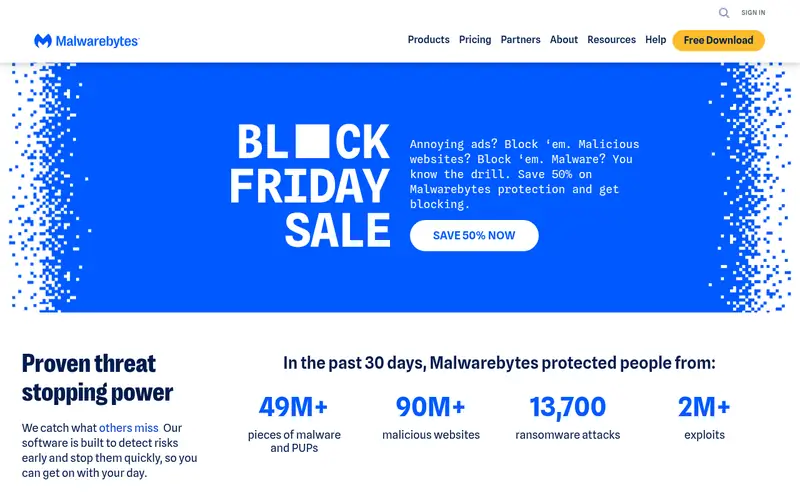
Malwarebytes is designed for straightforward malware cleanup. The starting price spans one device, so a household with multiple computers will pay more to handle them all. It also lacks some of the bundled extras that Norton and Bitdefender bundle, like a full VPN or parental controls.
What to check first: VPN and identity extras cost more or sit in higher levels.
Malwarebytes is the tool plenty of people reach for when a computer already feels wrong. Its free scanner runs an on demand check without forcing a full suite on you, which makes it handy for a second opinion. From a buyer's view, if your primary need is clean, focused malware protection, that trade is fair. Malwarebytes cost at the entry level: $44.99 per year. Free access exists with Malwarebytes.
Where the price comes from
$44.99 a year, as listed by the vendor (Malwarebytes website). Confirm the current plan price before you buy.
Benefits
- Free scanner for on demand checks
- Well known for cleaning infected machines
Drawbacks
- The premium plan includes one device at the starting price
Use case to skip: this limit matters to you: the premium plan includes one device at the starting price.
Our take. A sensible pick for straightforward malware cleanup.
If it does not fit, compare Microsoft Defender or Bitdefender Total Security in this list.
- Best for
- Capable free level
- Standout
- Free level contains live protection
- Starting price
- Free
- Free plan or trial
- Free plan
Avast One targets capable free level. Upgrade prompts are part of the free experience, and premium prices rise at renewal, so treat the free level as a trial of the engine, not a promise of a full suite.
Watch-outs: premium renewal prices rise after the first term.
From a buyer's view, if you like how it runs on your machine, compare the premium renewal price with Bitdefender and Norton before you upgrade. What you pay to start with Avast One: Free. Avast One includes a free tier.
Where the price comes from
Free, as listed by the vendor (Avast One website). Confirm the current plan price before you buy.
Benefits
- Free level contains live protection
- Premium plans add VPN and cleanup tools
Drawbacks
- The free version comes with upgrade prompts
Use case to skip: this limit matters to you: the free version comes with upgrade prompts.
Our take. A sensible pick for capable free level.
If it does not fit, compare Microsoft Defender or Bitdefender Total Security in this list.
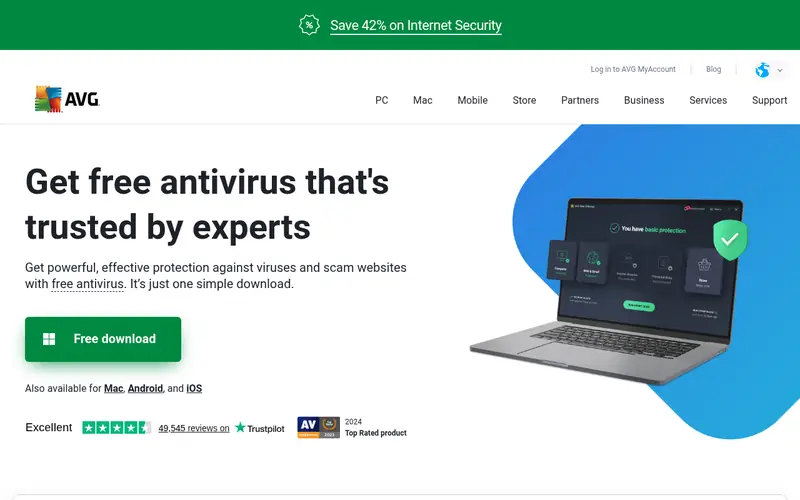
- Best for
- Free level with premium upgrade
- Standout
- Free antivirus for entry-level protection
- Starting price
- Free
- Free plan or trial
- Free plan
AVG Internet Security works best for free level with premium upgrade. As with Avast, check the renewal price, since the first year deal is not the long term price.
From a buyer's view, for a household that wants a free start and a clear premium path, it performs well. AVG Internet Security pricing: Free. AVG Internet Security offers a free plan.
Watch-outs: premium features overlap heavily with Avast, so the choice is commonly about price.
Where the price comes from
Free, as listed by the vendor (AVG Internet Security website). Confirm the current plan price before you buy.
Benefits
- Free antivirus for entry-level protection
- Premium plan includes up to 10 devices
Drawbacks
- Renewal price rises after the first term
Use case to skip: this limit matters to you: renewal price rises after the first term.
Our take. A sensible pick for free level with premium upgrade.
If it does not fit, compare Microsoft Defender or Bitdefender Total Security in this list.

- Best for
- Households with numerous devices
- Standout
- Simple family setup
- Starting price
- $49.99 a year
- Free plan or trial
- Free trial
Where McAfee+ fits: households with plenty of devices. Renewal pricing needs care, since the first year offer and the later price can differ. Beyond that, read the checkout page and your account page for the renewal figure before you accept auto renewal.
For everyday use, where most rivals cap you at five or ten devices, the leading McAfee plan includes an unlimited number of personal devices, which fits large households and mixed device homes. It also bundles a VPN and identity monitoring, so you get more than entry-level malware blocking. McAfee+ starts at: $49.99 per year. Free access: Free trial.
Trade-offs to know: Renewal price is not always shown plainly at signup.
Where the price comes from
$49.99 a year, as listed by the vendor (McAfee+ website). Confirm the current plan price before you buy.
Benefits
- Simple family setup
- Unlimited device coverage on the leading plan
Drawbacks
- Some users find the app prompts frequent
Use case to skip: this limit matters to you: some users find the app prompts frequent.
Our take. A sensible pick for households with numerous devices.
If it does not fit, compare Microsoft Defender or Bitdefender Total Security in this list.
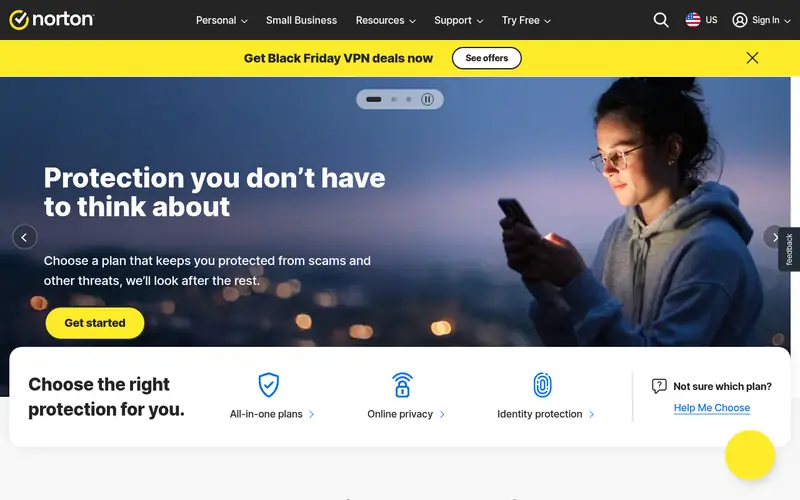
- Best for
- Families wanting extras
- Standout
- Password manager
- Starting price
- $49.99 per year
- Free plan or trial
- Free trial
Norton 360 Deluxe makes the most sense for families wanting extras. The renewal jump is the main drawback. Beyond that, for a family that wants those extras in one bill, it can be more straightforward than buying them separately.
Watch-outs: Renewal price rises sharply to $124.99 a year.
For everyday use, Norton 360 Deluxe is a full household suite instead of a single antivirus app. More specifically, a $49.99 first year price rising to $124.99 at renewal changes the value a lot, so check the renewal terms at checkout. If you do not need the extras, a leaner tool may provide you the same core protection for less over two years. Entry price for Norton 360 Deluxe: $49.99 per year. Free plan details: Free trial.
Where the price comes from
$49.99 per year, as listed by the vendor (Norton 360 Deluxe website). Confirm the current plan price before you buy.
Benefits
- Password manager
- Identity protection features on higher levels
Drawbacks
- The suite can feel busy with upsell prompts
Use case to skip: this limit matters to you: the suite can feel busy with upsell prompts.
Our take. A sensible pick for families wanting extras.
If it does not fit, compare Microsoft Defender or Bitdefender Total Security in this list.
Questions worth answering first
Buying checklist
- Confirm the entry price on the vendor page for Microsoft Defender and the others: seat counts and billing terms change the total.
- Look at free plan limits closely: Microsoft Defender, Bitdefender Total Security, Malwarebytes and others have one, and the caps decide whether it is usable for real work.
- Use real work to test the free trial from McAfee+ and Norton 360 Deluxe, rather than a demo project.
- Read the limits listed for Microsoft Defender first: no VPN, password manager, or identity monitoring.
- Verify that exporting from Microsoft Defender is possible on your plan and covers all your records.
- Find out what support Bitdefender Total Security includes on your plan, and whether onboarding help costs extra.
FAQ
Is Microsoft Defender the right pick for everyone comparing anti-malware software?
No single tool suits every team. Microsoft Defender comes first because it fits built in Windows protection, while Bitdefender Total Security suits strong all round protection and Malwarebytes suits simple malware cleanup. Match the tool to your own size, budget and workflow before deciding.
How are the tools for anti-malware software ordered?
Microsoft Defender sits first and Norton 360 Deluxe last because the order follows typical fit for anti-malware software, then price clarity and free access. It is a judgement call, so read each profile for fit and limits.
Can I try these options before paying?
Often, yes. Microsoft Defender, Bitdefender Total Security, Malwarebytes and others have a free plan and McAfee+ and Norton 360 Deluxe offer a free trial. Use your own data and a real task during the test, and check what the free tier or trial limits before you rely on it.
Can I run two antivirus programs at once?
You can run a free on demand scanner beside your primary protection for a second opinion, provided that the scanner does not run live protection at the same time.
Do these tools publish their prices?
Yes. Every tool from Microsoft Defender to Norton 360 Deluxe shows a starting price, though seats, add-ons and billing terms still change the final cost.
Sources we checked
Change log: First published 21 Nov 2026.