6 Best Firewalls for Windows in 2026
Windows Defender Firewall is the best firewall for most Windows PCs because it is built in, free and already managed by Microsoft. It suits users who want solid inbound protection without extra software. If you want outbound app control and alerts, choose GlassWire or TinyWall. For a full paid security suite with firewall plus antivirus, choose Norton 360 or Bitdefender Total Security.
 By Shihab Mia · Published 21 Nov 2026
We run no ads and no affiliate links at launch. The order of a list follows our published method. How lists are ordered: how we score.
Prices are the starting prices vendors list publicly. Plans change, so confirm the current price on the vendor page before you buy.
Key takeaways
- Windows Defender Firewall is free and included with Windows 10 and Windows 11.
- TinyWall is free and open source, and it adds outbound control on top of the Windows firewall.
- GlassWire has a free tier and paid plans that start at a published monthly price.
- Norton 360 and Bitdefender Total Security bundle a firewall with antivirus and other tools.
- Comodo Firewall is free for personal use and includes a sandbox and HIPS.
Side-by-side
Grouped by fit and cost. Tap a product to jump to its full entry.
| Fit | Cost | |||
|---|---|---|---|---|
| Product | Best for | Standout feature | Listed starting price | Free plan or trial |
| 1Windows Defender Firewall | Built-in protection with no extra install | Already installed and updated by Microsoft | Included with Windows (no separate cost) | Free plan |
| 2TinyWall | Free outbound control on top of Windows Firewall | Free and open source | Free (open source) | Free and open source |
| 3GlassWire | Seeing network activity alongside firewall rules | Clear network activity graphs | See vendor site (free tier plus paid plans) | Free plan |
| 4Comodo Firewall | Free HIPS and sandbox features | Free for personal use | Free for personal use (paid suite available) | Free plan |
| 5Norton 360 | All-in-one paid security suite | Firewall bundled with antivirus and VPN features | See vendor site (annual subscription) | No free plan |
| 6Bitdefender Total Security | Paid suite with a well-regarded antivirus engine | Firewall included in a full suite | See vendor site (annual subscription) | No free plan |
How we picked
This comparison is based on vendor documentation, official product pages, published pricing pages and public support articles. We checked which Windows versions each tool supports, whether a free tier exists, what the vendor says about firewall features, and how pricing is structured. We did not run hands-on lab tests. Where a price or limit was not clear from the vendor, we wrote "See vendor site" instead of guessing. The order reflects fit for typical Windows users, starting with the built-in option.
The 6 picks in detail
- Best for
- Built-in protection with no extra install
- Standout
- Already installed and updated by Microsoft
- Starting price
- Included with Windows (no separate cost)
- Free plan or trial
- Free plan
Windows Defender Firewall is the firewall built into Windows 10 and Windows 11. Microsoft enables it by default and manages it through Windows Security. It filters inbound traffic and supports per-app rules for private and public networks. You can create custom inbound and outbound rules through the Windows Defender Firewall with Advanced Security console.
For most home and office PCs, this is enough. It blocks unsolicited inbound connections and works with the network profiles Windows already uses. The main catch is visibility. By default it does not prompt you when an app makes an outbound connection, and its logging is basic compared with dedicated tools. Users who want to see and approve every outbound connection should add a third-party layer.
Where the price comes from
Included with Windows (no separate cost), as listed by the vendor (Windows Defender Firewall website). Confirm the current plan price before you buy.
Benefits
- Already installed and updated by Microsoft
- managed through Windows Security
- no extra cost or license
Drawbacks
- Limited outbound app control by default
- fewer alerts and logs than third-party tools
Use case to skip: this limit matters to you: limited outbound app control by default.
Our take. A sensible pick for built-in protection with no extra install.
If it does not fit, compare TinyWall or GlassWire in this list.
- Best for
- Free outbound control on top of Windows Firewall
- Standout
- Free and open source
- Starting price
- Free (open source)
- Free plan or trial
- Free and open source
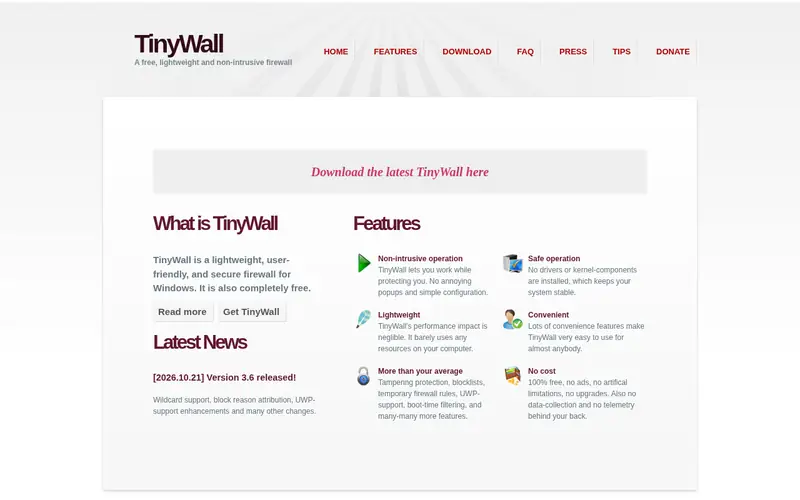
TinyWall is a free, open-source tool that controls the Windows firewall instead of installing its own driver. It adds outbound filtering, quiet mode and simple allowlists. The vendor describes it as a lightweight firewall controller that blocks unwanted traffic and reduces pop-ups. It works alongside Windows Defender Firewall, so you keep Microsoft's engine and add a friendlier control layer.
It suits users who want more control than the built-in firewall gives but do not want a paid suite. The catch is scope. TinyWall is Windows-only, its interface is plain, and it does not include antivirus, web filtering or parental controls. It is a firewall tool, not a security suite.
Where the price comes from
Free (open source), as listed by the vendor (TinyWall website). Confirm the current plan price before you buy.
Benefits
- Free and open source
- hardens the Windows firewall rather than replacing it
- simple allow and block workflow
Drawbacks
- Windows only
- interface is basic compared with paid suites
Use case to skip: this limit matters to you: windows only.
Our take. A sensible pick for free outbound control on top of Windows Firewall.
If it does not fit, compare Windows Defender Firewall or GlassWire in this list.
- Best for
- Seeing network activity alongside firewall rules
- Standout
- Clear network activity graphs
- Starting price
- See vendor site (free tier plus paid plans)
- Free plan or trial
- Free plan
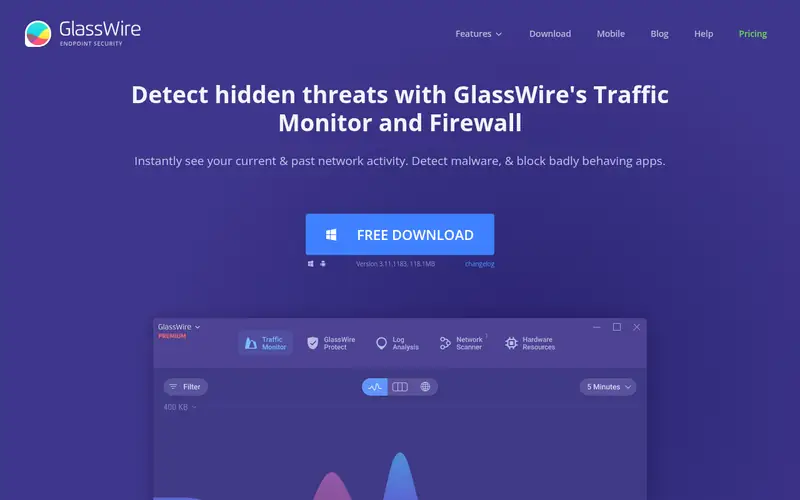
GlassWire combines a firewall manager with network monitoring. It shows which apps are sending data, maps connections and raises alerts when a new app goes online. The firewall tab lets you block or allow apps and see the effect on live traffic. The vendor offers a free tier and paid plans with more history and features.
It suits users who want to understand what their PC is doing on the network, not just block ports. The catch is that the free tier is limited, and the paid plans are priced per year. Check the vendor site for current plan limits and prices before you commit.
Where the price comes from
See vendor site (free tier plus paid plans), as listed by the vendor (GlassWire website). Confirm the current plan price before you buy.
Benefits
- Clear network activity graphs
- firewall rules tied to live traffic
- alerts for new connections
Drawbacks
- Best features sit behind paid plans
- monitoring focus may be more than some users need
Use case to skip: this limit matters to you: best features sit behind paid plans.
Our take. A sensible pick for seeing network activity alongside firewall rules.
If it does not fit, compare Windows Defender Firewall or TinyWall in this list.
- Best for
- Free HIPS and sandbox features
- Standout
- Free for personal use
- Starting price
- Free for personal use (paid suite available)
- Free plan or trial
- Free plan
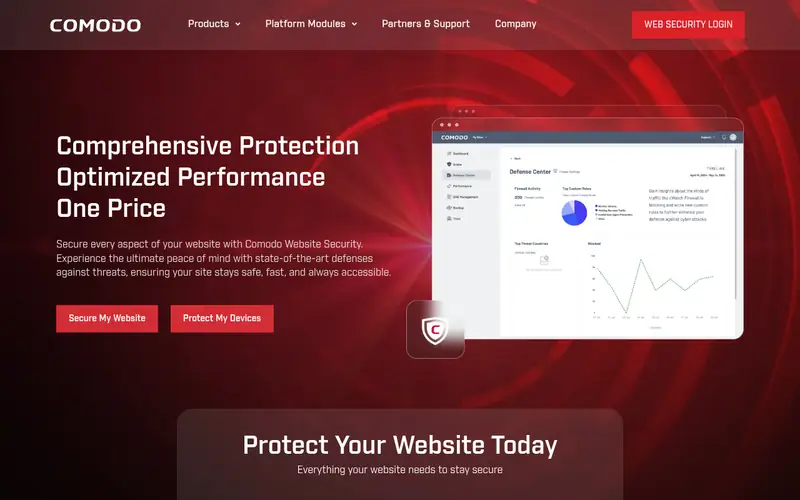
Comodo Firewall is a free firewall for personal use from Comodo. It includes a host intrusion prevention system (HIPS), a sandbox for running unknown apps, and rules that can block unknown executables by default. The vendor positions it as a proactive firewall rather than a simple port blocker.
It suits users who want tight control and are willing to answer prompts and tune rules. The catch is complexity. Default-deny behavior can block legitimate apps, and beginners may find the alerts hard to judge. It is also part of a broader Comodo security lineup, so check which product and license you are installing.
Where the price comes from
Free for personal use (paid suite available), as listed by the vendor (Comodo Firewall website). Confirm the current plan price before you buy.
Benefits
- Free for personal use
- includes HIPS and a sandbox
- default-deny style rules
Drawbacks
- Can be noisy for beginners
- interface and prompts take learning
Use case to skip: this limit matters to you: can be noisy for beginners.
Our take. A sensible pick for free HIPS and sandbox features.
If it does not fit, compare Windows Defender Firewall or TinyWall in this list.
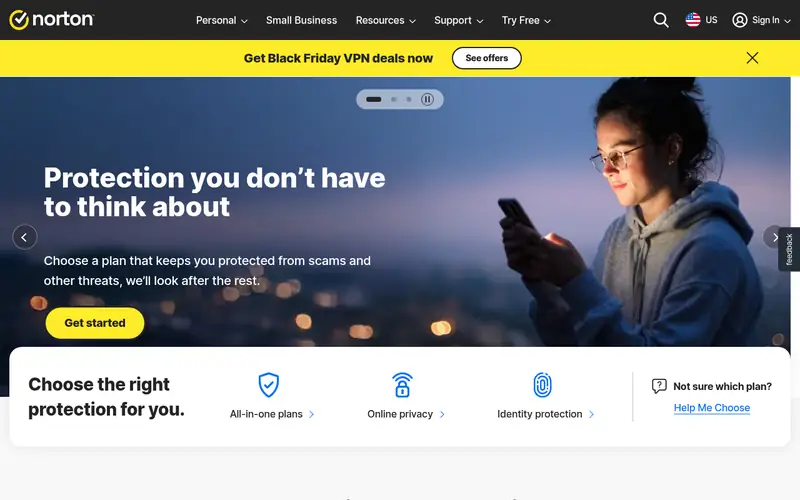
- Best for
- All-in-one paid security suite
- Standout
- Firewall bundled with antivirus and VPN features
- Starting price
- See vendor site (annual subscription)
- Free plan or trial
- No free plan
Norton 360 is a paid security suite that includes a firewall alongside antivirus, a VPN and other tools. The vendor sells it as an annual subscription with plans for different device counts. The firewall component monitors traffic and works with the suite's other protections rather than as a standalone tool.
It suits users who want one paid product for antivirus, firewall and extras instead of assembling separate tools. The catch is that you cannot buy the firewall alone, and the feature list depends on the plan and your region. Check the vendor site for the current plan names, device limits and renewal prices.
Where the price comes from
See vendor site (annual subscription), as listed by the vendor (Norton 360 website). Confirm the current plan price before you buy.
Benefits
- Firewall bundled with antivirus and VPN features
- central dashboard
- multi-device plans
Drawbacks
- Subscription required
- feature set varies by plan and region
Use case to skip: this limit matters to you: subscription required.
Our take. A sensible pick for all-in-one paid security suite.
If it does not fit, compare Windows Defender Firewall or TinyWall in this list.
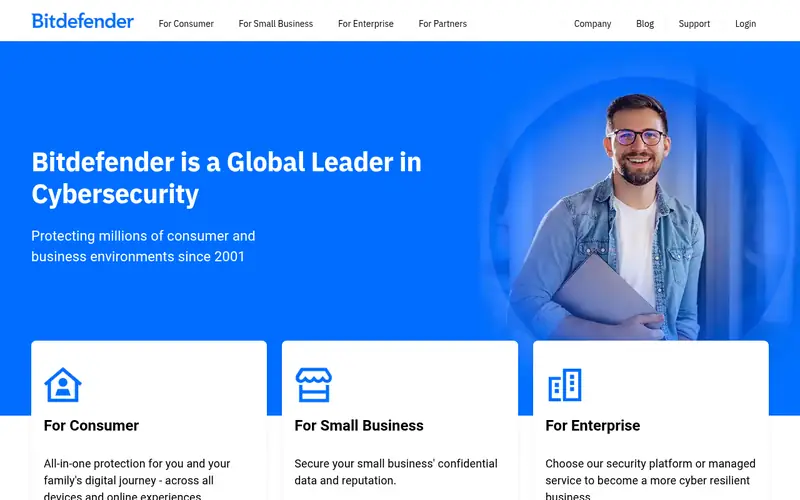
- Best for
- Paid suite with a well-regarded antivirus engine
- Standout
- Firewall included in a full suite
- Starting price
- See vendor site (annual subscription)
- Free plan or trial
- No free plan
Bitdefender Total Security is a paid suite that bundles a firewall with antivirus, web protection and other features. The vendor markets it for multiple devices under an annual subscription. The firewall works with the suite's network protection to block suspicious traffic and manage app rules.
It suits users who want a single paid product covering several devices and are comfortable with a subscription. The catch is the same as Norton: the firewall is part of a bundle, not a standalone purchase, and plan features change. Confirm the current device count and price on the vendor site.
Where the price comes from
See vendor site (annual subscription), as listed by the vendor (Bitdefender Total Security website). Confirm the current plan price before you buy.
Benefits
- Firewall included in a full suite
- network threat controls
- multi-device subscription
Drawbacks
- Subscription required
- firewall is not sold separately
Use case to skip: this limit matters to you: subscription required.
Our take. A sensible pick for paid suite with a well-regarded antivirus engine.
If it does not fit, compare Windows Defender Firewall or TinyWall in this list.
What to look for
Start with what you already have. Windows Defender Firewall is enabled by default and blocks inbound traffic. If your only goal is basic protection, adding a paid firewall rarely helps. Add third-party software when you need something specific: outbound app control, alerts when a new program connects, or a sandbox for unknown files.
Decide between a standalone firewall and a suite. Standalone tools like TinyWall and Comodo focus on rules and control. Suites like Norton 360 and Bitdefender Total Security bundle a firewall with antivirus and other features. A suite is simpler to manage but costs more and cannot be split apart. A standalone tool is cheaper or free but leaves antivirus to Windows Security or another product.
Check platform support, update policy and price terms. Confirm the tool supports your Windows version and is still maintained. Look at whether the free tier has limits on history, rules or devices. For paid products, read the renewal price, not just the first-year price, and check the refund window. Also check whether the vendor publishes clear documentation for firewall rules, because you will need it when an app is blocked.
Questions worth answering first
Buying checklist
- Confirm the tool supports your exact Windows version and is still receiving updates.
- Check whether the free tier limits rules, history or device count.
- Read the renewal price, not just the introductory price.
- Verify the refund window and how to cancel a subscription.
- Check whether the firewall works alongside Windows Defender Firewall or replaces it.
- Look for vendor documentation on creating and troubleshooting firewall rules.
FAQ
Do I need a third-party firewall on Windows?
Usually no. Windows Defender Firewall is enabled by default and blocks inbound traffic. A third-party tool helps if you want outbound app control, connection alerts or a sandbox. For most users, the built-in firewall plus Windows Security is enough.
Is TinyWall a replacement for Windows Firewall?
No. TinyWall controls the Windows firewall rather than replacing it. It adds outbound filtering and a simpler allow and block workflow on top of Microsoft's engine. You keep Windows Defender Firewall running.
Is Comodo Firewall really free?
Comodo lists a free firewall for personal use. Paid Comodo products and business licenses exist alongside it. Check the vendor site to confirm which edition you are downloading and what the license covers.
Can I buy just the firewall from Norton or Bitdefender?
No. Both sell the firewall as part of a subscription suite. You cannot buy the firewall component alone. If you want a standalone paid firewall, look at tools sold separately.
Does a firewall stop viruses?
No. A firewall filters network traffic. It does not scan files or remove malware. Antivirus, either Windows Security or a paid suite, handles malware. Use both for layered protection.
Will a third-party firewall slow down my PC?
It can add some overhead, but the effect depends on the tool and your rules. Lightweight tools like TinyWall are designed to stay out of the way. Suites with antivirus and web filtering do more work. Check vendor system requirements before installing.
Sources we checked
Change log: First published 21 Nov 2026.