7 Best Linux Laptops for Developers and Power Users in 2026
The System76 Lemur Pro is the top pick for most buyers: it ships with Pop!_OS or Ubuntu preinstalled, uses an Intel Core Ultra chip, and comes from a vendor that supports Linux as its main product. If you want to upgrade parts yourself, the Framework Laptop 13 offers official Linux guides and modular expansion. If you need a certified business machine with next day support, look at the Dell Pro 14 or Lenovo ThinkPad T14 Gen 5.
 By Shihab Mia · Published 27 Nov 2026
We run no ads and no affiliate links at launch. The order of a list follows our published method. How lists are ordered: how we score.
Prices are the starting prices vendors list publicly. Plans change, so confirm the current price on the vendor page before you buy.
Key takeaways
- System76 and Tuxedo sell laptops with Linux preinstalled and offer their own support for the operating system.
- Framework publishes official Linux setup guides and sells replacement mainboards, batteries and ports.
- Dell and Lenovo list Ubuntu or Fedora certification for selected business models, but you often pay extra for the Linux image.
- Prices for Linux preinstalled laptops generally start around 1,000 USD and rise with RAM and storage.
- Most models let you choose between Ubuntu, Fedora or the vendor's own distribution at checkout.
Side-by-side
Grouped by fit and cost. Tap a product to jump to its full entry.
| Fit | Cost | |||
|---|---|---|---|---|
| Product | Best for | Standout feature | Listed starting price | Free plan or trial |
| 1System76 Lemur Pro | A Linux-first daily driver with vendor support | Ships with Pop!_OS or Ubuntu preinstalled | Check current retail price | One-time hardware purchase |
| 2Framework Laptop 13 | Repairability and long-term upgrades | Modular ports and replaceable mainboard | Check current retail price | One-time hardware purchase |
| 3Dell Pro 14 | Business buyers who need Ubuntu certification | Ubuntu certification on selected configurations | Check current retail price | One-time hardware purchase |
| 4Lenovo ThinkPad T14 Gen 5 | Keyboard comfort and IT manageability | Fedora and Ubuntu certification on selected models | Check current retail price | One-time hardware purchase |
| 5Tuxedo InfinityBook Pro 14 | A thin Linux ultrabook from a European vendor | Ships with Tuxedo OS or another Linux distribution | See vendor site | One-time hardware purchase |
| 6Star Labs StarBook | Buyers who want a UK-based Linux specialist | Linux preinstalled with coreboot firmware on selected models | See vendor site | One-time hardware purchase |
| 7Purism Librem 14 | Privacy-focused Linux buyers | Ships with PureOS | See vendor site | One-time hardware purchase |
How we picked
We compared these laptops using vendor product pages, published specification sheets, official Linux certification lists and support documentation. We checked which distributions each vendor ships or certifies, whether firmware updates are published through LVFS, and what upgrade and warranty options are listed. Prices come from vendor sites or manufacturer list prices where published, and we noted when a figure varies by configuration. We did not run hands-on tests. Buyers should confirm the exact model number, certification status and current price before ordering.
The 7 picks in detail
- Best for
- A Linux-first daily driver with vendor support
- Standout
- Ships with Pop!_OS or Ubuntu preinstalled
- Starting price
- Check current retail price
- Free plan or trial
- One-time hardware purchase
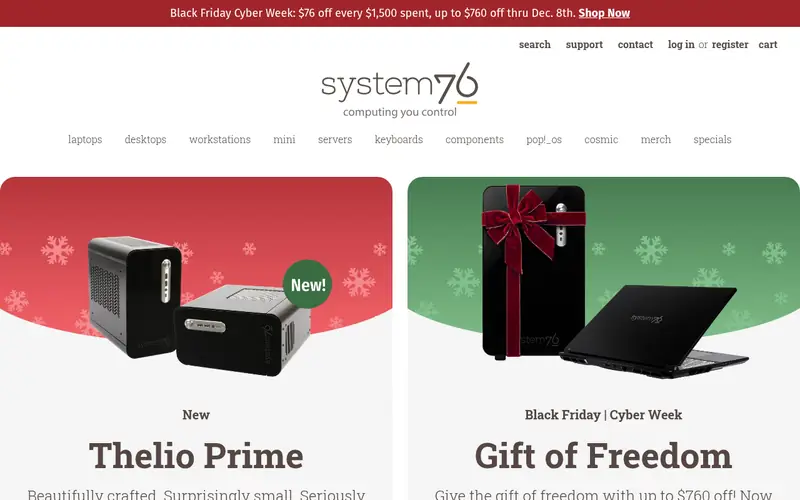
The Lemur Pro is System76's thin and light 14 inch model, aimed at developers and office users who want Linux working out of the box. System76 lists Intel Core Ultra processors, integrated graphics, and a choice of Pop!_OS or Ubuntu at checkout. The company develops Pop!_OS itself, so kernel and firmware updates come through its own channel.
Ports include USB-C, USB-A, HDMI and a headphone jack, which covers most desk setups without a dock. The keyboard and chassis are designed for daily carry rather than heavy workloads, so it suits coding, writing and browsing more than video editing.
The main catch is availability. System76 sells mainly direct in the US, and buyers elsewhere face shipping and support logistics. Check the current configuration page for the exact CPU, memory ceiling and warranty terms before ordering.
Where the price comes from
Check current retail price. Hardware prices move often, so check the System76 Lemur Pro maker page or a retailer before you buy.
Benefits
- Ships with Pop!_OS or Ubuntu preinstalled
- thin and light chassis
- System76 provides Linux support and firmware updates
Drawbacks
- Limited retail presence outside the US
- configuration prices climb quickly with RAM and storage
Use case to skip: this limit matters to you: limited retail presence outside the US.
Our take. A sensible pick for A Linux-first daily driver with vendor support.
If it does not fit, compare Framework Laptop 13 or Dell Pro 14 in this list.
- Best for
- Repairability and long-term upgrades
- Standout
- Modular ports and replaceable mainboard
- Starting price
- Check current retail price
- Free plan or trial
- One-time hardware purchase
Framework sells the Laptop 13 as a repairable notebook with swappable expansion cards, a replaceable battery and mainboards that can be upgraded in later years. The company publishes step by step Linux guides covering Fedora and Ubuntu, including fixes for common issues.
You can buy it prebuilt or as a DIY edition without memory, storage or an operating system. The DIY route suits buyers who already have parts and want to install Linux themselves, while prebuilt units ship ready to use.
The catch is that the DIY edition requires some assembly and does not include RAM or an SSD. Check the configuration page for the current processor options and the list of supported distributions before you buy.
Where the price comes from
Check current retail price. Hardware prices move often, so check the Framework Laptop 13 maker page or a retailer before you buy.
Benefits
- Modular ports and replaceable mainboard
- official Linux setup guides for Fedora and Ubuntu
- parts sold directly by the vendor
Drawbacks
- Base configurations vary in price
- assembly required for DIY editions
Use case to skip: this limit matters to you: base configurations vary in price.
Our take. A sensible pick for repairability and long-term upgrades.
If it does not fit, compare System76 Lemur Pro or Dell Pro 14 in this list.
- Best for
- Business buyers who need Ubuntu certification
- Standout
- Ubuntu certification on selected configurations
- Starting price
- Check current retail price
- Free plan or trial
- One-time hardware purchase
Dell has sold Linux preinstalled laptops for years and lists Ubuntu certification for selected business models, including the Pro 14 line. Certification means Dell has tested the hardware against Ubuntu and publishes driver notes.
These machines target IT departments rather than enthusiasts. You get business-class warranty options, manageability features and a plain chassis. The Linux image is usually a configuration choice, and availability depends on region and channel.
The catch is pricing transparency. Retail listings change often, and the Linux option is not always visible on every storefront. Confirm the exact model, the certified Ubuntu release and the warranty length with Dell or a business reseller before paying.
Where the price comes from
Check current retail price. Hardware prices move often, so check the Dell Pro 14 maker page or a retailer before you buy.
Benefits
- Ubuntu certification on selected configurations
- business warranty options
- broad enterprise availability
Drawbacks
- Linux image may cost extra
- consumer retail stock varies
Use case to skip: this limit matters to you: linux image may cost extra.
Our take. A sensible pick for business buyers who need Ubuntu certification.
If it does not fit, compare System76 Lemur Pro or Framework Laptop 13 in this list.

- Best for
- Keyboard comfort and IT manageability
- Standout
- Fedora and Ubuntu certification on selected models
- Starting price
- Check current retail price
- Free plan or trial
- One-time hardware purchase
The ThinkPad T14 Gen 5 is Lenovo's mainstream 14 inch business laptop. Lenovo lists selected configurations as certified for Fedora and Ubuntu, which means the vendor has checked core hardware like suspend, audio and networking.
The T14 keeps the ThinkPad keyboard, a good set of ports and a chassis built for office use. Parts and docks are easy to find, which matters for long-term ownership.
The catch is that certification applies to specific models, not the whole line. A consumer retail unit with a different wireless card or display may not match the certified build. Check Lenovo's Linux certification list and the exact part number before ordering.
Where the price comes from
Check current retail price. Hardware prices move often, so check the Lenovo ThinkPad T14 Gen 5 maker page or a retailer before you buy.
Benefits
- Fedora and Ubuntu certification on selected models
- strong keyboard and port selection
- widely available parts
Drawbacks
- Linux certification limited to specific configurations
- retail stock and pricing vary by region
Use case to skip: this limit matters to you: linux certification limited to specific configurations.
Our take. A sensible pick for keyboard comfort and IT manageability.
If it does not fit, compare System76 Lemur Pro or Framework Laptop 13 in this list.
- Best for
- A thin Linux ultrabook from a European vendor
- Standout
- Ships with Tuxedo OS or another Linux distribution
- Starting price
- See vendor site
- Free plan or trial
- One-time hardware purchase
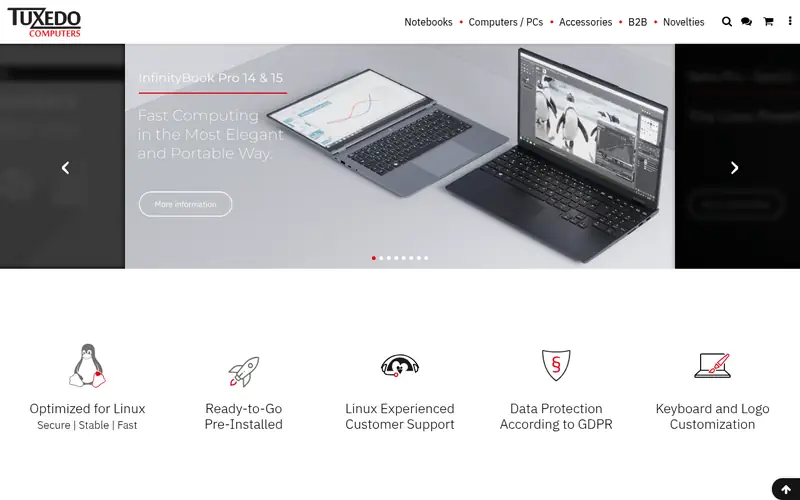
Tuxedo Computers is a German vendor that sells laptops with Linux preinstalled and maintains its own Ubuntu-based distribution, Tuxedo OS. The InfinityBook Pro 14 is its thin and light 14 inch model, offered with Intel or AMD processors depending on the generation.
Tuxedo publishes driver packages and a support knowledge base for its hardware, and buyers can pick a distribution at checkout. The chassis is aimed at mobile work rather than sustained heavy loads.
The main catch is regional. Tuxedo ships primarily in Europe, so buyers elsewhere should check shipping and warranty terms first. Confirm the current CPU options and display choices on the product page.
Where the price comes from
See vendor site. Hardware prices move often, so check the Tuxedo InfinityBook Pro 14 maker page or a retailer before you buy.
Benefits
- Ships with Tuxedo OS or another Linux distribution
- thin chassis with a high resolution display option
- vendor provides Linux drivers and support
Drawbacks
- Ships mainly within Europe
- configuration prices vary with options
Use case to skip: this limit matters to you: ships mainly within Europe.
Our take. A sensible pick for A thin Linux ultrabook from a European vendor.
If it does not fit, compare System76 Lemur Pro or Framework Laptop 13 in this list.
- Best for
- Buyers who want a UK-based Linux specialist
- Standout
- Linux preinstalled with coreboot firmware on selected models
- Starting price
- See vendor site
- Free plan or trial
- One-time hardware purchase
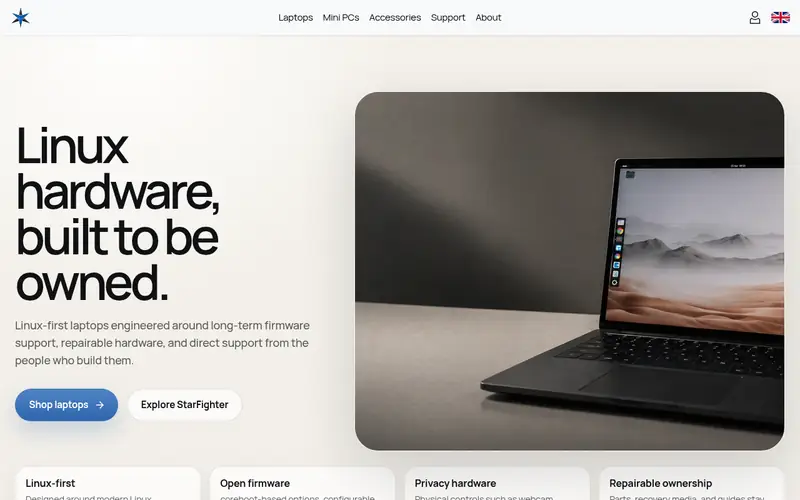
Star Labs is a UK company that sells Linux laptops and publishes firmware and support documentation. The StarBook is its 14 inch model, offered with a choice of Linux distributions and configurable memory and storage.
The company highlights open firmware on selected models, which appeals to buyers who want more control over the boot process. Support runs through the vendor directly.
The catch is scale. Star Labs is a small vendor, so stock, shipping times and service options are narrower than those of Dell or Lenovo. Check the current specification page and warranty terms before ordering from outside the UK.
Where the price comes from
See vendor site. Hardware prices move often, so check the Star Labs StarBook maker page or a retailer before you buy.
Benefits
- Linux preinstalled with coreboot firmware on selected models
- UK-based support
- configurable memory and storage
Drawbacks
- Smaller company with limited retail presence
- shipping outside the UK adds cost and time
Use case to skip: this limit matters to you: smaller company with limited retail presence.
Our take. A sensible pick for buyers who want a UK-based Linux specialist.
If it does not fit, compare System76 Lemur Pro or Framework Laptop 13 in this list.
- Best for
- Privacy-focused Linux buyers
- Standout
- Ships with PureOS
- Starting price
- See vendor site
- Free plan or trial
- One-time hardware purchase
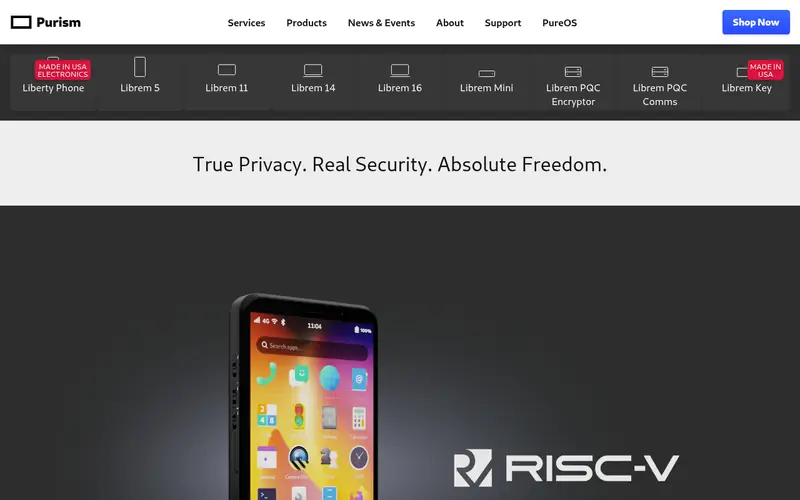
Purism sells the Librem 14 with PureOS, a Linux distribution the company maintains and which is recognized by the Free Software Foundation. The laptop includes hardware kill switches that cut power to the camera, microphone and wireless radios.
The focus is privacy and free software rather than raw performance. The chassis is a 14 inch design with a standard port set, aimed at journalists, activists and privacy-minded users.
The catch is value. You pay a premium for the privacy features and the vendor's software work, and stock can be limited. Check the current price, shipping estimate and warranty on the Purism site before ordering.
Where the price comes from
See vendor site. Hardware prices move often, so check the Purism Librem 14 maker page or a retailer before you buy.
Benefits
- Ships with PureOS
- hardware kill switches for camera and microphone
- privacy-focused firmware approach
Drawbacks
- Higher price for the hardware
- limited configuration options and stock availability
Use case to skip: this limit matters to you: higher price for the hardware.
Our take. A sensible pick for privacy-focused Linux buyers.
If it does not fit, compare System76 Lemur Pro or Framework Laptop 13 in this list.
What specs matter most when buying a Linux laptop?
The three that matter most are wireless and graphics compatibility, firmware update support, and whether the vendor certifies the exact configuration you are buying. A fast CPU helps, but a laptop with an unsupported Wi-Fi card or no firmware update path will cause more daily friction than a slower chip.
Start with the wireless card and GPU. Intel Wi-Fi and integrated Intel or AMD graphics have the broadest in-kernel support. Check the vendor's certification list, such as Ubuntu certified hardware or Lenovo's Fedora and Ubuntu list, and match the exact model number, not just the product family.
Next, look at firmware updates. Vendors that publish LVFS (Linux Vendor Firmware Service) updates let you apply BIOS and device firmware with fwupd. System76, Framework, Dell and Lenovo all participate to varying degrees. Ask whether the model you want receives updates this way.
Finally, check suspend, audio and fingerprint support. These are the parts that often break on new hardware. A vendor that ships Linux preinstalled has usually tested them. If you plan to install Linux yourself, search the distribution's hardware database for the exact model first.
Which Linux laptop should I buy if I want to upgrade it myself?
The Framework Laptop 13 is the clearest choice if self-upgrades matter. It has swappable expansion cards, a replaceable battery and mainboards that the vendor sells separately, plus official Linux setup guides.
If you mainly want to add RAM and storage, the System76 Lemur Pro and the Tuxedo InfinityBook Pro 14 both offer configurable memory and drives at checkout. For business buyers who need warranty coverage and IT manageability, the Dell Pro 14 and Lenovo ThinkPad T14 Gen 5 are the safer picks, provided you buy a certified configuration.
Questions worth answering first
Buying checklist
- Confirm the exact model number appears on the vendor's Linux certification list, not just the product family.
- Check which distribution ships preinstalled and whether you can choose another at checkout.
- Verify the wireless card and graphics chip have in-kernel support for your chosen distribution.
- Ask whether BIOS and device firmware updates are published through LVFS for that model.
- Confirm the warranty length, region coverage and return policy before paying.
- Check the memory and storage ceilings so you know how far the laptop can be upgraded later.
FAQ
Do Linux laptops cost more than Windows laptops?
Not always. Some vendors sell Linux models at similar prices to Windows equivalents, while privacy-focused or specialist brands charge a premium. Compare the full configuration, including RAM, storage and warranty, rather than the base price alone.
Can I install Linux on a laptop that ships with Windows?
Yes, but support depends on the hardware. Check the distribution's hardware database and the vendor's certification list for your exact model first. Wireless cards, fingerprint readers and suspend behavior are the usual problem areas.
Is Ubuntu or Fedora better on a Linux laptop?
Both work well on certified hardware. Ubuntu has the broadest vendor certification coverage, while Fedora often ships newer kernels. Pick the one your vendor certifies for your model, since that is the combination that has been tested.
Do these laptops get BIOS and firmware updates on Linux?
It depends on the vendor. System76, Framework, Dell and Lenovo publish firmware through LVFS for many models, which fwupd can install. Smaller vendors may use their own tools. Check the model's support page before buying.
What is LVFS and why does it matter?
LVFS is the Linux Vendor Firmware Service, a repository that lets vendors distribute firmware updates to Linux systems. If your laptop is supported, you can apply BIOS and device updates with the fwupd tool instead of booting Windows.
Are Linux laptops good for gaming?
Integrated graphics models handle light and older games well. For modern titles, check that the discrete GPU has current Linux driver support and that the vendor certifies the configuration. Gaming-focused Linux laptops are a smaller market than business and developer models.
Sources we checked
Change log: First published 27 Nov 2026.