7 Best Wireless Security Cameras in 2026
The Arlo Pro 5S 2K is the strongest all-round pick for most homes because it combines a 2K sensor, color night vision and dual-band Wi-Fi in a battery-powered body. If you want the lowest upfront cost and a simple app, the TP-Link Tapo C425 is a solid budget choice. For local storage without a subscription, the Eufy SoloCam S340 with its solar panel is the better fit.
 By Shihab Mia · Published 22 Nov 2026
We run no ads and no affiliate links at launch. The order of a list follows our published method. How lists are ordered: how we score.
Prices are the starting prices vendors list publicly. Plans change, so confirm the current price on the vendor page before you buy.
Key takeaways
- Battery cameras avoid wiring but need regular recharging; solar panels reduce that chore.
- Local storage (microSD or a hub) cuts subscription costs, but most brands still gate cloud features.
- 2K resolution is now common; 4K models cost more and drain batteries faster.
- Dual-band Wi-Fi and a strong router matter more than raw megapixels for reliability.
- Check the weather rating (IP65 or better) before mounting anything outdoors.
Side-by-side
Grouped by fit and cost. Tap a product to jump to its full entry.
| Fit | Cost | |||
|---|---|---|---|---|
| Product | Best for | Standout feature | Listed starting price | Free plan or trial |
| 1Arlo Pro 5S 2K | Best overall balance of image quality and features | 2K HDR video | Check current retail price (single camera) | One-time hardware purchase |
| 2TP-Link Tapo C425 | Budget buyers who want local storage | 2K video | Check current retail price (single camera) | One-time hardware purchase |
| 3Eufy SoloCam S340 | Solar-powered, subscription-free monitoring | Integrated solar panel | Check current retail price (single camera) | One-time hardware purchase |
| 4Ring Stick Up Cam Pro | Homes already using Ring devices | Works with Ring app and ecosystem | Check current retail price (single camera) | One-time hardware purchase |
| 5Google Nest Cam (battery) | Google Home households | Works with Google Home | Check current retail price (single camera) | One-time hardware purchase |
| 6Reolink Argus 4 Pro | 4K video with local storage | 4K resolution | Check current retail price (single camera) | One-time hardware purchase |
| 7Blink Outdoor 4 | Long battery life on a budget | Very long battery life | Check current retail price (single camera) | One-time hardware purchase |
How we picked
We compared these cameras using vendor product pages, published spec sheets and support documentation. We looked at resolution, power source, connectivity, storage options, weather rating and whether key features require a subscription. Prices are the vendor's published figures or marked as check-current where they vary. No hands-on testing was performed; all specs come from manufacturer documentation and public sources.
The 7 picks in detail
- Best for
- Best overall balance of image quality and features
- Standout
- 2K HDR video
- Starting price
- Check current retail price (single camera)
- Free plan or trial
- One-time hardware purchase
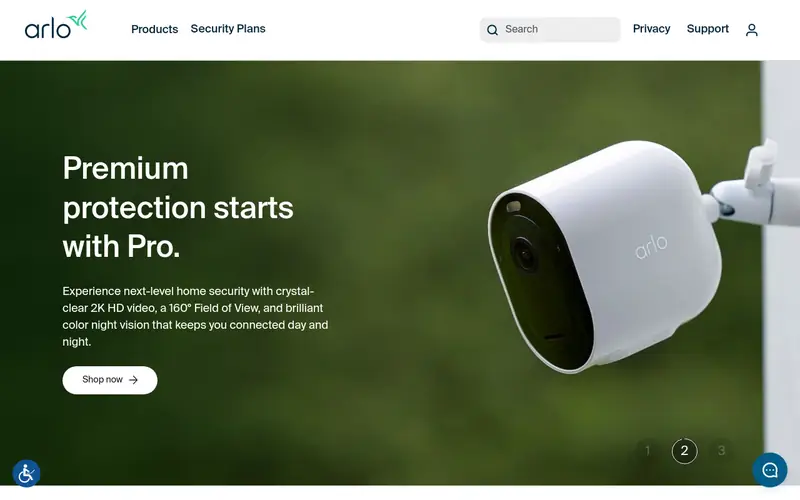
The Pro 5S 2K is Arlo's mainstream outdoor battery camera. It records 2K HDR video with a wide field of view and offers color night vision via an integrated spotlight. Arlo lists dual-band Wi-Fi (2.4 and 5 GHz) for a more stable connection than 2.4 GHz-only rivals. It is weather-resistant and works with the Arlo Secure app.
The catch is the subscription. Arlo's more useful features, such as cloud recording history and some smart alerts, sit behind an Arlo Secure plan. Without a plan you get live view and basic push alerts. It suits buyers who want strong image quality and do not mind a monthly fee.
Where the price comes from
Check current retail price (single camera). Hardware prices move often, so check the Arlo Pro 5S 2K maker page or a retailer before you buy.
Benefits
- 2K HDR video
- color night vision
- dual-band Wi-Fi
- works with Arlo Secure plans
Drawbacks
- Cloud features need a paid plan
- battery needs recharging
Use case to skip: this limit matters to you: cloud features need a paid plan.
Our take. A sensible pick for best overall balance of image quality and features.
If it does not fit, compare TP-Link Tapo C425 or Eufy SoloCam S340 in this list.
- Best for
- Budget buyers who want local storage
- Standout
- 2K video
- Starting price
- Check current retail price (single camera)
- Free plan or trial
- One-time hardware purchase
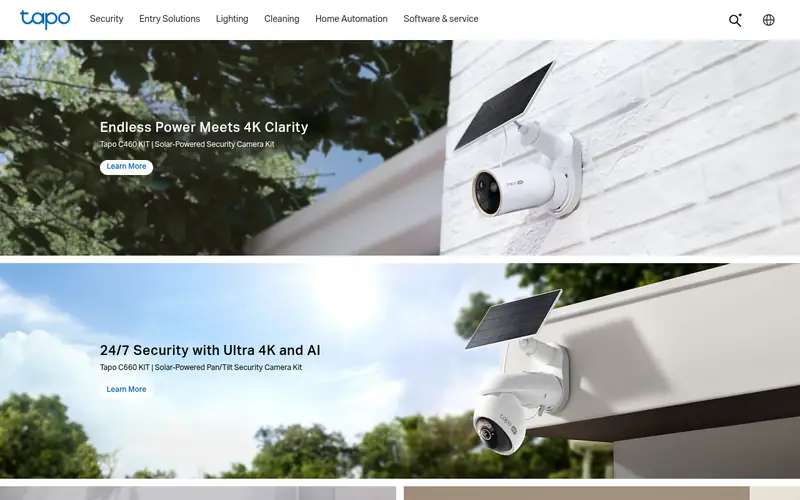
The Tapo C425 is a battery camera with 2K resolution and a built-in microSD slot, so you can record locally without a cloud plan. TP-Link lists a magnetic base for easy mounting and removal, plus person detection. It is weather-resistant for outdoor use.
The main appeal is cost. You get sharp video and local recording for less than most ecosystem cameras. The trade-off is a smaller feature set and a reliance on the Tapo app, which differs by region. It suits renters and budget buyers who want to avoid subscriptions.
Where the price comes from
Check current retail price (single camera). Hardware prices move often, so check the TP-Link Tapo C425 maker page or a retailer before you buy.
Benefits
- 2K video
- microSD local storage
- magnetic mount
- good value
Drawbacks
- No subscription-free cloud
- app features vary by region
Use case to skip: this limit matters to you: no subscription-free cloud.
Our take. A sensible pick for budget buyers who want local storage.
If it does not fit, compare Arlo Pro 5S 2K or Eufy SoloCam S340 in this list.
- Best for
- Solar-powered, subscription-free monitoring
- Standout
- Integrated solar panel
- Starting price
- Check current retail price (single camera)
- Free plan or trial
- One-time hardware purchase
The SoloCam S340 is a wire-free camera with a built-in solar panel that tops up the battery in daylight. Eufy lists a dual-lens setup that combines a wide view with a zoomed view, plus local storage on the camera. It is designed for continuous outdoor use without wiring.
Because it stores footage locally, you can skip a subscription for basic recording. The catch is placement: the panel needs direct sun to keep up. It suits gardens, driveways and rural spots where running power is hard.
Where the price comes from
Check current retail price (single camera). Hardware prices move often, so check the Eufy SoloCam S340 maker page or a retailer before you buy.
Benefits
- Integrated solar panel
- dual-lens design
- local storage
- no mandatory subscription
Drawbacks
- Larger body
- solar charging depends on sunlight
Use case to skip: this limit matters to you: larger body.
Our take. A sensible pick for solar-powered, subscription-free monitoring.
If it does not fit, compare Arlo Pro 5S 2K or TP-Link Tapo C425 in this list.
- Best for
- Homes already using Ring devices
- Standout
- Works with Ring app and ecosystem
- Starting price
- Check current retail price (single camera)
- Free plan or trial
- One-time hardware purchase
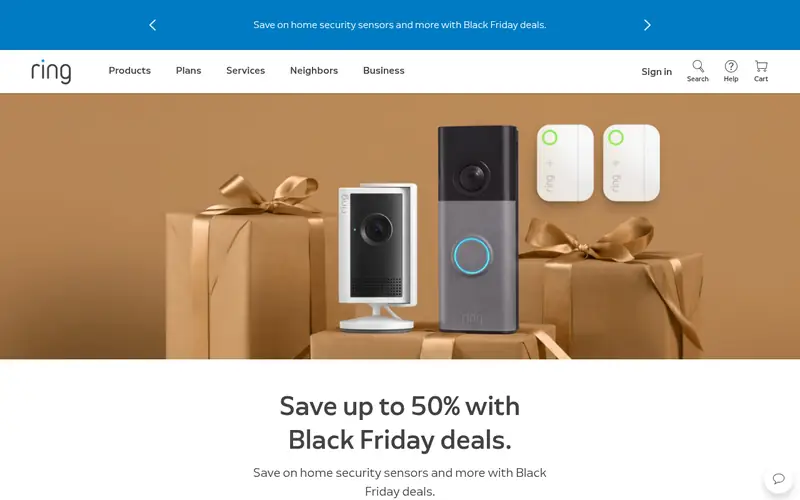
The Stick Up Cam Pro is Ring's higher-end indoor/outdoor camera. Ring lists radar-based motion detection for more accurate alerts and a flexible mount for walls or shelves. It integrates with the Ring app and other Ring devices, so events appear in one place.
The catch is the plan. Ring gates recorded video behind a Ring Home subscription; without one you get live view and notifications. It suits households already invested in Ring doorbells and cameras who want one app.
Where the price comes from
Check current retail price (single camera). Hardware prices move often, so check the Ring Stick Up Cam Pro maker page or a retailer before you buy.
Benefits
- Works with Ring app and ecosystem
- radar motion detection
- flexible mounting
Drawbacks
- Cloud recording needs Ring Home plan
- battery model needs recharging
Use case to skip: this limit matters to you: cloud recording needs Ring Home plan.
Our take. A sensible pick for homes already using Ring devices.
If it does not fit, compare Arlo Pro 5S 2K or TP-Link Tapo C425 in this list.

- Best for
- Google Home households
- Standout
- Works with Google Home
- Starting price
- Check current retail price (single camera)
- Free plan or trial
- One-time hardware purchase
The Nest Cam (battery) is Google's wire-free indoor/outdoor camera. Google lists on-device detection for people, animals and vehicles, so alerts work without sending everything to the cloud. It fits naturally into the Google Home app alongside Nest speakers and displays.
The main catch is recording history. Without a Nest Aware plan you get live view and event notifications but limited saved footage. It suits Google Home users who want tight integration and already pay for or accept a subscription.
Where the price comes from
Check current retail price (single camera). Hardware prices move often, so check the Google Nest Cam (battery) maker page or a retailer before you buy.
Benefits
- Works with Google Home
- on-device person/animal/vehicle detection
- wire-free
Drawbacks
- Cloud history needs a Nest Aware plan
- limited local storage
Use case to skip: this limit matters to you: cloud history needs a Nest Aware plan.
Our take. A sensible pick for google Home households.
If it does not fit, compare Arlo Pro 5S 2K or TP-Link Tapo C425 in this list.
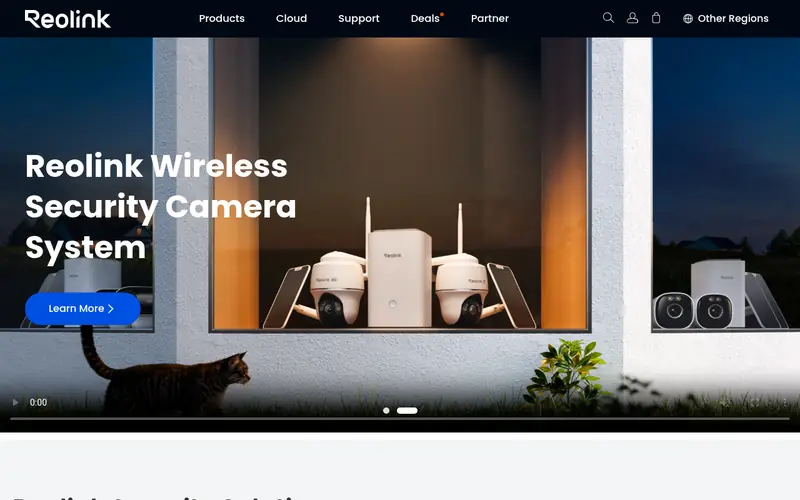
- Best for
- 4K video with local storage
- Standout
- 4K resolution
- Starting price
- Check current retail price (single camera)
- Free plan or trial
- One-time hardware purchase
The Argus 4 Pro is a battery camera with 4K recording and a dual-lens design for a wide field of view. Reolink lists microSD local storage and support for its app, with optional cloud. It is aimed at buyers who want high resolution without a subscription.
The trade-off is power. Higher-resolution recording uses more battery, so expect more frequent charging unless you add a solar panel. It suits buyers who prioritize detail, such as reading plates or faces, and are willing to manage charging.
Where the price comes from
Check current retail price (single camera). Hardware prices move often, so check the Reolink Argus 4 Pro maker page or a retailer before you buy.
Benefits
- 4K resolution
- dual-lens wide view
- microSD storage
- no mandatory subscription
Drawbacks
- 4K drains battery faster
- larger file sizes
Use case to skip: this limit matters to you: 4K drains battery faster.
Our take. A sensible pick for 4K video with local storage.
If it does not fit, compare Arlo Pro 5S 2K or TP-Link Tapo C425 in this list.

- Best for
- Long battery life on a budget
- Standout
- Very long battery life
- Starting price
- Check current retail price (single camera)
- Free plan or trial
- One-time hardware purchase
The Blink Outdoor 4 is a compact battery camera from Amazon's Blink brand. Blink lists a long battery life measured in years under typical use, 1080p video and Alexa integration. Setup is simple through the Blink app.
The catch is resolution and plans. It records 1080p, not 2K or 4K, and cloud recording needs a Blink Subscription Plan. It suits buyers who want cheap, low-maintenance cameras and already use Alexa.
Where the price comes from
Check current retail price (single camera). Hardware prices move often, so check the Blink Outdoor 4 maker page or a retailer before you buy.
Benefits
- Very long battery life
- low price
- simple setup
- works with Alexa
Drawbacks
- 1080p only
- cloud features need a Blink plan
Use case to skip: this limit matters to you: 1080p only.
Our take. A sensible pick for long battery life on a budget.
If it does not fit, compare Arlo Pro 5S 2K or TP-Link Tapo C425 in this list.
What specs matter when you buy
Resolution is the first spec most buyers check, but 2K is enough for most homes. Higher resolution (4K) gives more detail but uses more battery and storage. Match resolution to what you need to see: a face at the door, or a plate at the end of a drive.
Power and battery life decide how much maintenance you face. Battery cameras need recharging every few weeks to months depending on activity and resolution. Solar panels reduce that. Check the vendor's stated battery life and whether a panel is included or sold separately.
Connectivity matters as much as the camera. Look for dual-band Wi-Fi if your router supports 5 GHz, and check signal strength at the mounting spot before buying. Most cameras support only 2.4 GHz, which travels further but is slower.
Storage and subscriptions change the real cost. Some cameras take a microSD card for local recording; others rely on a hub or cloud plan. Read what is free and what needs a paid plan before you commit.
Finally, check the weather rating (IP65 or better for outdoor use), the field of view, and whether the app supports the smart-home platform you use.
Questions worth answering first
Buying checklist
- Confirm the camera's resolution and whether it meets your identification needs.
- Check the power source and estimated battery life, plus solar options.
- Verify Wi-Fi band support and signal strength at the mounting location.
- Read what recording and alerts are free versus behind a subscription.
- Check the weather rating if mounting outdoors.
- Confirm app support for your phone and smart-home platform.
FAQ
Do wireless security cameras need Wi-Fi?
Yes, most Wi-Fi cameras need a 2.4 GHz or dual-band connection to send alerts and live video. Some models can record to a local microSD card without internet, but remote viewing still needs a network.
How long do battery cameras last on one charge?
It varies widely. Vendors quote weeks to months depending on resolution, motion events and temperature. Cold weather reduces battery life, so check the vendor's stated range and consider a solar panel.
Do I need a subscription?
Not always. Many cameras record to microSD or a local hub without a plan. Cloud history, advanced alerts and some smart features usually require a paid subscription.
What resolution should I choose?
2K is a good balance for most homes. Choose 4K if you need to identify faces or plates at distance, but expect more battery drain and larger files.
Can wireless cameras work without internet?
Some can record locally to a card or hub without internet, but you lose remote viewing and push alerts. Check the vendor's offline recording support.
Are these cameras weatherproof?
Most outdoor models carry an IP65 or similar rating. Check the exact rating on the vendor page and mount under cover where possible.
Sources we checked
Change log: First published 22 Nov 2026.