7 Best 10GbE Switches for Home Labs in 2026
The Ubiquiti UniFi Switch Flex XG suits most home labs that want a few 10GbE copper ports with quiet operation and simple management. For larger mixed networks, the Ubiquiti USW-Pro-Aggregation adds SFP+ density and switching capacity. If you want a managed multi-gigabit switch from a mainstream networking brand, the Netgear MS510TXM is a practical alternative.
 By Shihab Mia · Published 22 Nov 2026
We run no ads and no affiliate links at launch. The order of a list follows our published method. How lists are ordered: how we score.
Prices are the starting prices vendors list publicly. Plans change, so confirm the current price on the vendor page before you buy.
Key takeaways
- 10GbE switches split into copper (10GBASE-T) and SFP+ models; many home labs need both.
- Copper 10GBASE-T runs on Cat6a for full distance; Cat6 is limited over longer runs.
- Fanless designs suit living spaces; rack switches with fans are louder but denser.
- Managed switches add VLANs and link aggregation; unmanaged models cost less.
- Prices below are vendor or manufacturer list prices in USD; check current retail.
Side-by-side
Grouped by fit and cost. Tap a product to jump to its full entry.
| Fit | Cost | |||
|---|---|---|---|---|
| Product | Best for | Standout feature | Listed starting price | Free plan or trial |
| 1Ubiquiti UniFi Switch Flex XG | Quiet copper 10GbE in a small lab | Four 10GBASE-T ports plus one GbE port | Check current retail price | One-time hardware purchase |
| 2Ubiquiti USW-Pro-Aggregation | SFP+ aggregation in a rack | High SFP+ port density | Check current retail price | One-time hardware purchase |
| 3Netgear MS510TXM | Managed multi-gigabit mixed ports | Mix of multi-gigabit copper and SFP+ | See vendor site | One-time hardware purchase |
| 4TP-Link TL-SX3008F | Budget SFP+ aggregation | Eight SFP+ ports | Check current retail price | One-time hardware purchase |
| 5MikroTik CRS310-8G+2S+IN | Low-cost mixed copper and SFP+ | Combines Gigabit copper, 2.5G ports, and SFP+ | Check current retail price | One-time hardware purchase |
| 6QNAP QSW-M408-4C | Compact managed multi-gigabit | Multi-gigabit copper plus combo SFP+ ports | Check current retail price | One-time hardware purchase |
| 7Zyxel XGS1250-12 | Fanless multi-gigabit for small offices | Fanless design | Check current retail price | One-time hardware purchase |
How we picked
We compared these switches using vendor product pages, published datasheets, and official documentation. We looked at port types and counts, management features, fanless versus fan-cooled designs, and manufacturer list prices where published. We did not run hands-on lab tests. Where a price was not clearly published, we marked it as check current retail price. The goal is to help buyers shortlist models by port mix, noise, and management needs rather than by benchmark claims.
The 7 picks in detail
- Best for
- Quiet copper 10GbE in a small lab
- Standout
- Four 10GBASE-T ports plus one GbE port
- Starting price
- Check current retail price
- Free plan or trial
- One-time hardware purchase
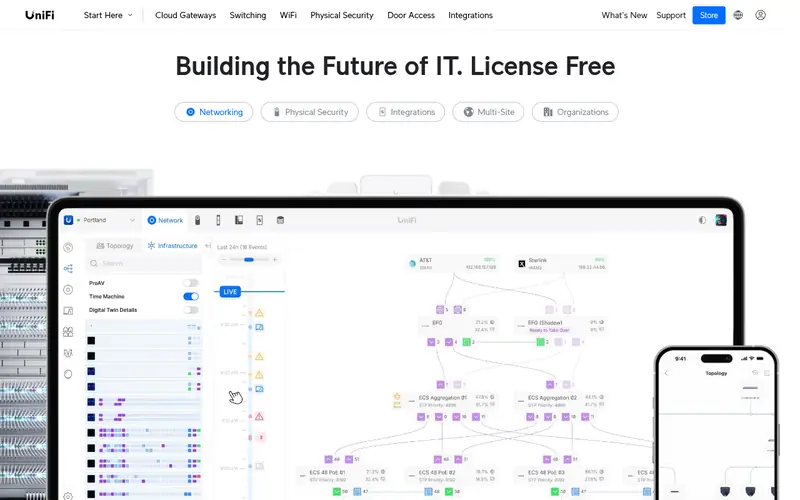
The Flex XG is a compact desktop switch with four 10GBASE-T ports and one Gigabit RJ45 port. Ubiquiti lists it as fanless, which suits a home office or living-room rack where noise matters. It is managed through the UniFi Network application, so VLANs and monitoring depend on a UniFi console or self-hosted controller.
It suits small labs connecting a NAS, a workstation, and a server at 10GbE. The main catch is port count: four 10GbE ports fill quickly, and there are no SFP+ cages for fiber or DAC links. Confirm the current datasheet for power and thermal figures.
Where the price comes from
Check current retail price. Hardware prices move often, so check the Ubiquiti UniFi Switch Flex XG maker page or a retailer before you buy.
Benefits
- Four 10GBASE-T ports plus one GbE port
- fanless design
- managed through UniFi
Drawbacks
- Only four 10GbE ports
- needs a UniFi controller for full management
Use case to skip: this limit matters to you: only four 10GbE ports.
Our take. A sensible pick for quiet copper 10GbE in a small lab.
If it does not fit, compare Ubiquiti USW-Pro-Aggregation or Netgear MS510TXM in this list.
- Best for
- SFP+ aggregation in a rack
- Standout
- High SFP+ port density
- Starting price
- Check current retail price
- Free plan or trial
- One-time hardware purchase
This is a rack-mounted aggregation switch aimed at linking other switches and servers over SFP+ cages. It fits labs that already run UniFi gear and want a central 10GbE or faster backbone. Ubiquiti publishes port counts and switching capacity on the product page; check the datasheet for exact figures.
The catch is cost and cabling. SFP+ ports need DAC cables or optical transceivers, and copper 10GBASE-T devices require compatible modules. It is overkill for a two-device lab but sensible when several switches and servers need a fast core.
Where the price comes from
Check current retail price. Hardware prices move often, so check the Ubiquiti USW-Pro-Aggregation maker page or a retailer before you buy.
Benefits
- High SFP+ port density
- rack-mount design
- UniFi management
Drawbacks
- Higher price
- SFP+ focus means copper needs transceivers
Use case to skip: this limit matters to you: higher price.
Our take. A sensible pick for SFP+ aggregation in a rack.
If it does not fit, compare Ubiquiti UniFi Switch Flex XG or Netgear MS510TXM in this list.

- Best for
- Managed multi-gigabit mixed ports
- Standout
- Mix of multi-gigabit copper and SFP+
- Starting price
- See vendor site
- Free plan or trial
- One-time hardware purchase
The MS510TXM is a managed switch with multi-gigabit copper ports and SFP+ uplinks, aimed at small businesses and advanced home networks. It supports VLANs, link aggregation, and web-based management. Netgear publishes the port mix and PoE details on its product page.
It suits offices that need a few 10GbE links plus slower devices on the same switch. The main catch is acoustics: rack switches with fans can be audible in a home office. Check the datasheet for port speeds and power budget before buying.
Where the price comes from
See vendor site. Hardware prices move often, so check the Netgear MS510TXM maker page or a retailer before you buy.
Benefits
- Mix of multi-gigabit copper and SFP+
- managed features
- mainstream brand support
Drawbacks
- Fan noise in quiet rooms
- price varies by retailer
Use case to skip: this limit matters to you: fan noise in quiet rooms.
Our take. A sensible pick for managed multi-gigabit mixed ports.
If it does not fit, compare Ubiquiti UniFi Switch Flex XG or Ubiquiti USW-Pro-Aggregation in this list.
- Best for
- Budget SFP+ aggregation
- Standout
- Eight SFP+ ports
- Starting price
- Check current retail price
- Free plan or trial
- One-time hardware purchase
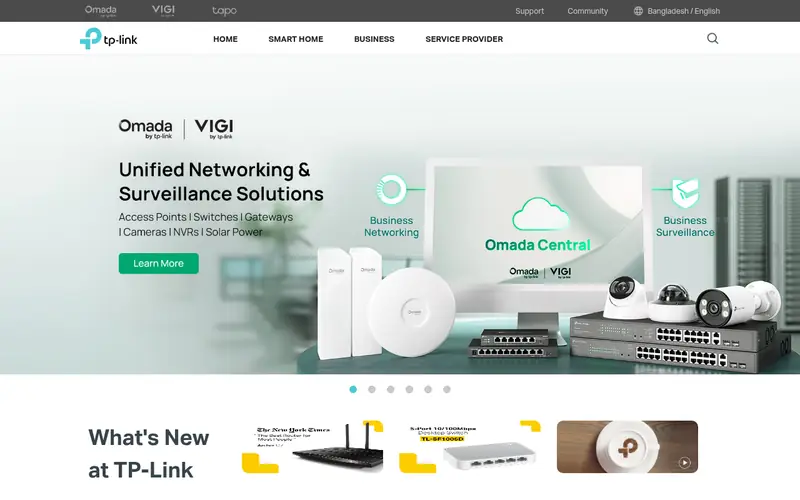
The TL-SX3008F is an 8-port SFP+ switch from TP-Link's business line, aimed at cost-sensitive labs building a fiber or DAC backbone. It offers web management with VLAN and link aggregation support. TP-Link lists the port count and switching capacity on its product page.
It suits buyers who already have SFP+ NICs in servers and NAS units. The catch is that every copper device needs a transceiver, which adds cost. Confirm fan behavior and firmware features on the vendor page.
Where the price comes from
Check current retail price. Hardware prices move often, so check the TP-Link TL-SX3008F maker page or a retailer before you buy.
Benefits
- Eight SFP+ ports
- managed features
- low cost per SFP+ port
Drawbacks
- No copper 10GBASE-T ports
- needs transceivers or DACs
Use case to skip: this limit matters to you: no copper 10GBASE-T ports.
Our take. A sensible pick for budget SFP+ aggregation.
If it does not fit, compare Ubiquiti UniFi Switch Flex XG or Ubiquiti USW-Pro-Aggregation in this list.
- Best for
- Low-cost mixed copper and SFP+
- Standout
- Combines Gigabit copper, 2.5G ports, and SFP+
- Starting price
- Check current retail price
- Free plan or trial
- One-time hardware purchase
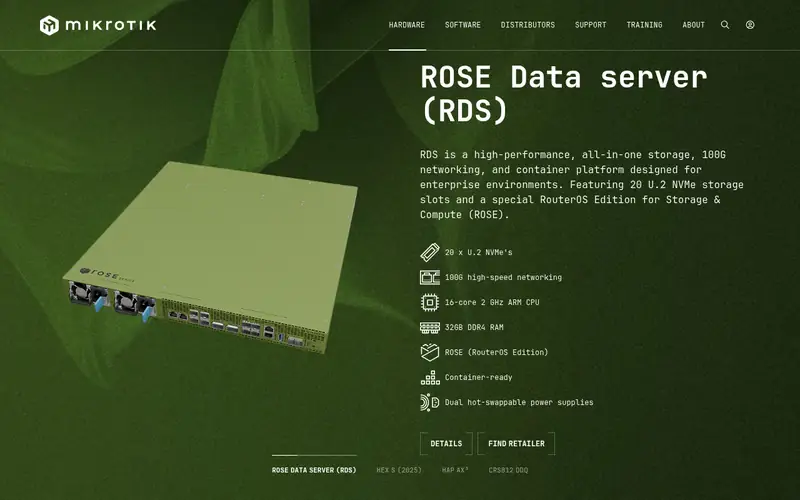
This MikroTik model mixes multi-gigabit copper ports with SFP+ cages in a small form factor. It runs RouterOS or SwOS, giving VLANs and management options at a low price. MikroTik publishes the port layout and switching details on its product page.
It suits tinkerers who want flexible port types without spending much. The catch is the software: RouterOS is powerful but takes time to learn, and some features depend on the firmware version. Check the current spec sheet for exact port speeds.
Where the price comes from
Check current retail price. Hardware prices move often, so check the MikroTik CRS310-8G+2S+IN maker page or a retailer before you buy.
Benefits
- Combines Gigabit copper, 2.5G ports, and SFP+
- RouterOS or SwOS management
- compact
Drawbacks
- Interface learning curve
- feature set varies by firmware
Use case to skip: this limit matters to you: interface learning curve.
Our take. A sensible pick for low-cost mixed copper and SFP+.
If it does not fit, compare Ubiquiti UniFi Switch Flex XG or Ubiquiti USW-Pro-Aggregation in this list.
- Best for
- Compact managed multi-gigabit
- Standout
- Multi-gigabit copper plus combo SFP+ ports
- Starting price
- Check current retail price
- Free plan or trial
- One-time hardware purchase
The QSW-M408-4C is a managed desktop switch with multi-gigabit copper ports and combo SFP+ uplinks, aimed at small studios and labs. QNAP provides a web interface for VLANs and link aggregation. The vendor page lists port speeds and management features.
It suits buyers who want a small managed switch with a couple of 10GbE links and room for slower devices. The catch is that true 10GbE port count is limited, so plan around the combo ports. Confirm the datasheet for exact port configuration.
Where the price comes from
Check current retail price. Hardware prices move often, so check the QNAP QSW-M408-4C maker page or a retailer before you buy.
Benefits
- Multi-gigabit copper plus combo SFP+ ports
- web management
- compact desktop size
Drawbacks
- Limited 10GbE port count
- price varies widely
Use case to skip: this limit matters to you: limited 10GbE port count.
Our take. A sensible pick for compact managed multi-gigabit.
If it does not fit, compare Ubiquiti UniFi Switch Flex XG or Ubiquiti USW-Pro-Aggregation in this list.
- Best for
- Fanless multi-gigabit for small offices
- Standout
- Fanless design
- Starting price
- Check current retail price
- Free plan or trial
- One-time hardware purchase
The XGS1250-12 is a fanless multi-gigabit switch with copper ports and SFP+ uplinks, aimed at quiet small-office deployments. Zyxel lists web management with VLAN support on the product page. The fanless build makes it a candidate for a home office shelf.
It suits offices that need a few fast links without fan noise. The catch is that it is a switch, not a router, and advanced Layer 3 features are limited. Check the vendor datasheet for port speeds and power details.
Where the price comes from
Check current retail price. Hardware prices move often, so check the Zyxel XGS1250-12 maker page or a retailer before you buy.
Benefits
- Fanless design
- mix of multi-gigabit copper and SFP+
- web-managed
Drawbacks
- Modest 10GbE port count
- limited advanced routing features
Use case to skip: this limit matters to you: modest 10GbE port count.
Our take. A sensible pick for fanless multi-gigabit for small offices.
If it does not fit, compare Ubiquiti UniFi Switch Flex XG or Ubiquiti USW-Pro-Aggregation in this list.
What specs matter when you buy
Port type is the first decision. 10GBASE-T copper ports accept standard RJ45 cables and work with most consumer NAS and motherboards, but they need Cat6a for full-distance runs. SFP+ cages accept DAC cables or optical transceivers and usually cost less per port, but every connected device needs a compatible module. Many home labs end up with a mix.
Management matters if you want VLANs, link aggregation, or monitoring. Managed switches cost more but let you segment traffic and bond links between a NAS and a switch. Unmanaged models are cheaper and simpler but offer no configuration. Check whether management needs a separate controller, as with some UniFi gear.
Noise and power are easy to overlook. Fanless switches suit living spaces; rack switches with fans are louder but denser. Also check the power budget if you plan PoE devices, and confirm the switch's switching capacity and buffer size on the datasheet. Finally, verify firmware support and warranty terms on the vendor site before buying.
Questions worth answering first
Buying checklist
- Count how many devices need 10GbE now and in the next year.
- Decide whether you need copper 10GBASE-T, SFP+, or both.
- Check that your cabling supports the distance you need, such as Cat6a for 10GBASE-T.
- Confirm whether management requires a separate controller or license.
- Read the datasheet for fan noise, power budget, and port speeds.
- Verify warranty terms and firmware support on the vendor site.
FAQ
Do I need Cat6a for 10GbE?
Cat6a is the safe choice for full-distance 10GBASE-T runs. Cat6 can carry 10GbE over shorter distances, but length limits apply. Check the cable spec and your run length before buying a copper switch.
Is SFP+ cheaper than 10GBASE-T?
SFP+ switches often cost less per port, but you must add DAC cables or transceivers. Copper 10GBASE-T avoids modules but can cost more per port. Compare total cost including cabling.
Do I need a managed switch at home?
Only if you want VLANs, link aggregation, or monitoring. Unmanaged switches are cheaper and simpler. Most home labs start unmanaged and move to managed as devices grow.
Are fanless 10GbE switches slower?
No. Fanless designs use passive cooling and can still deliver full line rate. They usually have fewer ports and lower power budgets. Check the datasheet for port counts and thermals.
Can I mix SFP+ and copper ports?
Yes, on switches that offer both. Copper devices need 10GBASE-T ports or compatible transceivers. Confirm module compatibility on the vendor page before buying.
What warranty should I expect?
Warranty varies by brand and model. Check the vendor's published warranty terms for the exact model. Business-line switches often carry longer terms than consumer models.
Sources we checked
Change log: First published 22 Nov 2026.