6 Best Bandwidth Monitoring Software in 2026
PRTG from Paessler is the strongest pick for most small offices that want broad, ready-made monitoring, because the vendor lists a free tier of up to 100 sensors and a wide library of prebuilt sensor types. For a tighter budget, Zabbix is a free, open-source platform that scales well. For a simple home network, GlassWire offers an easy desktop view of per-app traffic.
 By Shihab Mia · Published 21 Nov 2026
We run no ads and no affiliate links at launch. The order of a list follows our published method. How lists are ordered: how we score.
Prices are the starting prices vendors list publicly. Plans change, so confirm the current price on the vendor page before you buy.
Key takeaways
- PRTG is free for up to 100 sensors; larger installs move to a paid subscription.
- Zabbix is free and open source, but needs a server and setup time.
- GlassWire has a free edition and a paid upgrade for more history and hosts.
- SolarWinds NPM is aimed at larger networks and is priced on request.
- Most tools read traffic via SNMP, NetFlow or a local agent.
Side-by-side
Grouped by fit and cost. Tap a product to jump to its full entry.
| Fit | Cost | |||
|---|---|---|---|---|
| Product | Best for | Standout feature | Listed starting price | Free plan or trial |
| 1PRTG | Small offices that want ready-made monitoring sensors | Large library of prebuilt sensor types | See vendor site (subscription, free tier up to 100 sensors) | Yes (up to 100 sensors) |
| 2Zabbix | Budget-conscious setups with in-house Linux skills | No licence cost | Free (self-hosted, open source) | Free and open source |
| 3GlassWire | Home users who want a simple per-app traffic view | Clear per-application traffic view | See vendor site (paid edition) | Free plan |
| 4SolarWinds Network Performance Monitor | Larger networks with dedicated IT staff | Broad device and flow support | See vendor site (quote-based) | Free trial (30 days) |
| 5ManageEngine OpManager | Small and mid-size offices mixing network and server monitoring | Combines network and server monitoring | See vendor site (quote-based) | Free trial (30 days) |
| 6ntopng | Deep traffic analysis on a tight budget | Detailed flow and protocol analysis | See vendor site (community edition) | Free and open source |
How we picked
This comparison is based on research, not lab testing. We read each vendor's product pages, documentation and published pricing pages, and noted the monitoring methods each tool supports, such as SNMP, flow protocols and local agents. We checked free tiers and trial terms where the vendor states them, and recorded prices only where the vendor publishes a figure. Where pricing is quote-based, we say so rather than estimate. Feature lists reflect vendor documentation at the time of writing.
The 6 picks in detail
- Best for
- Small offices that want ready-made monitoring sensors
- Standout
- Large library of prebuilt sensor types
- Starting price
- See vendor site (subscription, free tier up to 100 sensors)
- Free plan or trial
- Yes (up to 100 sensors)
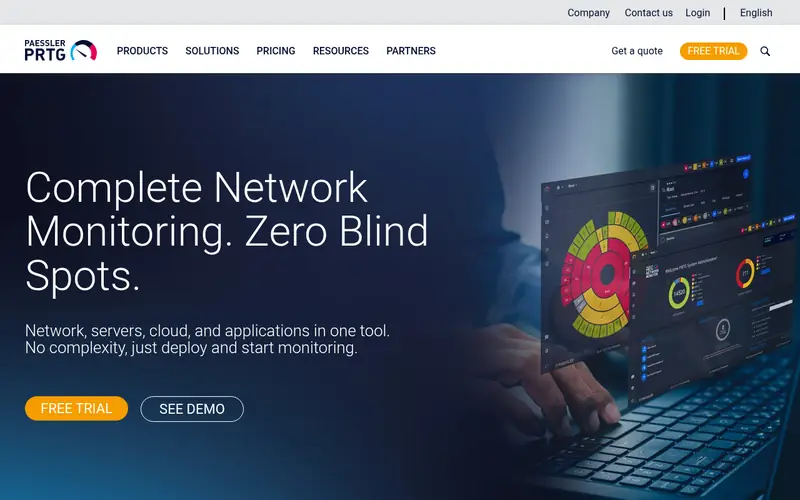
PRTG from Paessler is a network monitoring platform that runs on a Windows host and is managed through a web interface. The vendor lists a free version limited to 100 sensors, which suits a small office with a handful of switches, routers and servers. Sensors are the unit of licensing, and each monitored metric typically counts as one sensor.
The vendor documents support for SNMP, flow protocols and packet sniffing, so it can read bandwidth from routers and switches as well as from a mirrored port. Alerting, maps and historical graphs are built in. The main catch is licensing: as you add devices and metrics, the sensor count rises and you move to a paid plan. Plan your sensor budget before deploying.
Where the price comes from
See vendor site (subscription, free tier up to 100 sensors), as listed by the vendor (PRTG website). Confirm the current plan price before you buy.
Benefits
- Large library of prebuilt sensor types
- free tier covers small networks
- runs on Windows with a web interface
Drawbacks
- Paid tiers get costly as sensor counts grow
- sensor-based licensing needs planning
Use case to skip: this limit matters to you: paid tiers get costly as sensor counts grow.
Our take. A sensible pick for small offices that want ready-made monitoring sensors.
If it does not fit, compare Zabbix or GlassWire in this list.
- Best for
- Budget-conscious setups with in-house Linux skills
- Standout
- No licence cost
- Starting price
- Free (self-hosted, open source)
- Free plan or trial
- Free and open source
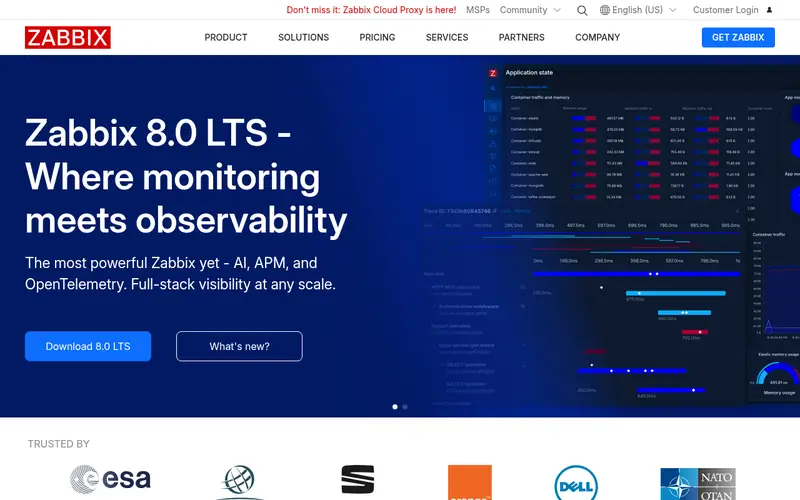
Zabbix is an open-source monitoring platform that you host yourself, typically on a Linux server with a database backend. It collects data through agents, SNMP and other checks, and it stores history for graphing and alerting. Because there is no licence fee, the main cost is the server and the time to configure it.
The vendor provides templates for many network devices, which speeds up SNMP polling of interfaces and traffic counters. Dashboards and triggers handle alerting. The catch is complexity: a first install needs database tuning, template imports and some understanding of how items, triggers and hosts fit together. It rewards teams willing to learn it.
Where the price comes from
Free (self-hosted, open source), as listed by the vendor (Zabbix website). Confirm the current plan price before you buy.
Benefits
- No licence cost
- scales to large device counts
- strong templating for SNMP devices
Drawbacks
- Needs a server and setup time
- interface is less friendly for beginners
Use case to skip: this limit matters to you: needs a server and setup time.
Our take. A sensible pick for budget-conscious setups with in-house Linux skills.
If it does not fit, compare PRTG or GlassWire in this list.
- Best for
- Home users who want a simple per-app traffic view
- Standout
- Clear per-application traffic view
- Starting price
- See vendor site (paid edition)
- Free plan or trial
- Free plan
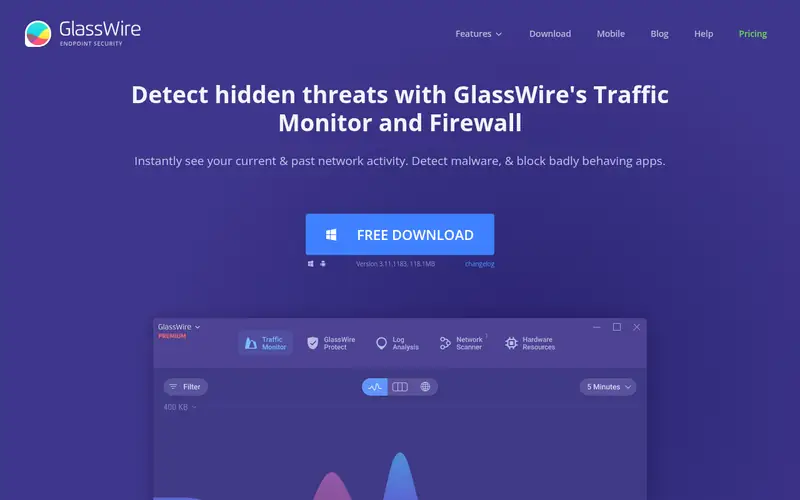
GlassWire is a desktop application for Windows and Android that shows which applications use your connection and how much data they transfer. It presents traffic on a timeline and flags unusual activity, which helps a home user spot a background download or an unfamiliar app.
The vendor offers a free edition and paid editions that add more history and features. It works best on a single machine rather than as a network-wide monitor, so it suits a home office PC or a laptop rather than a switch-based small office. Check the vendor's comparison page for what each edition includes before paying.
Where the price comes from
See vendor site (paid edition), as listed by the vendor (GlassWire website). Confirm the current plan price before you buy.
Benefits
- Clear per-application traffic view
- simple desktop install
- built-in firewall controls
Drawbacks
- Desktop-focused rather than whole-network
- some features limited to paid editions
Use case to skip: this limit matters to you: desktop-focused rather than whole-network.
Our take. A sensible pick for home users who want a simple per-app traffic view.
If it does not fit, compare PRTG or Zabbix in this list.
- Best for
- Larger networks with dedicated IT staff
- Standout
- Broad device and flow support
- Starting price
- See vendor site (quote-based)
- Free plan or trial
- Free trial (30 days)
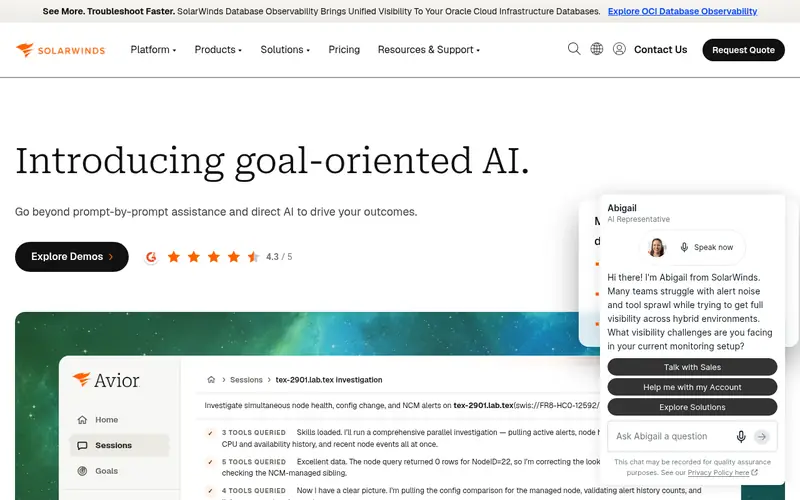
SolarWinds Network Performance Monitor (NPM) is an enterprise-grade tool for monitoring network devices, interfaces and traffic flows. The vendor documents SNMP polling, flow analysis and hop-by-hop path tracing, along with dashboards and alerts. It is built for networks with many devices and a team to run it.
Pricing is quote-based, so you request a figure from the vendor rather than reading it off a page. A free trial is offered. For a home or very small office, the feature set and cost are usually more than needed; it makes sense when the network has grown and you want one platform for devices, flows and reporting.
Where the price comes from
See vendor site (quote-based), as listed by the vendor (SolarWinds Network Performance Monitor website). Confirm the current plan price before you buy.
Benefits
- Broad device and flow support
- strong alerting and reporting
- scales to large networks
Drawbacks
- Quote-based pricing
- more than a small office usually needs
Use case to skip: this limit matters to you: quote-based pricing.
Our take. A sensible pick for larger networks with dedicated IT staff.
If it does not fit, compare PRTG or Zabbix in this list.

- Best for
- Small and mid-size offices mixing network and server monitoring
- Standout
- Combines network and server monitoring
- Starting price
- See vendor site (quote-based)
- Free plan or trial
- Free trial (30 days)
ManageEngine OpManager monitors network devices, servers and interfaces from a web console. The vendor lists SNMP-based interface monitoring, flow analysis and alerting, plus reports on bandwidth and device health. It is positioned for small and mid-size IT teams that want one tool for both network and server views.
Editions and prices are quoted by the vendor, and a free trial is available. The trade-off is depth versus simplicity: there are many configuration options, which is useful once you know what you want to watch but can slow a first setup. Confirm which edition covers your device count before buying.
Where the price comes from
See vendor site (quote-based), as listed by the vendor (ManageEngine OpManager website). Confirm the current plan price before you buy.
Benefits
- Combines network and server monitoring
- supports SNMP and flow data
- web-based interface
Drawbacks
- Pricing is quote-based
- feature depth can overwhelm small teams
Use case to skip: this limit matters to you: pricing is quote-based.
Our take. A sensible pick for small and mid-size offices mixing network and server monitoring.
If it does not fit, compare PRTG or Zabbix in this list.
- Best for
- Deep traffic analysis on a tight budget
- Standout
- Detailed flow and protocol analysis
- Starting price
- See vendor site (community edition)
- Free plan or trial
- Free and open source
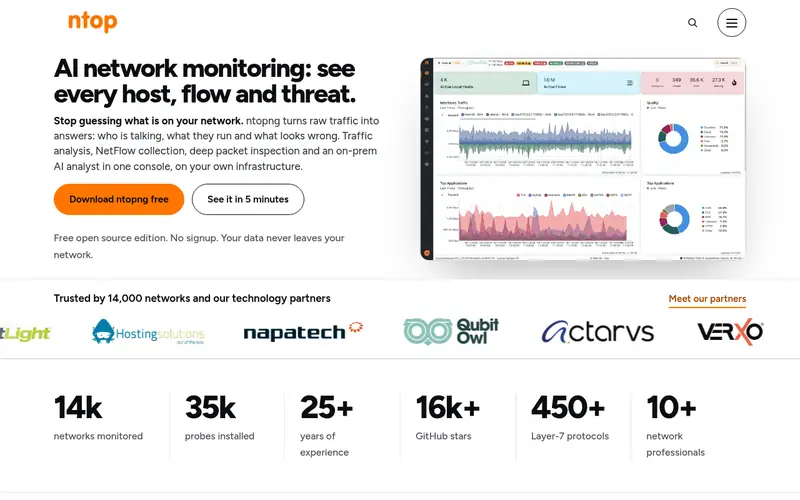
ntopng is a traffic analysis tool from the ntop project. It reads flow data and packet captures and presents per-host, per-protocol and per-application views. The community edition is free and open source, and the vendor offers a commercial edition with more features.
It works best when it can see traffic, either from a mirrored switch port, a tap or flow exports from a router. That makes placement the main planning task. It suits a technically comfortable user who wants to know what is using bandwidth rather than just how much. Check the vendor's edition comparison for limits.
Where the price comes from
See vendor site (community edition), as listed by the vendor (ntopng website). Confirm the current plan price before you buy.
Benefits
- Detailed flow and protocol analysis
- community edition is free
- runs on modest hardware
Drawbacks
- Requires a capable capture point
- interface assumes some networking knowledge
Use case to skip: this limit matters to you: requires a capable capture point.
Our take. A sensible pick for deep traffic analysis on a tight budget.
If it does not fit, compare PRTG or Zabbix in this list.
What to look for
Start with how the tool gets its data. SNMP polling reads interface counters from routers and switches and is the lightest option for a small office. Flow protocols such as NetFlow, sFlow and IPFIX give per-conversation detail but must be enabled on the router. A local agent or packet capture sees the most detail but needs a machine in the traffic path or a mirrored port. Match the method to your hardware before comparing features.
Then check licensing. Some tools count sensors, some count devices, and some count interfaces. A free tier that covers 100 sensors can be plenty for a small office, but the same tier can run out quickly if you monitor many metrics per device. Read how the vendor defines a billable unit, and estimate your count before you install.
Finally, weigh the running cost and skills needed. A free open-source platform still needs a server, backups and someone to maintain it. A paid tool costs money but ships with templates, support and updates. For a home network, a desktop app may be enough; for a small office, favour a tool with alerting, history and a clear upgrade path.
Questions worth answering first
Buying checklist
- Confirm how the tool collects data and whether your router or switch supports that method.
- Check how the vendor counts billable units, such as sensors, devices or interfaces.
- Estimate your device and interface count against the free tier before relying on it.
- Confirm the free trial length and what happens to your data when it ends.
- Check whether you need a dedicated server and who will maintain it.
- Verify alerting options, such as email or webhooks, match how your team works.
FAQ
What is the easiest bandwidth monitoring software for a home network?
A desktop app such as GlassWire is the simplest starting point for one PC, because it shows per-app traffic without extra hardware. For a whole home network, a tool that polls your router over SNMP gives a broader view, but it needs the router to support SNMP and some setup time.
Do I need a managed switch to monitor bandwidth?
Not always. Many routers expose interface counters over SNMP, which is enough for total traffic per port. Per-device or per-conversation detail usually needs flow exports from the router or a mirrored port on a managed switch. Check your existing hardware's features first.
Is free bandwidth monitoring software good enough for a small office?
Often yes. Zabbix and the ntopng community edition are free and can monitor a small office, provided you have a server and someone to maintain it. Paid tools add templates, support and simpler setup. Weigh staff time against licence cost rather than price alone.
What is the difference between SNMP and NetFlow for bandwidth monitoring?
SNMP polling reads counters from a device at intervals and is light on resources. NetFlow and similar flow protocols record conversations and send summaries to a collector, giving more detail about who used the bandwidth. SNMP suits totals; flow data suits analysis.
Can these tools monitor bandwidth without installing an agent?
Yes, if the device supports SNMP or flow exports. Agentless monitoring reads data the router or switch already exposes. A local agent or packet capture is only needed when you want per-application detail on a single machine or traffic that the network devices cannot report.
How much does bandwidth monitoring software cost?
Costs range from free open-source platforms to quote-based enterprise tools. PRTG has a free tier and paid subscriptions above it. SolarWinds and ManageEngine quote prices per deployment. Always confirm the current figure on the vendor site, since plans and tiers change.
Sources we checked
Change log: First published 21 Nov 2026.