6 Best LAN IP and Network Scanner Software in 2026
Angry IP Scanner is the best free starting point for most people who need a fast LAN IP sweep, and it suits home users and small IT teams on a budget. For ongoing monitoring with alerts and history, PRTG Network Monitor fits larger networks. For multi-vendor discovery and mapping, SolarWinds Network Topology Mapper is a strong paid option.
 By Shihab Mia · Published 21 Nov 2026
We run no ads and no affiliate links at launch. The order of a list follows our published method. How lists are ordered: how we score.
Prices are the starting prices vendors list publicly. Plans change, so confirm the current price on the vendor page before you buy.
Key takeaways
- Angry IP Scanner is free and open source, with Windows, macOS, and Linux builds.
- PRTG Network Monitor is licensed by sensors, and the vendor publishes a free tier with a sensor cap.
- Nmap is free and open source and is the reference tool for port and host discovery.
- Advanced IP Scanner is free for commercial and personal use and runs on Windows only.
- SolarWinds and ManageEngine tools are paid products aimed at IT teams, not home users.
Side-by-side
Grouped by fit and cost. Tap a product to jump to its full entry.
| Fit | Cost | |||
|---|---|---|---|---|
| Product | Best for | Standout feature | Listed starting price | Free plan or trial |
| 1Angry IP Scanner | Fast free IP and port scanning on any desktop OS | Cross-platform builds for Windows, macOS, and Linux | Free (open source) | Free and open source |
| 2Advanced IP Scanner | Free Windows LAN inventory with remote access shortcuts | Free for personal and commercial use | Free (freeware) | Free plan |
| 3Nmap | Deep port and host discovery for technical users | Very broad protocol and port coverage | Free (open source) | Free and open source |
| 4PRTG Network Monitor | Continuous monitoring with alerts and history | Broad sensor types for devices and services | See vendor site (licensed by sensors) | Free trial (30 days) |
| 5SolarWinds Network Topology Mapper | Automated multi-vendor network mapping | Discovers and maps multi-vendor networks | See vendor site (perpetual license) | Free trial |
| 6ManageEngine OpUtils | Switch port and IP address management | Combines IP address management with switch port mapping | See vendor site (licensed by device count) | Free trial |
How we picked
This guide is based on research, not lab testing. We reviewed each vendor's product pages, published documentation, and licensing descriptions, and we noted platform support, discovery methods, and free-tier terms where the vendor states them. Prices are listed as "See vendor site" where the vendor does not publish a fixed figure we could confirm. We did not benchmark scan speed or accuracy, and we did not run the tools on a test network.
The 6 picks in detail
- Best for
- Fast free IP and port scanning on any desktop OS
- Standout
- Cross-platform builds for Windows, macOS, and Linux
- Starting price
- Free (open source)
- Free plan or trial
- Free and open source
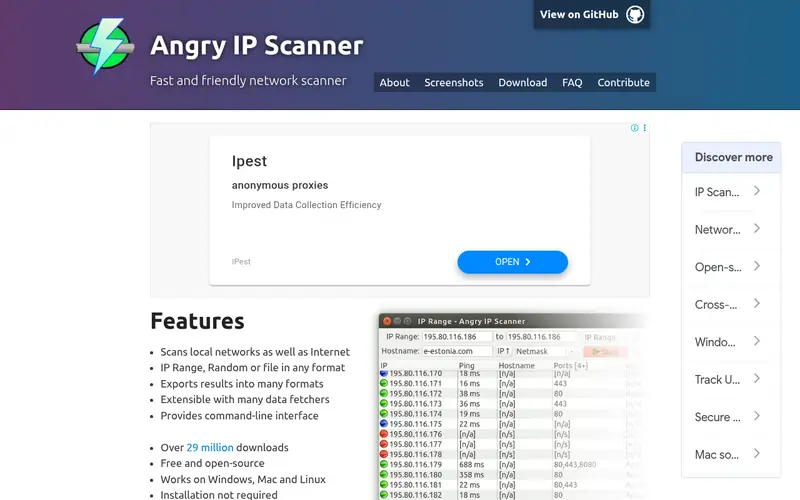
Angry IP Scanner is a lightweight desktop scanner. You enter an IP range, and it pings hosts and can check ports and resolve hostnames. The project lists Windows, macOS, and Linux builds, and it is distributed as open source software.
It suits home users, students, and small IT teams who need a quick view of what is live on a subnet. Results can be exported, which helps with basic inventory. The main catch is scope: it is a point-in-time scanner, not a monitoring platform, so there is no alerting, history, or scheduled polling.
Where the price comes from
Free (open source), as listed by the vendor (Angry IP Scanner website). Confirm the current plan price before you buy.
Benefits
- Cross-platform builds for Windows, macOS, and Linux
- simple interface for quick subnet sweeps
- open source and free for any use
Drawbacks
- No continuous monitoring or alerting
- limited reporting compared with paid platforms
Use case to skip: this limit matters to you: no continuous monitoring or alerting.
Our take. A sensible pick for fast free IP and port scanning on any desktop OS.
If it does not fit, compare Advanced IP Scanner or Nmap in this list.
- Best for
- Free Windows LAN inventory with remote access shortcuts
- Standout
- Free for personal and commercial use
- Starting price
- Free (freeware)
- Free plan or trial
- Free plan
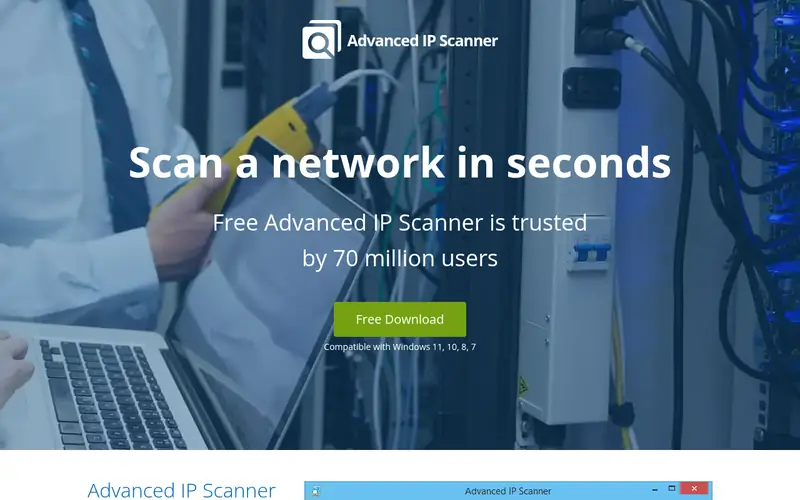
Advanced IP Scanner is a free Windows utility from Famatech. It scans IP ranges, lists live devices with MAC addresses and manufacturer names, and can show shared folders on detected machines. It also offers remote shutdown and Wake-on-LAN actions.
It is a practical choice for Windows-only environments where you want a quick device list without a license. The vendor states it is free for both personal and commercial use. The catch is platform lock-in and depth: it is a discovery tool, so it does not replace a monitoring system with alerts and trend data.
Where the price comes from
Free (freeware), as listed by the vendor (Advanced IP Scanner website). Confirm the current plan price before you buy.
Benefits
- Free for personal and commercial use
- scans subnets and shows shared folders
- can wake and shut down remote machines
Drawbacks
- Windows only
- no long-term monitoring or alerting
Use case to skip: this limit matters to you: windows only.
Our take. A sensible pick for free Windows LAN inventory with remote access shortcuts.
If it does not fit, compare Angry IP Scanner or Nmap in this list.
- Best for
- Deep port and host discovery for technical users
- Standout
- Very broad protocol and port coverage
- Starting price
- Free (open source)
- Free plan or trial
- Free and open source
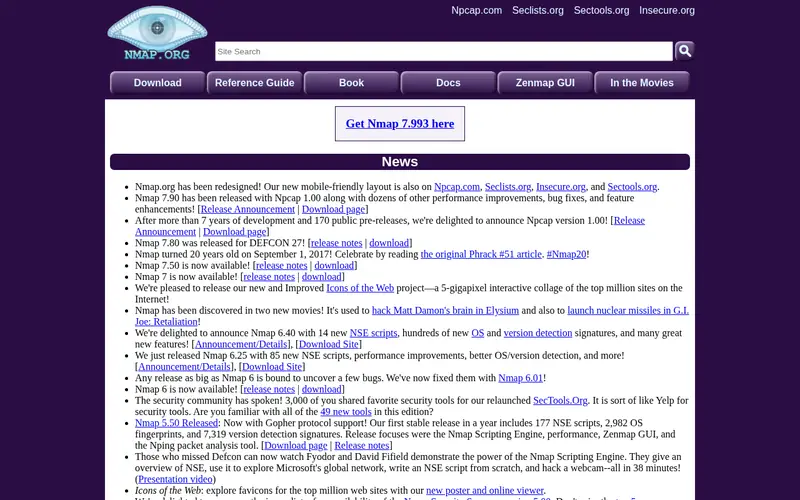
Nmap is the long-standing open source network mapper. It discovers hosts, checks open ports, and identifies services and operating system hints. It runs on Windows, macOS, and Linux, and the project also offers Zenmap, a graphical front end.
It suits administrators and security staff who need detail beyond a simple ping sweep. The trade-off is complexity: results require interpretation, and scanning networks you do not own or administer can be inappropriate or unlawful. It is a diagnostic tool, not a monitoring dashboard.
Where the price comes from
Free (open source), as listed by the vendor (Nmap website). Confirm the current plan price before you buy.
Benefits
- Very broad protocol and port coverage
- command-line and GUI options
- actively maintained open source project
Drawbacks
- Steep learning curve for beginners
- output needs interpretation
Use case to skip: this limit matters to you: steep learning curve for beginners.
Our take. A sensible pick for deep port and host discovery for technical users.
If it does not fit, compare Angry IP Scanner or Advanced IP Scanner in this list.
- Best for
- Continuous monitoring with alerts and history
- Standout
- Broad sensor types for devices and services
- Starting price
- See vendor site (licensed by sensors)
- Free plan or trial
- Free trial (30 days)
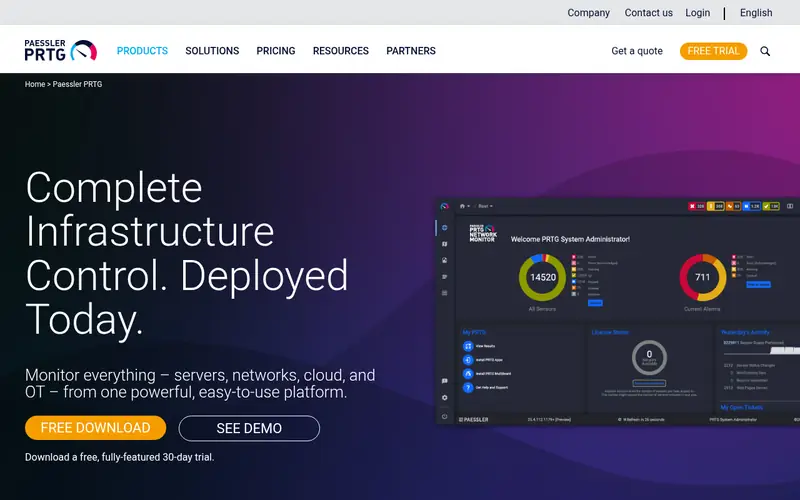
PRTG from Paessler is a monitoring platform rather than a one-off scanner. It uses sensors to poll devices, services, and bandwidth, and it stores history and sends alerts when thresholds are crossed. The vendor publishes a free tier with a sensor cap and a time-limited trial.
It suits IT teams that need ongoing visibility, not just a device list. Licensing is by sensor, so the cost depends on how much you monitor. Confirm the current sensor allowance and price on the vendor site, since these change.
Where the price comes from
See vendor site (licensed by sensors), as listed by the vendor (PRTG Network Monitor website). Confirm the current plan price before you buy.
Benefits
- Broad sensor types for devices and services
- alerting and historical graphs
- Windows-based and widely documented
Drawbacks
- Licensed by sensor count, so costs scale
- heavier setup than a simple scanner
Use case to skip: this limit matters to you: licensed by sensor count, so costs scale.
Our take. A sensible pick for continuous monitoring with alerts and history.
If it does not fit, compare Angry IP Scanner or Advanced IP Scanner in this list.
- Best for
- Automated multi-vendor network mapping
- Standout
- Discovers and maps multi-vendor networks
- Starting price
- See vendor site (perpetual license)
- Free plan or trial
- Free trial
SolarWinds Network Topology Mapper discovers devices across subnets and builds topology diagrams automatically. The vendor lists support for multi-vendor environments and export of maps and reports, which helps with documentation and audits.
It suits network teams that need current diagrams rather than raw IP lists. The catch is cost and scope: it is a paid product with a trial, and it is designed for professional IT use. Check the vendor site for current licensing and pricing.
Where the price comes from
See vendor site (perpetual license), as listed by the vendor (SolarWinds Network Topology Mapper website). Confirm the current plan price before you buy.
Benefits
- Discovers and maps multi-vendor networks
- exports diagrams and inventory reports
- integrates with other SolarWinds tools
Drawbacks
- Paid product with no free tier
- Windows-based and aimed at IT teams
Use case to skip: this limit matters to you: paid product with no free tier.
Our take. A sensible pick for automated multi-vendor network mapping.
If it does not fit, compare Angry IP Scanner or Advanced IP Scanner in this list.

- Best for
- Switch port and IP address management
- Standout
- Combines IP address management with switch port mapping
- Starting price
- See vendor site (licensed by device count)
- Free plan or trial
- Free trial
ManageEngine OpUtils covers IP address management, switch port mapping, and network scanning in one console. The vendor lists scheduled discovery, alerts for address conflicts, and reporting. It is available as an on-premises product with a free trial.
It suits organizations that want address and port tracking alongside scanning. Licensing is paid and tied to device counts, so confirm the current edition limits and price on the vendor site. It is more platform than quick utility.
Where the price comes from
See vendor site (licensed by device count), as listed by the vendor (ManageEngine OpUtils website). Confirm the current plan price before you buy.
Benefits
- Combines IP address management with switch port mapping
- supports scheduled scans and alerts
- part of a broader IT management suite
Drawbacks
- Paid licensing with no permanent free tier
- feature depth varies by edition
Use case to skip: this limit matters to you: paid licensing with no permanent free tier.
Our take. A sensible pick for switch port and IP address management.
If it does not fit, compare Angry IP Scanner or Advanced IP Scanner in this list.
What to look for
Start with the job you need done. A one-off scan to find live devices is different from continuous monitoring with alerts. Free desktop scanners handle the first case well. If you need history, scheduled polling, and notifications, you are shopping for a monitoring platform, and pricing usually scales with device or sensor counts.
Check platform support and protocol coverage. Some tools are Windows only, while others ship builds for Windows, macOS, and Linux. Confirm the scanner handles the discovery methods your network allows, such as ICMP ping, ARP, SNMP, or port checks. SNMP support matters if you want switch and router detail rather than just a list of IP addresses.
Look at output and integration. Export to CSV or PDF helps with documentation and audits. Mapping tools add diagrams, which are useful for change records. Also check licensing terms: some free tools are free for commercial use, while others are not. Finally, confirm the current price and free-tier limits on the vendor site, because sensor caps and trial lengths change.
Questions worth answering first
Buying checklist
- Confirm the tool runs on your operating system and any required server platform.
- Check whether the free tier is permanent or a time-limited trial.
- Verify the licensing unit, such as sensors, devices, or nodes, and how it scales.
- Confirm the discovery methods your network allows, including ICMP, ARP, and SNMP.
- Check export formats for inventory and audit reporting.
- Review the vendor's current published price and support terms before paying.
FAQ
What is the best free network scanner for a home LAN?
Angry IP Scanner is a solid free choice. It is open source, runs on Windows, macOS, and Linux, and gives a quick list of live hosts in an IP range. Advanced IP Scanner is a good free Windows alternative if you want shared folder visibility and remote actions.
Do network scanners need SNMP to work?
No. Basic scanners find live hosts with ping and ARP. SNMP is needed when you want details from switches and routers, such as port status and interface data. Check that the tool supports SNMP if device-level detail matters to you.
Is scanning a network legal?
Scanning networks you own or administer is normal administration. Scanning networks without permission can breach laws and policies. Always confirm you have authorization before running discovery or port scans against any network.
What is the difference between a scanner and a monitoring tool?
A scanner gives a point-in-time view of devices on a range. A monitoring tool polls devices on a schedule, stores history, and sends alerts. Scanners are lighter and often free; monitoring platforms are licensed and cost more.
Can these tools map network topology?
Some can. SolarWinds Network Topology Mapper is built for automated diagrams. PRTG and OpUtils focus on monitoring and address management. Free scanners generally list devices without drawing topology maps.
Why do some prices say "See vendor site"?
Some vendors quote by device count, sensor count, or quote request rather than a fixed list price. We list "See vendor site" rather than guess. Confirm the current figure directly with the vendor before you commit to a purchase.
Sources we checked
Change log: First published 21 Nov 2026.