6 Best Open Router Firmware Options in 2026
OpenWrt is the best open router firmware for most people. It supports the widest range of routers, is free and open source, and has a large package library for VPNs, ad blocking and network tools. Choose FreshTomato if you want a simpler, lighter build for Broadcom routers. Choose pfSense or OPNsense if you are building a dedicated x86 router box rather than flashing a consumer unit.
 By Shihab Mia · Published 21 Nov 2026
We run no ads and no affiliate links at launch. The order of a list follows our published method. How lists are ordered: how we score.
Prices are the starting prices vendors list publicly. Plans change, so confirm the current price on the vendor page before you buy.
Key takeaways
- OpenWrt, DD-WRT, FreshTomato, pfSense and OPNsense are all free to download; only hardware and support costs money.
- OpenWrt supports the broadest device list, but check the Table of Hardware before buying any router.
- Flashing firmware can void warranties and can brick a device if the process is interrupted.
- Broadcom-based routers often lack full open firmware support; check chipset before you buy.
- A dedicated x86 box with pfSense or OPNsense costs more but gives far more CPU and RAM.
Side-by-side
Grouped by fit and cost. Tap a product to jump to its full entry.
| Fit | Cost | |||
|---|---|---|---|---|
| Product | Best for | Standout feature | Listed starting price | Free plan or trial |
| 1OpenWrt | Broad device support and a large package library | Very wide device support | Free (open source, no licence fee) | Free and open source |
| 2DD-WRT | Reviving older routers with a familiar interface | Long-running project with many supported models | Free (open source, no licence fee) | Free and open source |
| 3FreshTomato | Light, simple firmware on Broadcom routers | Lightweight interface | Free (open source, no licence fee) | Free and open source |
| 4pfSense CE | Dedicated x86 router and firewall builds | Full firewall feature set | Free (Community Edition, no licence fee) | Free and open source |
| 5OPNsense | x86 router builds with frequent security updates | Regular release and security update cadence | Free (open source, no licence fee) | Free and open source |
| 6Asuswrt-Merlin | Asus router owners who want stock-like firmware with fixes | Based on Asus stock firmware | Free (open source, no licence fee) | Free and open source |
How we picked
This comparison is based on research, not lab testing. We read each project's official site, supported device lists, release notes and documentation, and checked published pricing where a paid edition exists. We compared device coverage, update cadence, interface style and hardware requirements. No benchmarks were run and no devices were flashed. Details can change between releases, so confirm support for your exact router model on the vendor or project site before installing.
The 6 picks in detail

- Best for
- Broad device support and a large package library
- Standout
- Very wide device support
- Starting price
- Free (open source, no licence fee)
- Free plan or trial
- Free and open source
OpenWrt is a Linux-based firmware for routers and embedded devices. It uses the opkg package manager, so you can add VPN clients, DNS filtering, traffic shaping and monitoring tools after install. Releases follow a stable branch plus a development branch. The project publishes a Table of Hardware that lists supported models and install methods.
It suits users who want control over routing, firewall rules and packages, and who are comfortable reading documentation. The catch is device support: not every router is listed, and some chipsets, especially Broadcom wireless, have limited or no open driver support. Check the hardware table before buying a router for OpenWrt.
Where the price comes from
Free (open source, no licence fee), as listed by the vendor (OpenWrt website). Confirm the current plan price before you buy.
Benefits
- Very wide device support
- large package repository
- active release cadence
Drawbacks
- Web interface can feel technical
- some devices need extra steps to flash
Use case to skip: this limit matters to you: web interface can feel technical.
Our take. A sensible pick for broad device support and a large package library.
If it does not fit, compare DD-WRT or FreshTomato in this list.
- Best for
- Reviving older routers with a familiar interface
- Standout
- Long-running project with many supported models
- Starting price
- Free (open source, no licence fee)
- Free plan or trial
- Free and open source
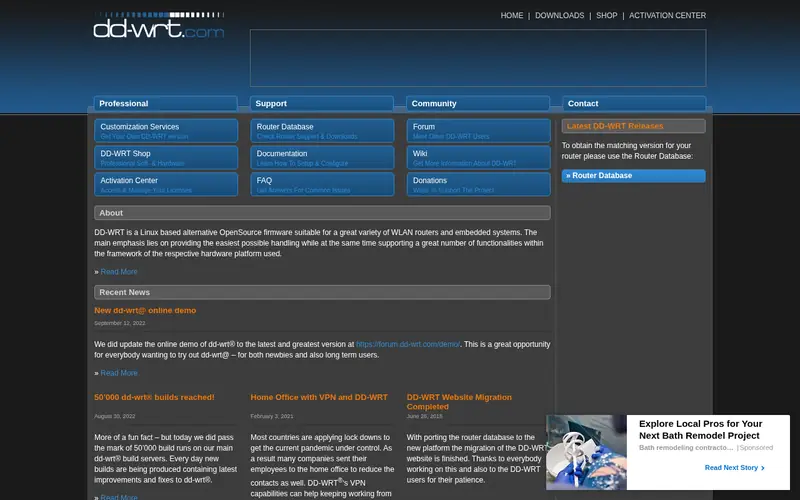
DD-WRT is one of the oldest alternative router firmware projects. It provides a web admin interface with wireless, firewall, QoS and VPN options, and it supports a large list of consumer routers, including many older models that no longer receive stock updates.
It suits people with an older router who want more features than the stock firmware offers. The main catch is consistency: builds are released per device, quality and update timing vary, and setup details often live in wiki pages and forum threads rather than one manual. Confirm your exact model and hardware revision before flashing.
Where the price comes from
Free (open source, no licence fee), as listed by the vendor (DD-WRT website). Confirm the current plan price before you buy.
Benefits
- Long-running project with many supported models
- familiar web admin
- useful for older hardware
Drawbacks
- Update pace varies by build
- documentation spread across forums and wiki
Use case to skip: this limit matters to you: update pace varies by build.
Our take. A sensible pick for reviving older routers with a familiar interface.
If it does not fit, compare OpenWrt or FreshTomato in this list.
- Best for
- Light, simple firmware on Broadcom routers
- Standout
- Lightweight interface
- Starting price
- Free (open source, no licence fee)
- Free plan or trial
- Free and open source
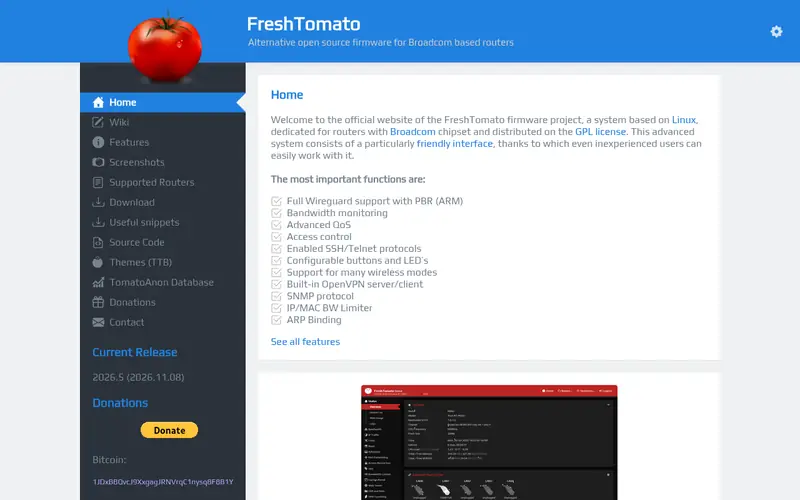
FreshTomato continues the Tomato firmware line. It is known for a compact web interface, bandwidth monitoring and straightforward QoS. It targets Broadcom-based routers in particular, which is where the original Tomato firmware had the most success.
It suits users who want a simple, fast interface and do not need a large package ecosystem. The catch is device coverage: the supported model list is much shorter than OpenWrt's, and most supported units are older Broadcom routers. Check the project's supported devices page before you buy hardware.
Where the price comes from
Free (open source, no licence fee), as listed by the vendor (FreshTomato website). Confirm the current plan price before you buy.
Benefits
- Lightweight interface
- good fit for Broadcom-based routers
- active maintenance
Drawbacks
- Narrower device list
- fewer packages than OpenWrt
Use case to skip: this limit matters to you: narrower device list.
Our take. A sensible pick for light, simple firmware on Broadcom routers.
If it does not fit, compare OpenWrt or DD-WRT in this list.

- Best for
- Dedicated x86 router and firewall builds
- Standout
- Full firewall feature set
- Starting price
- Free (Community Edition, no licence fee)
- Free plan or trial
- Free and open source
pfSense Community Edition is a FreeBSD-based firewall and router platform for x86 hardware. It offers firewall rules, NAT, VPN servers and clients, traffic shaping and package add-ons through its web interface. It is not router firmware you flash onto a consumer unit; you install it on a PC, mini PC or server with at least two network ports.
It suits home labs and small offices that want a proper firewall with more CPU and RAM than a consumer router. The catch is cost and complexity: you need separate hardware, and the feature set assumes some networking knowledge. Netgate also sells appliances and a supported edition, which is a paid product separate from the free CE.
Where the price comes from
Free (Community Edition, no licence fee), as listed by the vendor (pfSense CE website). Confirm the current plan price before you buy.
Benefits
- Full firewall feature set
- runs on standard x86 hardware
- strong documentation
Drawbacks
- Needs a dedicated PC or box
- not for flashing consumer routers
Use case to skip: this limit matters to you: needs a dedicated PC or box.
Our take. A sensible pick for dedicated x86 router and firewall builds.
If it does not fit, compare OpenWrt or DD-WRT in this list.
- Best for
- x86 router builds with frequent security updates
- Standout
- Regular release and security update cadence
- Starting price
- Free (open source, no licence fee)
- Free plan or trial
- Free and open source
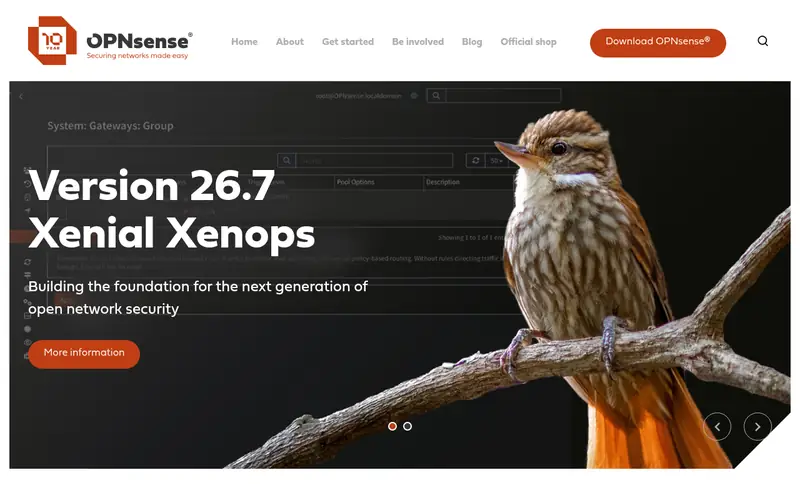
OPNsense is an open source firewall and routing platform for x86 hardware, derived from pfSense and built on HardenedBSD. It ships a web interface for firewall rules, VPNs, intrusion detection plugins and traffic reporting. The project publishes regular major releases plus security updates.
It suits users who want a maintained x86 firewall with a clear interface and predictable update schedule. The catch is the same as pfSense: you supply the hardware, and advanced features such as IDS/IPS come through plugins that need tuning. Compare release notes for both projects before choosing.
Where the price comes from
Free (open source, no licence fee), as listed by the vendor (OPNsense website). Confirm the current plan price before you buy.
Benefits
- Regular release and security update cadence
- clean web interface
- based on HardenedBSD
Drawbacks
- x86 hardware required
- some features need add-on plugins
Use case to skip: this limit matters to you: x86 hardware required.
Our take. A sensible pick for x86 router builds with frequent security updates.
If it does not fit, compare OpenWrt or DD-WRT in this list.
- Best for
- Asus router owners who want stock-like firmware with fixes
- Standout
- Based on Asus stock firmware
- Starting price
- Free (open source, no licence fee)
- Free plan or trial
- Free and open source
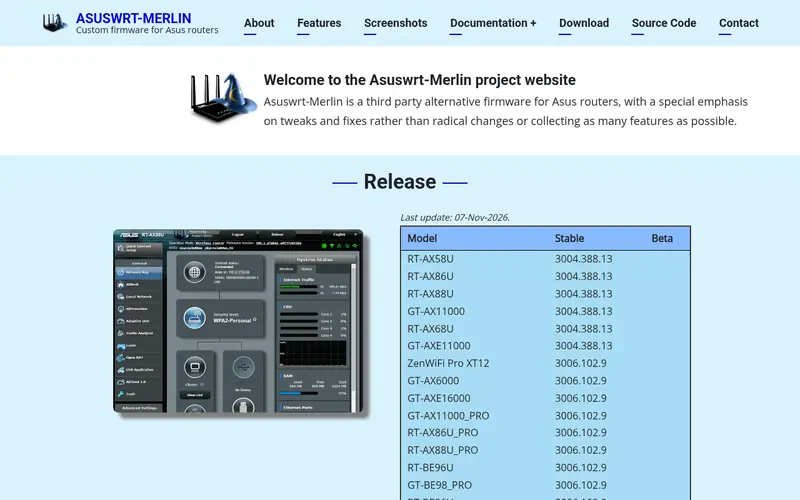
Asuswrt-Merlin is a custom firmware built on Asus's own Asuswrt code. It keeps the stock interface and adds fixes, tweaks and some extra options, rather than replacing the platform. Because it is derived from Asus firmware, it only runs on supported Asus models.
It suits Asus owners who want stability and the stock look but want bug fixes and small improvements. The catch is scope: it is not a general-purpose open firmware, the supported model list is limited to Asus hardware, and it inherits the limits of the stock base.
Where the price comes from
Free (open source, no licence fee), as listed by the vendor (Asuswrt-Merlin website). Confirm the current plan price before you buy.
Benefits
- Based on Asus stock firmware
- keeps the familiar interface
- adds fixes and small features
Drawbacks
- Asus routers only
- not a full open platform like OpenWrt
Use case to skip: this limit matters to you: asus routers only.
Our take. A sensible pick for asus router owners who want stock-like firmware with fixes.
If it does not fit, compare OpenWrt or DD-WRT in this list.
What to look for
Start with device support. Every firmware project publishes a supported device list, and the router you already own may not be on it. Check the exact model and hardware revision, because the same model name can ship with different chipsets. Broadcom wireless is the usual problem: many open firmware projects cannot drive it fully, so Wi-Fi may be weaker or missing after flashing.
Next, check the update cadence. A firmware that gets security patches is safer than one that has not been updated in years. Look at release dates on the project site, not forum posts. For x86 platforms like pfSense and OPNsense, check the release notes and security advisories pages.
Then think about what you actually need. If you want ad blocking, VPN clients or VLANs, OpenWrt's package library covers most of it. If you want a simple interface on an older router, FreshTomato or DD-WRT may be enough. If you want a full firewall, plan for a dedicated x86 box with two network ports and enough RAM.
Finally, plan the flashing process. Read the install instructions for your exact model, keep a copy of the stock firmware, and use a wired connection. A failed flash can leave a router unusable without recovery mode.
Questions worth answering first
Buying checklist
- Confirm your exact router model and hardware revision appear on the firmware's supported device list.
- Check the chipset, since Broadcom wireless often has limited open driver support.
- Read the latest release notes and confirm the project still ships security updates.
- Download and keep a copy of the stock firmware for rollback.
- Confirm you have a wired connection and a recovery method before flashing.
- For x86 builds, check CPU, RAM and that the box has at least two network ports.
FAQ
Is open router firmware free?
Yes. OpenWrt, DD-WRT, FreshTomato, pfSense CE, OPNsense and Asuswrt-Merlin are all free to download. You pay only for hardware. Some projects, such as pfSense through Netgate, also sell paid appliances and support plans, but the community editions remain free.
Can I brick my router by flashing firmware?
Yes, a failed or interrupted flash can leave a router unusable. Follow the project's install instructions for your exact model, use a wired connection, and keep the stock firmware file for recovery. Many routers have a recovery mode, but not all do.
Does OpenWrt support every router?
No. OpenWrt publishes a Table of Hardware listing supported models. Support depends on the chipset, and some Broadcom-based routers have limited or no wireless support. Check the table for your exact model and revision before buying.
What is the difference between pfSense and OPNsense?
Both are free, open source firewall and routing platforms for x86 hardware. pfSense CE is FreeBSD-based; OPNsense is derived from pfSense and built on HardenedBSD. They differ in interface design, release cadence and plugin ecosystem. Compare current release notes before choosing.
Do I need a dedicated PC for pfSense or OPNsense?
Yes. Both install on x86 hardware, not consumer routers. A mini PC with two network ports and enough RAM is a common choice. Plan for the hardware cost, and check the project's minimum hardware requirements before buying.
Will custom firmware improve my Wi-Fi range?
Not reliably. Wi-Fi performance depends on the radio hardware and drivers. Some firmware builds offer different wireless settings, but open drivers for some chipsets are weaker than stock. Check user reports for your exact model rather than assuming an improvement.
Sources we checked
Change log: First published 21 Nov 2026.