7 Best Steam Deck Docks in 2026
The Valve Steam Deck Docking Station is the #1 pick for most people because it is made by Valve and matches the Deck's own power and port layout. If you want more ports or a lower price, the JSAUX HB0603 and the Anker 555 USB-C Hub are the two alternatives worth checking. The Valve dock suits owners who want a simple, official setup; the JSAUX suits tinkerers; the Anker suits people who already own a USB-C hub-style setup.
 By Shihab Mia · Published 22 Nov 2026
We run no ads and no affiliate links at launch. The order of a list follows our published method. How lists are ordered: how we score.
Prices are the starting prices vendors list publicly. Plans change, so confirm the current price on the vendor page before you buy.
Key takeaways
- The official Valve Steam Deck Docking Station is the safest compatibility choice and is sold directly by Valve.
- Third-party docks vary widely in power delivery, so check the wattage the dock passes through before buying.
- Display output usually runs over HDMI or DisplayPort; confirm the resolution and refresh rate the dock lists.
- Most docks need the handheld's own power supply or a USB-C PD charger to run at full speed.
- Prices range from budget hub-style docks to the official Valve dock; check current retail price at each vendor.
Side-by-side
Grouped by fit and cost. Tap a product to jump to its full entry.
| Fit | Cost | |||
|---|---|---|---|---|
| Product | Best for | Standout feature | Listed starting price | Free plan or trial |
| 1Valve Steam Deck Docking Station | Official, no-fuss setup | Made by Valve for the Steam Deck | Check current retail price (sold by Valve) | One-time hardware purchase |
| 2JSAUX HB0603 Docking Station | Extra ports on a budget | Wide port selection for the price | Check current retail price (JSAUX store) | One-time hardware purchase |
| 3Anker 555 USB-C Hub | Multi-device desk setups | Works with laptops and handhelds | Check current retail price (Anker store) | One-time hardware purchase |
| 4UGREEN Steam Deck Dock | DisplayPort users | DisplayPort output alongside HDMI on some models | Check current retail price (UGREEN store) | One-time hardware purchase |
| 5iVANKY Docking Station | Laptop and handheld sharing | Multiple display outputs on some models | Check current retail price (iVANKY store) | One-time hardware purchase |
| 6Sabrent USB-C Docking Station | Desktop-style port counts | High port counts on some models | Check current retail price (Sabrent store) | One-time hardware purchase |
| 7Baseus USB-C Docking Station | Travel and light use | Compact designs | Check current retail price (Baseus store) | One-time hardware purchase |
How we picked
This guide is based on research, not hands-on testing. We read vendor product pages, spec sheets, and published documentation for each dock, then compared port layouts, power delivery ratings, display outputs, and listed prices. We favored models released in 2023 or later that vendors still sell. Where a vendor does not publish a figure, we describe the feature qualitatively instead of guessing. Prices are shown as "check current retail price" because retail pricing changes often.
The 7 picks in detail

- Best for
- Official, no-fuss setup
- Standout
- Made by Valve for the Steam Deck
- Starting price
- Check current retail price (sold by Valve)
- Free plan or trial
- One-time hardware purchase
This is Valve's own dock, designed for the Steam Deck and sold through Valve's store. It ships with its own power supply, so you do not need to reuse the Deck's charger. The port set covers the basics: USB-A ports for peripherals, an Ethernet port for wired networking, and a display output for a TV or monitor.
The main appeal is compatibility. Because Valve designs both the handheld and the dock, the firmware and power behavior are matched. The catch is flexibility: the port count is modest, and the dock is built around the Steam Deck rather than a general laptop.
It suits owners who want one cable to a TV and no compatibility guesswork. If you need more USB ports or a cheaper option, look at the third-party entries below.
Where the price comes from
Check current retail price (sold by Valve). Hardware prices move often, so check the Valve Steam Deck Docking Station maker page or a retailer before you buy.
Benefits
- Made by Valve for the Steam Deck
- includes a power supply in the box
- ports match the Deck's needs
Drawbacks
- Fewer ports than some third-party docks
- limited use outside the Steam Deck
Use case to skip: this limit matters to you: fewer ports than some third-party docks.
Our take. A sensible pick for official, no-fuss setup.
If it does not fit, compare JSAUX HB0603 Docking Station or Anker 555 USB-C Hub in this list.

- Best for
- Extra ports on a budget
- Standout
- Wide port selection for the price
- Starting price
- Check current retail price (JSAUX store)
- Free plan or trial
- One-time hardware purchase
JSAUX makes several Steam Deck docks, and the HB0603 is one of its better-known models. It is a hub-style dock with USB-A ports, HDMI output, Ethernet, and USB-C power input. The design is compact and sits under or beside the handheld.
The important detail is power. JSAUX docks generally rely on a USB-C PD charger to pass power through to the Deck, so the charger you pair it with matters. Check the vendor page for the supported power input before you buy.
It suits buyers who want more ports than the official dock at a lower price and do not mind supplying their own charger. The catch is that model naming is confusing, so match the exact model number to the spec sheet.
Where the price comes from
Check current retail price (JSAUX store). Hardware prices move often, so check the JSAUX HB0603 Docking Station maker page or a retailer before you buy.
Benefits
- Wide port selection for the price
- sold in several Steam Deck-specific versions
- compact body
Drawbacks
- Power delivery depends on the charger you supply
- model names are easy to confuse
Use case to skip: this limit matters to you: power delivery depends on the charger you supply.
Our take. A sensible pick for extra ports on a budget.
If it does not fit, compare Valve Steam Deck Docking Station or Anker 555 USB-C Hub in this list.
- Best for
- Multi-device desk setups
- Standout
- Works with laptops and handhelds
- Starting price
- Check current retail price (Anker store)
- Free plan or trial
- One-time hardware purchase
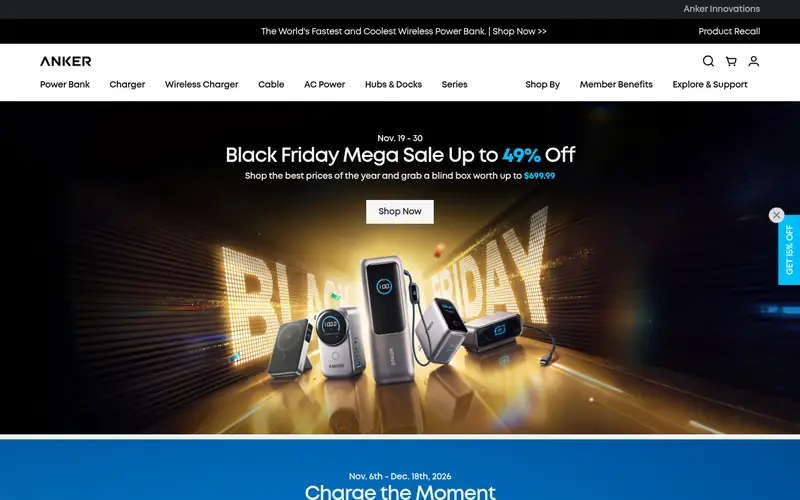
The Anker 555 is a general USB-C hub rather than a Steam Deck-specific dock. It offers USB-A ports, HDMI output, Ethernet, an SD card reader, and USB-C power delivery input. Because it is a hub, it works with a laptop as well as a handheld.
For Steam Deck use, the key question is power pass-through. Anker publishes the supported PD wattage for the hub, so check that figure against what the Deck needs. Display output over HDMI is listed on the product page.
It suits people who want one hub for a laptop and a handheld. The catch is that it is not tuned for the Deck, so some features may behave differently than on a dedicated dock.
Where the price comes from
Check current retail price (Anker store). Hardware prices move often, so check the Anker 555 USB-C Hub maker page or a retailer before you buy.
Benefits
- Works with laptops and handhelds
- well-known brand with published specs
- solid metal body
Drawbacks
- Not designed specifically for the Steam Deck
- power pass-through limits vary by model
Use case to skip: this limit matters to you: not designed specifically for the Steam Deck.
Our take. A sensible pick for multi-device desk setups.
If it does not fit, compare Valve Steam Deck Docking Station or JSAUX HB0603 Docking Station in this list.

- Best for
- DisplayPort users
- Standout
- DisplayPort output alongside HDMI on some models
- Starting price
- Check current retail price (UGREEN store)
- Free plan or trial
- One-time hardware purchase
UGREEN sells Steam Deck-oriented docks with a mix of HDMI and DisplayPort outputs, plus USB-A ports, Ethernet, and USB-C power input. The aluminum body is compact and designed to sit on a desk.
DisplayPort is the reason to pick this one. If your monitor uses DisplayPort rather than HDMI, a dock with that output saves you an adapter. UGREEN lists the supported resolution and refresh rate on each product page.
The catch is lineup churn. UGREEN revises models and port layouts, so confirm the exact model number and port list on the vendor site. It suits monitor users who want a wired desktop setup.
Where the price comes from
Check current retail price (UGREEN store). Hardware prices move often, so check the UGREEN Steam Deck Dock maker page or a retailer before you buy.
Benefits
- DisplayPort output alongside HDMI on some models
- compact aluminum body
- Ethernet included
Drawbacks
- Model lineup changes often
- check the exact port set before buying
Use case to skip: this limit matters to you: model lineup changes often.
Our take. A sensible pick for displayPort users.
If it does not fit, compare Valve Steam Deck Docking Station or JSAUX HB0603 Docking Station in this list.

- Best for
- Laptop and handheld sharing
- Standout
- Multiple display outputs on some models
- Starting price
- Check current retail price (iVANKY store)
- Free plan or trial
- One-time hardware purchase
iVANKY makes USB-C docking stations aimed at laptop users, and several models work with handhelds over USB-C. Port sets typically include HDMI, USB-A, Ethernet, and card readers, with USB-C PD input for charging.
Because these are laptop docks, the power pass-through rating is the number to check. iVANKY lists supported PD wattage per model. If the dock passes enough power, the Deck charges while docked.
It suits a shared desk where a laptop and a handheld both plug in. The catch is that the dock is not built around the Deck, so verify compatibility notes on the vendor page.
Where the price comes from
Check current retail price (iVANKY store). Hardware prices move often, so check the iVANKY Docking Station maker page or a retailer before you buy.
Benefits
- Multiple display outputs on some models
- works across USB-C laptops
- published spec sheets
Drawbacks
- Not Steam Deck-specific
- power delivery depends on the model
Use case to skip: this limit matters to you: not Steam Deck-specific.
Our take. A sensible pick for laptop and handheld sharing.
If it does not fit, compare Valve Steam Deck Docking Station or JSAUX HB0603 Docking Station in this list.
- Best for
- Desktop-style port counts
- Standout
- High port counts on some models
- Starting price
- Check current retail price (Sabrent store)
- Free plan or trial
- One-time hardware purchase
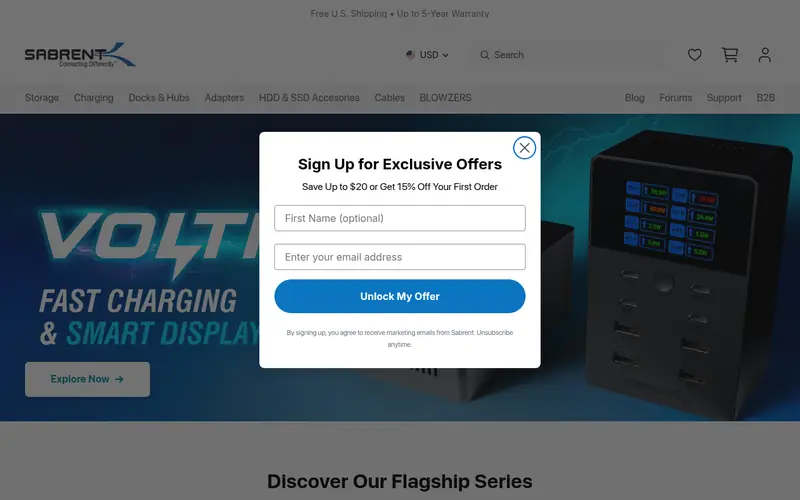
Sabrent sells USB-C docking stations with generous port counts, including multiple USB-A ports, HDMI and DisplayPort outputs on some models, Ethernet, and audio. These are desk docks rather than pocket hubs.
For a handheld, the relevant checks are USB-C PD input wattage and display output support. Sabrent publishes spec tables for each model, so match the model to your monitor and charger.
It suits a permanent desk setup where the dock stays put and the handheld plugs in. The catch is size and cost: these are bigger, pricier docks than the hub-style options.
Where the price comes from
Check current retail price (Sabrent store). Hardware prices move often, so check the Sabrent USB-C Docking Station maker page or a retailer before you buy.
Benefits
- High port counts on some models
- multiple display outputs
- widely documented specs
Drawbacks
- Larger footprint
- not handheld-specific
Use case to skip: this limit matters to you: larger footprint.
Our take. A sensible pick for desktop-style port counts.
If it does not fit, compare Valve Steam Deck Docking Station or JSAUX HB0603 Docking Station in this list.
- Best for
- Travel and light use
- Standout
- Compact designs
- Starting price
- Check current retail price (Baseus store)
- Free plan or trial
- One-time hardware purchase
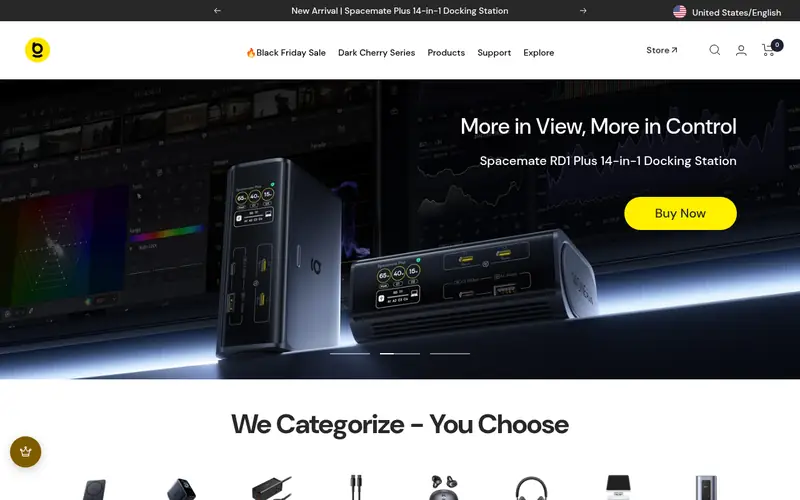
Baseus makes compact USB-C hubs and docking stations, several of which suit handheld use. Typical port sets include HDMI, USB-A, and USB-C PD input, with Ethernet on larger models.
These are travel-friendly options. The trade-off is fewer ports and lower power pass-through on the smallest models, so check the PD rating before pairing with a Steam Deck.
It suits buyers who want a small hub for occasional TV output. The catch is that the cheapest models may not pass enough power to charge the handheld while playing.
Where the price comes from
Check current retail price (Baseus store). Hardware prices move often, so check the Baseus USB-C Docking Station maker page or a retailer before you buy.
Benefits
- Compact designs
- budget-friendly hub options
- USB-C PD pass-through on many models
Drawbacks
- Port counts are modest
- check PD wattage per model
Use case to skip: this limit matters to you: port counts are modest.
Our take. A sensible pick for travel and light use.
If it does not fit, compare Valve Steam Deck Docking Station or JSAUX HB0603 Docking Station in this list.
What specs matter when you buy
Power delivery is the first thing to check. A dock passes power from a USB-C charger to the handheld. If the dock's PD input rating is lower than what the handheld draws, the device may charge slowly or not at all under load. Look for the dock's supported PD wattage on the vendor page and compare it with the handheld's own charger rating.
Display output is second. Docks list HDMI or DisplayPort, and the resolution and refresh rate they support. Match that to your TV or monitor. If you have a high-refresh display, confirm the dock lists that mode rather than assuming it.
Port count and layout come third. Count the USB-A ports you actually need for a controller, keyboard, and drive. Check whether Ethernet is included, since wired networking is more stable for game downloads. Finally, check the physical design: some docks cradle the handheld, others sit flat and rely on a cable. Cable length and stand angle matter more than they sound.
Questions worth answering first
Buying checklist
- Confirm the dock's USB-C power delivery input wattage meets or exceeds your handheld's charger rating.
- Check that the display output type (HDMI or DisplayPort) matches your TV or monitor.
- Count the USB-A ports you need for controller, keyboard, and storage.
- Verify the dock lists your handheld model as compatible on the vendor page.
- Decide whether you need Ethernet for stable downloads and online play.
- Check the physical stand or cradle design and cable length for your desk.
FAQ
Do I need a special dock for a Steam Deck?
No. Any USB-C dock that supports display output and enough power delivery can work. A Steam Deck-specific dock is simpler because the vendor has matched the port layout and power behavior, but general USB-C hubs work if their specs fit.
Will a dock charge the Steam Deck while I play?
Only if the dock passes enough power. Check the dock's PD input rating against the Deck's charger. A low-rated hub may charge slowly or not keep up under load.
Can I use a laptop dock with a handheld gaming PC?
Often yes, if it has USB-C with display output and sufficient power delivery. Check the vendor's compatibility notes and the PD wattage before buying.
Does the dock include a power supply?
It depends on the model. The Valve dock ships with its own power supply. Many third-party docks expect you to supply a USB-C PD charger, so check the box contents.
What display output should I look for?
Pick the output your TV or monitor uses. HDMI is the most common on TVs; DisplayPort is common on monitors. Confirm the resolution and refresh rate the dock lists.
Are cheaper docks risky?
Not necessarily, but the spec sheet matters more. Budget hubs often have lower power pass-through and fewer ports. Check the published PD rating and port list before buying.
Sources we checked
Change log: First published 22 Nov 2026.