7 Best USB-C and Thunderbolt Docking Stations in 2026
The CalDigit TS4 Thunderbolt Station is the top pick for most Thunderbolt laptop owners who need many ports and reliable power delivery. If you use a Windows laptop with USB4 or Thunderbolt, the Kensington SD5800T is a strong alternative with dual display support. For budget-focused USB-C laptops without Thunderbolt, the Anker 555 USB-C Hub (8-in-1) covers everyday needs at a lower price.
 By Shihab Mia · Published 21 Nov 2026
We run no ads and no affiliate links at launch. The order of a list follows our published method. How lists are ordered: how we score.
Prices are the starting prices vendors list publicly. Plans change, so confirm the current price on the vendor page before you buy.
Key takeaways
- Thunderbolt 4 docks cost more but add display outputs, Ethernet, and higher power delivery than simple USB-C hubs.
- Check your laptop's USB-C port type first: Thunderbolt 4, USB4, and plain USB-C docks are not interchangeable in features.
- Power delivery varies by model, so match the dock's wattage to your laptop's charging needs.
- Dual external displays often require Thunderbolt or DisplayLink, not a basic USB-C hub.
- Prices below are manufacturer list prices; check current retail price before buying.
Side-by-side
Grouped by fit and cost. Tap a product to jump to its full entry.
| Fit | Cost | |||
|---|---|---|---|---|
| Product | Best for | Standout feature | Listed starting price | Free plan or trial |
| 1CalDigit TS4 Thunderbolt Station | Thunderbolt laptops needing the widest port selection | Very broad port selection | $399.95 (manufacturer list price) | One-time hardware purchase |
| 2Kensington SD5800T | Windows Thunderbolt and USB4 laptops with dual displays | Dual display support | Check current retail price | One-time hardware purchase |
| 3Anker 555 USB-C Hub (8-in-1) | Budget USB-C laptops needing everyday ports | Compact and affordable | Check current retail price | One-time hardware purchase |
| 4Plugable UD-6950PDZ | Dual-display Windows setups over USB-C | Supports two external displays | Check current retail price | One-time hardware purchase |
| 5OWC Thunderbolt Dock | Mac and Thunderbolt users wanting a compact dock | Designed for Thunderbolt hosts | Check current retail price | One-time hardware purchase |
| 6Lenovo ThinkPad Universal Thunderbolt 4 Dock | ThinkPad and business laptops in managed fleets | Built for ThinkPad compatibility | Check current retail price | One-time hardware purchase |
| 7Dell Thunderbolt Dock WD22TB4 | Dell laptops with Thunderbolt 4 | Designed for Dell Thunderbolt laptops | Check current retail price | One-time hardware purchase |
How we picked
This guide is based on research, not hands-on testing. We reviewed vendor product pages, published spec sheets, and compatibility documentation for docking stations sold in 2023 through 2025. We compared port selection, power delivery, display support, and stated compatibility with Thunderbolt, USB4, and USB-C laptops. Prices come from manufacturer list prices where published; otherwise we note that buyers should check the current retail price. We did not benchmark performance or run lab tests.
The 7 picks in detail
- Best for
- Thunderbolt laptops needing the widest port selection
- Standout
- Very broad port selection
- Starting price
- $399.95 (manufacturer list price)
- Free plan or trial
- One-time hardware purchase
The CalDigit TS4 is a Thunderbolt 4 dock aimed at users who connect many peripherals. According to the vendor, it provides a large set of ports including Thunderbolt downstream, USB-A, Ethernet, audio, and SD card readers. It delivers power to the connected laptop over the Thunderbolt cable, so a single connection handles charging and data.
The dock suits Mac and Windows laptops with Thunderbolt 4 or Thunderbolt 3 ports. Display support depends on the host, so check the vendor documentation for your laptop's limits. The main catch is price: it sits at the high end of the category, and plain USB-C laptops without Thunderbolt will not unlock all of its features.
Where the price comes from
$399.95 (manufacturer list price). Hardware prices move often, so check the CalDigit TS4 Thunderbolt Station maker page or a retailer before you buy.
Benefits
- Very broad port selection
- high power delivery to the host
- supports multiple external displays
Drawbacks
- Premium price
- best features require a Thunderbolt host
Use case to skip: this limit matters to you: premium price.
Our take. A sensible pick for thunderbolt laptops needing the widest port selection.
If it does not fit, compare Kensington SD5800T or Anker 555 USB-C Hub (8-in-1) in this list.
- Best for
- Windows Thunderbolt and USB4 laptops with dual displays
- Standout
- Dual display support
- Starting price
- Check current retail price
- Free plan or trial
- One-time hardware purchase
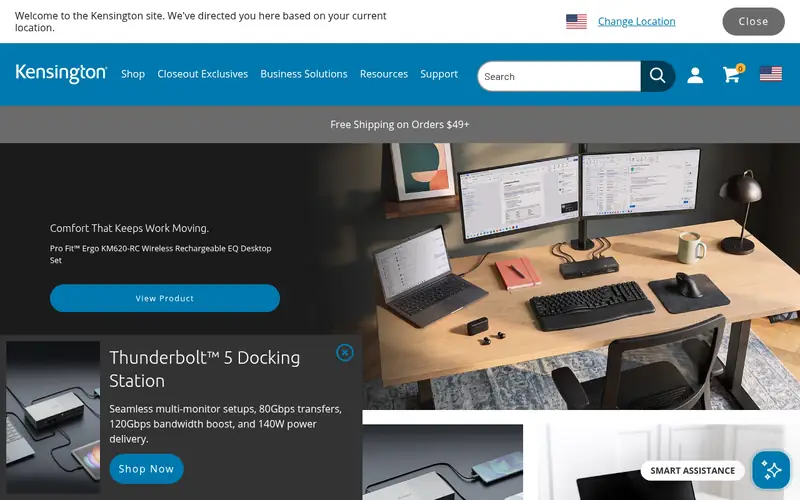
The Kensington SD5800T is a Thunderbolt 4 and USB4 docking station designed for Windows laptops. The vendor lists dual display outputs, Ethernet, and a range of USB ports for peripherals. It also provides power delivery to charge the host laptop over the Thunderbolt connection.
It fits business and productivity users who run two monitors and want a single-cable desk setup. Because display behavior depends on the laptop's graphics and port capabilities, confirm the supported resolution and refresh rate in the vendor documentation. The catch is that pricing moves around, so compare before buying.
Where the price comes from
Check current retail price. Hardware prices move often, so check the Kensington SD5800T maker page or a retailer before you buy.
Benefits
- Dual display support
- Thunderbolt 4 and USB4 compatibility
- Ethernet and multiple USB ports
Drawbacks
- Price varies by retailer
- some features depend on host support
Use case to skip: this limit matters to you: price varies by retailer.
Our take. A sensible pick for windows Thunderbolt and USB4 laptops with dual displays.
If it does not fit, compare CalDigit TS4 Thunderbolt Station or Anker 555 USB-C Hub (8-in-1) in this list.
- Best for
- Budget USB-C laptops needing everyday ports
- Standout
- Compact and affordable
- Starting price
- Check current retail price
- Free plan or trial
- One-time hardware purchase
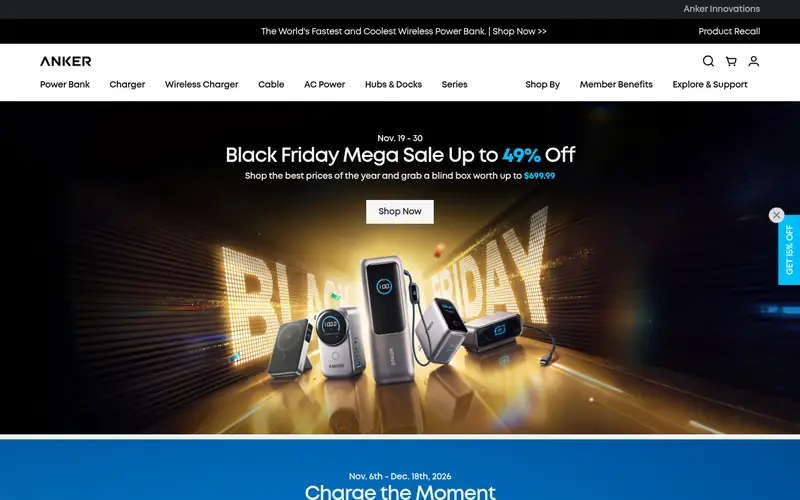
The Anker 555 USB-C Hub is an 8-in-1 hub rather than a full docking station. The vendor lists ports such as HDMI, USB-A, USB-C data, Ethernet, and SD card slots in a compact body. It connects over a single USB-C cable and is aimed at travel and light desk use.
It suits users who need extra ports for a monitor, flash drives, and wired networking without paying for a Thunderbolt dock. The main catch is that power pass-through and display support are more limited than a dedicated dock, so check the vendor's published limits for your laptop before relying on it for charging or dual monitors.
Where the price comes from
Check current retail price. Hardware prices move often, so check the Anker 555 USB-C Hub (8-in-1) maker page or a retailer before you buy.
Benefits
- Compact and affordable
- adds common ports
- works with many USB-C laptops
Drawbacks
- Limited power delivery
- not a full Thunderbolt dock
Use case to skip: this limit matters to you: limited power delivery.
Our take. A sensible pick for budget USB-C laptops needing everyday ports.
If it does not fit, compare CalDigit TS4 Thunderbolt Station or Kensington SD5800T in this list.
- Best for
- Dual-display Windows setups over USB-C
- Standout
- Supports two external displays
- Starting price
- Check current retail price
- Free plan or trial
- One-time hardware purchase
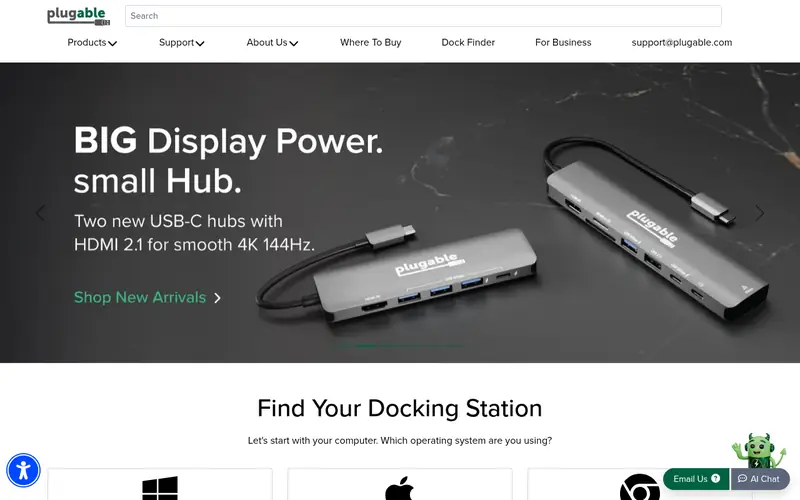
The Plugable UD-6950PDZ is a USB-C docking station that uses DisplayLink technology to drive external monitors. The vendor lists dual display outputs plus Ethernet, USB-A, and audio ports. It also provides power delivery to charge the connected laptop.
It suits Windows users whose laptops lack Thunderbolt but still need two monitors. DisplayLink relies on a software driver, so install the vendor's current driver before setup. The catch is that DisplayLink is best for office work and not for high-refresh gaming or color-critical editing, where a native Thunderbolt display path is preferable.
Where the price comes from
Check current retail price. Hardware prices move often, so check the Plugable UD-6950PDZ maker page or a retailer before you buy.
Benefits
- Supports two external displays
- includes Ethernet and USB ports
- works with many USB-C laptops
Drawbacks
- DisplayLink software required
- not ideal for gaming or color-critical work
Use case to skip: this limit matters to you: displayLink software required.
Our take. A sensible pick for dual-display Windows setups over USB-C.
If it does not fit, compare CalDigit TS4 Thunderbolt Station or Kensington SD5800T in this list.
- Best for
- Mac and Thunderbolt users wanting a compact dock
- Standout
- Designed for Thunderbolt hosts
- Starting price
- Check current retail price
- Free plan or trial
- One-time hardware purchase
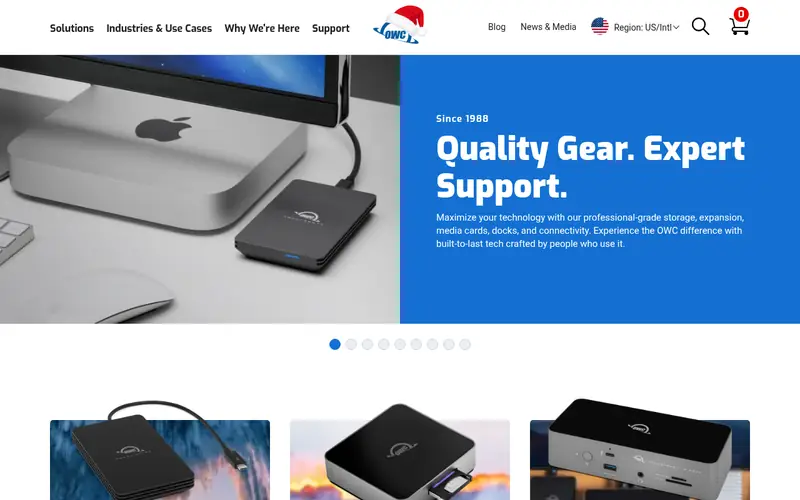
OWC's Thunderbolt Dock is aimed at Mac and Windows users with Thunderbolt ports. The vendor lists a set of ports for peripherals, displays, and networking, plus power delivery over the Thunderbolt cable. It is a single-cable solution for a desk setup.
It fits users who want a tidy dock from a brand known for Mac accessories. Display and power behavior depend on the host laptop, so check the vendor's compatibility notes. The catch is that the dock's advantages only appear with a Thunderbolt host; a plain USB-C laptop will see fewer features.
Where the price comes from
Check current retail price. Hardware prices move often, so check the OWC Thunderbolt Dock maker page or a retailer before you buy.
Benefits
- Designed for Thunderbolt hosts
- multiple ports in a compact design
- power delivery to the laptop
Drawbacks
- Best features need Thunderbolt
- pricing varies by configuration
Use case to skip: this limit matters to you: best features need Thunderbolt.
Our take. A sensible pick for mac and Thunderbolt users wanting a compact dock.
If it does not fit, compare CalDigit TS4 Thunderbolt Station or Kensington SD5800T in this list.

- Best for
- ThinkPad and business laptops in managed fleets
- Standout
- Built for ThinkPad compatibility
- Starting price
- Check current retail price
- Free plan or trial
- One-time hardware purchase
The Lenovo ThinkPad Universal Thunderbolt 4 Dock is a business-oriented dock designed to work with ThinkPad laptops. The vendor lists Thunderbolt 4 connectivity, display outputs, USB ports, and Ethernet. It supports single-cable connection for charging and peripherals.
It suits IT buyers standardizing on Lenovo hardware, where vendor compatibility and support matter. Check the vendor's compatibility list for your exact model and the supported display configurations. The catch is that its value is highest inside a Lenovo fleet; mixed-brand offices should confirm cross-brand behavior before standardizing.
Where the price comes from
Check current retail price. Hardware prices move often, so check the Lenovo ThinkPad Universal Thunderbolt 4 Dock maker page or a retailer before you buy.
Benefits
- Built for ThinkPad compatibility
- Thunderbolt 4 connectivity
- supports multiple displays and peripherals
Drawbacks
- Best fit for Lenovo laptops
- pricing varies by region
Use case to skip: this limit matters to you: best fit for Lenovo laptops.
Our take. A sensible pick for thinkPad and business laptops in managed fleets.
If it does not fit, compare CalDigit TS4 Thunderbolt Station or Kensington SD5800T in this list.

- Best for
- Dell laptops with Thunderbolt 4
- Standout
- Designed for Dell Thunderbolt laptops
- Starting price
- Check current retail price
- Free plan or trial
- One-time hardware purchase
The Dell Thunderbolt Dock WD22TB4 is a Thunderbolt 4 dock built for Dell laptops. The vendor lists multiple display outputs, USB ports, Ethernet, and power delivery to the host. It uses a modular cable design so the Thunderbolt cable can be replaced.
It suits Dell business and workstation users who want a vendor-matched dock with support behind it. Confirm your laptop's Thunderbolt generation and power requirements in Dell's documentation. The catch is that, like other brand docks, it is tuned for its own laptops, so check compatibility if you mix brands.
Where the price comes from
Check current retail price. Hardware prices move often, so check the Dell Thunderbolt Dock WD22TB4 maker page or a retailer before you buy.
Benefits
- Designed for Dell Thunderbolt laptops
- multiple display and USB ports
- modular cable design
Drawbacks
- Best compatibility with Dell systems
- price varies by retailer
Use case to skip: this limit matters to you: best compatibility with Dell systems.
Our take. A sensible pick for dell laptops with Thunderbolt 4.
If it does not fit, compare CalDigit TS4 Thunderbolt Station or Kensington SD5800T in this list.
What specs matter when you buy
Start with your laptop's port. Thunderbolt 4 and USB4 ports support the widest range of docks, including multiple displays and high power delivery. A plain USB-C port may only support data, video, or charging at lower levels, so read your laptop's spec sheet before choosing a dock.
Next, check power delivery. The dock's published wattage must cover your laptop's charging needs, especially for larger machines. A dock that delivers less power may charge slowly or not at all under load. Match the dock's output to the laptop's recommended adapter wattage.
Then look at display support. The number of monitors, resolution, and refresh rate depend on both the dock and the laptop's graphics. Thunderbolt docks often drive two displays, while USB-C hubs may manage one. DisplayLink docks add dual displays over USB-C but need a driver and suit office work rather than gaming.
Finally, count the ports you actually use: USB-A for older peripherals, Ethernet for wired networks, SD slots for cameras, and audio jacks. Check warranty terms and firmware update support from the vendor, since docks often need updates for reliability.
Questions worth answering first
Buying checklist
- Confirm whether your laptop's USB-C port is Thunderbolt, USB4, or plain USB-C.
- Check the dock's power delivery wattage against your laptop's charging needs.
- Verify the number of external displays and maximum resolution the dock supports with your laptop.
- Count the USB-A, Ethernet, SD, and audio ports you need before buying.
- Read the vendor's compatibility list for your exact laptop model.
- Check warranty length and whether the vendor provides firmware updates.
FAQ
Do I need Thunderbolt or is USB-C enough?
It depends on your laptop and needs. A plain USB-C hub handles basic ports and one monitor for many users. Thunderbolt or USB4 docks add more displays, higher power delivery, and more ports. Check your laptop's port type first, because a Thunderbolt dock will not deliver all features on a plain USB-C port.
Can a USB-C dock charge my laptop?
Many can, but the wattage matters. Check the dock's published power delivery and compare it with your laptop's recommended adapter. A dock with lower output may charge slowly or fail to keep up under heavy load. Match the numbers before buying.
How many monitors can a docking station support?
It varies by dock and laptop. Thunderbolt docks often support two external displays, while basic USB-C hubs may support one. DisplayLink docks can add dual monitors over USB-C but need a driver. Confirm the supported resolution and refresh rate in the vendor documentation for your laptop.
Are brand-specific docks like Dell or Lenovo worth it?
They are a good fit if your office standardizes on that brand, because compatibility and support are aligned. For mixed-brand setups, check cross-brand behavior first. A universal Thunderbolt dock may be a safer choice when laptops come from different manufacturers.
Do docking stations need drivers or firmware updates?
Some do. DisplayLink docks require a software driver. Thunderbolt docks may need firmware updates for reliability, especially on older laptops. Check the vendor's support page and install current software before relying on the dock for daily work.
What should I check before buying a used or refurbished dock?
Confirm the model number and that the included power adapter and cable match the vendor's specification. Check warranty terms, since refurbished units may have shorter coverage. Verify firmware and driver support for your laptop, and confirm the return policy before paying.
Sources we checked
- CalDigit TS4 Thunderbolt Station (official site)
- Kensington SD5800T (official site)
- Anker 555 USB-C Hub (8-in-1) (official site)
- Plugable UD-6950PDZ (official site)
- OWC Thunderbolt Dock (official site)
- Lenovo ThinkPad Universal Thunderbolt 4 Dock (official site)
- Dell Thunderbolt Dock WD22TB4 (official site)
Change log: First published 21 Nov 2026.