6 Strong Acronis Backup Alternatives (2026)
Macrium Reflect X comes first here, mainly for disk imaging and bare metal restore. Look at MSP360 Backup for per-workload pricing with cloud storage choice, and at IDrive for Backup across plenty of devices on one account. The full list of 6 tools follows, with prices and free plan facts.
 By Shihab Mia · Published 21 Nov 2026
We run no ads and no affiliate links at launch. The order of a list follows our published method. How lists are ordered: how we score.
Prices are the starting prices vendors list publicly. Plans change, so confirm the current price on the vendor page before you buy.
Key takeaways
- Macrium Reflect X is the opening pick, best for disk imaging and bare metal restore.
- MSP360 Backup has the lowest monthly starting price in this list: $2.50 per workload per month.
- IDrive, Veeam Agent for Microsoft Windows: these are the 2 tools out of 6 that offer a free plan.
- Check the limits for Veeam Agent for Microsoft Windows before you commit: free edition has no central management console.
- Comet Backup fits low monthly cost for small backup fleets.
Side-by-side
Grouped by fit and cost. Tap a product to jump to its full entry.
| Fit | Cost | |||
|---|---|---|---|---|
| Product | Best for | Standout feature | Listed starting price | Free plan or trial |
| 1Macrium Reflect X | Disk imaging and bare metal restore | Bare metal restore supports different hardware | Quote only | Free trial (30 days) |
| 2MSP360 Backup | Per-workload pricing with cloud storage choice | Per-workload pricing scales with the machines you protect | $2.50 per workload per month | Free trial (15 days) |
| 3IDrive | Backup across numerous devices on one account | Free plan bundles 10 GB at no cost | $9.99 a month (billed annually) | Free plan |
| 4Veeam Agent for Microsoft Windows | Free image backup for Windows PCs and servers | Free edition spans full image backup at no licence cost | Quote only | Free plan |
| 5Backblaze Computer Backup | Unlimited backup for one computer | Unlimited backup storage for one computer at a flat price | $9 per computer per month | Free trial (15 days) |
| 6Comet Backup | Low monthly cost for small backup fleets | Supports plenty of storage targets and backup job types | $19 per month | Free trial (30 days) |
How we picked
Top Tech Hardware used vendor pricing pages and product documentation as the base, then compared plans, free access and documented limits for 6 tools. Treat prices as a snapshot: vendors change plans often, so check the vendor site for the figure that applies today. The sequence is a judgement call: typical use case first, then pricing transparency, then free access. Use the profiles to check fit.
The 6 picks in detail
- Best for
- Disk imaging and bare metal restore
- Standout
- Bare metal restore supports different hardware
- Starting price
- Quote only
- Free plan or trial
- Free trial (30 days)
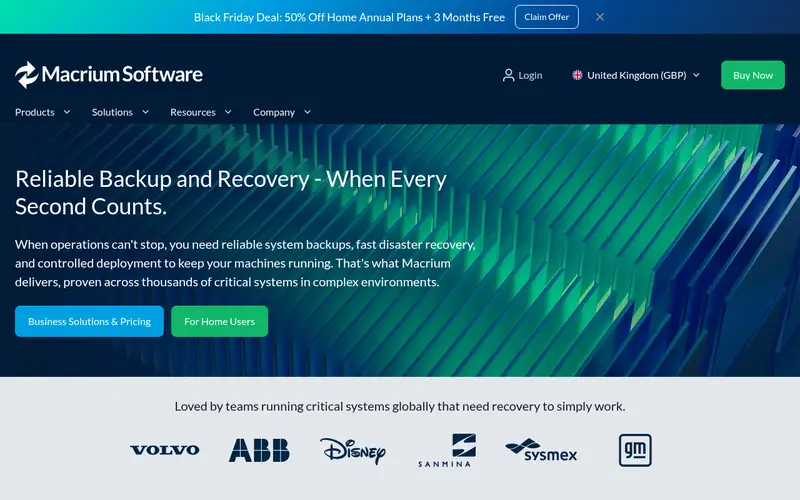
For disk imaging and bare metal restore, Macrium Reflect X is a natural candidate. Disk imaging and bare metal restore Worth adding: the product also contains rapid delta restore, which restores only the changed blocks, and file and folder restore from an image. So you do not have to restore an entire drive to fetch one file.
What to check first: cloud backup is not the central focus.
In practice, you can store the image on a local drive, a network share, or external media, and you can schedule full, differential, and incremental images. Bare metal restore lets you restore that image to a blank drive or to different hardware. In daily use, Macrium Reflect X is most solid for local imaging. It is not a cloud backup service in the same way as Backblaze Computer Backup or IDrive, so a team that needs offsite cloud backup should pair it with a separate storage plan. There is no fixed entry price for Macrium Reflect X; pricing comes through a quote. As for free access: Free trial (30 days).
Where the price comes from
Quote only, as listed by the vendor (Macrium Reflect X website). Confirm the current plan price before you buy.
Benefits
- Bare metal restore supports different hardware
- Disk imaging is precise and dependable for full system restore
Drawbacks
- Pricing is quote only, so you cannot compare cost without a sales contact
Use case to skip: this limit matters to you: pricing is quote only, so you cannot compare cost without a sales contact.
Our take. A sensible pick for disk imaging and bare metal restore.
If it does not fit, compare MSP360 Backup or IDrive in this list.
- Best for
- Per-workload pricing with cloud storage choice
- Standout
- Per-workload pricing scales with the machines you protect
- Starting price
- $2.50 per workload per month
- Free plan or trial
- Free trial (15 days)
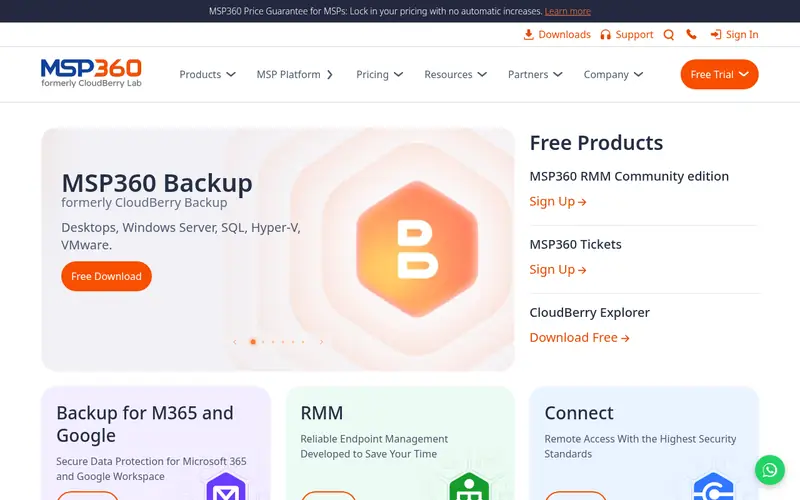
MSP360 Backup is a good fit for per-workload pricing with cloud storage choice. Per-workload pricing with cloud storage choice Worth adding: you can send backups to Amazon S3, Microsoft Azure, Google Cloud, Backblaze B2, Wasabi, or a local target. You keep control of the storage account and the retention rules.
Drawbacks to consider: Storage cost is separate from the licence price.
In practice, MSP360 Backup is designed for teams that want to pick their own storage. As for the details, the product spans file backup, image backup, Microsoft 365 backup, and Google Workspace backup in the relevant editions, and it comes with encryption, compression, and scheduling. The starting price is $2.50 per workload a month. A workload is a server, a workstation, or a virtual machine, based on the edition you choose. On cost, MSP360 Backup starts like this: $2.50 per workload per month. Free options: Free trial (15 days).
Where the price comes from
$2.50 per workload per month, as listed by the vendor (MSP360 Backup website). Confirm the current plan price before you buy.
Benefits
- Per-workload pricing scales with the machines you protect
- You choose your own cloud storage provider
Drawbacks
- Setup takes more care than a fixed storage bundle
Use case to skip: this limit matters to you: setup takes more care than a fixed storage bundle.
Our take. A sensible pick for per-workload pricing with cloud storage choice.
If it does not fit, compare Macrium Reflect X or IDrive in this list.
- Best for
- Backup across numerous devices on one account
- Standout
- Free plan bundles 10 GB at no cost
- Starting price
- $9.99 a month (billed annually)
- Free plan or trial
- Free plan
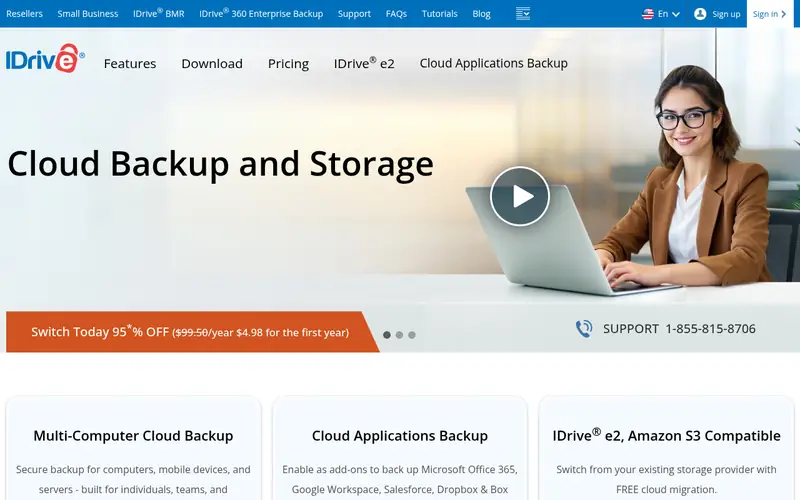
For Backup across plenty of devices on one account, IDrive is a natural candidate. IDrive begins at $9.99 per month when billed yearly. One account can back up Windows PCs, Macs, Linux servers, iPhones, Android phones, and network drives, based on the plan you choose.
For everyday use, the software comes with scheduled backup, continuous data protection for changed files, file versioning, and encryption, with a private encryption key choice for users who want to hold the key themselves. Worth adding: compare the storage levels, since the right level relies on total data across all devices. IDrive starts at: $9.99 per month. Free access exists with IDrive.
The main drawbacks: restore speed relies on your internet connection.
Where the price comes from
$9.99 a month (billed annually), as listed by the vendor (IDrive website). Confirm the current plan price before you buy.
Benefits
- Free plan bundles 10 GB at no cost
- One account covers PCs, Macs, phones, servers
Drawbacks
- The lowest price needs annual billing
Use case to skip: this limit matters to you: the lowest price needs annual billing.
Our take. A sensible pick for backup across numerous devices on one account.
If it does not fit, compare Macrium Reflect X or MSP360 Backup in this list.
- Best for
- Free image backup for Windows PCs and servers
- Standout
- Free edition spans full image backup at no licence cost
- Starting price
- Quote only
- Free plan or trial
- Free plan
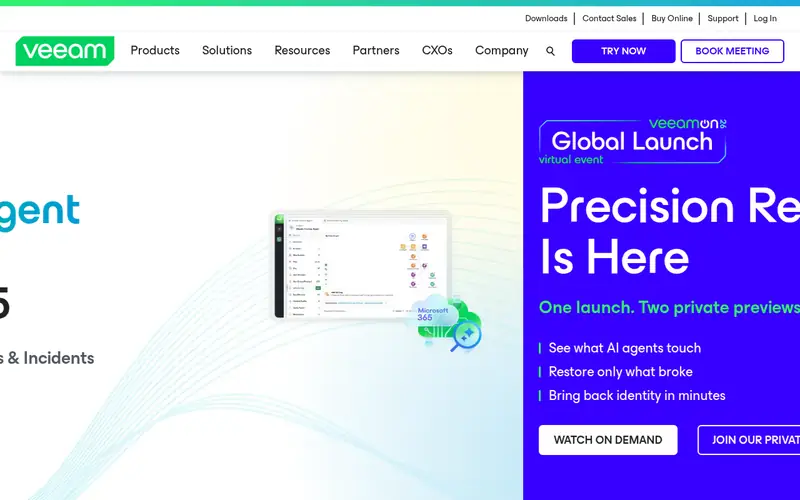
Where Veeam Agent for Microsoft Windows fits: free image backup for Windows PCs and servers. Free image backup for Windows PCs and servers The agent also works with Veeam Backup and Replication when a team moves to a managed setup, but that path needs a commercial edition and a Veeam server.
Watch-outs: Free edition has no central management console.
There is no list price for Veeam Agent for Microsoft Windows, so a quote is the way in. Veeam Agent for Microsoft Windows has a free plan.
Where the price comes from
Quote only, as listed by the vendor (Veeam Agent for Microsoft Windows website). Confirm the current plan price before you buy.
Benefits
- Free edition spans full image backup at no licence cost
- Bare metal recovery restores an entire machine from an image
Drawbacks
- Some advanced features need a commercial edition
Use case to skip: this limit matters to you: some advanced features need a commercial edition.
Our take. A sensible pick for free image backup for Windows PCs and servers.
If it does not fit, compare Macrium Reflect X or MSP360 Backup in this list.
- Best for
- Unlimited backup for one computer
- Standout
- Unlimited backup storage for one computer at a flat price
- Starting price
- $9 per computer per month
- Free plan or trial
- Free trial (15 days)
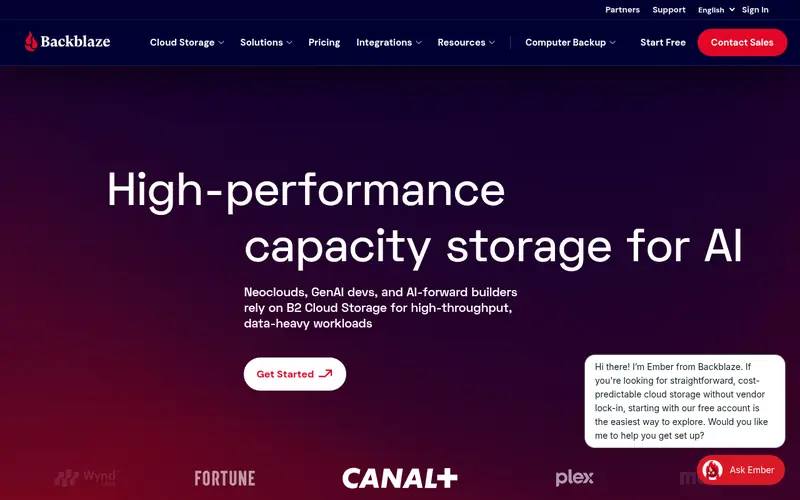
Choose Backblaze Computer Backup for unlimited backup for one computer. Note that each computer needs its own licence, so a team with 10 computers will pay $90 a month. As for the details, the software runs in the background, backs up new and changed files on a schedule, and keeps file versions for up to one year, based on the version history setting you choose.
More specifically, restore works through a web browser, through the client, or by ordering an USB drive with your data for a large restore. Setup is short. You can exclude folders you do not need, set a backup schedule, and set bandwidth limits so the first backup does not slow other work. Starting cost for Backblaze Computer Backup: $9 per computer per month. Free plan details: Free trial (15 days).
The main drawbacks: One licence spans one computer only.
Where the price comes from
$9 per computer per month, as listed by the vendor (Backblaze Computer Backup website). Confirm the current plan price before you buy.
Benefits
- Unlimited backup storage for one computer at a flat price
- Automatic backup runs in the background
Drawbacks
- External drive backup has size and attachment rules
Use case to skip: this limit matters to you: external drive backup has size and attachment rules.
Our take. A sensible pick for unlimited backup for one computer.
If it does not fit, compare Macrium Reflect X or MSP360 Backup in this list.
- Best for
- Low monthly cost for small backup fleets
- Standout
- Supports plenty of storage targets and backup job types
- Starting price
- $19 per month
- Free plan or trial
- Free trial (30 days)
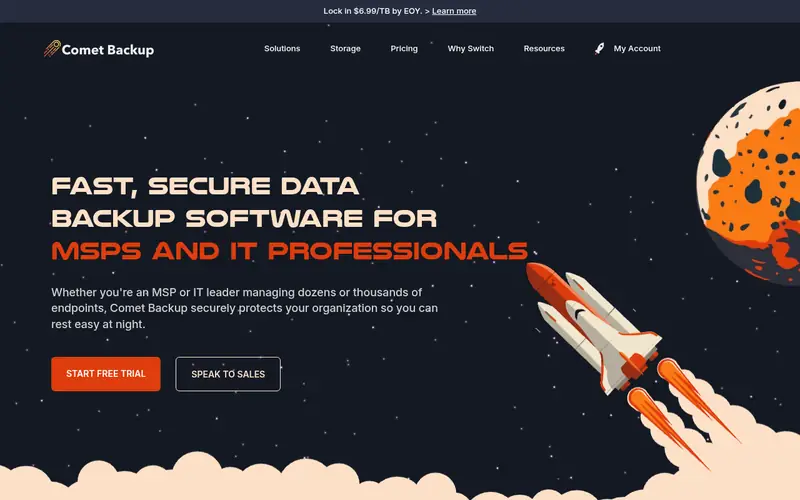
Comet Backup targets low monthly cost for small backup fleets. Low monthly cost for small backup fleets It supports file backup, disk image backup, Microsoft 365 backup, and backup for virtual machines and databases in the relevant configurations. Since storage is separate, the $19 a month price does not bundle the cloud bill, so estimate storage use for full backups plus incremental backups over your retention period.
Where it falls short: Storage cost is separate from the subscription.
Also, the product is noted for a low entry cost and a wide set of storage choices. You can store backups on local disk, network storage, or cloud storage, including Amazon S3, Microsoft Azure, Google Cloud, Backblaze B2, and Wasabi. Price to start with Comet Backup: $19 per month. Free access: Free trial (30 days).
Where the price comes from
$19 per month, as listed by the vendor (Comet Backup website). Confirm the current plan price before you buy.
Benefits
- Supports plenty of storage targets and backup job types
- Low monthly starting price for a small fleet
Drawbacks
- The console has a ramp-up time for new users
Use case to skip: this limit matters to you: the console has a ramp-up time for new users.
Our take. A sensible pick for low monthly cost for small backup fleets.
If it does not fit, compare Macrium Reflect X or MSP360 Backup in this list.
Acronis Backup: more detail
Start with restore, not with backup. Check retention and version history, since a short retention window can leave you without an older file version you need. Worth adding: check encryption, both in transit and at rest, and check who holds the encryption key if that matters for your data.
More specifically, use the table below to match team size and budget to a starting point. Also check the list below before you buy. In practice, confirm the number of machines, the total data size, and the storage target.
Worth adding: confirm whether the price contains storage or whether storage is billed separately.
Questions worth answering first
Buying checklist
- Ask Macrium Reflect X and Veeam Agent for Microsoft Windows for a written quote, since no starting price is shown.
- Read the fine print on the free plans from IDrive and Veeam Agent for Microsoft Windows; seat, project and feature caps differ.
- Take the trial from Macrium Reflect X, MSP360 Backup, Backblaze Computer Backup and Comet Backup and push a live task through it before you pay.
- Read the limits listed for Macrium Reflect X first: pricing is quote only, so you cannot compare cost without a sales contact.
- Add up seats, add-ons and usage charges for Macrium Reflect X before comparing it with cheaper entries.
- Check the integration list for IDrive against the tools you run today, and note which ones need a higher plan.
FAQ
Is there a free Acronis backup alternative?
Yes, Veeam Agent for Microsoft Windows has a free edition for image backup, and IDrive has a free plan with 10 GB. The free edition of Veeam Agent lacks central management, and the free plan of IDrive handles only a small file set.
Which options for Acronis Backup have a free plan?
IDrive and Veeam Agent for Microsoft Windows offer a free plan in this list. Free plans usually cap users, projects or features, so check the limits on the vendor page. Several others offer a trial instead.
What is the cheapest option for Acronis Backup in this list?
On published monthly entry prices, MSP360 Backup is the lowest here at $2.50 per workload per month. Entry price is only part of the cost, because seats, add-ons and billing terms can change the total.
How are the tools for Acronis Backup ordered?
The order follows typical fit for Acronis Backup, with Macrium Reflect X first and Comet Backup last, then price clarity and free access. It is editorial judgement, not a score, so another team could rank the tools differently.
What should I check before I switch from Acronis?
Confirm that the new tool spans the same machines, files, and applications, and confirm the total cost including storage. Run a trial backup, test a file restore and a full restore, and keep the old backup until the new backup has run clean for a minimum of one full cycle.
Do these tools publish their prices?
Not all of them. Macrium Reflect X and Veeam Agent for Microsoft Windows publish no starting price, so expect a quote request for those. The rest, MSP360 Backup included, show a starting price, though seats and billing terms still change the final cost.
Sources we checked
Change log: First published 21 Nov 2026.