7 Best Endpoint Backup Software for Laptops in Remote Teams for 2026
If you need free image backup for Windows laptops, Veeam Agent for Microsoft Windows is the first tool to look at here. Look at CrashPlan for Small Business for continuous backup for remote laptops, and at MSP360 Backup for per-workload pricing for mixed laptop fleets. The remaining 4 options are covered below with prices and limits.
 By Shihab Mia · Published 21 Nov 2026
We run no ads and no affiliate links at launch. The order of a list follows our published method. How lists are ordered: how we score.
Prices are the starting prices vendors list publicly. Plans change, so confirm the current price on the vendor page before you buy.
Key takeaways
- Veeam Agent for Microsoft Windows takes the first slot, best suited to free image backup for Windows laptops.
- Acronis Cyber Protect suits Backup plus anti-malware on remote laptops.
- A fair warning about Veeam Agent for Microsoft Windows: the free edition has no central management.
- For the cheapest start, look at MSP360 Backup: $2.50 per workload per month.
- Only 2 of the 7 tools have a free plan (Veeam Agent for Microsoft Windows, IDrive), so check the caps.
Side-by-side
Grouped by fit and cost. Tap a product to jump to its full entry.
| Fit | Cost | |||
|---|---|---|---|---|
| Product | Best for | Standout feature | Listed starting price | Free plan or trial |
| 1Veeam Agent for Microsoft Windows | Free image backup for Windows laptops | Free edition spans full image backup | Quote only | Free plan |
| 2CrashPlan for Small Business | Continuous backup for remote laptops | Continuous backup with unlimited storage | $7.33 per user a month (billed yearly) | Free trial (30 days) |
| 3MSP360 Backup | Per-workload pricing for mixed laptop fleets | Per-workload pricing suits mixed fleets | $2.50 per workload a month | Free trial (15 days) |
| 4Backblaze Computer Backup | Unlimited backup on laptops that travel | Unlimited storage per computer | $9 per computer a month | Free trial (15 days) |
| 5IDrive | One account including laptops, phones and desktops | One account backs up plenty of devices | $9.99 a month (billed annually) | Free plan |
| 6Druva inSync | Central control over a scattered laptop fleet | Central policy control across plenty of laptops | Quote only | Free trial (14 days) |
| 7Acronis Cyber Protect | Backup plus anti-malware on remote laptops | Backup and anti-malware in one agent | $85 per workstation a year (billed yearly) | Free trial (30 days) |
How we picked
We compared the tools on published pricing, free plan or trial availability, feature coverage for endpoint backup software for laptops in remote teams, and the limits each vendor documents. Figures are shown as the vendors publish them. Billing terms, seat minimums and add-ons can change the real cost. Order on the page follows fit for the typical buyer first, then price transparency and free access. Your own requirements should decide the final pick.
The 7 picks in detail
- Best for
- Free image backup for Windows laptops
- Standout
- Free edition spans full image backup
- Starting price
- Quote only
- Free plan or trial
- Free plan
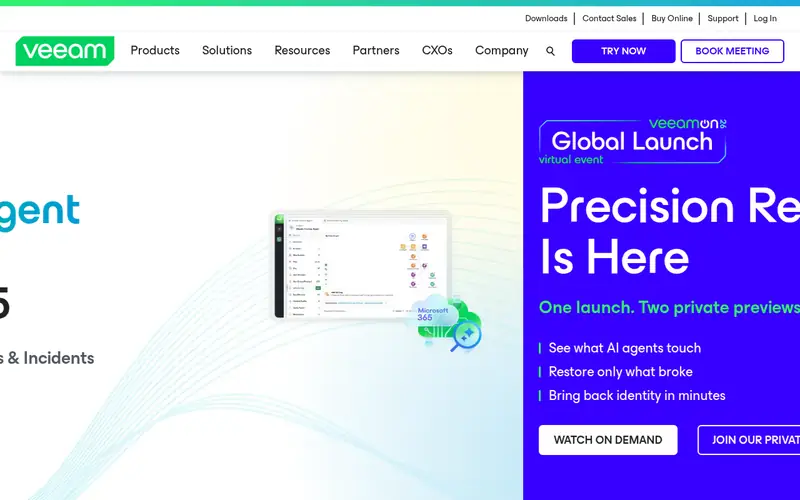
Veeam Agent for Microsoft Windows is a good fit for free image backup for Windows laptops. Free image backup for Windows laptops More specifically, the commercial edition is priced by quote, so a team that outgrows the free edition will need a sales conversation to budget it.
What to check first: macOS support is limited to a separate product.
The free edition can take a full image backup of a laptop, back up selected volumes or folders, and restore the entire machine to bare metal, which is the recovery path a team needs when a drive fails fully. On top of that, the limits are clear and worth planning around. There is no fixed entry price for Veeam Agent for Microsoft Windows; pricing comes through a quote. A free plan is available with Veeam Agent for Microsoft Windows.
Where the price comes from
Quote only, as listed by the vendor (Veeam Agent for Microsoft Windows website). Confirm the current plan price before you buy.
Benefits
- Free edition spans full image backup
- Bare metal recovery is included
Drawbacks
- The free edition has no central management
Use case to skip: this limit matters to you: the free edition has no central management.
Our take. A sensible pick for free image backup for Windows laptops.
If it does not fit, compare CrashPlan for Small Business or MSP360 Backup in this list.
- Best for
- Continuous backup for remote laptops
- Standout
- Continuous backup with unlimited storage
- Starting price
- $7.33 per user a month (billed yearly)
- Free plan or trial
- Free trial (30 days)
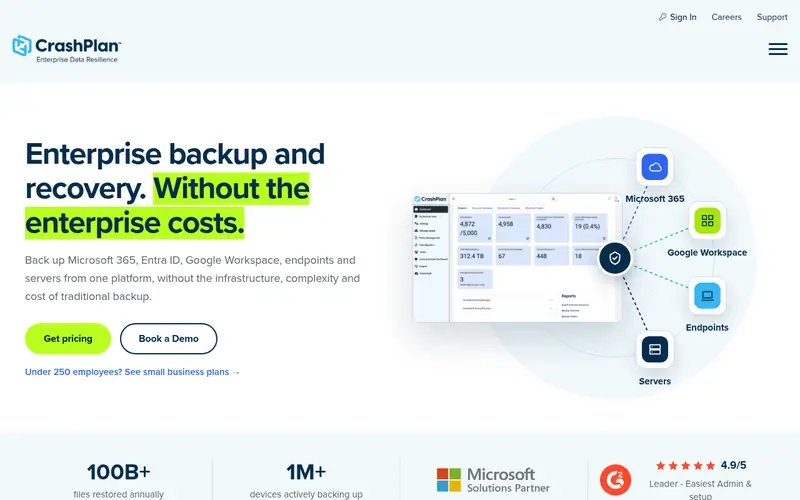
CrashPlan for Small Business is a good fit for continuous backup for remote laptops. CrashPlan for Small Business is built around continuous backup, which is exactly what a remote laptop needs. CrashPlan keeps deleted files and older versions for a customizable period, and restores can be done by the user from the client or by an administrator.
What to check first: the interface can feel dated next to newer tools.
The main drawback is that there is no free plan, only a 30 day trial. So a team must commit to a subscription to keep using it. CrashPlan for Small Business pricing: $7.33 per user per month. On free options: Free trial (30 days).
Where the price comes from
$7.33 per user a month (billed yearly), as listed by the vendor (CrashPlan for Small Business website). Confirm the current plan price before you buy.
Benefits
- Continuous backup with unlimited storage
- Capable admin controls for a small team
Drawbacks
- No free plan, only a trial
Use case to skip: this limit matters to you: no free plan, only a trial.
Our take. A sensible pick for continuous backup for remote laptops.
If it does not fit, compare Veeam Agent for Microsoft Windows or MSP360 Backup in this list.
- Best for
- Per-workload pricing for mixed laptop fleets
- Standout
- Per-workload pricing suits mixed fleets
- Starting price
- $2.50 per workload a month
- Free plan or trial
- Free trial (15 days)
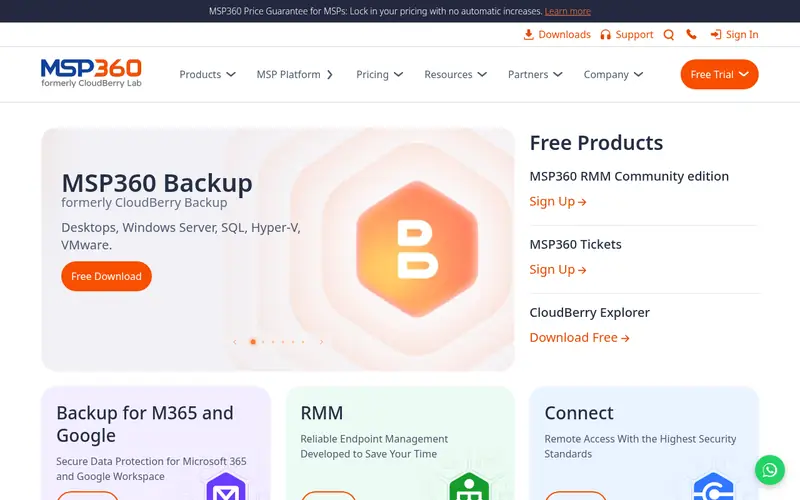
MSP360 Backup targets per-workload pricing for mixed laptop fleets. Pricing is per workload a month, so a team pays for each laptop it guards and chooses its own storage. Beyond that, the trade off is that cloud storage is charged separately by the storage provider, so the headline price of $2.50 per workload per month is not the total cost.
Where it is weaker: Cloud storage is charged separately.
A team must add the storage bill to get a true monthly figure. In daily use, setup also asks for more decisions than a one click tool, since the team must pick a storage provider, a region and a retention policy first. MSP360 Backup pricing: $2.50 per workload per month. On free options: Free trial (15 days).
Where the price comes from
$2.50 per workload a month, as listed by the vendor (MSP360 Backup website). Confirm the current plan price before you buy.
Benefits
- Per-workload pricing suits mixed fleets
- Works with plenty of cloud storage providers
Drawbacks
- Setup needs more decisions than a one click tool
Use case to skip: this limit matters to you: setup needs more decisions than a one click tool.
Our take. A sensible pick for per-workload pricing for mixed laptop fleets.
If it does not fit, compare Veeam Agent for Microsoft Windows or CrashPlan for Small Business in this list.
- Best for
- Unlimited backup on laptops that travel
- Standout
- Unlimited storage per computer
- Starting price
- $9 per computer a month
- Free plan or trial
- Free trial (15 days)
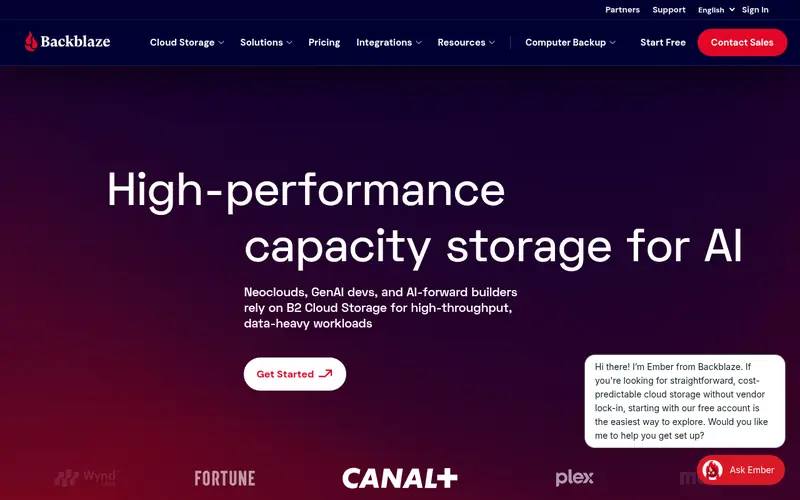
For unlimited backup on laptops that travel, Backblaze Computer Backup is a natural candidate. Once installed, it backs up the files on a laptop continuously and without a size cap on the computer plan, so large files are covered without picking what to leave out. Administrators can watch backup status from a central console.
Limits to weigh: No backup of external drives by default on the entry-level plan.
Files can be downloaded from a web browser, restored through the client, or shipped on an USB drive for a large recovery. The mailed drive carries an additional charge. For everyday use, the client runs quietly and throttles itself so it does not crowd out video calls. On cost, Backblaze Computer Backup starts like this: $9 per computer per month. Free options: Free trial (15 days).
Where the price comes from
$9 per computer a month, as listed by the vendor (Backblaze Computer Backup website). Confirm the current plan price before you buy.
Benefits
- Unlimited storage per computer
- Backup runs continuously in the background
Drawbacks
- Restore by mailed drive costs additional
Use case to skip: this limit matters to you: restore by mailed drive costs additional.
Our take. A sensible pick for unlimited backup on laptops that travel.
If it does not fit, compare Veeam Agent for Microsoft Windows or CrashPlan for Small Business in this list.
- Best for
- One account including laptops, phones and desktops
- Standout
- One account backs up plenty of devices
- Starting price
- $9.99 a month (billed annually)
- Free plan or trial
- Free plan
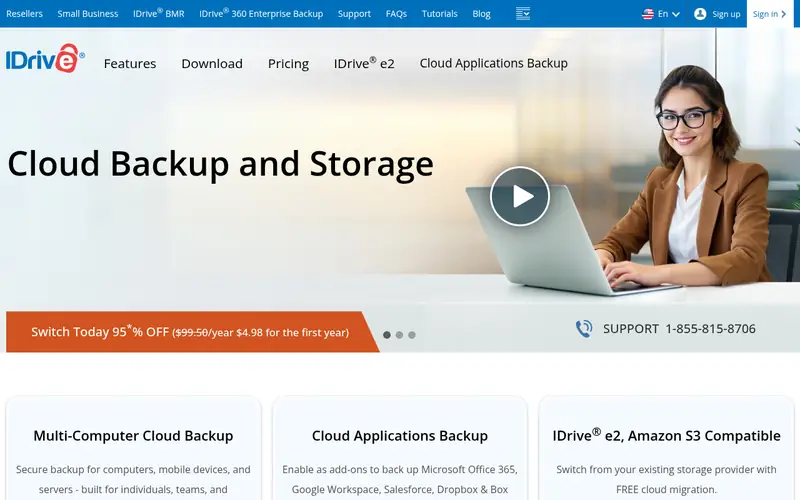
IDrive is built with one account handling laptops, phones and desktops in mind. One account including laptops, phones and desktops Beyond that, the software keeps several versions of each file, supports continuous backup, and comes with a sync folder and file sharing. More specifically, one limit is that restores of very large data sets over a home internet connection take a long time, and the mailed drive choice costs additional.
Where it falls short: large restores can be slow over a home connection.
For everyday use, a single account can back up laptops, desktops, phones and tablets. The plan is priced by storage instead of by device, so a team can protect a laptop and a phone under the same subscription. On cost, IDrive starts like this: $9.99 per month. Free access exists with IDrive.
Where the price comes from
$9.99 a month (billed annually), as listed by the vendor (IDrive website). Confirm the current plan price before you buy.
Benefits
- One account backs up plenty of devices
- Sync and file sharing are included
Drawbacks
- The free plan handles only 10 GB
Use case to skip: this limit matters to you: the free plan handles only 10 GB.
Our take. A sensible pick for one account including laptops, phones and desktops.
If it does not fit, compare Veeam Agent for Microsoft Windows or CrashPlan for Small Business in this list.
- Best for
- Central control over a scattered laptop fleet
- Standout
- Central policy control across plenty of laptops
- Starting price
- Quote only
- Free plan or trial
- Free trial (14 days)
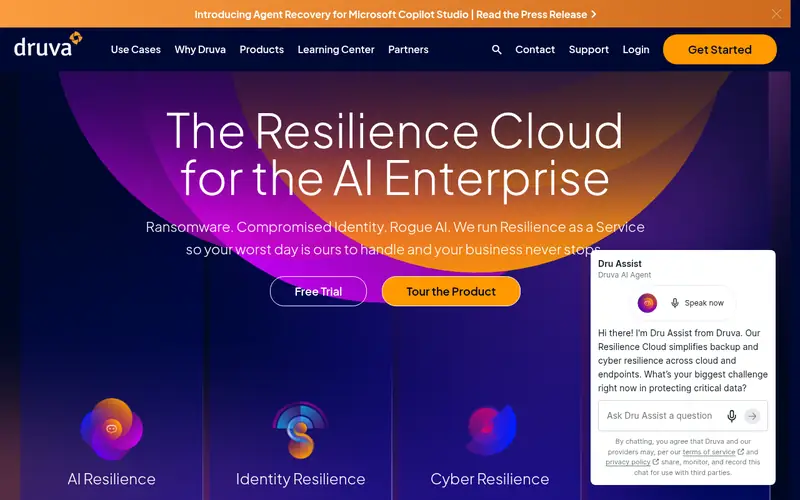
Choose Druva inSync for central control over a scattered laptop fleet. Central control over a scattered laptop fleet More specifically, the final price relies on the number of users and the features chosen.
Watch-outs: Pricing is quote only, so budgeting needs a sales conversation.
As for the details, Druva inSync is aimed at organisations that require central control over a large number of laptops. Druva inSync sells by quote instead of a published price. Free plan details: Free trial (14 days).
Where the price comes from
Quote only, as listed by the vendor (Druva inSync website). Confirm the current plan price before you buy.
Benefits
- Central policy control across plenty of laptops
- Data loss prevention features included
Drawbacks
- No public per user price
Use case to skip: this limit matters to you: no public per user price.
Our take. A sensible pick for central control over a scattered laptop fleet.
If it does not fit, compare Veeam Agent for Microsoft Windows or CrashPlan for Small Business in this list.
- Best for
- Backup plus anti-malware on remote laptops
- Standout
- Backup and anti-malware in one agent
- Starting price
- $85 per workstation a year (billed yearly)
- Free plan or trial
- Free trial (30 days)
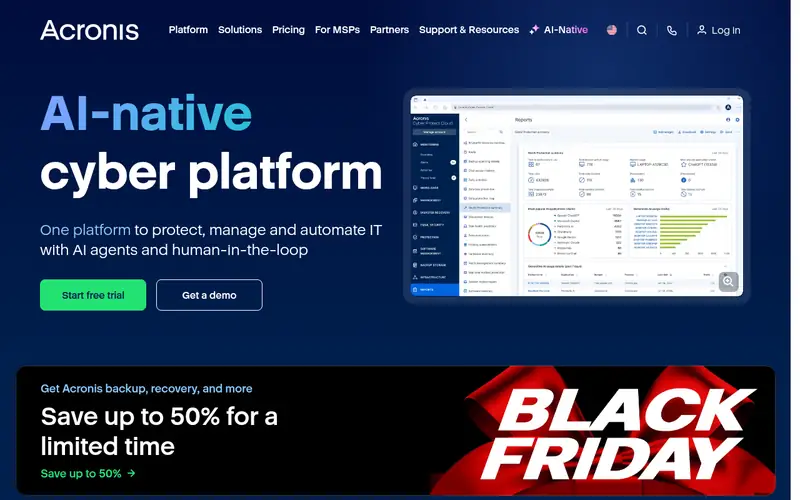
For Backup plus anti-malware on remote laptops, Acronis Cyber Protect is a natural candidate. Backup plus anti-malware on remote laptops Also, the trade off is complexity. For everyday use, the console can feel crowded, and initial configuration takes longer than a single purpose backup tool.
Where it falls short: pricing varies by edition and extras.
Also, the product comes in multiple editions with different features. The price relies on the edition and on extras for example additional cloud storage, so a team needs to read the edition comparison carefully before buying. Acronis Cyber Protect cost at the entry level: $85 per workstation per year. Trial and free access: Free trial (30 days).
Where the price comes from
$85 per workstation a year (billed yearly), as listed by the vendor (Acronis Cyber Protect website). Confirm the current plan price before you buy.
Benefits
- Backup and anti-malware in one agent
- Image backup and fast recovery choices
Drawbacks
- The full feature set can be complicated to configure
Use case to skip: this limit matters to you: the full feature set can be complicated to configure.
Our take. A sensible pick for backup plus anti-malware on remote laptops.
If it does not fit, compare Veeam Agent for Microsoft Windows or CrashPlan for Small Business in this list.
Notes on endpoint backup software for laptops in remote teams
Before choosing endpoint backup software for a remote team, check the real numbers against the size of the team and the data it carries. A plan that looks cheap per laptop can become pricey once storage, restore fees or a minimum seat count are added.
Questions worth answering first
Buying checklist
- Get a written quote from Veeam Agent for Microsoft Windows and Druva inSync; the list shows no starting price for them.
- Read the fine print on the free plans from Veeam Agent for Microsoft Windows and IDrive; seat, project and feature caps differ.
- Run a trial of CrashPlan for Small Business, MSP360 Backup, Backblaze Computer Backup and others with real work before paying for a year; your own workflow is the best test.
- Read the limits listed for Veeam Agent for Microsoft Windows first: the free edition has no central management.
- Verify that exporting from Backblaze Computer Backup is possible on your plan and covers all your records.
- Ask Veeam Agent for Microsoft Windows about contract length, onboarding fees and user minimums before you sign.
FAQ
How much does endpoint backup cost for a team of ten?
The total can be higher once storage, restore fees or a higher edition are added, and quote only tools like Druva need a sales conversation first.
How are the endpoint backup software for laptops in remote teams ordered?
Veeam Agent for Microsoft Windows sits first and Acronis Cyber Protect last because the order follows typical fit for endpoint backup software for laptops in remote teams, then price clarity and free access. It is a judgement call, so read each profile for fit and limits.
Can I try these tools before paying?
Often, yes. Veeam Agent for Microsoft Windows and IDrive have a free plan and CrashPlan for Small Business, MSP360 Backup, Backblaze Computer Backup and others offer a free trial. Use your own data and a real task during the test, and check what the free tier or trial limits before you rely on it.
Is Veeam Agent for Microsoft Windows the right pick for everyone comparing endpoint backup software for laptops in remote teams?
No single tool suits every team. Veeam Agent for Microsoft Windows comes first because it fits free image backup for Windows laptops, while CrashPlan for Small Business suits continuous backup for remote laptops and MSP360 Backup suits per-workload pricing for mixed laptop fleets. Match the tool to your own size, budget and workflow before deciding.
What is the cheapest option for endpoint backup software for laptops in remote teams in this list?
On published monthly entry prices, MSP360 Backup is the lowest here at $2.50 per workload per month. Entry price is only part of the cost, because seats, add-ons and billing terms can change the total.
Sources we checked
Change log: First published 21 Nov 2026.