6 Best Hard Drive Health Check Software in 2026
CrystalDiskInfo is the best starting point for most people. It reads S.M.A.R.T. data from HDDs and SSDs, shows temperature and health status, and is free. Choose Hard Disk Sentinel if you want paid background monitoring with alerts across many drives. Choose smartmontools if you prefer a command-line tool that runs on Linux, Windows and macOS and can schedule its own tests.
 By Shihab Mia · Published 21 Nov 2026
We run no ads and no affiliate links at launch. The order of a list follows our published method. How lists are ordered: how we score.
Prices are the starting prices vendors list publicly. Plans change, so confirm the current price on the vendor page before you buy.
Key takeaways
- CrystalDiskInfo is free and reads S.M.A.R.T. attributes, temperature and health status for most internal and USB drives.
- Hard Disk Sentinel sells a Standard edition for one drive and a Professional edition for more drives; check the vendor site for current prices.
- smartmontools is free and open source, with smartctl for control and smartd for background monitoring.
- Manufacturer tools such as SeaTools and Western Digital Dashboard are free but aimed at their own brands.
- S.M.A.R.T. warns of many failures but cannot predict every drive failure, so keep backups.
Side-by-side
Grouped by fit and cost. Tap a product to jump to its full entry.
| Fit | Cost | |||
|---|---|---|---|---|
| Product | Best for | Standout feature | Listed starting price | Free plan or trial |
| 1CrystalDiskInfo | Quick free S.M.A.R.T. checks on Windows | Free to download and use | Free (donationware) | Free plan |
| 2Hard Disk Sentinel | Paid background monitoring with alerts | Background monitoring with alert options | See vendor site (Standard and Professional editions) | Free trial |
| 3smartmontools | Command-line S.M.A.R.T. control and scripting | Runs on Linux, Windows and macOS | Free (open source) | Free and open source |
| 4SeaTools | Testing Seagate and Maxtor drives | Free from Seagate | Free | Free plan |
| 5Western Digital Dashboard | WD and SanDisk SSD and HDD checks | Free from Western Digital | Free | Free plan |
| 6StableBit Scanner | Scanning many drives in Windows | Scans whole drive surfaces for bad sectors | See vendor site | Free trial |
How we picked
We compared these tools by reading vendor product pages, published documentation and spec sheets, and by checking which platforms and drive types each one supports. We looked at whether S.M.A.R.T. reading, background monitoring, alerting and drive tests are included, and whether each tool is free, open source or paid. Prices come from vendor sites where published; where pricing was not clear, we wrote "See vendor site". We did not run hands-on lab tests.
The 6 picks in detail
- Best for
- Quick free S.M.A.R.T. checks on Windows
- Standout
- Free to download and use
- Starting price
- Free (donationware)
- Free plan or trial
- Free plan
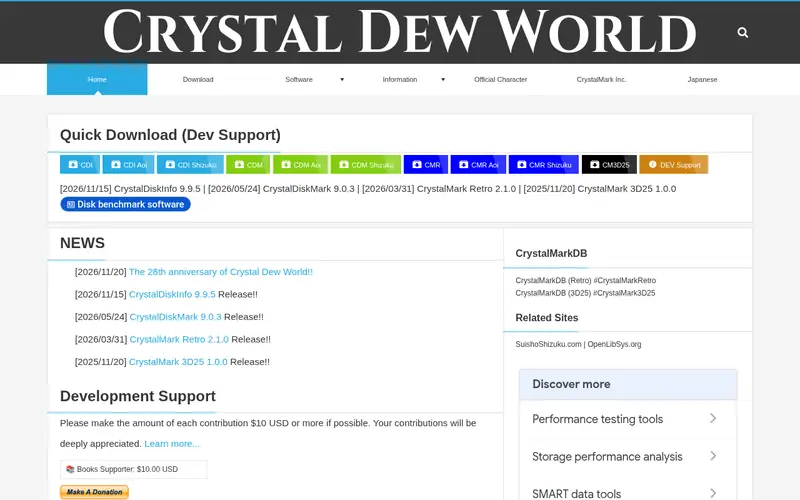
CrystalDiskInfo is a free Windows utility from CrystalMark that reads S.M.A.R.T. attributes and shows drive health, temperature and raw attribute values. It covers HDDs, SSDs and many USB enclosures. The interface is simple: a drive list on the left and attribute tables on the right.
It suits home users and technicians who want a fast check without installing a monitoring service. The main catch is platform support. It is Windows only, and background alerting is basic compared with paid monitoring suites. The project accepts donations but the download is free.
Where the price comes from
Free (donationware), as listed by the vendor (CrystalDiskInfo website). Confirm the current plan price before you buy.
Benefits
- Free to download and use
- clear health status and temperature display
- supports many internal and USB drives
Drawbacks
- Windows only
- limited scheduled alerting compared with paid tools
Use case to skip: this limit matters to you: windows only.
Our take. A sensible pick for quick free S.M.A.R.T. checks on Windows.
If it does not fit, compare Hard Disk Sentinel or smartmontools in this list.
- Best for
- Paid background monitoring with alerts
- Standout
- Background monitoring with alert options
- Starting price
- See vendor site (Standard and Professional editions)
- Free plan or trial
- Free trial
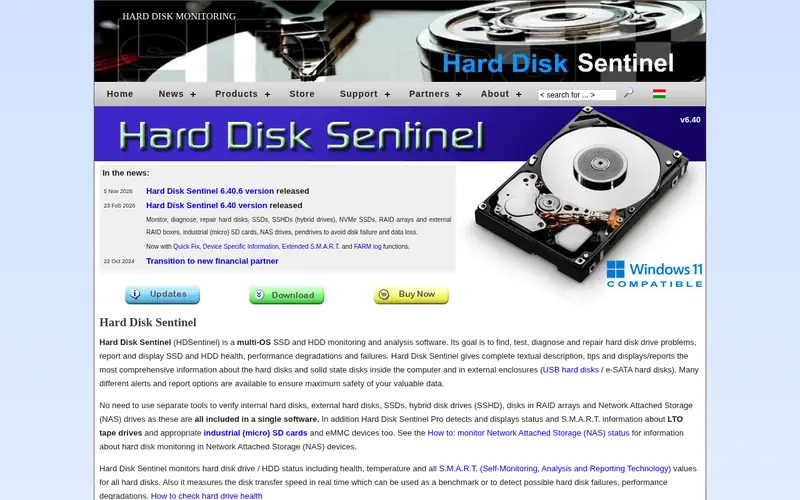
Hard Disk Sentinel monitors drive health in the background and can send alerts when attributes change. It reports temperature, S.M.A.R.T. attributes and a health percentage. The vendor offers Standard and Professional editions, with the Professional edition aimed at servers and multiple drives.
It suits users who want continuous monitoring rather than occasional manual checks. The catch is cost: it is commercial software, and the free trial is time-limited. Confirm edition limits and current pricing on the vendor site.
Where the price comes from
See vendor site (Standard and Professional editions), as listed by the vendor (Hard Disk Sentinel website). Confirm the current plan price before you buy.
Benefits
- Background monitoring with alert options
- supports many drives and RAID setups
- reports temperature and health estimates
Drawbacks
- Paid licence for continued use
- interface is dense for beginners
Use case to skip: this limit matters to you: paid licence for continued use.
Our take. A sensible pick for paid background monitoring with alerts.
If it does not fit, compare CrystalDiskInfo or smartmontools in this list.
- Best for
- Command-line S.M.A.R.T. control and scripting
- Standout
- Runs on Linux, Windows and macOS
- Starting price
- Free (open source)
- Free plan or trial
- Free and open source
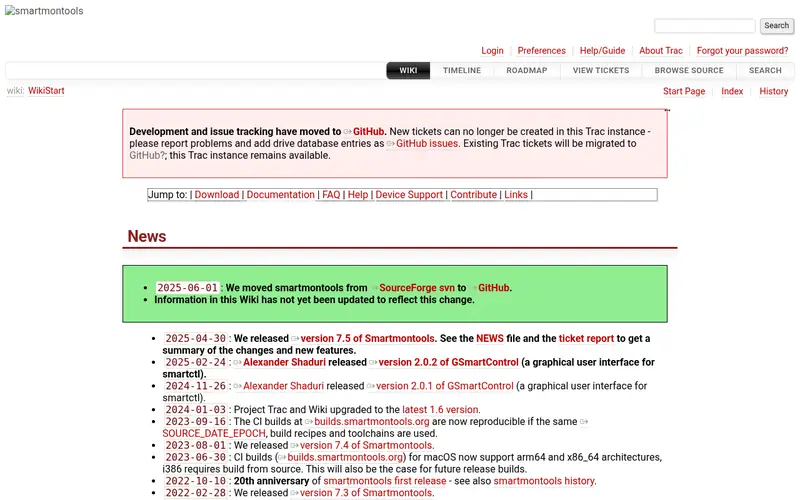
smartmontools is a free, open-source package with two main parts. smartctl queries and tests drives, and smartd runs as a background service that logs changes and can send alerts. It supports ATA, SATA and NVMe drives on Linux, Windows and macOS.
It suits administrators and advanced users who want scriptable checks. The catch is the interface: there is no graphical dashboard, so you need to read command output and configure smartd yourself. Documentation on the project site covers common drives and options.
Where the price comes from
Free (open source), as listed by the vendor (smartmontools website). Confirm the current plan price before you buy.
Benefits
- Runs on Linux, Windows and macOS
- smartctl gives detailed attribute output
- smartd can monitor drives in the background
Drawbacks
- Command-line only
- requires comfort with terminal commands
Use case to skip: this limit matters to you: command-line only.
Our take. A sensible pick for command-line S.M.A.R.T. control and scripting.
If it does not fit, compare CrystalDiskInfo or Hard Disk Sentinel in this list.
- Best for
- Testing Seagate and Maxtor drives
- Standout
- Free from Seagate
- Starting price
- Free
- Free plan or trial
- Free plan
SeaTools is Seagate's free drive test utility. It runs short generic, short drive self-test and long drive self-test checks, and reports pass or fail results. Seagate offers a Windows version and a bootable version for drives that will not start in Windows.
It suits owners of Seagate and Maxtor drives who want a vendor test. The catch is scope: it is designed around Seagate products, so it is not the best general-purpose tool for mixed-brand systems. Check the Seagate support site for the current download options.
Where the price comes from
Free, as listed by the vendor (SeaTools website). Confirm the current plan price before you buy.
Benefits
- Free from Seagate
- short and long drive self-tests
- available in Windows and bootable versions
Drawbacks
- Aimed at Seagate and Maxtor drives
- less useful for other brands
Use case to skip: this limit matters to you: aimed at Seagate and Maxtor drives.
Our take. A sensible pick for testing Seagate and Maxtor drives.
If it does not fit, compare CrystalDiskInfo or Hard Disk Sentinel in this list.

- Best for
- WD and SanDisk SSD and HDD checks
- Standout
- Free from Western Digital
- Starting price
- Free
- Free plan or trial
- Free plan
Western Digital Dashboard is WD's free monitoring tool for its SSDs and HDDs. It shows drive model, capacity, health status and temperature, and can check for firmware updates on supported drives. It also reports S.M.A.R.T. data where the drive exposes it.
It suits owners of WD and SanDisk drives who want a first-party check. The catch is brand lock-in: it is not a general tool for other manufacturers' drives. Download it from the Western Digital support site.
Where the price comes from
Free, as listed by the vendor (Western Digital Dashboard website). Confirm the current plan price before you buy.
Benefits
- Free from Western Digital
- shows drive health and temperature
- includes firmware update checks for supported drives
Drawbacks
- Limited to WD and SanDisk products
- Windows and macOS only
Use case to skip: this limit matters to you: limited to WD and SanDisk products.
Our take. A sensible pick for WD and SanDisk SSD and HDD checks.
If it does not fit, compare CrystalDiskInfo or Hard Disk Sentinel in this list.
- Best for
- Scanning many drives in Windows
- Standout
- Scans whole drive surfaces for bad sectors
- Starting price
- See vendor site
- Free plan or trial
- Free trial
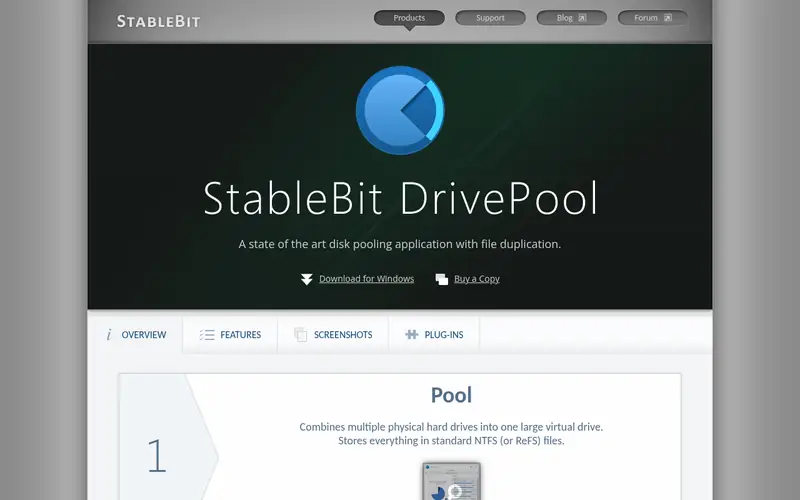
StableBit Scanner is a Windows tool that scans drive surfaces for unreadable sectors and monitors S.M.A.R.T. data across many drives. It can run scheduled scans and report problems, and it works alongside StableBit DrivePool for pooled storage.
It suits users with several drives who want surface scans and ongoing monitoring in one place. The catch is that it is commercial software with a trial, and it is Windows only. Check the vendor site for current pricing and trial terms.
Where the price comes from
See vendor site, as listed by the vendor (StableBit Scanner website). Confirm the current plan price before you buy.
Benefits
- Scans whole drive surfaces for bad sectors
- monitors multiple drives
- integrates with StableBit DrivePool
Drawbacks
- Windows only
- paid licence after the trial
Use case to skip: this limit matters to you: windows only.
Our take. A sensible pick for scanning many drives in Windows.
If it does not fit, compare CrystalDiskInfo or Hard Disk Sentinel in this list.
What to look for
Start with S.M.A.R.T. support. Most tools read attributes such as reallocated sectors, pending sectors and temperature. Check that the tool supports your drive type, including NVMe SSDs, and your connection, such as USB enclosures. Some USB bridges do not pass S.M.A.R.T. data through, so confirm support before relying on a tool.
Decide between a manual checker and a background monitor. A manual tool is fine for occasional checks. A background monitor with alerts is better for servers or drives holding important data. Check whether alerts are included in the free version or only in a paid edition.
Look at drive tests. Short self-tests are quick; long tests and surface scans take hours. Confirm the tool can run the tests your drive supports. Also check platform support: some tools are Windows only, while smartmontools runs on Linux, Windows and macOS.
Finally, treat S.M.A.R.T. as a warning system, not a guarantee. A clean report does not prove a drive will keep working. Keep backups and replace drives that show growing reallocated or pending sector counts.
Questions worth answering first
Buying checklist
- Confirm the tool supports your drive type, including NVMe SSDs and any USB enclosure you use.
- Check whether S.M.A.R.T. reading and alerts are in the free version or only in a paid edition.
- Verify platform support: Windows, macOS or Linux, as your system requires.
- Check whether the tool can run short and long drive self-tests.
- Read the licence terms, including how many drives a paid licence covers.
- Confirm the current price and trial length on the vendor site before paying.
FAQ
What is S.M.A.R.T.?
S.M.A.R.T. is self-monitoring, analysis and reporting technology built into most HDDs and SSDs. Drives track attributes such as reallocated sectors, pending sectors and temperature, and tools read these values to estimate drive health. It is a warning system, not a guarantee.
Is CrystalDiskInfo free?
Yes. CrystalDiskInfo is free to download and use, and the project accepts donations. It runs on Windows and reads S.M.A.R.T. data from many internal and USB drives. Check the official site for the current version.
Can these tools predict every drive failure?
No. S.M.A.R.T. can warn of many developing problems, but some drives fail without warning. Use monitoring as one layer of protection and keep regular backups of important data.
Do USB drives always report S.M.A.R.T. data?
Not always. Some USB bridge chips do not pass S.M.A.R.T. commands through to the drive. Check the tool's documentation and test your enclosure before relying on it for monitoring.
What is the difference between smartctl and smartd?
smartctl is the command-line tool for querying and testing drives. smartd is the background service that watches drives and logs or alerts on changes. Both are part of the free smartmontools package.
Should I use a manufacturer tool or a general one?
Use a manufacturer tool for first-party firmware checks and brand-specific tests. Use a general tool such as CrystalDiskInfo or smartmontools for mixed-brand systems and broader monitoring. Many users keep both.
Sources we checked
Change log: First published 21 Nov 2026.