6 Best Hybrid Backup Software for Small Business Options for 2026
If you need one account for local and cloud copies, IDrive is the first tool to look at here. CrashPlan is better for small teams with unlimited retention, and Veeam Backup & Replication is better for mixed workloads with one free level. Prices, free plans and limits for all 6 tools follow.
 By Shihab Mia · Published 21 Nov 2026
We run no ads and no affiliate links at launch. The order of a list follows our published method. How lists are ordered: how we score.
Prices are the starting prices vendors list publicly. Plans change, so confirm the current price on the vendor page before you buy.
Key takeaways
- IDrive is the opening pick, best for one account for local and cloud copies.
- 3 of 6 tools offer a free plan: IDrive, Veeam Backup & Replication, NAKIVO Backup & Replication.
- NAKIVO Backup & Replication is the lowest-priced starter here at $2.50 per workload/month.
- MSP360 Backup fits cheapest license with storage choice.
- What to know about NAKIVO Backup & Replication first: tape backup and site recovery need higher levels.
Side-by-side
Grouped by fit and cost. Tap a product to jump to its full entry.
| Fit | Cost | |||
|---|---|---|---|---|
| Product | Best for | Standout feature | Listed starting price | Free plan or trial |
| 1IDrive | One account for local and cloud copies | Local backup to an external drive included | $9.99 a month | Free plan |
| 2CrashPlan | Small teams with unlimited retention | Unlimited storage and unlimited retention on the Professional plan | $7.33 per user/month | Free trial (30 days) |
| 3Veeam Backup & Replication | Mixed workloads with one free level | Cloud and tape copies from one job | Quote only | Free plan |
| 4NAKIVO Backup & Replication | Low cost with NAS install choice | Subscription opens at $2.50 per workload a month | $2.50 per workload/month | Free plan |
| 5Carbonite Safe | Set-and-forget cloud with local choice | Automatic backup with no daily attention | $95.99 per year | Free trial (15 days) |
| 6MSP360 Backup | Cheapest license with storage choice | Works with local disk and any S3-compatible cloud | $2.50 per workload/month | Free trial (15 days) |
How we picked
Top Tech Hardware looked at what each vendor publishes: pricing, plan limits, feature coverage for hybrid backup software for small business and stated drawbacks. No hands-on testing is claimed. Seat minimums, billing terms and add-ons can move the real cost, so the starting prices here are a guide and not a quote. The order reflects how well each tool fits the most common buying scenario for hybrid backup software for small business, then price clarity, then free plan access. It is a starting point, not a verdict.
The 6 picks in detail
- Best for
- One account for local and cloud copies
- Standout
- Local backup to an external drive included
- Starting price
- $9.99 a month
- Free plan or trial
- Free plan
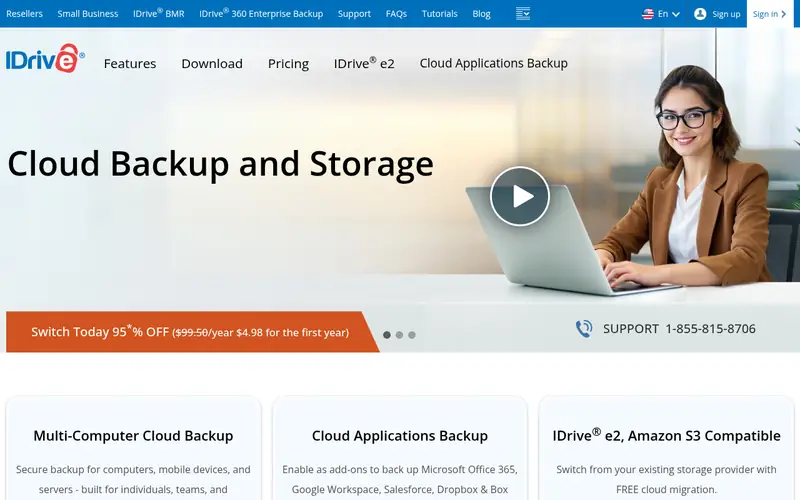
IDrive is built with one account for local and cloud copies in mind. A team with large video or design libraries will outgrow the base level and need a bigger plan, which costs more per month.
Downsides: The cheapest plan caps cloud storage, so large media libraries need a higher level.
From a buyer's view, one account for local and cloud copies For everyday use, IDrive costs $9.99 a month billed yearly on its entry plan and includes several computers, phones, tablets and servers under one account, with both local and cloud backup in the same plan. Beyond that, the local copy goes to an external drive attached to the machine, which provides quick restores, while the cloud copy guards against disasters. What you pay to start with IDrive: $9.99 per month. A free plan is available with IDrive.
Where the price comes from
$9.99 a month, as listed by the vendor (IDrive website). Confirm the current plan price before you buy.
Benefits
- Local backup to an external drive included
- One account spans PCs, Macs
Drawbacks
- Restore speed varies with file size
Use case to skip: this limit matters to you: restore speed varies with file size.
Our take. A sensible pick for one account for local and cloud copies.
If it does not fit, compare CrashPlan or Veeam Backup & Replication in this list.
- Best for
- Small teams with unlimited retention
- Standout
- Unlimited storage and unlimited retention on the Professional plan
- Starting price
- $7.33 per user/month
- Free plan or trial
- Free trial (30 days)
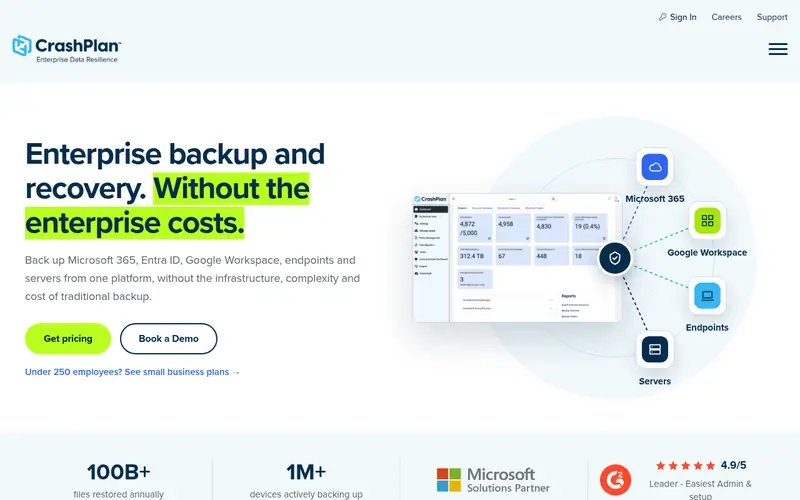
In short, CrashPlan is for small teams with unlimited retention. Every seat costs $7.33 a month, so a 10-person team pays about $73 a month, and there is no free level once the 30-day trial ends. The per-user model is the drawback.
Honest limits: The per-user price rises with each seat.
CrashPlan concentrates on endpoints and files, so server databases and SaaS apps need a different product. Admins can set backup policies for the entire team, lock settings so users cannot switch backup off, and see which machines have not backed up recently. CrashPlan cost at the entry level: $7.33 per user/month. On free options: Free trial (30 days).
Where the price comes from
$7.33 per user/month, as listed by the vendor (CrashPlan website). Confirm the current plan price before you buy.
Benefits
- Unlimited storage and unlimited retention on the Professional plan
- Local and cloud destinations
Drawbacks
- No free level beyond the trial
Use case to skip: this limit matters to you: no free level beyond the trial.
Our take. A sensible pick for small teams with unlimited retention.
If it does not fit, compare IDrive or Veeam Backup & Replication in this list.
- Best for
- Mixed workloads with one free level
- Standout
- Cloud and tape copies from one job
- Starting price
- Quote only
- Free plan or trial
- Free plan
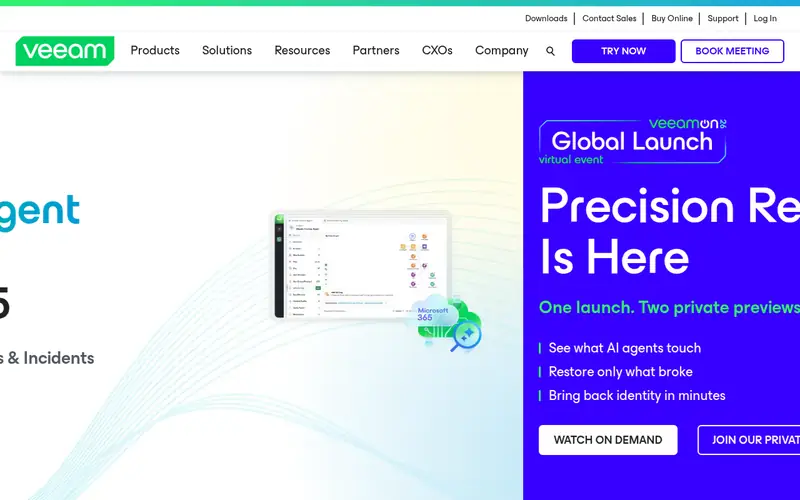
Veeam Backup & Replication targets mixed workloads with one free level. Mixed workloads with one free tier Beyond that, the management console runs on Windows, which means a Linux-only shop still needs one Windows machine.
Honest limits: the console needs a dedicated Windows server.
Beyond that, the trade-off is scope and price opacity. Veeam Backup & Replication sells by quote instead of a published price. Free access exists with Veeam Backup & Replication.
Where the price comes from
Quote only, as listed by the vendor (Veeam Backup & Replication website). Confirm the current plan price before you buy.
Benefits
- Cloud and tape copies from one job
- Community Edition handles 10 workloads at no cost
Drawbacks
- No public list price, so budgeting needs a quote
Use case to skip: this limit matters to you: no public list price, so budgeting needs a quote.
Our take. A sensible pick for mixed workloads with one free level.
If it does not fit, compare IDrive or CrashPlan in this list.
- Best for
- Low cost with NAS install choice
- Standout
- Subscription opens at $2.50 per workload a month
- Starting price
- $2.50 per workload/month
- Free plan or trial
- Free plan
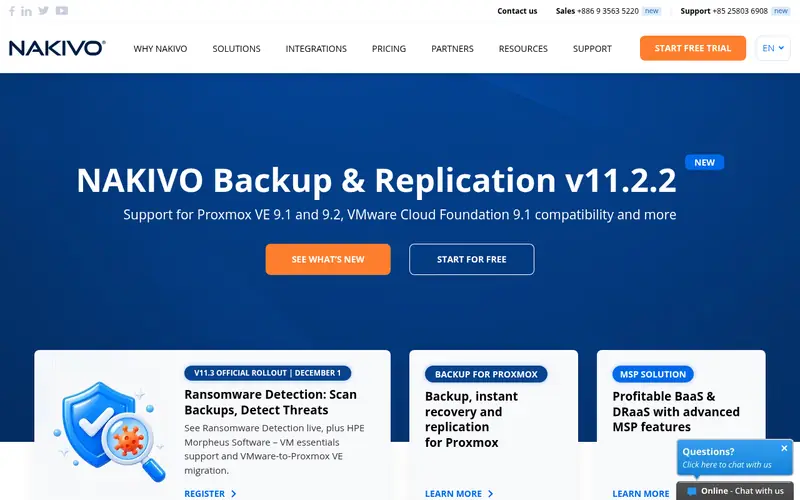
Choose NAKIVO Backup & Replication for low cost with NAS install choice. Low cost with NAS install choice As for the details, tape backup, site recovery and multi-tenancy sit in Enterprise levels. So a business that wants tape as a third copy pays more.
Downsides: Tape backup and site recovery need higher levels.
Worth adding: the limits display up in the higher levels. Worth adding: NAKIVO Backup and Replication begins at $2.50 per workload a month on the Pro Essentials subscription. A perpetual license begins at $229 per socket. Price to start with NAKIVO Backup & Replication: $2.50 per workload/month. NAKIVO Backup & Replication offers a free plan.
Where the price comes from
$2.50 per workload/month, as listed by the vendor (NAKIVO Backup & Replication website). Confirm the current plan price before you buy.
Benefits
- Subscription opens at $2.50 per workload a month
- Installs straight onto a NAS device
Drawbacks
- The free edition lasts one year
Use case to skip: this limit matters to you: the free edition lasts one year.
Our take. A sensible pick for low cost with NAS install choice.
If it does not fit, compare IDrive or CrashPlan in this list.
- Best for
- Set-and-forget cloud with local choice
- Standout
- Automatic backup with no daily attention
- Starting price
- $95.99 per year
- Free plan or trial
- Free trial (15 days)
Carbonite Safe serves set-and-forget cloud with local choice. Carbonite Safe costs $95.99 a year on the Basic plan and backs up one computer to the cloud automatically, with files uploading as they change. The yearly price works out to about $8 per month, and the bill arrives once per year rather than monthly.
A business with three computers needs three licenses, and video files also need the Plus tier. On top of that, the base plan is narrow. It spans one computer, and local backup needs the Plus level, which costs more than the $95.99 Basic price. Beyond that, local drive backup is available on the Plus level, which layers on a local copy alongside the cloud copy for quick restores. The starting price for Carbonite Safe: $95.99 per year. Free plan details: Free trial (15 days).
Drawbacks to consider: the base plan includes one computer only.
Where the price comes from
$95.99 per year, as listed by the vendor (Carbonite Safe website). Confirm the current plan price before you buy.
Benefits
- Automatic backup with no daily attention
- Clear per-year price with no monthly bill
Drawbacks
- Local drive backup needs the Plus level
Use case to skip: this limit matters to you: local drive backup needs the Plus level.
Our take. A sensible pick for set-and-forget cloud with local choice.
If it does not fit, compare IDrive or CrashPlan in this list.
- Best for
- Cheapest license with storage choice
- Standout
- Works with local disk and any S3-compatible cloud
- Starting price
- $2.50 per workload/month
- Free plan or trial
- Free trial (15 days)
Choose MSP360 Backup for cheapest license with storage choice. That freedom is the point of a hybrid setup built on MSP360.
Limits to weigh: No storage is included, so the cloud bill is separate.
MSP360 bundles no storage, so a large file set with 90 days of cloud retention can cost more in cloud storage than in licenses. From a buyer's view, the web console handles plenty of machines, schedules image and file backups, and sends alerts when a job fails. Starting cost for MSP360 Backup: $2.50 per workload/month. Trial and free access: Free trial (15 days).
Where the price comes from
$2.50 per workload/month, as listed by the vendor (MSP360 Backup website). Confirm the current plan price before you buy.
Benefits
- Works with local disk and any S3-compatible cloud
- Lowest license price in this list
Drawbacks
- The trial lasts only 15 days
Use case to skip: this limit matters to you: the trial lasts only 15 days.
Our take. A sensible pick for cheapest license with storage choice.
If it does not fit, compare IDrive or CrashPlan in this list.
Worth knowing about hybrid backup software for small business
Confirm the tool writes both copies from one job, since some products need two separate plans for local and cloud. Check the local storage you need: a 500 GB file set with 30 days of local retention needs about a 2 TB drive once versions are counted. Ask how the cloud copy is billed, since per-gigabyte storage can cost more than the license.
As for the details, test a restore from each copy during the trial, and time both: local should take minutes, cloud takes provided that the download lets.
Questions worth answering first
Buying checklist
- Get a written quote from Veeam Backup & Replication; the list shows no starting price for them.
- Look at free plan limits closely: IDrive, Veeam Backup & Replication and NAKIVO Backup & Replication have one, and the caps decide whether it is usable for real work.
- Take the trial from CrashPlan, Carbonite Safe and MSP360 Backup and push a live task through it before you pay.
- Read the limits listed for IDrive first: the cheapest plan caps cloud storage, so large media libraries need a higher level.
- Add up seats, add-ons and usage charges for NAKIVO Backup & Replication before comparing it with cheaper entries.
- Find out what support MSP360 Backup includes on your plan, and whether onboarding help costs extra.
FAQ
Can I try these tools before paying?
Often, yes. IDrive, Veeam Backup & Replication and NAKIVO Backup & Replication have a free plan and CrashPlan, Carbonite Safe and MSP360 Backup offer a free trial. Use your own data and a real task during the test, and check what the free tier or trial limits before you rely on it.
Do these tools publish their prices?
Not all of them. Veeam Backup & Replication publishes no starting price, so expect a quote request for it. The rest, IDrive included, show a starting price, though seats and billing terms still change the final cost.
Which options for hybrid backup software for small business have a free plan?
On this list, IDrive, Veeam Backup & Replication and NAKIVO Backup & Replication include a free plan. Caps on seats, usage or features are common, so test the free plan against your real workload. Several others offer a trial instead.
Is hybrid backup better than cloud-only backup?
Hybrid backup restores quicker, since the local copy runs at disk speed rather than download speed. It still works when the internet is down.
What is the cheapest option for hybrid backup software for small business in this list?
On published monthly entry prices, NAKIVO Backup & Replication is the lowest here at $2.50 per workload/month. Entry price is only part of the cost, because seats, add-ons and billing terms can change the total.
Sources we checked
Change log: First published 21 Nov 2026.