Comparing 6 Hyper-V Backup Software in 2026
Unitrends comes first here, mainly for backup with built-in ransomware detection. If your case is different, Nakivo Backup & Replication suits per-socket backup for Hyper-V and VMware and Commvault Cloud suits enterprises wanting Hyper-V inside one backup system. Details, prices and limits for the rest of the 6 tools are below.
 By Shihab Mia · Published 21 Nov 2026
We run no ads and no affiliate links at launch. The order of a list follows our published method. How lists are ordered: how we score.
Prices are the starting prices vendors list publicly. Plans change, so confirm the current price on the vendor page before you buy.
Key takeaways
- Unitrends is the opening pick, best for backup with built-in ransomware detection.
- No starting price is shown for any of the 6 tools, Unitrends and Hornetsecurity VM Backup included, so plan time for sales calls.
- Hornetsecurity VM Backup fits straightforward per-host backup for Hyper-V and VMware.
- A free plan is available from 3 of the 6 tools: Veeam Backup & Replication, BDRSuite, Hornetsecurity VM Backup.
- Before buying Commvault Cloud, weigh this: pricing only by quote.
Side-by-side
Grouped by fit and cost. Tap a product to jump to its full entry.
| Fit | Cost | |||
|---|---|---|---|---|
| Product | Best for | Standout feature | Listed starting price | Free plan or trial |
| 1Unitrends | Backup with built-in ransomware detection | Appliance or software deployment | Quote only | Free trial (14 days) |
| 2Nakivo Backup & Replication | Per-socket backup for Hyper-V and VMware | Quick incremental backup | Quote only | Free trial (15 days) |
| 3Commvault Cloud | Enterprises wanting Hyper-V inside one backup system | One product for Hyper-V, VMs | Quote only | Free trial (30 days) |
| 4Veeam Backup & Replication | Hyper-V backup inside a wider Veeam estate | Instant VM recovery | Quote only | Free plan |
| 5BDRSuite | Low-cost backup with a free edition | Spans Hyper-V, VMware, Proxmox | Quote only | Free plan |
| 6Hornetsecurity VM Backup | Straightforward per-host backup for Hyper-V and VMware | Free edition for 2 VMs per host | Quote only | Free plan |
How we picked
For each of the 6 tools we noted price, free plan or trial, fit for Hyper-V backup software and the main limit, using vendor pages and documentation. Figures are shown as the vendors publish them. Billing terms, seat minimums and add-ons can change the real cost. Position on the page reflects fit for a typical buyer first, with price clarity and free access breaking ties. Treat it as a guide, not a ruling.
The 6 picks in detail
- Best for
- Backup with built-in ransomware detection
- Standout
- Appliance or software deployment
- Starting price
- Quote only
- Free plan or trial
- Free trial (14 days)
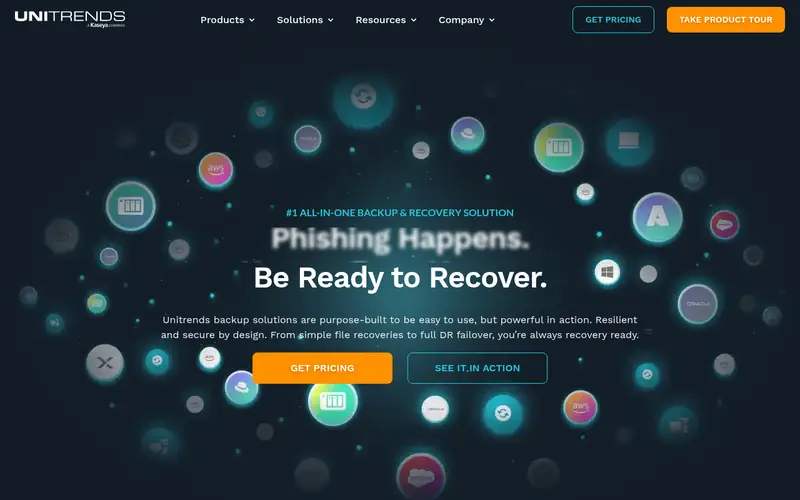
Unitrends serves backup with built-in ransomware detection. It backs up Hyper-V VMs with incremental backup and deduplication, and it restores entire VMs, disks, or files. Beyond that, the system is also heavier than a Hyper-V-only tool for a team that only needs VM backup.
The main drawbacks: pricing only by quote.
As for the details, the product can run as a physical appliance, a virtual appliance, or software on the team's own hardware, which hands a team a choice of deployment model. For everyday use, the product suits teams that want backup and ransomware detection in one box. In practice, what Unitrends does not handle is a published price. The company was acquired by Kaseya in 2022, so a buyer should confirm the current product name, the support path, and the roadmap before signing. Beyond that, the console handles backup jobs, retention, and recovery across hypervisors, and the instant recovery feature can boot a VM from its backup whereas a restore runs. Unitrends does not show a fixed starting price, so you request a quote. Free options: Free trial (14 days).
Where the price comes from
Quote only, as listed by the vendor (Unitrends website). Confirm the current plan price before you buy.
Benefits
- Appliance or software deployment
- Built-in ransomware detection on backups
Drawbacks
- Acquired by Kaseya in 2022, so confirm the current product and support path
Use case to skip: this limit matters to you: acquired by Kaseya in 2022, so confirm the current product and support path.
Our take. A sensible pick for backup with built-in ransomware detection.
If it does not fit, compare Nakivo Backup & Replication or Commvault Cloud in this list.
- Best for
- Per-socket backup for Hyper-V and VMware
- Standout
- Quick incremental backup
- Starting price
- Quote only
- Free plan or trial
- Free trial (15 days)
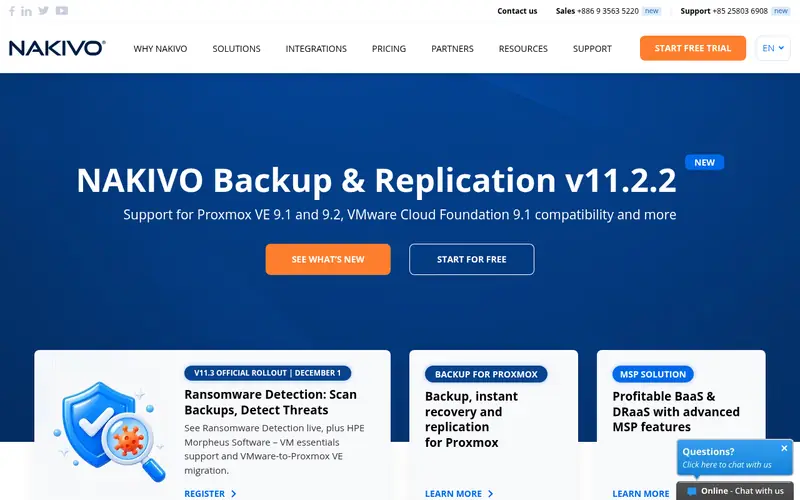
Nakivo Backup & Replication is aimed squarely at per-socket backup for Hyper-V and VMware. Nakivo Backup and Replication is a mid-market backup system that includes Hyper-V alongside VMware, Proxmox, and cloud workloads. It backs up Hyper-V VMs with incremental forever backup, deduplication, and compression, and it restores entire VMs, disks, or files to the same host or a different one.
On top of that, for a small team that wants one backup product for Hyper-V and other hypervisors, it is a practical pick. Worth adding: licensing is per CPU socket, which makes the cost simple to model for a team that knows its host count. There is no fixed entry price for Nakivo Backup & Replication; pricing comes through a quote. Free plan details: Free trial (15 days).
Watch-outs: 15-day trial is short.
Where the price comes from
Quote only, as listed by the vendor (Nakivo Backup & Replication website). Confirm the current plan price before you buy.
Benefits
- Quick incremental backup
- Per-socket licensing
Drawbacks
- Pricing only by quote
Use case to skip: this limit matters to you: pricing only by quote.
Our take. A sensible pick for per-socket backup for Hyper-V and VMware.
If it does not fit, compare Unitrends or Commvault Cloud in this list.
- Best for
- Enterprises wanting Hyper-V inside one backup system
- Standout
- One product for Hyper-V, VMs
- Starting price
- Quote only
- Free plan or trial
- Free trial (30 days)
Commvault Cloud is aimed squarely at enterprises wanting Hyper-V inside one backup product. Backups can be stored immutably with air-gapped copies, and the threat scanning checks backup data for signs of compromise before a restore, which cuts the chance of restoring infected data. The same console that runs VM backup also runs Hyper-V backup, so one team and one policy set include the whole estate. Enterprises wanting Hyper-V inside one backup product Its Hyper-V coverage guards VMs with incremental backup and deduplication.
The main drawbacks: heavier than a Hyper-V-only tool.
It restores entire VMs, disks, or files to the same host or a different one. In practice, for a large organisation that wants one backup product for everything, it is the most complete choice here. There is no fixed entry price for Commvault Cloud; pricing comes through a quote. Trial and free access: Free trial (30 days).
Where the price comes from
Quote only, as listed by the vendor (Commvault Cloud website). Confirm the current plan price before you buy.
Benefits
- One product for Hyper-V, VMs
- SaaS data
Drawbacks
- Pricing only by quote
Use case to skip: this limit matters to you: pricing only by quote.
Our take. A sensible pick for enterprises wanting Hyper-V inside one backup system.
If it does not fit, compare Unitrends or Nakivo Backup & Replication in this list.
- Best for
- Hyper-V backup inside a wider Veeam estate
- Standout
- Instant VM recovery
- Starting price
- Quote only
- Free plan or trial
- Free plan
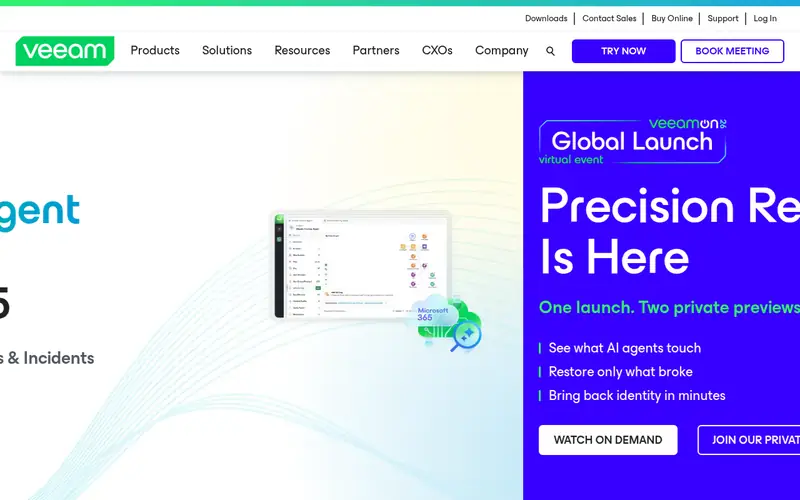
Veeam Backup & Replication is designed for Hyper-V backup inside a wider Veeam estate. Hyper-V backup inside a wider Veeam estate It backs up Hyper-V VMs agentlessly, with incremental forever backup, deduplication, and compression, and it restores entire VMs, virtual disks, or individual files. One retention policy include the entire estate.
Drawbacks to consider: pricing only by quote.
On top of that, instant recovery can boot a backed-up VM straight from the backup, and SureBackup tests recoverability automatically, which removes the guesswork from restore drills. For a team that wants the deepest Hyper-V backup with a free start, it remains the most solid choice here. From a buyer's view, the Community Edition is free for up to 10 workloads, which lets a small team protect a Hyper-V host at no cost. Veeam Backup & Replication does not publish a starting price; ask for a quote. Veeam Backup & Replication offers a free plan.
Where the price comes from
Quote only, as listed by the vendor (Veeam Backup & Replication website). Confirm the current plan price before you buy.
Benefits
- Instant VM recovery
- Community Edition free for 10 workloads
Drawbacks
- The full feature set needs the commercial editions
Use case to skip: this limit matters to you: the full feature set needs the commercial editions.
Our take. A sensible pick for hyper-V backup inside a wider Veeam estate.
If it does not fit, compare Unitrends or Nakivo Backup & Replication in this list.
- Best for
- Low-cost backup with a free edition
- Standout
- Spans Hyper-V, VMware, Proxmox
- Starting price
- Quote only
- Free plan or trial
- Free plan
Where BDRSuite fits: low-cost backup with a free edition. low-cost backup with a free edition In practice, what BDRSuite does not include is a published price. BDRSuite is a backup product from Vembu that spans Hyper-V, VMware, Proxmox, and cloud workloads, and its free edition guards up to 10 VMs at no cost.
It backs up Hyper-V VMs with incremental backup, deduplication, and compression, and it restores entire VMs, disks, or files. More specifically, for a small team that wants free Hyper-V backup with a clear upgrade path, it is a solid fit. BDRSuite does not show a fixed starting price, so you request a quote. BDRSuite has a free plan.
Honest limits: interface is less refined than Veeam.
Where the price comes from
Quote only, as listed by the vendor (BDRSuite website). Confirm the current plan price before you buy.
Benefits
- Spans Hyper-V, VMware, Proxmox
- Free edition for up to 10 VMs
Drawbacks
- Pricing only by quote
Use case to skip: this limit matters to you: pricing only by quote.
Our take. A sensible pick for low-cost backup with a free edition.
If it does not fit, compare Unitrends or Nakivo Backup & Replication in this list.
- Best for
- Straightforward per-host backup for Hyper-V and VMware
- Standout
- Free edition for 2 VMs per host
- Starting price
- Quote only
- Free plan or trial
- Free plan
Pick Hornetsecurity VM Backup if this describes you: straightforward per-host backup for Hyper-V and VMware. The free edition guards 2 VMs per host, which lets a team test it on real workloads before buying. Setup takes under an hour, the interface presents backup status for every VM at a glance.
The boot-from-backup feature can start a VM straight from its backup whereas a restore runs. The feature set is also lighter than Veeam, with fewer automation choices. In practice, the product suits teams that want backup without a complicated console. In daily use, the cloud backup choice can send a second copy to Amazon S3 or Azure storage. There is no list price for Hornetsecurity VM Backup, so a quote is the way in. Hornetsecurity VM Backup offers a free plan.
Drawbacks to consider: fewer advanced features than Veeam.
Where the price comes from
Quote only, as listed by the vendor (Hornetsecurity VM Backup website). Confirm the current plan price before you buy.
Benefits
- Free edition for 2 VMs per host
- Straightforward per-host licensing
Drawbacks
- Pricing only by quote on the vendor site
Use case to skip: this limit matters to you: pricing only by quote on the vendor site.
Our take. A sensible pick for straightforward per-host backup for Hyper-V and VMware.
If it does not fit, compare Unitrends or Nakivo Backup & Replication in this list.
A closer look at Hyper-V backup software
Check where backups are stored, whether they are encrypted, and how much storage each restore point uses after deduplication. Ask how the licence is counted, whether per host, per socket, per VM, or per workload, and get the price for your exact host and VM count in writing.
Questions worth answering first
Buying checklist
- Confirm the entry price with every vendor: no tool from Unitrends to Hornetsecurity VM Backup shows a fixed starting price.
- Read the fine print on the free plans from Veeam Backup & Replication, BDRSuite and Hornetsecurity VM Backup; seat, project and feature caps differ.
- Run a trial of Unitrends, Nakivo Backup & Replication and Commvault Cloud with real work before paying for a year; your own workflow is the best test.
- Read the limits listed for Unitrends first: pricing only by quote.
- Check whether the features you need in Commvault Cloud sit on the entry plan or only on higher tiers.
- Check the integration list for Nakivo Backup & Replication against the tools you run today, and note which ones need a higher plan.
FAQ
How are the tools for Hyper-V backup software ordered?
Unitrends sits first and Hornetsecurity VM Backup last because the order follows typical fit for Hyper-V backup software, then price clarity and free access. It is a judgement call, so read each profile for fit and limits.
Do these tools publish their prices?
No. None of the tools, from Unitrends to Hornetsecurity VM Backup, shows a fixed starting price here, so budget time for quotes.
Which options for Hyper-V backup software have a free plan?
On this list, Veeam Backup & Replication, BDRSuite and Hornetsecurity VM Backup include a free plan. Caps on seats, usage or features are common, so test the free plan against your real workload. Several others offer a trial instead.
Can I try these options before paying?
Often, yes. Veeam Backup & Replication, BDRSuite and Hornetsecurity VM Backup have a free plan and Unitrends, Nakivo Backup & Replication and Commvault Cloud offer a free trial. Use your own data and a real task during the test, and check what the free tier or trial limits before you rely on it.
What is the difference between backup and replication for Hyper-V?
Backup keeps point-in-time copies for restore, whereas replication keeps a live copy of a VM on a second host for quick failover.
Sources we checked
Change log: First published 21 Nov 2026.