5 Linux Backup Software, Compared by Cost and Features
This list puts NAKIVO first for central backup for mixed Linux estates. Timeshift fits system snapshots and rollback; Restic fits quick encrypted backup to numerous destinations. The full list of 5 tools follows, with prices and free plan facts.
 By Shihab Mia · Published 21 Nov 2026
We run no ads and no affiliate links at launch. The order of a list follows our published method. How lists are ordered: how we score.
Prices are the starting prices vendors list publicly. Plans change, so confirm the current price on the vendor page before you buy.
Key takeaways
- Number one here is NAKIVO, a fit for central backup for mixed Linux estates.
- A free plan is available from 5 of the 5 tools: NAKIVO, Timeshift, Restic, BorgBackup, Veeam Agent for Linux.
- Before buying BorgBackup, weigh this: Command-line only, so there is no graphical interface for beginners.
- Veeam Agent for Linux fits bare-metal restore for Linux servers.
Side-by-side
Grouped by fit and cost. Tap a product to jump to its full entry.
| Fit | Cost | |||
|---|---|---|---|---|
| Product | Best for | Standout feature | Listed starting price | Free plan or trial |
| 1NAKIVO | Central backup for mixed Linux estates | One console backs up Linux servers, VMware, Hyper-V | $2.45 per workload/month | Free plan |
| 2Timeshift | System snapshots and rollback | Straightforward interface with scheduled snapshots on rsync or Btrfs | $0 | Free plan |
| 3Restic | Quick encrypted backup to plenty of destinations | Plenty of other destinations | $0 | Free plan |
| 4BorgBackup | Encrypted, deduplicated server backup | Backups go to any SSH server, NAS | $0 | Free plan |
| 5Veeam Agent for Linux | Bare-metal restore for Linux servers | Integrates with Veeam Backup and Replication for central management | $0 | Free plan |
How we picked
Top Tech Hardware looked at what each vendor publishes: pricing, plan limits, feature coverage for Linux backup software and stated drawbacks. No hands-on testing is claimed. Prices and plan limits come from vendor pages and can change, so confirm them on the vendor site before you buy. Position on the page reflects fit for a typical buyer first, with price clarity and free access breaking ties. Treat it as a guide, not a ruling.
The 5 picks in detail
- Best for
- Central backup for mixed Linux estates
- Standout
- One console backs up Linux servers, VMware, Hyper-V
- Starting price
- $2.45 per workload/month
- Free plan or trial
- Free plan
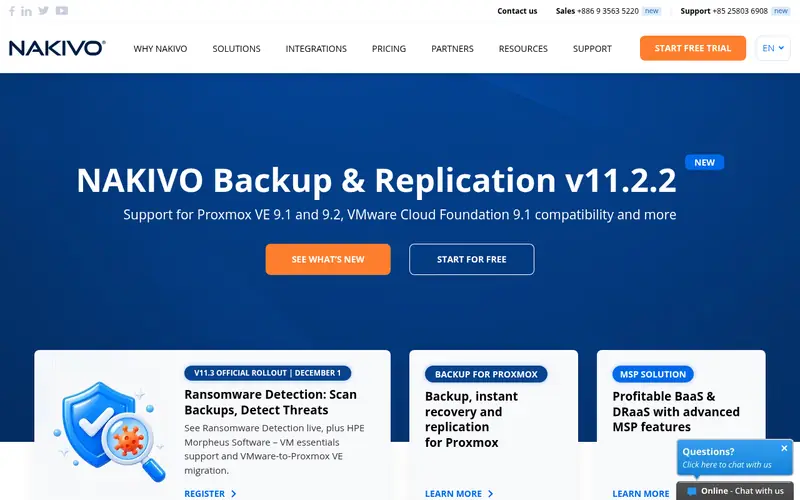
NAKIVO targets central backup for mixed Linux estates. Central backup for mixed Linux estates Also, NAKIVO Backup and Replication backs up Linux physical servers and virtual machines from one console, alongside VMware, Hyper-V, and Microsoft 365 data, which makes it a solid fit for a mixed estate. On top of that, the free edition is genuinely handy for a handful of machines.
Watch-outs: Linux agent setup is less refined than Windows.
But a team with dozens of workloads will need the licensed edition, and the price then grows per workload. The starting price is $2.45 per workload a month. A free edition handles a restricted number of workloads for teams that want to test before they buy. The limits are scale and Linux polish. NAKIVO pricing: $2.45 per workload/month. A free plan is available with NAKIVO.
Where the price comes from
$2.45 per workload/month, as listed by the vendor (NAKIVO website). Confirm the current plan price before you buy.
Benefits
- One console backs up Linux servers, VMware, Hyper-V
- Low per-workload price with a free edition
Drawbacks
- The free edition handles restricted workloads, so an expanding estate moves to the licensed edition rapidly
Use case to skip: this limit matters to you: the free edition handles restricted workloads, so an expanding estate moves to the licensed edition rapidly.
Our take. A sensible pick for central backup for mixed Linux estates.
If it does not fit, compare Timeshift or Restic in this list.
- Best for
- System snapshots and rollback
- Standout
- Straightforward interface with scheduled snapshots on rsync or Btrfs
- Starting price
- $0
- Free plan or trial
- Free plan
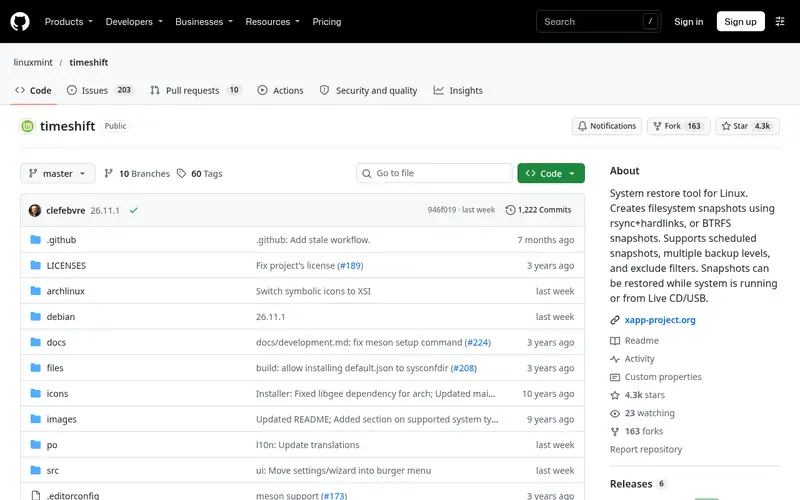
Think of Timeshift for system snapshots and rollback. The limit is scope. Timeshift guards the system by default, not personal files.
So a home directory full of documents, photos, and project files needs a separate backup tool like BorgBackup or Restic. Also, snapshots also live on the same disk except when the administrator points them at another drive, so they do nothing if the disk itself fails. The right way to use Timeshift is as the quick first layer: snapshots for instant recovery from everyday mistakes and bad updates, plus a data backup tool for the files that actually matter. Timeshift pricing: $0. Timeshift has a free plan.
Trade-offs to know: Guards system files by default, not personal data, so it is not a full backup.
Where the price comes from
$0, as listed by the vendor (Timeshift website). Confirm the current plan price before you buy.
Benefits
- Straightforward interface with scheduled snapshots on rsync or Btrfs
- One-click rollback of the system after a bad update
Drawbacks
- Snapshots live on the same disk except when configured otherwise
Use case to skip: this limit matters to you: snapshots live on the same disk except when configured otherwise.
Our take. A sensible pick for system snapshots and rollback.
If it does not fit, compare NAKIVO or Restic in this list.
- Best for
- Quick encrypted backup to plenty of destinations
- Standout
- Plenty of other destinations
- Starting price
- $0
- Free plan or trial
- Free plan
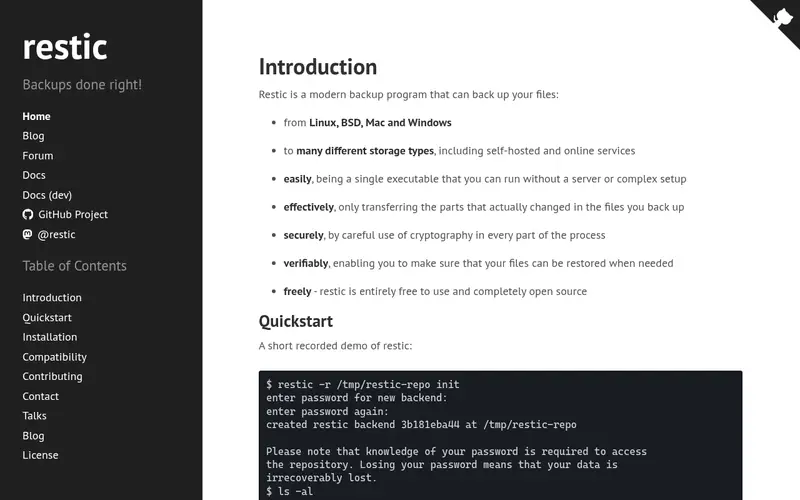
Think of Restic for quick encrypted backup to plenty of destinations. There is no official graphical interface, and there is no built-in scheduler, so backups run from cron or systemd timers that the administrator writes.
Reasons to shortlist it: encrypted backups to local disk, SFTP, S3.
Where it is weaker: Command-line only with no official graphical interface. Beyond that, for a small team that wants a straightforward, quick, and secure backup tool with broad destination support, Restic is one of the best free options, and it pairs well with a NAS or a B2 bucket for the off-site copy. Quick encrypted backup to numerous destinations On cost, Restic starts like this: $0. Restic has a free plan.
Where the price comes from
$0, as listed by the vendor (Restic website). Confirm the current plan price before you buy.
Benefits
- Plenty of other destinations
- Backblaze B2
Drawbacks
- No built-in scheduling, so cron or systemd timers do the work
Use case to skip: this limit matters to you: no built-in scheduling, so cron or systemd timers do the work.
Our take. A sensible pick for quick encrypted backup to plenty of destinations.
If it does not fit, compare NAKIVO or Timeshift in this list.
- Best for
- Encrypted, deduplicated server backup
- Standout
- Backups go to any SSH server, NAS
- Starting price
- $0
- Free plan or trial
- Free plan
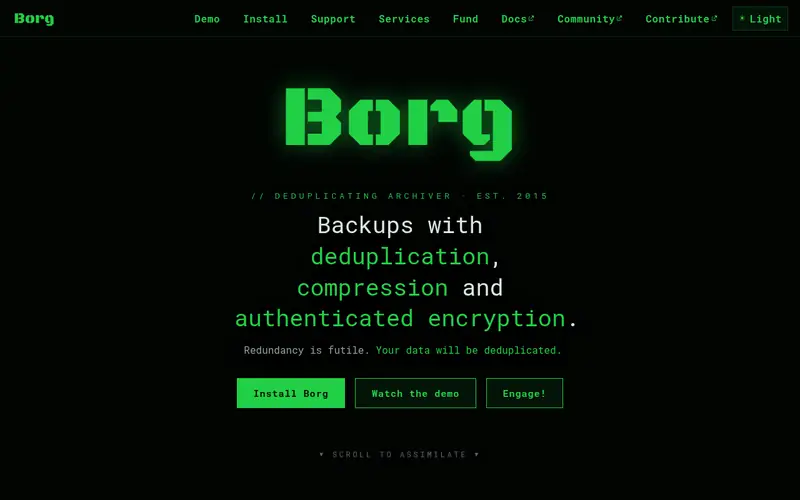
BorgBackup is designed for encrypted, deduplicated server backup. Each backup is a snapshot of the files at a moment in time, and Borg keeps only the changed blocks, which keeps storage small when the same files are backed up every day. As for the details, the primary limit is the interface.
Where it falls short: Command-line only, so there is no graphical interface for beginners.
Main advantages: encryption in one free tool.
For everyday use, compression is built in, with multiple algorithms to choose from, and mounting a backup as a filesystem makes it simple to browse and restore a single file. On top of that, scheduling comes from cron, and monitoring comes from scripts or a wrapper like Borgmatic, which layers on configuration files and email reports on top of Borg. For a small team with Linux skills, Borg is the most capable free backup tool available: it costs nothing, it encrypts everything. It keeps data wherever the team chooses. What you pay to start with BorgBackup: $0. Free access exists with BorgBackup.
Where the price comes from
$0, as listed by the vendor (BorgBackup website). Confirm the current plan price before you buy.
Benefits
- Backups go to any SSH server, NAS
- Deduplication, compression
Drawbacks
- Restoring a single file needs the command line too
Use case to skip: this limit matters to you: restoring a single file needs the command line too.
Our take. A sensible pick for encrypted, deduplicated server backup.
If it does not fit, compare NAKIVO or Timeshift in this list.
- Best for
- Bare-metal restore for Linux servers
- Standout
- Integrates with Veeam Backup and Replication for central management
- Starting price
- $0
- Free plan or trial
- Free plan
Veeam Agent for Linux is aimed squarely at bare-metal restore for Linux servers. Veeam Agent for Linux is a free backup agent for Linux servers and workstations that supports volume-level and file-level backup, with bare-metal restore from a recovery image. Also, the agent is also heavier than Borg or Restic, with more services running on the protected machine.
As for the details, for a small business that runs a handful of Linux servers alongside virtual machines and wants bare-metal restore with a graphical console, Veeam Agent for Linux is a solid free starting point. For everyday use, for a team that already runs Veeam for virtual machines, the Linux agent brings physical Linux servers into the same backup and restore workflow, with the same console and the same recovery choices. The free agent is configured per machine, so a team with numerous Linux servers will spend time logging into each one, and central management needs the commercial Veeam system, which publishes no list price. On cost, Veeam Agent for Linux starts like this: $0. Veeam Agent for Linux has a free plan.
Where the price comes from
$0, as listed by the vendor (Veeam Agent for Linux website). Confirm the current plan price before you buy.
Benefits
- Integrates with Veeam Backup and Replication for central management
- Free agent with full system backup and bare-metal restore
Drawbacks
- The free agent is managed per machine, so central control needs the commercial Veeam product, which is priced by quote
Use case to skip: this limit matters to you: the free agent is managed per machine, so central control needs the commercial Veeam product, which is priced by quote.
Our take. A sensible pick for bare-metal restore for Linux servers.
If it does not fit, compare NAKIVO or Timeshift in this list.
Questions worth answering first
Buying checklist
- Prices are a starting point; NAKIVO shows $2.45 per workload/month to start, so verify what your seat count would cost.
- Read the fine print on the free plans from NAKIVO, Timeshift, Restic and others; seat, project and feature caps differ.
- Before choosing NAKIVO, weigh its main limit: the free edition handles restricted workloads, so an expanding estate moves to the licensed edition rapidly.
- Confirm that Veeam Agent for Linux connects to the apps your team already uses, on the plan you would actually buy.
- Involve the people who will use Timeshift daily; a short pilot beats a long feature checklist.
FAQ
Which Linux backup tool is a good match for a server?
For most readers this guide would start with NAKIVO, built for central backup for mixed Linux estates. Timeshift is the alternative for system snapshots and rollback, and Restic for fast encrypted backup to numerous destinations. The right answer depends on budget and workflow.
Do these tools publish their prices?
Yes. Every tool from NAKIVO to Veeam Agent for Linux shows a starting price, though seats, add-ons and billing terms still change the final cost.
Can I try these options before paying?
Often, yes. NAKIVO, Timeshift, Restic and others have a free plan. Use your own data and a real task during the test, and check what the free tier or trial limits before you rely on it.
Do I need a commercial tool for Linux backup?
Not normally. A commercial tool for example NAKIVO earns its price when a team runs numerous machines and wants central management, reporting, and support in one console.
What is the cheapest option for Linux backup software in this list?
On published monthly entry prices, NAKIVO is the lowest here at $2.45 per workload/month. Entry price is only part of the cost, because seats, add-ons and billing terms can change the total.
Is NAKIVO the right pick for everyone comparing Linux backup software?
No single tool suits every team. NAKIVO comes first because it fits central backup for mixed Linux estates, while Timeshift suits system snapshots and rollback and Restic suits fast encrypted backup to many destinations. Match the tool to your own size, budget and workflow before deciding.
Sources we checked
Change log: First published 21 Nov 2026.