Comparing 5 Mac Backup Software Options in 2026
For plenty of devices under one account, IDrive is where this list starts. If your case is different, SuperDuper. Suits straightforward full-disk clones and Time Machine suits free automatic local backup. The other 2 tools in the list cover narrower or pricier cases.
 By Shihab Mia · Published 21 Nov 2026
We run no ads and no affiliate links at launch. The order of a list follows our published method. How lists are ordered: how we score.
Prices are the starting prices vendors list publicly. Plans change, so confirm the current price on the vendor page before you buy.
Key takeaways
- IDrive sits first on this list: plenty of devices under one account.
- For the cheapest start, look at IDrive: $6.99 per month.
- IDrive comes with a trade-off: the 5 TB Personal price rises from $83.88 in year one to $119.88 per year from year two.
- Free plans exist at 3 of 5 tools (IDrive, SuperDuper., Time Machine).
Side-by-side
Grouped by fit and cost. Tap a product to jump to its full entry.
| Fit | Cost | |||
|---|---|---|---|---|
| Product | Best for | Standout feature | Listed starting price | Free plan or trial |
| 1IDrive | Numerous devices under one account | 10 GB Basic plan costs nothing | $6.99 per month (billed yearly, first year; $9.99 per month after) | Free plan |
| 2SuperDuper. | Straightforward full-disk clones | Entry-level full erase backups are free | $50.54 one-time (SuperDuper 4, per user) | Free plan |
| 3Time Machine | Free automatic local backup | Hourly, daily | Free (included with macOS) | Free plan |
| 4Backblaze Computer Backup | Unlimited cloud backup for one Mac | Flat price with no storage levels | $9 per computer/month ($99 a year, or $189 for two years) | Free trial (15 days) |
| 5Carbon Copy Cloner | Bootable clones with scheduling | Makes full bootable clones and scheduled tasks | $49.99 one-time (Personal and Household licence) | Free trial (30 days) |
How we picked
We compared the tools on published pricing, free plan or trial availability, feature coverage for mac backup software, and the limits each vendor documents. Where a vendor does not publish a price, the entry says quote. Where a price depends on seats or billing term, the entry says so. Position on the page reflects fit for a typical buyer first, with price clarity and free access breaking ties. Treat it as a guide, not a ruling.
The 5 picks in detail
- Best for
- Numerous devices under one account
- Standout
- 10 GB Basic plan costs nothing
- Starting price
- $6.99 per month (billed yearly, first year; $9.99 per month after)
- Free plan or trial
- Free plan
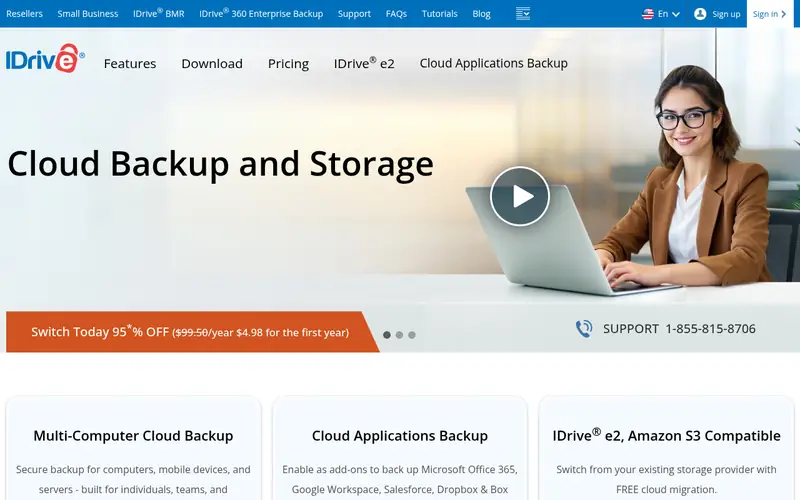
IDrive was built for plenty of devices under one account. IDrive states on its pricing page that the discounted price applies to the first year of the selected plan and standard pricing applies from the second year onward, so a buyer should budget for $119.88 per year, not $83.88, over the long term. The first-year discount is the part to read twice.
Going over the 5 TB allowance can also cost $0.25 per GB a month on Personal plans. IDrive prices backup by storage, not by device, which makes it the value pick for a household with several machines. On top of that, IDrive also bundles one free Express restore by physical drive a year on Personal plans. From a buyer's view, the 5 TB Personal plan costs $6.99 a month billed yearly for the first year, which is $83.88. The standard price from the second year is $9.99 a month billed yearly, or $119.88 per year. On cost, IDrive starts like this: $6.99 per month. IDrive includes a free tier.
Where the price comes from
$6.99 per month (billed yearly, first year; $9.99 per month after), as listed by the vendor (IDrive website). Confirm the current plan price before you buy.
Benefits
- 10 GB Basic plan costs nothing
- NAS devices
Drawbacks
- The 5 TB Personal price rises from $83.88 in year one to $119.88 a year from year two
Use case to skip: this limit matters to you: the 5 TB Personal price rises from $83.88 in year one to $119.88 a year from year two.
Our take. A sensible pick for numerous devices under one account.
If it does not fit, compare SuperDuper. or Time Machine in this list.
- Best for
- Straightforward full-disk clones
- Standout
- Entry-level full erase backups are free
- Starting price
- $50.54 one-time (SuperDuper 4, per user)
- Free plan or trial
- Free plan
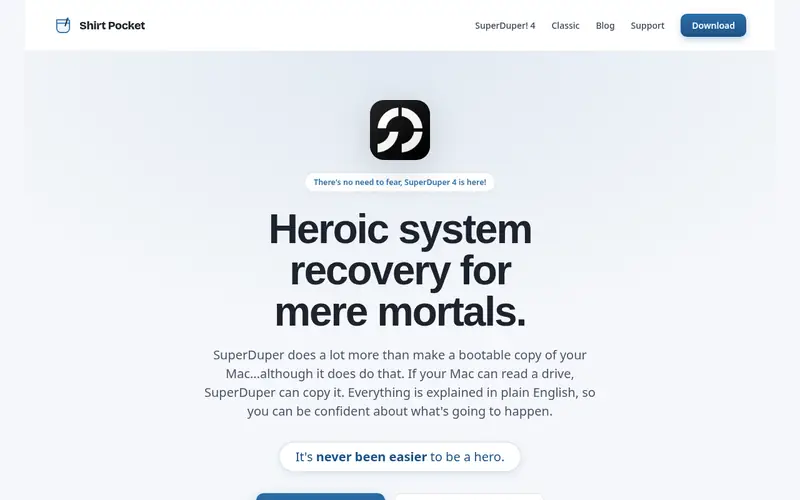
SuperDuper. Is designed for straightforward full-disk clones. There is no subscription, and the licence is a one-time purchase. In daily use, the current release is SuperDuper.
The main drawbacks: Scheduling, Smart Update.
From a buyer's view, entry-level full erase backups are free with no time limit, and registering for $50.54 once per user brings Smart Update, which copies only changed files, plus scheduling, network destinations, and custom copy scripts. The trade-off for that simplicity is a narrower feature set. More specifically, 4, a ground-up rewrite that needs macOS 14 Sonoma or later and runs on Apple silicon and Intel Macs. Also, SuperDuper. Does not keep version history the way Time Machine does, it does not back up to the cloud. The free mode can only do full erase copies, so it is slower for daily use until you register. SuperDuper. Starts at: $50.54 one-time. SuperDuper. Has a free plan.
Where the price comes from
$50.54 one-time (SuperDuper 4, per user), as listed by the vendor (SuperDuper. website). Confirm the current plan price before you buy.
Benefits
- Entry-level full erase backups are free
- The interface explains each step in plain language
Drawbacks
- Network destinations need the registered version
Use case to skip: this limit matters to you: network destinations need the registered version.
Our take. A sensible pick for straightforward full-disk clones.
If it does not fit, compare IDrive or Time Machine in this list.
- Best for
- Free automatic local backup
- Standout
- Hourly, daily
- Starting price
- Free (included with macOS)
- Free plan or trial
- Free plan
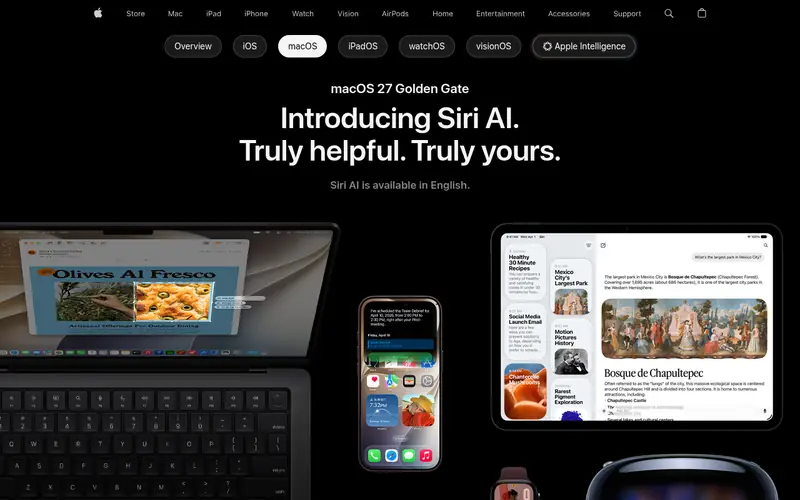
Time Machine is designed for free automatic local backup. A Mac that leaves the house also needs the drive plugged in on a regular basis, or backups fall behind. For those reasons, Time Machine works best as the first layer of a plan, paired with a cloud service that keeps a copy somewhere else.
Also, Apple suggests a backup disk a minimum of twice the size of the Mac storage it guards. The drive itself is a separate purchase. Time Machine is the backup tool built into macOS, and it is the right starting point for almost every Mac owner. In practice, restoring a single file is a matter of opening Time Machine and stepping back through time, whereas a full restore can bring back the entire system on a new Mac through Migration Assistant. More specifically, once you link an external drive and choose it as the backup disk, Time Machine copies the entire Mac, then keeps hourly backups for the past 24 hours, daily backups for the past month, and weekly backups for older months, for provided that the disk has room. The starting price for Time Machine: Free. Time Machine offers a free plan.
Trade-offs to know: Needs an external drive or network disk.
Where the price comes from
Free (included with macOS), as listed by the vendor (Time Machine website). Confirm the current plan price before you buy.
Benefits
- Hourly, daily
- Weekly versions kept automatically
Drawbacks
- It hands no off-site copy on its own
Use case to skip: this limit matters to you: it hands no off-site copy on its own.
Our take. A sensible pick for free automatic local backup.
If it does not fit, compare IDrive or SuperDuper. in this list.
- Best for
- Unlimited cloud backup for one Mac
- Standout
- Flat price with no storage levels
- Starting price
- $9 per computer/month ($99 a year, or $189 for two years)
- Free plan or trial
- Free trial (15 days)
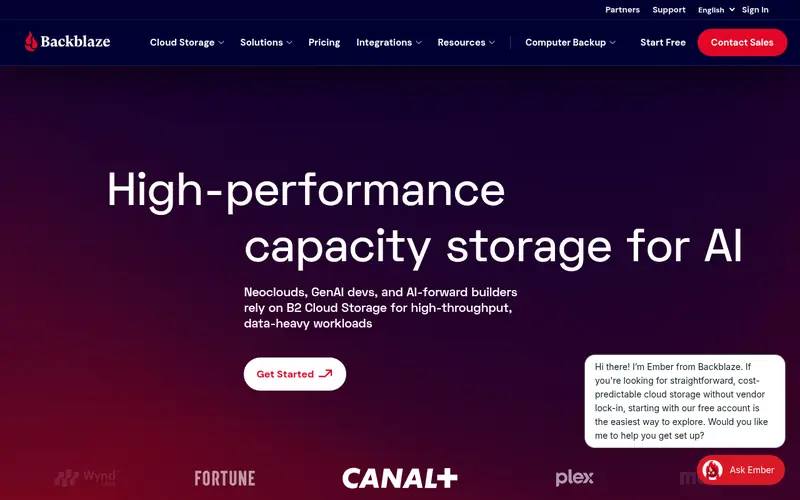
Backblaze Computer Backup is aimed squarely at unlimited cloud backup for one Mac. Unlimited cloud backup for one Mac Two Macs cost $18 a month, and three cost $27, because Backblaze sells no family pool. Worth adding: the price is $9 a month, $99 a year, or $189 for two years for each computer.
The same rate applies to the Business plan. Backblaze also does not back up network drives or NAS devices. So a household with a shared NAS needs the separate B2 storage service instead. On cost, Backblaze Computer Backup starts like this: $9 per computer/month. As for free access: Free trial (15 days).
Where the price comes from
$9 per computer/month ($99 a year, or $189 for two years), as listed by the vendor (Backblaze Computer Backup website). Confirm the current plan price before you buy.
Benefits
- Flat price with no storage levels
- Unlimited storage for one computer and its attached drives
Drawbacks
- One licence includes one computer only, so a second Mac needs a second subscription
Use case to skip: this limit matters to you: one licence includes one computer only, so a second Mac needs a second subscription.
Our take. A sensible pick for unlimited cloud backup for one Mac.
If it does not fit, compare IDrive or SuperDuper. in this list.
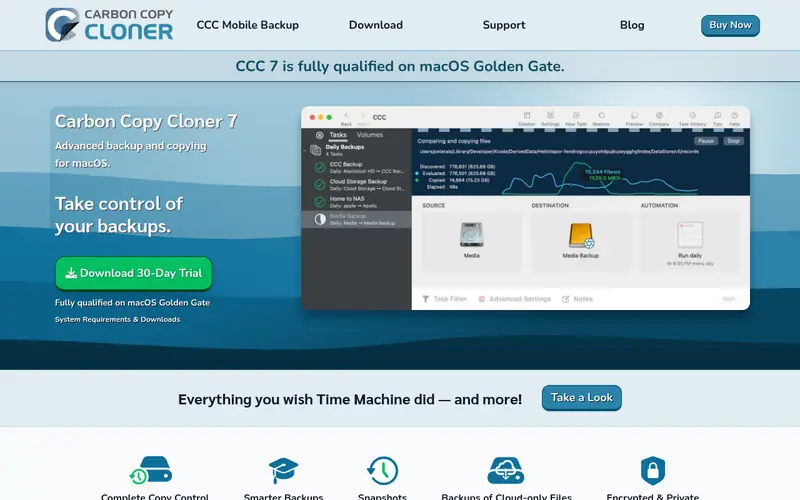
- Best for
- Bootable clones with scheduling
- Standout
- Makes full bootable clones and scheduled tasks
- Starting price
- $49.99 one-time (Personal and Household licence)
- Free plan or trial
- Free trial (30 days)
Pick Carbon Copy Cloner if this describes you: bootable clones with scheduling. It copies an entire drive to an external disk, a disk image, or a network volume, and it can keep snapshots so you can step back to earlier versions of a file. Worth adding: on Apple silicon Macs, Apple no longer guarantees that a copied system volume will boot, so Bombich describes bootable backup as a best-effort feature instead of a promise.
CCC still does well as a quick local restore tool, since you can copy files back or clone the data volume to a replacement drive. Beyond that, tasks run on a schedule, and CCC can back up only the files that changed since the last run, which keeps nightly clones quick. A Personal and Household licence costs $49.99 once and handles every Mac in one household for non-commercial use, with a completely featured 30-day trial before you buy. CCC 7 needs macOS 13 Ventura or later, and a new major version will be a fresh purchase at a discount for existing owners. Price to start with Carbon Copy Cloner: $49.99 one-time. On free options: Free trial (30 days).
Limits to weigh: Mac only.
Where the price comes from
$49.99 one-time (Personal and Household licence), as listed by the vendor (Carbon Copy Cloner website). Confirm the current plan price before you buy.
Benefits
- Makes full bootable clones and scheduled tasks
- One licence covers every Mac in a household
Drawbacks
- Apple no longer guarantees a copied system volume will boot on Apple silicon
Use case to skip: this limit matters to you: apple no longer guarantees a copied system volume will boot on Apple silicon.
Our take. A sensible pick for bootable clones with scheduling.
If it does not fit, compare IDrive or SuperDuper. in this list.
More on mac backup software
Confirm how numerous computers the price includes, since Backblaze and Carbonite charge per computer whereas IDrive spans plenty of devices on one account. In daily use, check the version history period, since a 30-day window may be too short if you only notice a lost file weeks later. As for the details, check the macOS version your Mac runs, since Carbon Copy Cloner needs macOS 13 or later and SuperDuper.
Beyond that, 4 needs macOS 14 or later. Also, Finally, confirm the restore choices, including web download, mobile app, and courier drive, and test a small restore before you depend on any backup.
Questions worth answering first
Buying checklist
- Confirm the entry price on the vendor page: IDrive starts at $6.99 per month, but seat counts and billing terms change the total.
- Read the fine print on the free plans from IDrive, SuperDuper. And Time Machine; seat, project and feature caps differ.
- Take the trial from Backblaze Computer Backup and Carbon Copy Cloner and push a live task through it before you pay.
- Read the limits listed for IDrive first: the 5 TB Personal price rises from $83.88 in year one to $119.88 per year from year two.
- Total up the real monthly cost of IDrive, including add-ons, extra users and usage-based fees.
- Check whether the features you need in Carbon Copy Cloner sit on the entry plan or only on higher tiers.
FAQ
Can I try these options before paying?
Often, yes. IDrive, SuperDuper. And Time Machine have a free plan and Backblaze Computer Backup and Carbon Copy Cloner offer a free trial. Use your own data and a real task during the test, and check what the free tier or trial limits before you rely on it.
Does IDrive really cost $6.99 a month?
The $6.99 per month figure is the first-year price for the Personal 5 TB plan billed yearly, which totals $83.88 for year one.
Which Mac backup software is a good match for a single Mac with a large photo library?
The first pick on this list is IDrive, because it suits plenty of devices under one account. SuperDuper. Is better for simple full-disk clones, and Time Machine for free automatic local backup. Check price and limits against your own needs before choosing.
Which options for mac backup software have a free plan?
IDrive, SuperDuper. And Time Machine offer a free plan in this list. Free plans usually cap users, projects or features, so check the limits on the vendor page. Several others offer a trial instead.
Is Time Machine enough on its own for a Mac?
Time Machine is enough for local protection, since it keeps hourly, daily, and weekly versions and can restore an entire Mac. Pair it with a cloud service for a complete plan.
Do these tools publish their prices?
Yes. Every tool from IDrive to Carbon Copy Cloner shows a starting price, though seats, add-ons and billing terms still change the final cost.
Sources we checked
Change log: First published 21 Nov 2026.