6 Strong NAS Backup Software for Small Offices in 2026
Comet Backup is the first pick on this list for offices that want a flat monthly rate. Veeam Backup and Replication fits offices that want a free start; MSP360 Backup fits offices that want their own cloud storage. All 6 tools are compared below on price, free plan and limits.
 By Shihab Mia · Published 21 Nov 2026
We run no ads and no affiliate links at launch. The order of a list follows our published method. How lists are ordered: how we score.
Prices are the starting prices vendors list publicly. Plans change, so confirm the current price on the vendor page before you buy.
Key takeaways
- Comet Backup takes the first slot, best suited to offices that want a flat monthly rate.
- Veeam Backup and Replication, IDrive, QNAP Hybrid Backup Sync 3, Synology Active Backup for Business: these are the 4 tools out of 6 that offer a free plan.
- MSP360 Backup has the lowest monthly starting price in this list: $2.50 per workload/month.
- Synology Active Backup for Business is the one to check for offices that already own a Synology NAS.
Side-by-side
Grouped by fit and cost. Tap a product to jump to its full entry.
| Fit | Cost | |||
|---|---|---|---|---|
| Product | Best for | Standout feature | Listed starting price | Free plan or trial |
| 1Comet Backup | Offices that want a flat monthly rate | Backups go to the office's own storage | $19 per month | Free trial (30 days) |
| 2Veeam Backup and Replication | Offices that want a free start | NAS backup support | $0 (Community Edition) | Free plan |
| 3MSP360 Backup | Offices that want their own cloud storage | Spans Windows, Linux, macOS, VMware, Hyper-V | $2.50 per workload/month | Free trial (15 days) |
| 4IDrive | Offices that want one account for PCs and NAS | Mobile devices | $9.99 a month | Free plan |
| 5QNAP Hybrid Backup Sync 3 | Offices that already own a QNAP NAS | Google Cloud | $0 (included with NAS) | Free plan |
| 6Synology Active Backup for Business | Offices that already own a Synology NAS | No per-device licence fee | $0 (included with NAS) | Free plan |
How we picked
For each of the 6 tools we noted price, free plan or trial, fit for NAS backup software for small offices and the main limit, using vendor pages and documentation. Treat prices as a snapshot: vendors change plans often, so check the vendor site for the figure that applies today. The order reflects how well each tool fits the most common buying scenario for NAS backup software for small offices, then price clarity, then free plan access. It is a starting point, not a verdict.
The 6 picks in detail
- Best for
- Offices that want a flat monthly rate
- Standout
- Backups go to the office's own storage
- Starting price
- $19 per month
- Free plan or trial
- Free trial (30 days)
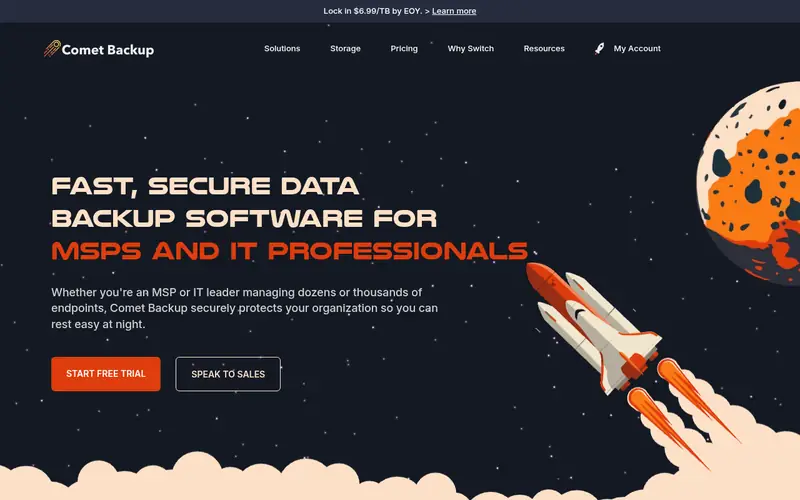
Comet Backup serves offices that want a flat monthly rate. Like MSP360, it writes backup copies to storage the office chooses, for example Wasabi, Backblaze B2, or AWS S3.
Where it is weaker: the office must supply its own storage.
Upsides: handles Windows, macOS, Linux.
So the office controls where its files sit. Comet also needs the office to set up its own storage, which layers on a setup step. The starting price for Comet Backup: $19 per month. On free options: Free trial (30 days).
Where the price comes from
$19 per month, as listed by the vendor (Comet Backup website). Confirm the current plan price before you buy.
Benefits
- Backups go to the office's own storage
- Flat $19 a month per server
Drawbacks
- Per-endpoint charges add up for large workstation fleets
Use case to skip: this limit matters to you: per-endpoint charges add up for large workstation fleets.
Our take. A sensible pick for offices that want a flat monthly rate.
If it does not fit, compare Veeam Backup and Replication or MSP360 Backup in this list.
- Best for
- Offices that want a free start
- Standout
- NAS backup support
- Starting price
- $0 (Community Edition)
- Free plan or trial
- Free plan
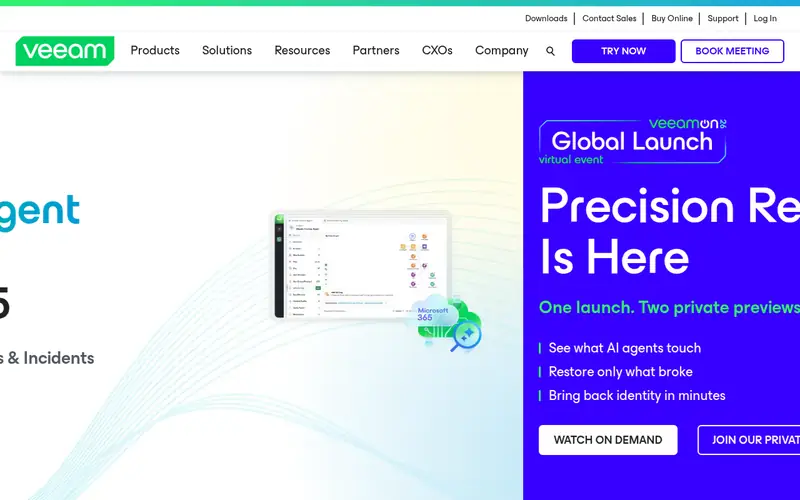
Pick Veeam Backup and Replication if this describes you: offices that want a free start. An office with more than 10 machines or virtual machines must buy licences.
Downsides: the full product is priced per workload and needs a quote for bigger estates.
The full product is priced per workload through channel partners, so the office should request a written quote for its exact workload count. As for the details, Veeam Backup and Replication Community Edition is free for up to 10 workloads, which lets a small office protect its NAS and its workstations without spending on licences. Entry price for Veeam Backup and Replication: $0. Veeam Backup and Replication includes a free tier.
Where the price comes from
$0 (Community Edition), as listed by the vendor (Veeam Backup and Replication website). Confirm the current plan price before you buy.
Benefits
- NAS backup support
- Community Edition is free for up to 10 workloads
Drawbacks
- The free edition caps at 10 workloads
Use case to skip: this limit matters to you: the free edition caps at 10 workloads.
Our take. A sensible pick for offices that want a free start.
If it does not fit, compare Comet Backup or MSP360 Backup in this list.
- Best for
- Offices that want their own cloud storage
- Standout
- Spans Windows, Linux, macOS, VMware, Hyper-V
- Starting price
- $2.50 per workload/month
- Free plan or trial
- Free trial (15 days)
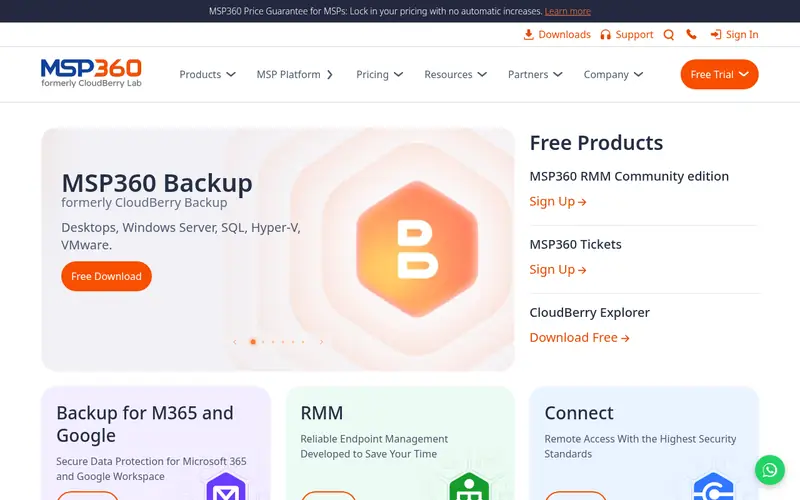
MSP360 Backup is aimed squarely at offices that want their own cloud storage. Offices that want their own cloud storage Worth adding: the office chooses its own storage, such as AWS S3, Azure Blob, Wasabi, or Backblaze B2, and MSP360 writes the backup copies there. The $2.50 per workload a month licence does not bundle storage, so the total monthly cost is the licence plus the storage usage.
An office with multiple terabytes of shared files should model both before comparing MSP360 to the free NAS tools. From a buyer's view, MSP360 Backup costs $2.50 per workload a month, and its central difference from the other tools here is where the data goes. The product spans Windows, Linux, and macOS machines, VMware and Hyper-V virtual machines, and Microsoft 365. So one console can protect the workstations, the NAS, and the office's cloud mail. Price to start with MSP360 Backup: $2.50 per workload/month. As for free access: Free trial (15 days).
The main drawbacks: no permanent free level.
Where the price comes from
$2.50 per workload/month, as listed by the vendor (MSP360 Backup website). Confirm the current plan price before you buy.
Benefits
- Spans Windows, Linux, macOS, VMware, Hyper-V
- $2.50 per workload a month
Drawbacks
- The office must set up and pay for its own storage
Use case to skip: this limit matters to you: the office must set up and pay for its own storage.
Our take. A sensible pick for offices that want their own cloud storage.
If it does not fit, compare Comet Backup or Veeam Backup and Replication in this list.
- Best for
- Offices that want one account for PCs and NAS
- Standout
- Mobile devices
- Starting price
- $9.99 a month
- Free plan or trial
- Free plan
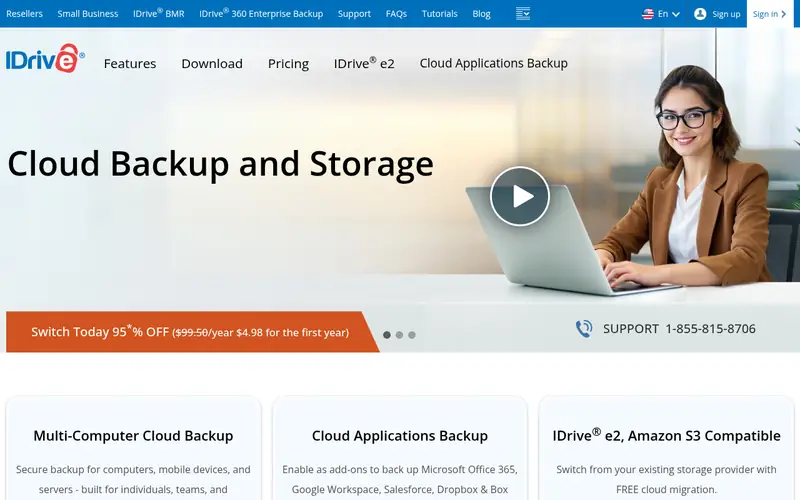
IDrive makes the most sense for offices that want one account for PCs and NAS. IDrive costs $9.99 a month billed yearly for 5 TB of storage. One account spans Windows and Mac computers, NAS devices, and mobile devices.
What IDrive does well: NAS devices.
The main drawbacks: the interface carries more choices than a small office needs.
The 10 GB free plan lets an office test the service with a small set of files before buying. The interface also carries more choices than a small office needs, so setup takes longer than the Synology or QNAP apps. Beyond that, offices that want one account for PCs and NAS IDrive cost at the entry level: $9.99 per month. IDrive includes a free tier.
Where the price comes from
$9.99 a month, as listed by the vendor (IDrive website). Confirm the current plan price before you buy.
Benefits
- Mobile devices
- $9.99 a month billed yearly for 5 TB
Drawbacks
- Restore speed can be slow for very large data sets
Use case to skip: this limit matters to you: restore speed can be slow for very large data sets.
Our take. A sensible pick for offices that want one account for PCs and NAS.
If it does not fit, compare Comet Backup or Veeam Backup and Replication in this list.
- Best for
- Offices that already own a QNAP NAS
- Standout
- Google Cloud
- Starting price
- $0 (included with NAS)
- Free plan or trial
- Free plan
QNAP Hybrid Backup Sync 3 works best for offices that already own a QNAP NAS. Offices that already own a QNAP NAS It manages NAS-to-cloud backup, NAS-to-NAS backup, and sync to local folders, external USB drives, remote QNAP units, rsync servers, and cloud services including Amazon S3, Azure, Google Cloud, Backblaze B2, Wasabi, and QNAP's own myQNAPcloud Storage.
What QNAP Hybrid Backup Sync 3 does well: Backblaze B2; supports Amazon S3, Azure.
The main drawbacks: PC and server backup needs the separate Hyper Data Protector app.
The starting price for QNAP Hybrid Backup Sync 3: $0. You can start on QNAP Hybrid Backup Sync 3 without paying.
Where the price comes from
$0 (included with NAS), as listed by the vendor (QNAP Hybrid Backup Sync 3 website). Confirm the current plan price before you buy.
Benefits
- Google Cloud
- Cloud targets
Drawbacks
- QNAP NAS units have faced ransomware attacks
Use case to skip: this limit matters to you: QNAP NAS units have faced ransomware attacks.
Our take. A sensible pick for offices that already own a QNAP NAS.
If it does not fit, compare Comet Backup or Veeam Backup and Replication in this list.
- Best for
- Offices that already own a Synology NAS
- Standout
- No per-device licence fee
- Starting price
- $0 (included with NAS)
- Free plan or trial
- Free plan
Pick Synology Active Backup for Business if this describes you: offices that already own a Synology NAS. Offices that already own a Synology NAS In practice, global deduplication means duplicate data is stored once, which cuts storage use when multiple machines hold the same shared files.
Worth adding: an office that already owns a Synology NAS gets a capable backup product for no additional software cost. The central spend is the NAS, the drives, and the offsite copy. Synology Active Backup for Business pricing: $0. You can start on Synology Active Backup for Business without paying.
What to check first: Only runs on Synology NAS hardware.
Where the price comes from
$0 (included with NAS), as listed by the vendor (Synology Active Backup for Business website). Confirm the current plan price before you buy.
Benefits
- No per-device licence fee
- Global deduplication cuts storage use
Drawbacks
- Needs a supported x64 model with Btrfs volumes
Use case to skip: this limit matters to you: needs a supported x64 model with Btrfs volumes.
Our take. A sensible pick for offices that already own a Synology NAS.
If it does not fit, compare Comet Backup or Veeam Backup and Replication in this list.
More on NAS backup software for small offices
Check the offsite copy first, since a NAS backup that sits on the same NAS is not a backup when the NAS fails. Worth adding: the office needs a second copy on a second NAS or in cloud storage. The tool should copy to that target automatically.
Beyond that, check versioning next: a single shared folder should restore to yesterday's version without pulling back the entire NAS. Test one restore during the trial and time it, since restore speed decides how a lost-file incident ends. A free NAS app costs nothing for software, but the office still pays for drives and offsite storage.
Questions worth answering first
Buying checklist
- Prices are a starting point; MSP360 Backup shows $2.50 per workload/month to start, so verify what your seat count would cost.
- Check what the free option really includes: Veeam Backup and Replication, IDrive, QNAP Hybrid Backup Sync 3 and Synology Active Backup for Business offer a free plan, and usage caps differ.
- Run a trial of Comet Backup and MSP360 Backup with real work before paying for a year; your own workflow is the best test.
- Before choosing Comet Backup, weigh its main limit: per-endpoint charges add up for large workstation fleets.
- Let daily users try Veeam Backup and Replication on real work; their feedback beats any feature checklist.
- Map your must-have features to a specific QNAP Hybrid Backup Sync 3 plan before you compare prices.
FAQ
Can an office restore a single shared folder without restoring the entire NAS?
Synology Active Backup for Business, QNAP Hybrid Backup Sync 3, Acronis, MSP360, NAKIVO, Veeam, IDrive, and Comet all restore at the folder or file level. So a single shared folder comes back without pulling back the entire NAS.
Do these tools publish their prices?
Yes. Every tool from Comet Backup to Synology Active Backup for Business shows a starting price, though seats, add-ons and billing terms still change the final cost.
How long should an office keep backup versions of a shared file?
Most offices keep file versions for a minimum of 30 days, and plenty of keep them for 90 days or longer so an overwritten contract or invoice can be recovered weeks later. The backup tool should support a retention term that matches the office's own policy. The office should confirm that longer retention does not carry a surprise charge.
Does a NAS back up itself, or does the office need backup software?
A NAS does not back up itself. It keeps files, and it can run a backup app. But the office must set up a backup job that copies the NAS data to a second location, like a second NAS or cloud storage.
Is Comet Backup the right pick for everyone comparing NAS backup software for small offices?
No single tool suits every team. Comet Backup comes first because it fits offices that want a flat monthly rate, while Veeam Backup and Replication suits offices that want a free start and MSP360 Backup suits offices that want their own cloud storage. Match the tool to your own size, budget and workflow before deciding.
Which options for NAS backup software for small offices have a free plan?
On this list, Veeam Backup and Replication, IDrive, QNAP Hybrid Backup Sync 3 and Synology Active Backup for Business include a free plan. Caps on seats, usage or features are common, so test the free plan against your real workload. Several others offer a trial instead.
Sources we checked
Change log: First published 21 Nov 2026.