Top 7 Online Backup Software Options for 2026, Compared
For One home computer, set and forget, Carbonite Safe is where this list starts. Acronis Cyber Protect Home Office fits full disk images plus antivirus; Backblaze fits One computer with unlimited data. The remaining 4 options are covered below with prices and limits.
 By Shihab Mia · Published 21 Nov 2026
We run no ads and no affiliate links at launch. The order of a list follows our published method. How lists are ordered: how we score.
Prices are the starting prices vendors list publicly. Plans change, so confirm the current price on the vendor page before you buy.
Key takeaways
- Carbonite Safe sits first on this list: One home computer, set and forget.
- Arq suits your own cloud storage, encrypted.
- Before buying Acronis Cyber Protect Home Office, weigh this: cloud storage is an add-on cost above the base license.
- 2 of 7 tools offer a free plan: IDrive, Duplicati.
- SpiderOak One is the lowest-priced starter here at $6 per month.
Side-by-side
Grouped by fit and cost. Tap a product to jump to its full entry.
| Fit | Cost | |||
|---|---|---|---|---|
| Product | Best for | Standout feature | Listed starting price | Free plan or trial |
| 1Carbonite Safe | One home computer, set and forget | Unlimited storage on every level | $95.99 per year | Free trial (15 days) |
| 2Acronis Cyber Protect Home Office | Full disk images plus antivirus | Local and cloud destinations in the same console | $49.99 a year | Free trial (30 days) |
| 3Backblaze | One computer with unlimited data | Unlimited storage for one computer at a flat rate | $9 per computer/month | Free trial (15 days) |
| 4SpiderOak One | Privacy-first backup with zero-knowledge encryption | Zero-knowledge encryption, so only you hold the keys | $6 a month | Free trial (21 days) |
| 5IDrive | Multiple devices under one account | A 10 GB free plan lets you test the service | $9.99 per month (billed yearly) | Free plan |
| 6Duplicati | Free encrypted backup to any storage | Free and open source with no license cost | $0, free and open source | Free plan |
| 7Arq | Your own cloud storage, encrypted | Solid end-to-end encryption with your own keys | $49.99 per computer (first year) | Free trial (30 days) |
How we picked
Selection started from tools commonly considered for online backup software, then narrowed to 7 that have clear pricing information or a clear quote process. Treat prices as a snapshot: vendors change plans often, so check the vendor site for the figure that applies today. We ordered the tools by general fit, then by how clearly pricing is shown, then by free access. A buyer with unusual needs may reorder them.
The 7 picks in detail
- Best for
- One home computer, set and forget
- Standout
- Unlimited storage on every level
- Starting price
- $95.99 per year
- Free plan or trial
- Free trial (15 days)
For One home computer, set and forget, Carbonite Safe is a natural candidate. One home computer, set and forget Worth adding: NAS devices are not supported on any personal plan, and each plan spans one computer. For everyday use, the Basic level has two limits that matter.
It backs up files under 4 GB only, and video files are excluded from automatic selection. So a video collection needs the Plus level or manual selection. Plus brings external hard drive backup and automatic video backup, and Prime layers on courier recovery of your files. As for the details, if you want automatic, unlimited backup for a single family computer, Carbonite does the job with the least setup. Carbonite Safe pricing: $95.99 per year. On free options: Free trial (15 days).
Honest limits: One computer per plan, so a second machine needs a second plan.
Where the price comes from
$95.99 per year, as listed by the vendor (Carbonite Safe website). Confirm the current plan price before you buy.
Benefits
- Unlimited storage on every level
- Automatic backup with no file selection work
Drawbacks
- Entry-level level skips video files in automatic selection
Use case to skip: this limit matters to you: entry-level level skips video files in automatic selection.
Our take. A sensible pick for one home computer, set and forget.
If it does not fit, compare Acronis Cyber Protect Home Office or Backblaze in this list.
- Best for
- Full disk images plus antivirus
- Standout
- Local and cloud destinations in the same console
- Starting price
- $49.99 a year
- Free plan or trial
- Free trial (30 days)
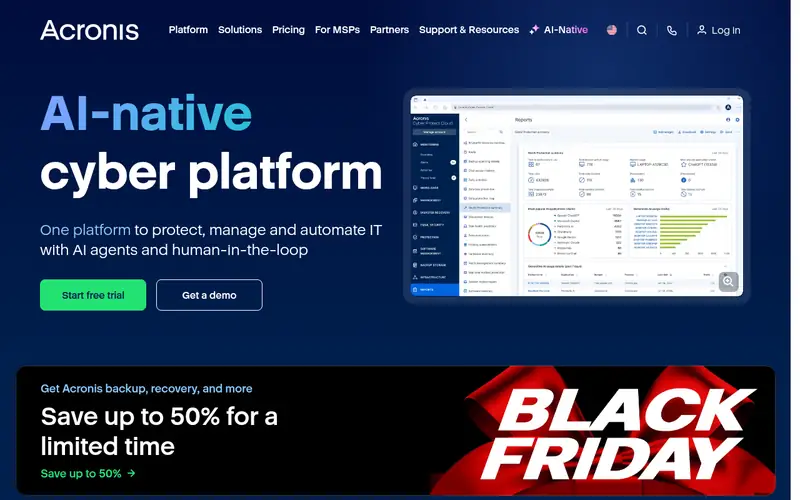
Think of Acronis Cyber Protect Home Office for full disk images plus antivirus. Acronis Cyber Protect Home Office, formerly Acronis True Image, opens at $49.99 per year and merges backup with anti-malware in one console.
Downsides: Cloud storage is an add-on cost above the base license.
File backup, disk imaging, and local destinations are covered by the base license, with Acronis cloud storage sold as an add-on. Starting cost for Acronis Cyber Protect Home Office: $49.99 per year. On free options: Free trial (30 days).
Where the price comes from
$49.99 a year, as listed by the vendor (Acronis Cyber Protect Home Office website). Confirm the current plan price before you buy.
Benefits
- Local and cloud destinations in the same console
- Full disk imaging plus antivirus in one product
Drawbacks
- The interface packs in plenty of features, which can feel crowded
Use case to skip: this limit matters to you: the interface packs in plenty of features, which can feel crowded.
Our take. A sensible pick for full disk images plus antivirus.
If it does not fit, compare Carbonite Safe or Backblaze in this list.
- Best for
- One computer with unlimited data
- Standout
- Unlimited storage for one computer at a flat rate
- Starting price
- $9 per computer/month
- Free plan or trial
- Free trial (15 days)
Backblaze is aimed squarely at One computer with unlimited data. A household with three machines needs three subscriptions, which comes to $297 per year, and Linux is not supported. Version history lasts 30 days by default, with one year free, and versions older than per year cost $0.006 per GB a month.
In practice, the plan bundles a 15-day free trial, and restores work by download, by a mailed USB drive, or by a hard drive shipped to you. Backblaze Computer Backup copies everything on one Mac or Windows computer to the cloud, continuously and with no storage cap, for $9 per month, $99 per year, or $189 for two years per computer. Price to start with Backblaze: $9 per computer/month. Free options: Free trial (15 days).
Points against: the default version history is 30 days.
Where the price comes from
$9 per computer/month, as listed by the vendor (Backblaze website). Confirm the current plan price before you buy.
Benefits
- Unlimited storage for one computer at a flat rate
- Backs up attached external drives automatically
Drawbacks
- One license includes one computer only
Use case to skip: this limit matters to you: one license includes one computer only.
Our take. A sensible pick for one computer with unlimited data.
If it does not fit, compare Carbonite Safe or Acronis Cyber Protect Home Office in this list.
- Best for
- Privacy-first backup with zero-knowledge encryption
- Standout
- Zero-knowledge encryption, so only you hold the keys
- Starting price
- $6 a month
- Free plan or trial
- Free trial (21 days)
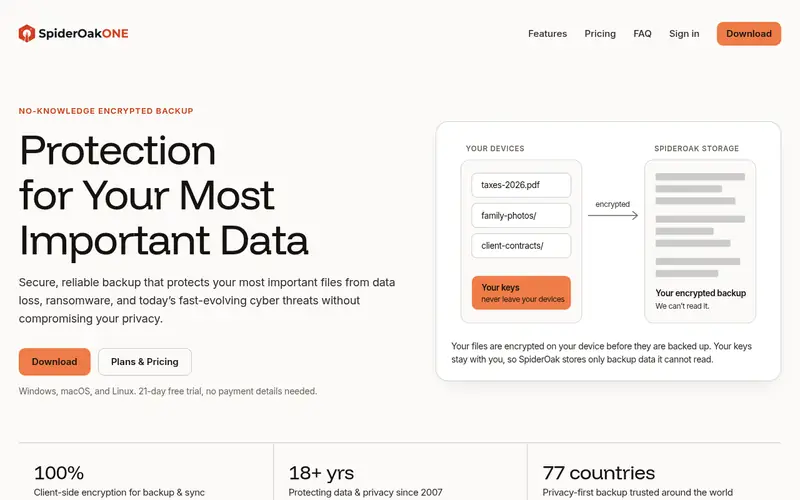
SpiderOak One makes the most sense for privacy-first backup with zero-knowledge encryption. The service also keeps unlimited historic versions within the storage cap of your plan, and it comes with folder sync and read-only sharing.
Limits to weigh: No mobile backup apps on current plans.
Every plan includes unlimited devices, and a 21-day free trial is included. SpiderOak One pricing: $6 per month. Free plan details: Free trial (21 days).
Where the price comes from
$6 a month, as listed by the vendor (SpiderOak One website). Confirm the current plan price before you buy.
Benefits
- Zero-knowledge encryption, so only you hold the keys
- One plan spans unlimited devices
Drawbacks
- Storage is capped at 5 TB on the largest plan
Use case to skip: this limit matters to you: storage is capped at 5 TB on the largest plan.
Our take. A sensible pick for privacy-first backup with zero-knowledge encryption.
If it does not fit, compare Carbonite Safe or Acronis Cyber Protect Home Office in this list.
- Best for
- Multiple devices under one account
- Standout
- A 10 GB free plan lets you test the service
- Starting price
- $9.99 per month (billed yearly)
- Free plan or trial
- Free plan
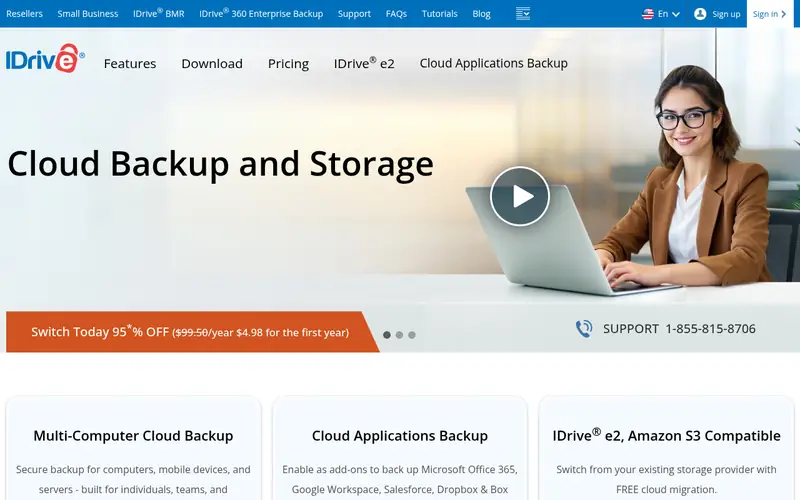
IDrive was built for multiple devices under one account. IDrive Personal handles one user across several computers, phones, tablets, and NAS devices under a single storage bucket, which sets it apart from per-computer services. From a buyer's view, the 5 TB plan lists at $9.99 per month billed annually, with a first-year rate of $6.99 per month, so budget for the renewal price, not the headline.
Trade-offs to know: Storage is capped, so large media libraries need a larger level.
The service keeps 30 versions of each file and supplies point-in-time restore. From a buyer's view, a Mini plan begins at $0.25 per month for 100 GB, and a free Basic plan provides 10 GB. More specifically, IDrive also comes with IDrive Express, a physical drive service that ships your data for a quick first backup or a quick restore, free once per year on Personal plans. Beyond that, a household with 6 TB of photos and video needs the 10 TB level, which lists at $14.99 per month after the first year. IDrive starts at: $9.99 per month. IDrive includes a free tier.
Where the price comes from
$9.99 per month (billed yearly), as listed by the vendor (IDrive website). Confirm the current plan price before you buy.
Benefits
- A 10 GB free plan lets you test the service
- One account spans unlimited computers, phones, NAS
Drawbacks
- The first-year discount ends and the price rises to $9.99 per month
Use case to skip: this limit matters to you: the first-year discount ends and the price rises to $9.99 per month.
Our take. A sensible pick for multiple devices under one account.
If it does not fit, compare Carbonite Safe or Acronis Cyber Protect Home Office in this list.
- Best for
- Free encrypted backup to any storage
- Standout
- Free and open source with no license cost
- Starting price
- $0, free and open source
- Free plan or trial
- Free plan
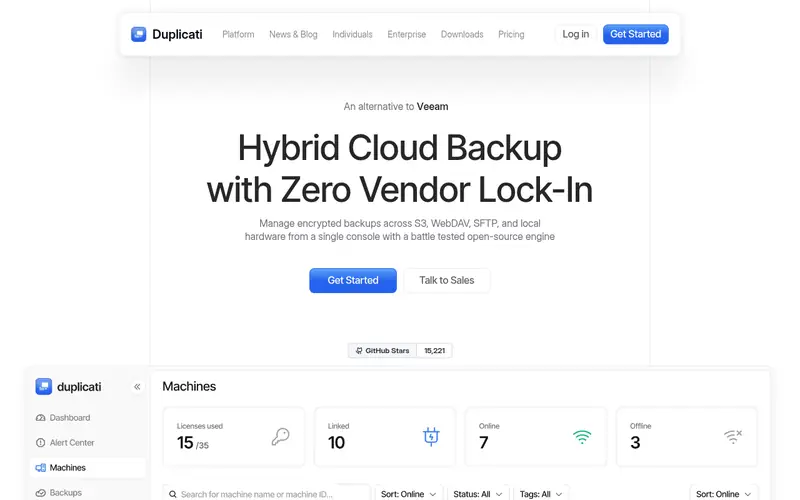
Where Duplicati fits: free encrypted backup to any storage. Duplicati is a free, open source backup client for Windows, macOS, and Linux that builds encrypted, compressed, incremental backups to cloud storage and remote file servers. It supports more than 20 destinations, including Google Drive, OneDrive, Dropbox, Amazon S3, Backblaze B2, SFTP, WebDAV, and local drives.
If your budget is zero and you are comfortable with a technical tool, Duplicati plus a cheap storage bucket is the lowest-cost way to get encrypted offsite backup. Backups are encrypted with AES-256 before upload, and the built-in scheduler runs them on your timetable. A priced management console is available for fleets that require central oversight. Price to start with Duplicati: $0, free and open source. A free plan is available with Duplicati.
Limits to weigh: No full system imaging, file backup only.
Where the price comes from
$0, free and open source, as listed by the vendor (Duplicati website). Confirm the current plan price before you buy.
Benefits
- Free and open source with no license cost
- Works with more than 20 storage destinations
Drawbacks
- Setup and restore checks take more effort than a hosted service
Use case to skip: this limit matters to you: setup and restore checks take more effort than a hosted service.
Our take. A sensible pick for free encrypted backup to any storage.
If it does not fit, compare Carbonite Safe or Acronis Cyber Protect Home Office in this list.
- Best for
- Your own cloud storage, encrypted
- Standout
- Solid end-to-end encryption with your own keys
- Starting price
- $49.99 per computer (first year)
- Free plan or trial
- Free trial (30 days)
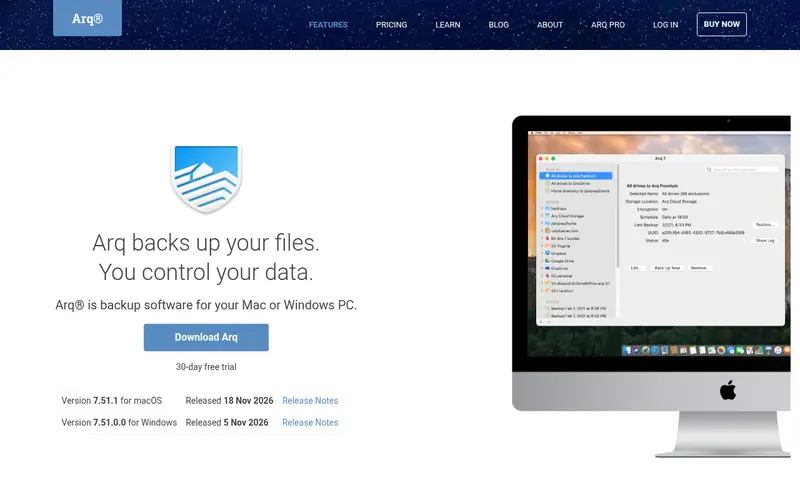
Arq is aimed squarely at your own cloud storage, encrypted. Supported destinations bundle Amazon S3, Backblaze B2, Dropbox, Google Drive, Microsoft OneDrive, and Wasabi. The advantage is control.
Your files are encrypted with keys only you hold. You can pick the cheapest storage for your volume, or keep everything on a local NAS. On top of that, if you already pay for cloud storage with spare room, Arq turns it into a real backup for the price of the license alone. Starting cost for Arq: $49.99 per computer. Trial and free access: Free trial (30 days).
Drawbacks to consider: No storage is included, so you buy storage separately.
Where the price comes from
$49.99 per computer (first year), as listed by the vendor (Arq website). Confirm the current plan price before you buy.
Benefits
- Solid end-to-end encryption with your own keys
- You choose the storage provider, so you control cost and location
Drawbacks
- No system imaging on Windows, file backup only
Use case to skip: this limit matters to you: no system imaging on Windows, file backup only.
Our take. A sensible pick for your own cloud storage, encrypted.
If it does not fit, compare Carbonite Safe or Acronis Cyber Protect Home Office in this list.
More on online backup software
Check the storage math first. Check the renewal price, not the first-year price, since IDrive and Carbonite both rise after year one. Check the restore path, since a download restore of 500 GB takes days on a slow connection, whereas a shipped drive costs additional.
Questions worth answering first
Buying checklist
- Check the vendor page for the current price: SpiderOak One starts at $6 per month here, and seats or billing terms can move it.
- Read the fine print on the free plans from IDrive and Duplicati; seat, project and feature caps differ.
- Use real work to test the free trial from Carbonite Safe, Acronis Cyber Protect Home Office, Backblaze and others, rather than a demo project.
- Read the limits listed for Carbonite Safe first: entry-level level skips video files in automatic selection.
- Get the contract term, renewal terms and any onboarding fees from Arq in writing.
- Check whether the features you need in Backblaze sit on the entry plan or only on higher tiers.
FAQ
How are the tools for online backup software ordered?
Carbonite Safe sits first and Arq last because the order follows typical fit for online backup software, then price clarity and free access. It is a judgement call, so read each profile for fit and limits.
What is the cheapest option for online backup software in this list?
On published monthly entry prices, SpiderOak One is the lowest here at $6 per month. Entry price is only part of the cost, because seats, add-ons and billing terms can change the total.
Can I try these options before paying?
Often, yes. IDrive and Duplicati have a free plan and Carbonite Safe, Acronis Cyber Protect Home Office, Backblaze and others offer a free trial. Use your own data and a real task during the test, and check what the free tier or trial limits before you rely on it.
Do these tools publish their prices?
Yes. Every tool from Carbonite Safe to Arq shows a starting price, though seats, add-ons and billing terms still change the final cost.
What happens to my files if I stop paying?
Backblaze, IDrive, and Carbonite all state a retention window after cancellation, after which the stored copies are removed. Export or download anything you need before the subscription ends, and keep a local copy on an external drive so a missed renewal never becomes data loss.
Sources we checked
Change log: First published 21 Nov 2026.