5 Best Windows Server Backup Software Options for 2026
This list puts MSP360 Backup first for teams that want to choose their own cloud storage. Nakivo Backup & Replication is the stronger choice for Virtualised servers on a tight budget, while EaseUS Todo Backup suits single servers that require straightforward imaging. All 5 tools are compared below on price, free plan and limits.
 By Shihab Mia · Published 21 Nov 2026
We run no ads and no affiliate links at launch. The order of a list follows our published method. How lists are ordered: how we score.
Prices are the starting prices vendors list publicly. Plans change, so confirm the current price on the vendor page before you buy.
Key takeaways
- This list starts with MSP360 Backup, which is built for teams that want to choose their own cloud storage.
- The lowest published monthly entry price here is $2.45 per workload/month, from Nakivo Backup & Replication.
- 3 of 5 tools offer a free plan: MSP360 Backup, EaseUS Todo Backup, Veeam Backup & Replication.
- Veeam Backup & Replication suits teams that want a free start with 10 workloads.
- Check the limits for Nakivo Backup & Replication before you commit: no free plan, only a 15-day trial.
Side-by-side
Grouped by fit and cost. Tap a product to jump to its full entry.
| Fit | Cost | |||
|---|---|---|---|---|
| Product | Best for | Standout feature | Listed starting price | Free plan or trial |
| 1MSP360 Backup | Teams that want to choose their own cloud storage | File-level and image-based backup with bare-metal restore | $109.99 per computer/year | Free plan |
| 2Nakivo Backup & Replication | Virtualised servers on a tight budget | SQL Server | $2.45 per workload/month | Free trial (15 days) |
| 3EaseUS Todo Backup | Single servers that require straightforward imaging | System, disk | $199 per year (Server, 1 server) | Free plan |
| 4Acronis Cyber Protect | Small companies that want backup and security in one agent | Ransomware and cryptojacking protection in one agent | $85 a year (per device) | Free trial (30 days) |
| 5Veeam Backup & Replication | Teams that want a free start with 10 workloads | Granular recovery with instant recovery and immutable backup choices | Quote only | Free plan |
How we picked
The comparison looks at four things: starting price, free access, how well the feature set matches windows server backup software, and the main limit of each tool. Plan names, prices and limits change often. Treat the figures here as a starting point and verify them with the vendor. We ordered the tools by general fit, then by how clearly pricing is shown, then by free access. A buyer with unusual needs may reorder them.
The 5 picks in detail
- Best for
- Teams that want to choose their own cloud storage
- Standout
- File-level and image-based backup with bare-metal restore
- Starting price
- $109.99 per computer/year
- Free plan or trial
- Free plan
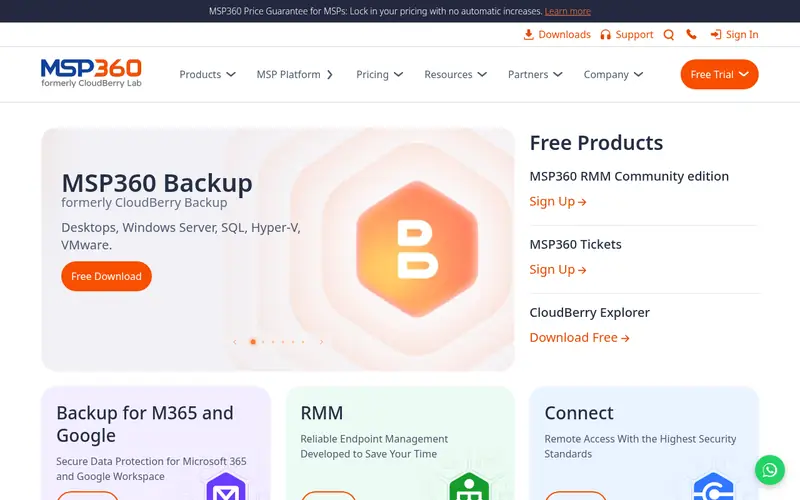
MSP360 Backup is designed for teams that want to choose their own cloud storage. Windows Server costs $109.99 per computer a year, with Windows Desktop at $29.99, Ultimate at $179.99, VM Edition at $379.99 and MS SQL Server at $124.99 a year, all excluding VAT. In practice, storage is not included in the licence, so cloud storage is billed separately to the provider, and that cost must be added to the licence price when comparing with the other tools here.
Points against: Storage is not included, so cloud storage is billed separately.
What works well: Bring-your-own-storage model with Amazon S3, Wasabi. For everyday use, VM backup needs the separate VM Edition. The Server and SQL editions cap cloud storage at 1 TB, with Ultimate unlimited. MSP360 Backup uses a bring-your-own-storage model, which fits teams that already have a cloud account. Backups can go to Amazon S3, Wasabi, Backblaze B2, Azure Blob, Google Cloud or local and NAS targets, with client-side AES encryption. The starting price for MSP360 Backup: $109.99 per computer/year. You can start on MSP360 Backup without paying.
Where the price comes from
$109.99 per computer/year, as listed by the vendor (MSP360 Backup website). Confirm the current plan price before you buy.
Benefits
- File-level and image-based backup with bare-metal restore
- Azure Blob and Google Cloud
Drawbacks
- The free edition excludes domain-joined machines and server operating systems
Use case to skip: this limit matters to you: the free edition excludes domain-joined machines and server operating systems.
Our take. A sensible pick for teams that want to choose their own cloud storage.
If it does not fit, compare Nakivo Backup & Replication or EaseUS Todo Backup in this list.
- Best for
- Virtualised servers on a tight budget
- Standout
- SQL Server
- Starting price
- $2.45 per workload/month
- Free plan or trial
- Free trial (15 days)
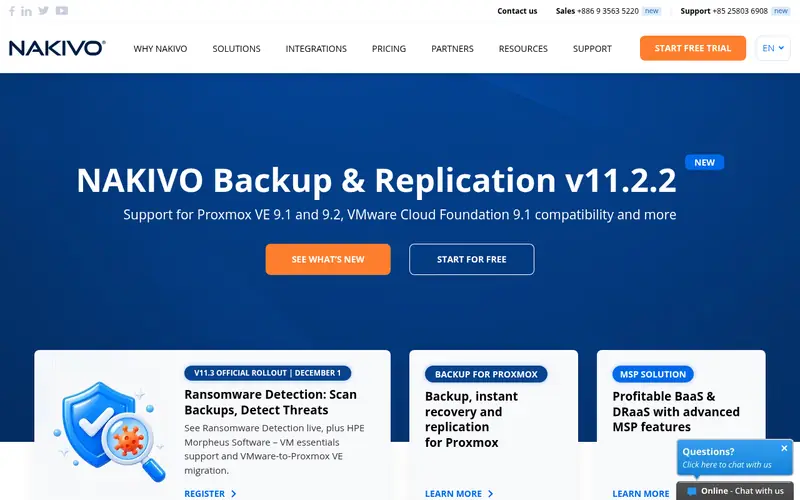
Think of Nakivo Backup & Replication for Virtualised servers on a tight budget. There is no free plan, only a 15-day full-featured trial with no capacity or functionality restriction.
For everyday use, a team that needs those features should ask for the Enterprise Plus quote before it commits to the lower levels. Nakivo Backup & Replication cost at the entry level: $2.45 per workload/month. Free options: Free trial (15 days).
Trade-offs to know: the top edition is quote only; Essentials editions are restricted to 50 workloads or 6 sockets.
Where the price comes from
$2.45 per workload/month, as listed by the vendor (Nakivo Backup & Replication website). Confirm the current plan price before you buy.
Benefits
- SQL Server
- Active Directory and Oracle
Drawbacks
- Only a 15-day trial
Use case to skip: this limit matters to you: only a 15-day trial.
Our take. A sensible pick for virtualised servers on a tight budget.
If it does not fit, compare MSP360 Backup or EaseUS Todo Backup in this list.
- Best for
- Single servers that require straightforward imaging
- Standout
- System, disk
- Starting price
- $199 per year (Server, 1 server)
- Free plan or trial
- Free plan
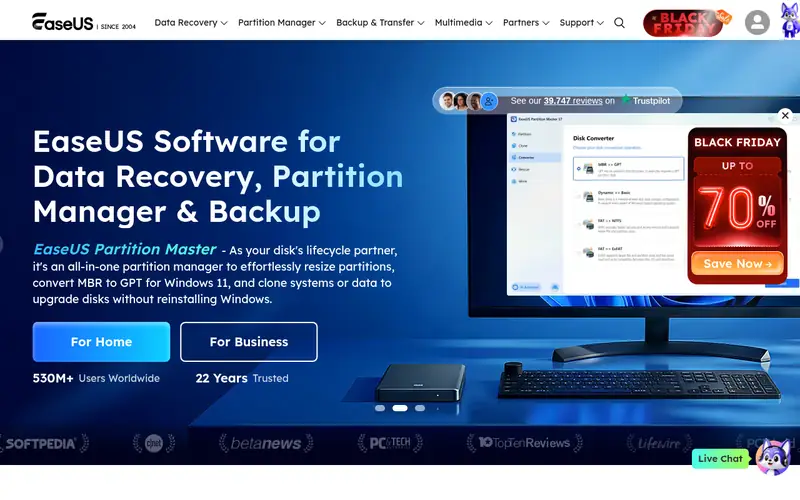
EaseUS Todo Backup is a good fit for single servers that require straightforward imaging. The tool is a solid fit for one or two servers, and a weaker fit for a fleet. A free edition exists for personal use on one computer, so the interface can be tested before any money changes hands.
Also, cloud storage is an extra-cost add-on instead of part of the base price. Each licence handles one server only, so a team with five servers pays $995 a year on the 1-year plan. In practice, the free edition is for personal use only and does not handle servers, so a business must buy the Server licence for each machine it guards. What you pay to start with EaseUS Todo Backup: $199 per year. You can start on EaseUS Todo Backup without paying.
Points against: Free edition is for personal use only and does not cover servers.
Where the price comes from
$199 per year (Server, 1 server), as listed by the vendor (EaseUS Todo Backup website). Confirm the current plan price before you buy.
Benefits
- System, disk
- Partition and file backup with cloning in one tool
Drawbacks
- Each licence spans one server
Use case to skip: this limit matters to you: each licence spans one server.
Our take. A sensible pick for single servers that require straightforward imaging.
If it does not fit, compare MSP360 Backup or Nakivo Backup & Replication in this list.
- Best for
- Small companies that want backup and security in one agent
- Standout
- Ransomware and cryptojacking protection in one agent
- Starting price
- $85 a year (per device)
- Free plan or trial
- Free trial (30 days)
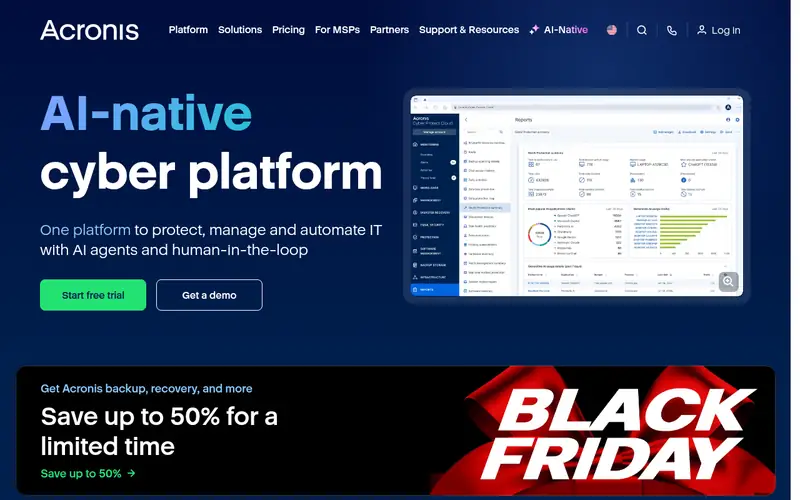
For small firms that want backup and security in one agent, Acronis Cyber Protect is a natural candidate. Image-based backup with bare-metal recovery and Universal Restore to dissimilar hardware makes a failed server recoverable on different equipment.
What to check first: No free plan.
The agent layers on anti-malware, ransomware and cryptojacking protection, patch management and vulnerability assessment, so one install spans two jobs. There is no free plan, only a 30-day trial with full functionality and no credit card required. What you pay to start with Acronis Cyber Protect: $85 per year. Trial and free access: Free trial (30 days).
Where the price comes from
$85 a year (per device), as listed by the vendor (Acronis Cyber Protect website). Confirm the current plan price before you buy.
Benefits
- Ransomware and cryptojacking protection in one agent
- Integrated backup with anti-malware
Drawbacks
- Microsoft 365 and Google Workspace backup need Backup Advanced and are sold in packs of five seats
Use case to skip: this limit matters to you: microsoft 365 and Google Workspace backup need Backup Advanced and are sold in packs of five seats.
Our take. A sensible pick for small companies that want backup and security in one agent.
If it does not fit, compare MSP360 Backup or Nakivo Backup & Replication in this list.
- Best for
- Teams that want a free start with 10 workloads
- Standout
- Granular recovery with instant recovery and immutable backup choices
- Starting price
- Quote only
- Free plan or trial
- Free plan
Veeam Backup & Replication is designed for teams that want a free start with 10 workloads. The free Community Edition handles up to 10 workloads with no time limit, which is enough for a small business to protect its first servers without spending anything.
Veeam publishes no list price for Backup and Replication, so a buyer must get a quote through a reseller. The full feature set needs a 30-day evaluation licence to test. Veeam Backup & Replication sells by quote instead of a published price. Veeam Backup & Replication offers a free plan.
What to check first: No published list price, so a buyer must get a quote through a reseller.
Where the price comes from
Quote only, as listed by the vendor (Veeam Backup & Replication website). Confirm the current plan price before you buy.
Benefits
- Granular recovery with instant recovery and immutable backup choices
- Backup and replication for VMware, Hyper-V
Drawbacks
- Community Edition is restricted to 10 workloads with no commercial support
Use case to skip: this limit matters to you: community Edition is restricted to 10 workloads with no commercial support.
Our take. A sensible pick for teams that want a free start with 10 workloads.
If it does not fit, compare MSP360 Backup or Nakivo Backup & Replication in this list.
Questions worth answering first
Buying checklist
- Ask Veeam Backup & Replication for a written quote, since no starting price is shown.
- Check what the free option really includes: MSP360 Backup, EaseUS Todo Backup and Veeam Backup & Replication offer a free plan, and usage caps differ.
- Take the trial from Nakivo Backup & Replication and Acronis Cyber Protect and push a live task through it before you pay.
- Before choosing MSP360 Backup, weigh its main limit: storage is not included, so cloud storage is billed separately.
- Find out whether the entry plan of Acronis Cyber Protect covers your must-haves or only a trimmed-down version.
- Run a one or two week pilot of Veeam Backup & Replication with the people who will use it every day.
FAQ
Do these tools publish their prices?
Not all of them. Veeam Backup & Replication publishes no starting price, so expect a quote request for it. The rest, MSP360 Backup included, show a starting price, though seats and billing terms still change the final cost.
What is the cheapest Windows server backup software?
Acronis Standard begins from $85 per device a year, and AOMEI Server costs $149 a year for one server. As for the details, Veeam Community Edition and the Hornetsecurity free edition cost nothing for small setups. But both cap the number of workloads or VMs they include.
Is MSP360 Backup the right pick for everyone comparing windows server backup software?
No single tool suits every team. MSP360 Backup comes first because it fits teams that want to choose their own cloud storage, while Nakivo Backup & Replication suits Virtualised servers on a tight budget and EaseUS Todo Backup suits single servers that need simple imaging. Match the tool to your own size, budget and workflow before deciding.
Can I try these options before paying?
Often, yes. MSP360 Backup, EaseUS Todo Backup and Veeam Backup & Replication have a free plan and Nakivo Backup & Replication and Acronis Cyber Protect offer a free trial. Use your own data and a real task during the test, and check what the free tier or trial limits before you rely on it.
What is the cheapest option for Windows server backup software in this list?
On published monthly entry prices, Nakivo Backup & Replication is the lowest here at $2.45 per workload/month. Entry price is only part of the cost, because seats, add-ons and billing terms can change the total.
Sources we checked
Change log: First published 21 Nov 2026.