Top 6 CloudBerry Backup Alternatives to Shortlist in 2026
This list puts Carbonite Safe first for automatic cloud backup for one computer. For a different need, IDrive covers multi device backup with a storage cap and Acronis True Image covers home users who want backup plus security. Prices, free plans and limits for all 6 tools follow.
 By Shihab Mia · Published 21 Nov 2026
We run no ads and no affiliate links at launch. The order of a list follows our published method. How lists are ordered: how we score.
Prices are the starting prices vendors list publicly. Plans change, so confirm the current price on the vendor page before you buy.
Key takeaways
- The list opens with Carbonite Safe, aimed at automatic cloud backup for one computer.
- CrashPlan fits small teams protecting company laptops.
- The cheapest monthly starting price in the list is $0.25 per month, offered by IDrive.
- The main caution on Acronis True Image: cloud storage is restricted on the entry plan, and the full feature set needs a higher tier.
Side-by-side
Grouped by fit and cost. Tap a product to jump to its full entry.
| Fit | Cost | |||
|---|---|---|---|---|
| Product | Best for | Standout feature | Listed starting price | Free plan or trial |
| 1Carbonite Safe | Automatic cloud backup for one computer | 256 bit encryption in transit and at rest | $71.99 a year (first year, $95.99 standard) | Free trial (15 days) |
| 2IDrive | Multi device backup with a storage cap | One account includes numerous computers | $0.25 a month (billed yearly) | Free plan |
| 3Acronis True Image | Home users who want backup plus security | Malware and ransomware protection in higher plans | $49.99 per year | Free trial |
| 4Arq Backup | Bring your own cloud storage | Capable end to end encryption with your own keys | $49.99 one-time per computer | Free trial (30 days) |
| 5Backblaze | Straightforward unlimited cloud backup for one computer | Mobile app or shipped hard drive | $9 per month | Free trial (15 days) |
| 6CrashPlan | Small teams protecting company laptops | Unlimited cloud storage and unlimited versioning for endpoints | $7.33 per user per month (billed yearly) | Free trial |
How we picked
Each tool was reviewed on what its vendor publishes: price, plan limits, core features and stated drawbacks. We did not run hands-on tests. Where a price is missing, the vendor does not list one publicly or ties it to a quote. Always confirm before budgeting. Position on the page reflects fit for a typical buyer first, with price clarity and free access breaking ties. Treat it as a guide, not a ruling.
The 6 picks in detail

- Best for
- Automatic cloud backup for one computer
- Standout
- 256 bit encryption in transit and at rest
- Starting price
- $71.99 a year (first year, $95.99 standard)
- Free plan or trial
- Free trial (15 days)
In short, Carbonite Safe is for automatic cloud backup for one computer. Carbonite Safe Basic is listed at $71.99 for the first year against a standard price of $95.99 per year, Plus is $78.99 for the first year against $131.99 standard, and Prime is $121.49 for the first year against $161.99 standard. From a buyer's view, multi year terms offer a 5 percent discount on two years and 10 percent on three years.
Drawbacks to consider: the first year offer rises at renewal.
All three plans offer unlimited automatic cloud backup for one computer with 256 bit encryption, and Plus layers on one external hard drive, Webroot antivirus and automatic video backup, while Prime adds priority support and lower courier recovery fees. In daily use, the renewal jump is the detail that matters most. What you pay to start with Carbonite Safe: $71.99 per year. As for free access: Free trial (15 days).
Where the price comes from
$71.99 a year (first year, $95.99 standard), as listed by the vendor (Carbonite Safe website). Confirm the current plan price before you buy.
Benefits
- 256 bit encryption in transit and at rest
- Plus and Prime add external drive and video backup
Drawbacks
- Each plan handles only one computer
Use case to skip: this limit matters to you: each plan handles only one computer.
Our take. A sensible pick for automatic cloud backup for one computer.
If it does not fit, compare IDrive or Acronis True Image in this list.
- Best for
- Multi device backup with a storage cap
- Standout
- One account includes numerous computers
- Starting price
- $0.25 a month (billed yearly)
- Free plan or trial
- Free plan
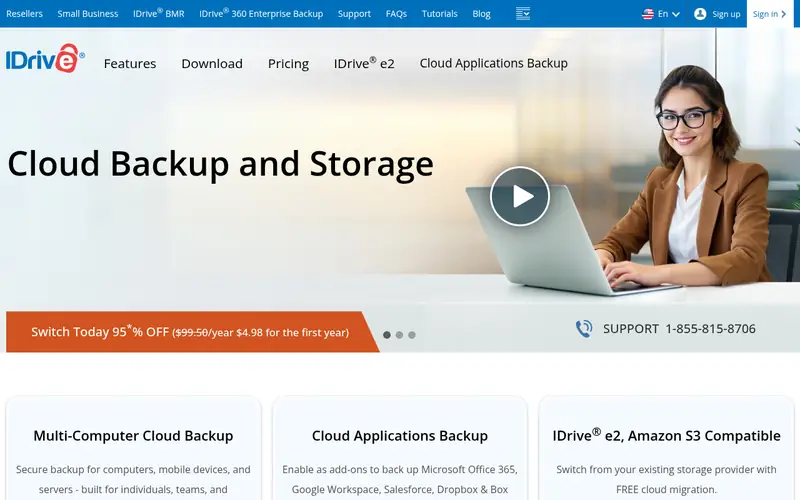
IDrive targets multi device backup with a storage cap. The Mini plan opens at $0.25 a month billed yearly for 100 GB, the Personal 5 TB plan is listed at $6.99 a month billed yearly for the first year and $9.99 a month from the second year. The Team and Business plans scale up to more users, computers and storage.
From a buyer's view, personal plans charge $0.25 per GB a month for storage over the limit, and Team and Business plans charge $0.50 per GB a month. So a growing photo From a buyer's view, a free Basic account with 10 GB lets you test the service without a card, and IDrive Express can ship a drive to seed a large backup or return data for restore. From a buyer's view, on the plus side, continuous backup, open file backup and a web console for remote management are included, and the service supports compliance needs The starting price for IDrive: $0.25 per month. IDrive has a free plan.
Drawbacks to consider: standard pricing applies from the second year.
Where the price comes from
$0.25 a month (billed yearly), as listed by the vendor (IDrive website). Confirm the current plan price before you buy.
Benefits
- One account includes numerous computers
- Server backup available as an add on
Drawbacks
- The headline yearly prices are first year gives you
Use case to skip: this limit matters to you: the headline yearly prices are first year gives you.
Our take. A sensible pick for multi device backup with a storage cap.
If it does not fit, compare Carbonite Safe or Acronis True Image in this list.
- Best for
- Home users who want backup plus security
- Standout
- Malware and ransomware protection in higher plans
- Starting price
- $49.99 per year
- Free plan or trial
- Free trial
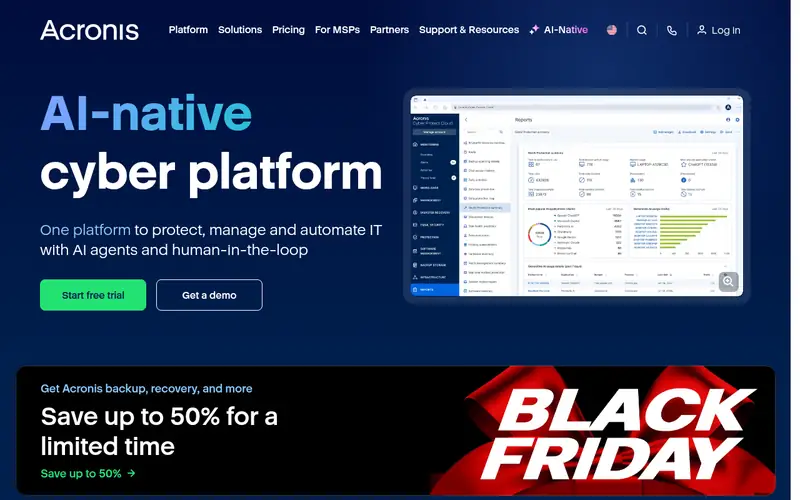
Acronis True Image is a good fit for home users who want backup plus security. The Essentials plan begins at $49.99 a year and centres on local backup and cloning, whereas the Advanced plan at $57.99 per year brings cloud backup and malware protection. The Premium plan at $124.99 a year layers on more cloud storage and additional security features.
Trade-offs to know: Cloud storage is restricted on the entry plan.
This is a strong fit if you want one application for backup and security instead of two separate subscriptions. The web console lets you handle protected devices and check backup status in one place. The mobile app handles photos, videos, contacts and files o The central trade off is cost: the entry plan has no cloud backup, so buyers who want off site copies have to step up to Advanced or Premium. Starting cost for Acronis True Image: $49.99 per year. On free options: Free trial.
Where the price comes from
$49.99 per year, as listed by the vendor (Acronis True Image website). Confirm the current plan price before you buy.
Benefits
- Malware and ransomware protection in higher plans
- Local and cloud backup in one plan
Drawbacks
- The full feature set needs a higher level
Use case to skip: this limit matters to you: the full feature set needs a higher level.
Our take. A sensible pick for home users who want backup plus security.
If it does not fit, compare Carbonite Safe or IDrive in this list.
- Best for
- Bring your own cloud storage
- Standout
- Capable end to end encryption with your own keys
- Starting price
- $49.99 one-time per computer
- Free plan or trial
- Free trial (30 days)
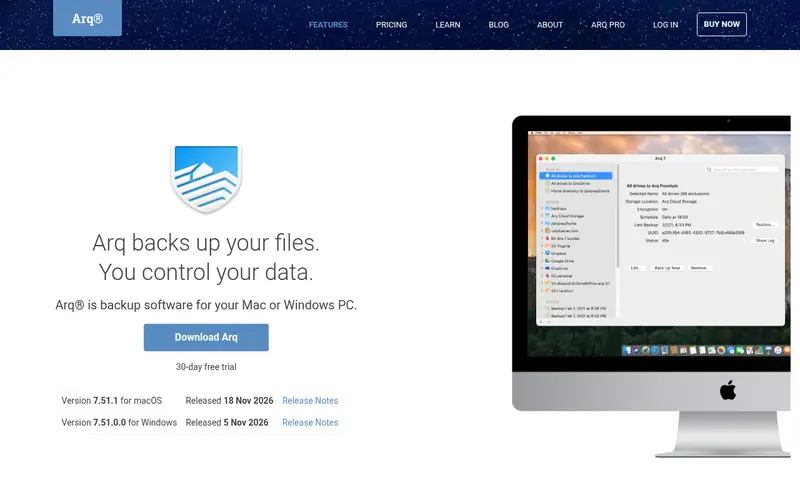
Arq Backup works best for bring your own cloud storage. Arq 7 is a per computer licence at $49.99. It backs up to cloud storage you already control, including Amazon S3, Backblaze B2, Google Cloud Storage, Dropbox, Google Drive, Microsoft OneDrive and Wasabi, plus local disks and NAS devices.
That model matches the original CloudBerry approach closely: you choose the storage provider, you hold the encryption keys. Your data does not sit in a backup vendor's own cloud by default. As for the details, you have to produce and configure the storage account, set retention rules and watch the storage bill, which takes more time than a service that bundle The licence contains one free year of app updates, with further years at $25 per computer a year, and a 30 day trial is available. The trade off is setup and total cost. In daily use, Arq Premium is a separate subscription that includes up to five computers with 1 TB of Arq storage, so buyers who want bundled storage should compare th What you pay to start with Arq Backup: $49.99 one-time per computer. Free plan details: Free trial (30 days).
Where the price comes from
$49.99 one-time per computer, as listed by the vendor (Arq Backup website). Confirm the current plan price before you buy.
Benefits
- Capable end to end encryption with your own keys
- Dropbox and more
Drawbacks
- No storage is included, so you pay separately for the cloud storage you use
Use case to skip: this limit matters to you: no storage is included, so you pay separately for the cloud storage you use.
Our take. A sensible pick for bring your own cloud storage.
If it does not fit, compare Carbonite Safe or IDrive in this list.
- Best for
- Straightforward unlimited cloud backup for one computer
- Standout
- Mobile app or shipped hard drive
- Starting price
- $9 per month
- Free plan or trial
- Free trial (15 days)
Backblaze is built with straightforward unlimited cloud backup for one computer in mind. Restore choices handle the most typical cases: download files from the web or a mobile app, or have data shipped on a hard drive for a fee that is refun Beyond that, Backblaze Computer Backup costs $9 a month, $99 a year or $189 for two years per computer.
It backs up every file on one Mac or Windows computer plus connected external drives, with no storage cap and no file size limit. Price to start with Backblaze: $9 per month. Trial and free access: Free trial (15 days).
Reasons to shortlist it: Unlimited data for one computer with no file size limit.
Where the price comes from
$9 per month, as listed by the vendor (Backblaze website). Confirm the current plan price before you buy.
Benefits
- Mobile app or shipped hard drive
- Continuous automatic backup
Drawbacks
- Each computer needs its own licence, so costs rise with every additional machine
Use case to skip: this limit matters to you: each computer needs its own licence, so costs rise with every additional machine.
Our take. A sensible pick for straightforward unlimited cloud backup for one computer.
If it does not fit, compare Carbonite Safe or IDrive in this list.
- Best for
- Small teams protecting company laptops
- Standout
- Unlimited cloud storage and unlimited versioning for endpoints
- Starting price
- $7.33 per user per month (billed yearly)
- Free plan or trial
- Free trial
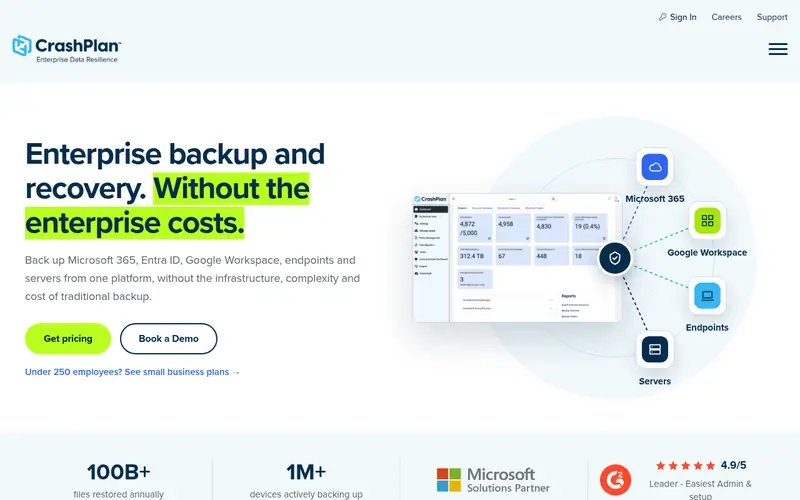
CrashPlan is aimed squarely at small teams protecting company laptops. That plan spans Windows, macOS and Linux laptops with unlimited cloud storage and unlimited versioning, plus self serve restore and device migration without an IT ticket.
Where it falls short: No personal plan for home users.
The enterprise plans are custom priced and add choices like choosing your own storage from CrashPlan, Azure, AWS, Wasabi or Backblaze, plus single CrashPlan cost at the entry level: $7.33 per user per month. Free plan details: Free trial.
Where the price comes from
$7.33 per user per month (billed yearly), as listed by the vendor (CrashPlan website). Confirm the current plan price before you buy.
Benefits
- Unlimited cloud storage and unlimited versioning for endpoints
- Self serve restore and device migration
Drawbacks
- Each user spans one device on the small business endpoint plan
Use case to skip: this limit matters to you: each user spans one device on the small business endpoint plan.
Our take. A sensible pick for small teams protecting company laptops.
If it does not fit, compare Carbonite Safe or IDrive in this list.
Questions worth answering first
Buying checklist
- Confirm the entry price on the vendor page: IDrive starts at $0.25 per month, but seat counts and billing terms change the total.
- Test the free plan from IDrive against your real workload before relying on it.
- Run a trial of Carbonite Safe, Acronis True Image, Arq Backup and others with real work before paying for a year; your own workflow is the best test.
- Before choosing Carbonite Safe, weigh its main limit: each plan spans only one computer, and the first year offer rises at renewal.
- Map your must-have features to a specific Backblaze plan before you compare prices.
- Get the contract term, renewal terms and any onboarding fees from Arq Backup in writing.
FAQ
Do I need local backup along with cloud backup?
Numerous people use both: a local image tool for system restore, plus a cloud service for off site copies of important files.
Do these tools publish their prices?
Yes. Every tool from Carbonite Safe to CrashPlan shows a starting price, though seats, add-ons and billing terms still change the final cost.
What is the cheapest option for CloudBerry Backup in this list?
On published monthly entry prices, IDrive is the lowest here at $0.25 per month. Entry price is only part of the cost, because seats, add-ons and billing terms can change the total.
What happened to CloudBerry Backup?
CloudBerry Backup was renamed MSP360 Backup, and the product still centres on backup to cloud storage you choose, for example Amazon S3, Backblaze B2, Google Cloud and Microsoft Azure.
Can I try these tools before paying?
Often, yes. IDrive has a free plan and Carbonite Safe, Acronis True Image, Arq Backup and others offer a free trial. Use your own data and a real task during the test, and check what the free tier or trial limits before you rely on it.
Is Carbonite Safe the right pick for everyone comparing CloudBerry Backup?
No single tool suits every team. Carbonite Safe comes first because it fits automatic cloud backup for one computer, while IDrive suits multi device backup with a storage cap and Acronis True Image suits home users who want backup plus security. Match the tool to your own size, budget and workflow before deciding.
Sources we checked
Change log: First published 21 Nov 2026.