6 Best Self-Hosted Home Lab Dashboards in 2026
Homepage is the best self-hosted home lab dashboard for most people. It is free, open source, and built for exactly this job: one page that links to every service in your lab. If you want automatic service discovery and widgets, Homarr is the stronger pick. If you prefer a polished, config-driven dashboard with many integrations, Dashy is a good alternative.
 By Shihab Mia · Published 21 Nov 2026
We run no ads and no affiliate links at launch. The order of a list follows our published method. How lists are ordered: how we score.
Prices are the starting prices vendors list publicly. Plans change, so confirm the current price on the vendor page before you buy.
Key takeaways
- Homepage, Homarr, Dashy, Heimdall, Glance and Organizr are all free and open source, so cost is not the deciding factor.
- Homepage and Homarr both support service widgets and Docker label-based auto-discovery.
- Dashy is configured through a single YAML file, which suits people who like editing config by hand.
- Heimdall is the simplest option and focuses on clean application links rather than deep integrations.
- Glance is a lightweight, single-binary dashboard with a YAML config and a small footprint.
Side-by-side
Grouped by fit and cost. Tap a product to jump to its full entry.
| Fit | Cost | |||
|---|---|---|---|---|
| Product | Best for | Standout feature | Listed starting price | Free plan or trial |
| 1Homepage | Most home labs that want widgets and auto-discovery | Docker label-based service discovery | Free (open source, no paid tier) | Free and open source |
| 2Homarr | Drag-and-drop dashboards with integrations | Visual drag-and-drop editor | Free (open source, no paid tier) | Free and open source |
| 3Dashy | Deep customization through a single config file | Single YAML config for the whole dashboard | Free (open source, no paid tier) | Free and open source |
| 4Heimdall | A clean, simple page of application links | Very simple to set up | Free (open source, no paid tier) | Free and open source |
| 5Glance | A lightweight single-binary dashboard | Single binary with a small footprint | Free (open source, no paid tier) | Free and open source |
| 6Organizr | Tabbed layouts that group services by category | Tab-based layout for grouping apps | Free (open source, no paid tier) | Free and open source |
How we picked
We compared these dashboards by reading each project's official documentation, configuration guides and repository pages. We looked at configuration style, built-in integrations, discovery features, installation methods and how actively each project is maintained. Prices were checked against project pages; all six are free and open source. We did not run hands-on lab tests. The comparison reflects documented features and published information, not benchmark results.
The 6 picks in detail
- Best for
- Most home labs that want widgets and auto-discovery
- Standout
- Docker label-based service discovery
- Starting price
- Free (open source, no paid tier)
- Free plan or trial
- Free and open source
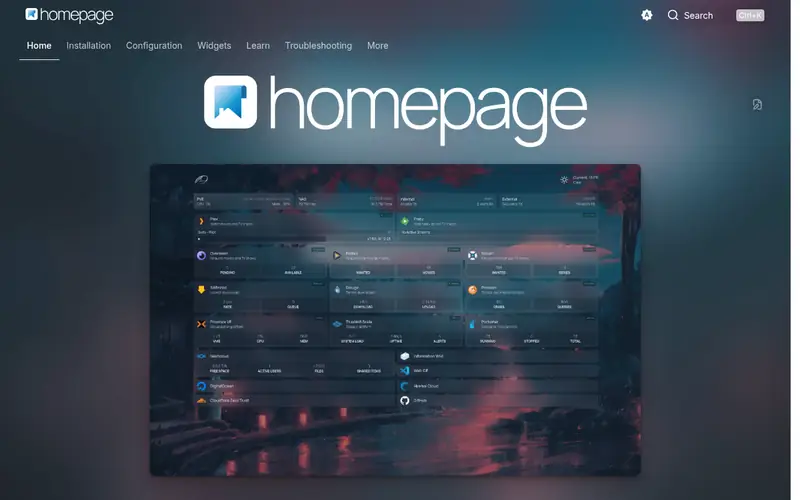
Homepage is a modern dashboard aimed at self-hosters. It reads a set of YAML config files and can discover containers automatically through Docker labels, so new services appear without manual edits. It ships widgets for many common self-hosted apps, letting you show status and quick stats on the dashboard.
The project documents installation through Docker and shows configuration examples for services, bookmarks and widgets. It suits people who want a single landing page that reflects what is actually running.
The main catch is that the initial setup is config-heavy. You edit files rather than clicking through a UI, so expect some reading of the docs before it looks the way you want.
Where the price comes from
Free (open source, no paid tier), as listed by the vendor (Homepage website). Confirm the current plan price before you buy.
Benefits
- Docker label-based service discovery
- many built-in service widgets
- active project with clear docs
Drawbacks
- Widget setup can take time
- layout is config-file driven
Use case to skip: this limit matters to you: widget setup can take time.
Our take. A sensible pick for most home labs that want widgets and auto-discovery.
If it does not fit, compare Homarr or Dashy in this list.
- Best for
- Drag-and-drop dashboards with integrations
- Standout
- Visual drag-and-drop editor
- Starting price
- Free (open source, no paid tier)
- Free plan or trial
- Free and open source
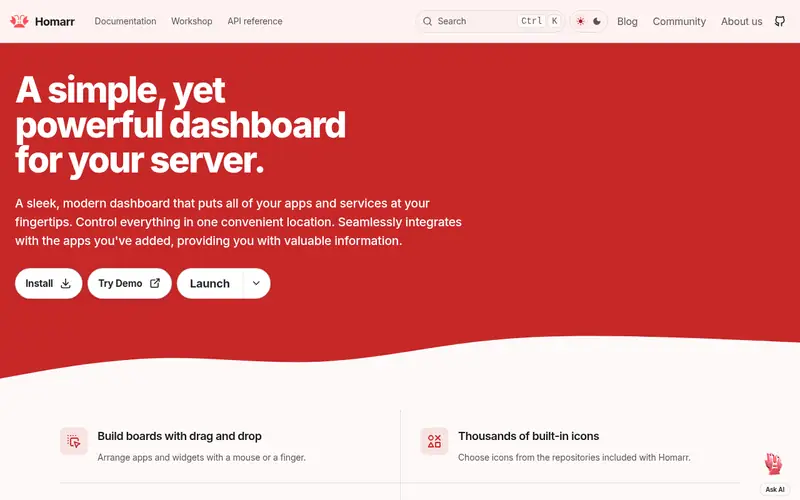
Homarr is a dashboard with a graphical editor. You add apps and widgets by dragging them around, which makes it friendlier than pure config-file tools. It includes integrations for a range of self-hosted services and supports multiple users with their own boards.
It runs as a container and is documented on the project site. It suits people who want a visual builder and do not mind a larger application.
The catch is that Homarr moves quickly. The project has gone through major version changes, so check the current docs before upgrading an existing install.
Where the price comes from
Free (open source, no paid tier), as listed by the vendor (Homarr website). Confirm the current plan price before you buy.
Benefits
- Visual drag-and-drop editor
- built-in integrations for many apps
- supports multiple users
Drawbacks
- Heavier than minimal dashboards
- frequent updates mean occasional breaking changes
Use case to skip: this limit matters to you: heavier than minimal dashboards.
Our take. A sensible pick for drag-and-drop dashboards with integrations.
If it does not fit, compare Homepage or Dashy in this list.
- Best for
- Deep customization through a single config file
- Standout
- Single YAML config for the whole dashboard
- Starting price
- Free (open source, no paid tier)
- Free plan or trial
- Free and open source
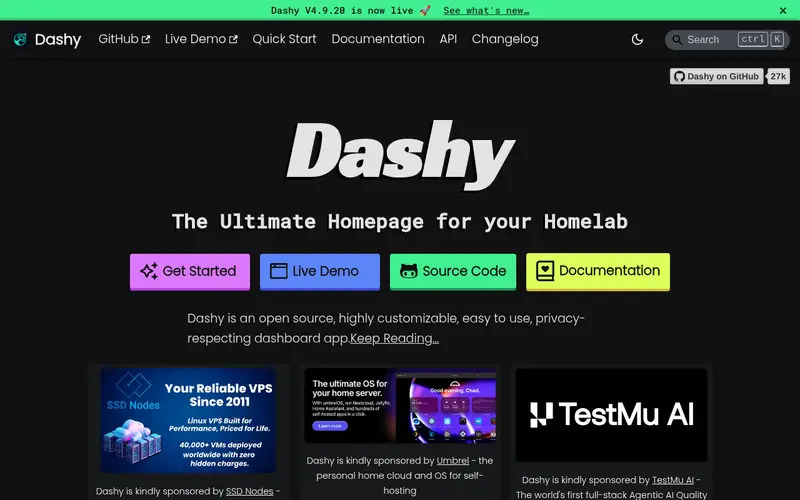
Dashy is a self-hosted dashboard configured through one YAML file. It supports sections, icons, widgets and themes, and the project documents a long list of built-in widgets for common services.
It suits people who like keeping their whole dashboard in version control as a single file. The config can be edited in the UI or by hand.
The catch is that Dashy does not discover services automatically the way Homepage does. You add each item to the config yourself, which is fine for small labs but more work as the lab grows.
Where the price comes from
Free (open source, no paid tier), as listed by the vendor (Dashy website). Confirm the current plan price before you buy.
Benefits
- Single YAML config for the whole dashboard
- many built-in widgets
- theming options
Drawbacks
- Manual config editing required
- no automatic container discovery by default
Use case to skip: this limit matters to you: manual config editing required.
Our take. A sensible pick for deep customization through a single config file.
If it does not fit, compare Homepage or Homarr in this list.
- Best for
- A clean, simple page of application links
- Standout
- Very simple to set up
- Starting price
- Free (open source, no paid tier)
- Free plan or trial
- Free and open source
Heimdall is a lightweight application dashboard. You add each app through a web form with a name, URL and icon, and it builds a tidy link page. It is one of the easiest dashboards to get running.
It suits small labs or people who mainly want a launcher page rather than live status widgets. The project documents installation via Docker and manual methods.
The catch is depth. Heimdall focuses on links and simple enhancements rather than rich service widgets, so it is less useful if you want live stats on the dashboard.
Where the price comes from
Free (open source, no paid tier), as listed by the vendor (Heimdall website). Confirm the current plan price before you buy.
Benefits
- Very simple to set up
- add apps through a web form
- clean default look
Drawbacks
- Fewer deep integrations than Homepage or Homarr
- limited dashboard widgets
Use case to skip: this limit matters to you: fewer deep integrations than Homepage or Homarr.
Our take. A sensible pick for A clean, simple page of application links.
If it does not fit, compare Homepage or Homarr in this list.
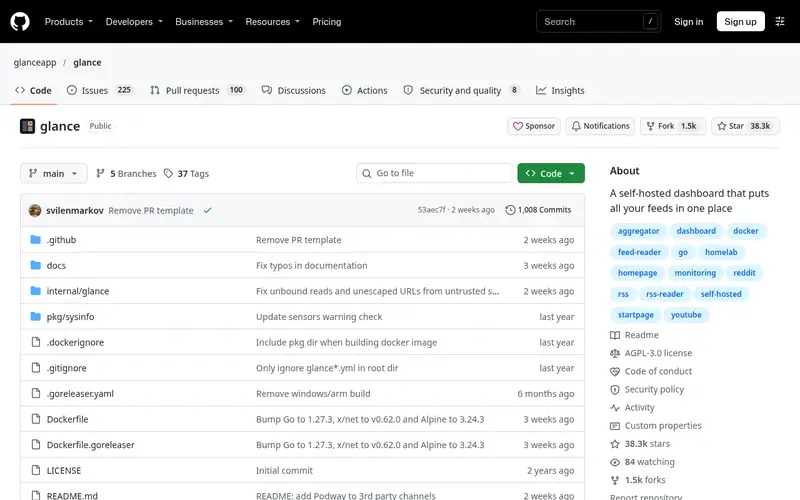
- Best for
- A lightweight single-binary dashboard
- Standout
- Single binary with a small footprint
- Starting price
- Free (open source, no paid tier)
- Free plan or trial
- Free and open source
Glance is a self-hosted dashboard distributed as a single binary. It is configured with YAML and includes a range of widgets for feeds, services and system stats. The project documents installation and configuration on its repository page.
It suits people who want something small and fast that does not need a database or a large container stack.
The catch is that it is a younger project with a smaller community than Homepage or Heimdall. Expect to rely on the project docs and repository for help.
Where the price comes from
Free (open source, no paid tier), as listed by the vendor (Glance website). Confirm the current plan price before you buy.
Benefits
- Single binary with a small footprint
- YAML config
- many widget types
Drawbacks
- Smaller community than older dashboards
- config editing required
Use case to skip: this limit matters to you: smaller community than older dashboards.
Our take. A sensible pick for A lightweight single-binary dashboard.
If it does not fit, compare Homepage or Homarr in this list.
- Best for
- Tabbed layouts that group services by category
- Standout
- Tab-based layout for grouping apps
- Starting price
- Free (open source, no paid tier)
- Free plan or trial
- Free and open source
Organizr is a PHP-based dashboard that organizes services into tabs. It has been around for years and includes user accounts and permission options, which suits shared labs.
It runs on a web server with PHP and is documented on the project site. It suits people who want to group services into categories and give different users different views.
The catch is age. The interface looks older than newer tools, and the PHP stack is heavier to maintain than a single container.
Where the price comes from
Free (open source, no paid tier), as listed by the vendor (Organizr website). Confirm the current plan price before you buy.
Benefits
- Tab-based layout for grouping apps
- user management
- long-standing project
Drawbacks
- Dated interface compared with newer dashboards
- PHP-based stack
Use case to skip: this limit matters to you: dated interface compared with newer dashboards.
Our take. A sensible pick for tabbed layouts that group services by category.
If it does not fit, compare Homepage or Homarr in this list.
What to look for
Start with how you want to configure the dashboard. Config-file tools like Homepage, Dashy and Glance keep everything in YAML, which is easy to back up and version. Visual tools like Homarr let you build by dragging, which is faster for people who dislike editing files. Pick the style you will actually maintain.
Next, decide how much automation you need. Homepage can discover Docker containers through labels, so new services show up without manual edits. Dashy and Heimdall expect you to add each service yourself. In a lab that changes often, auto-discovery saves real time.
Check the integrations. If you want live status from a specific app, confirm the dashboard has a widget for it. Homepage and Homarr list many integrations; Heimdall is more limited. Also consider resource use: a single binary or small container is easier to run on modest hardware than a full PHP stack.
Finally, look at project activity. Check the repository for recent releases and open issues. A dashboard you rely on should be maintained. All six tools here are free, so you can try two or three side by side before committing.
Questions worth answering first
Buying checklist
- Confirm the dashboard supports the apps you run, or check that a generic link or widget will do.
- Decide whether you want YAML config or a visual editor, and pick a tool that matches.
- Check whether automatic Docker discovery matters for how often your lab changes.
- Review the project repository for recent releases and open issues.
- Confirm the install method fits your setup, such as Docker or a single binary.
- Read the upgrade notes before deploying, especially for fast-moving projects.
FAQ
Are these home lab dashboards really free?
Yes. All six tools listed here are free and open source. There is no paid tier for the dashboard itself. You still pay for the hardware or server you run them on, and any related services you connect.
Which dashboard is easiest to set up?
Heimdall is the simplest for a basic link page, since you add apps through a web form. Homepage and Glance need YAML editing but are well documented. Homarr offers a visual editor if you prefer dragging items into place.
Can a dashboard discover my Docker containers automatically?
Homepage supports Docker label-based discovery, so containers can appear without manual config. Other tools generally expect you to add each service yourself. Check the current docs for the exact discovery options before you rely on it.
Do I need a separate server for the dashboard?
Not usually. Most home labs run the dashboard as a container alongside other services on the same host. A lightweight tool like Glance uses fewer resources, which helps on small hardware.
What is the difference between Homepage and Dashy?
Homepage focuses on auto-discovery and widgets with a multi-file config. Dashy uses a single YAML file and emphasizes customization and theming. Both are free; the choice depends on whether you want automation or a single config file.
Can these dashboards support multiple users?
Homarr and Organizr document multi-user support with separate boards or permission levels. Others are typically single-user or shared. Check each project's docs if several people use your lab.
Sources we checked
Change log: First published 21 Nov 2026.