6 Best Type-1 Hypervisors for Home Labs in 2026
Proxmox VE is the best starting point for most home labs. It is free and open source, bundles KVM virtual machines and LXC containers, and includes clustering and backup tools in the base install. If you want a Xen-based platform with commercial support options, look at XCP-ng. If your lab is built around Windows and Active Directory, Microsoft Hyper-V Server or Windows Server with Hyper-V is the natural fit.
 By Shihab Mia · Published 21 Nov 2026
We run no ads and no affiliate links at launch. The order of a list follows our published method. How lists are ordered: how we score.
Prices are the starting prices vendors list publicly. Plans change, so confirm the current price on the vendor page before you buy.
Key takeaways
- Proxmox VE is free and open source, with paid subscription support available from the vendor.
- XCP-ng is free and open source, with commercial support and paid editions from Vates.
- VMware ESXi is licensed per CPU and per core; check Broadcom's current licensing terms before planning a lab.
- Microsoft Hyper-V Server 2019 was the last free standalone Hyper-V release; current Hyper-V ships as a Windows Server role.
- All six options run on bare metal and are managed through a web console or remote management tool.
Side-by-side
Grouped by fit and cost. Tap a product to jump to its full entry.
| Fit | Cost | |||
|---|---|---|---|---|
| Product | Best for | Standout feature | Listed starting price | Free plan or trial |
| 1Proxmox VE | Mixed VM and container home labs | Free and open source | Free (paid subscription support sold separately) | Free and open source |
| 2XCP-ng | Xen-based labs with a support path | Free and open source | Free (paid support and editions from Vates) | Free and open source |
| 3VMware ESXi | Practicing vSphere and enterprise workflows | Widely used in enterprise environments | See vendor site (licensed per CPU and per core) | No free plan |
| 4Microsoft Hyper-V | Windows and Active Directory labs | Included with Windows Server | See vendor site (included with Windows Server licensing) | No free plan |
| 5Nutanix AHV | Hyperconverged cluster practice | Native to the Nutanix platform | See vendor site | No free plan |
| 6Harvester | Kubernetes-native VM hosting | Free and open source | Free | Free and open source |
How we picked
This comparison is based on vendor documentation, published spec sheets, licensing pages, and project documentation. We checked whether each platform is type-1, what management interface it ships with, whether a free edition exists, and how pricing is structured. We did not run hands-on benchmarks. Prices and licensing terms change, so the figures here reflect what vendors publish and should be rechecked before purchase.
The 6 picks in detail
- Best for
- Mixed VM and container home labs
- Standout
- Free and open source
- Starting price
- Free (paid subscription support sold separately)
- Free plan or trial
- Free and open source
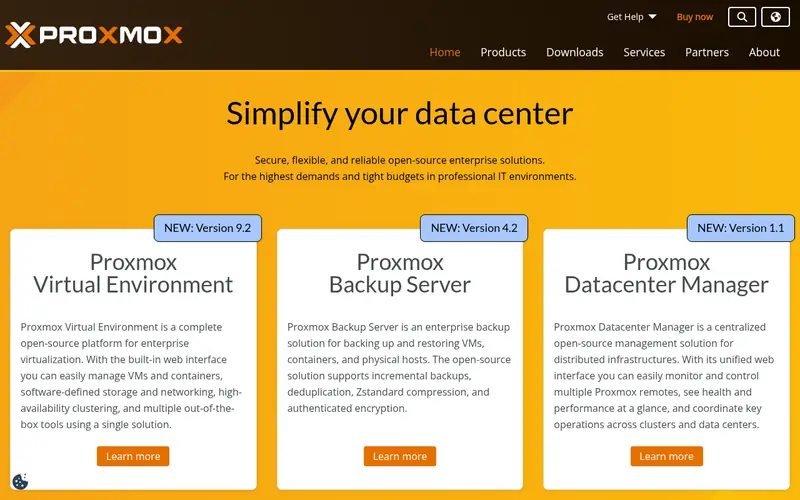
Proxmox VE is a Debian-based platform that combines KVM for full virtual machines and LXC for lightweight containers. The vendor documents a web-based management interface, clustering across nodes, and integrated backup and restore. It also lists software-defined storage options and support for common network configurations.
The base product is free and open source. Proxmox sells subscription support per CPU socket, which also gives access to the enterprise repository. For a home lab, the free repositories are enough to run the platform. The main catch is that the free path means community support rather than vendor support, and some update channels are tied to a paid subscription.
Where the price comes from
Free (paid subscription support sold separately), as listed by the vendor (Proxmox VE website). Confirm the current plan price before you buy.
Benefits
- Free and open source
- KVM virtual machines and LXC containers in one console
- built-in clustering and backup tools
Drawbacks
- Subscription support costs extra
- some enterprise features are tied to a subscription repository
Use case to skip: this limit matters to you: subscription support costs extra.
Our take. A sensible pick for mixed VM and container home labs.
If it does not fit, compare XCP-ng or VMware ESXi in this list.
- Best for
- Xen-based labs with a support path
- Standout
- Free and open source
- Starting price
- Free (paid support and editions from Vates)
- Free plan or trial
- Free and open source
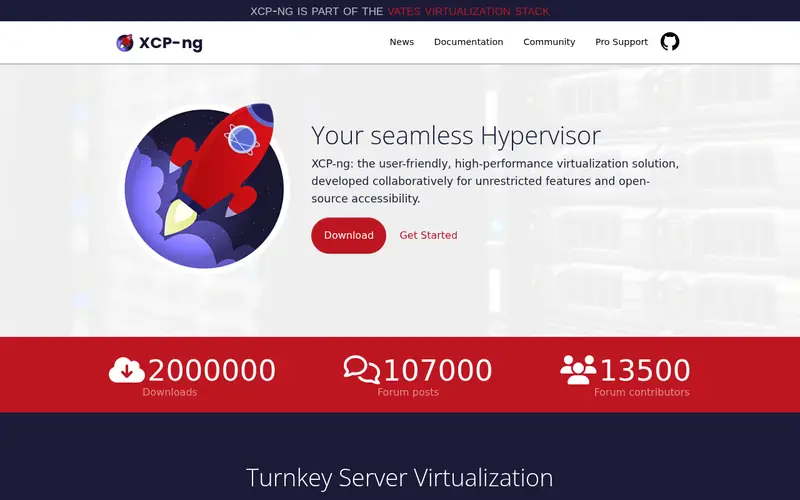
XCP-ng is an open-source hypervisor built on the Xen project. It is developed and supported commercially by Vates. The project documents a management API and a web interface through Xen Orchestra, which is also available as an open-source appliance or a paid product.
The platform suits labs that want to practice Xen virtualization or need a documented commercial support route. Installation is from an ISO, and the project publishes hardware compatibility guidance. The main catch is that the ecosystem of guides and third-party tools is smaller than Proxmox's, and the full management experience depends on how you deploy Xen Orchestra.
Where the price comes from
Free (paid support and editions from Vates), as listed by the vendor (XCP-ng website). Confirm the current plan price before you buy.
Benefits
- Free and open source
- Xen hypervisor base
- commercial support available from Vates
Drawbacks
- Smaller ecosystem than Proxmox
- some management features need Xen Orchestra
Use case to skip: this limit matters to you: smaller ecosystem than Proxmox.
Our take. A sensible pick for xen-based labs with a support path.
If it does not fit, compare Proxmox VE or VMware ESXi in this list.
- Best for
- Practicing vSphere and enterprise workflows
- Standout
- Widely used in enterprise environments
- Starting price
- See vendor site (licensed per CPU and per core)
- Free plan or trial
- No free plan
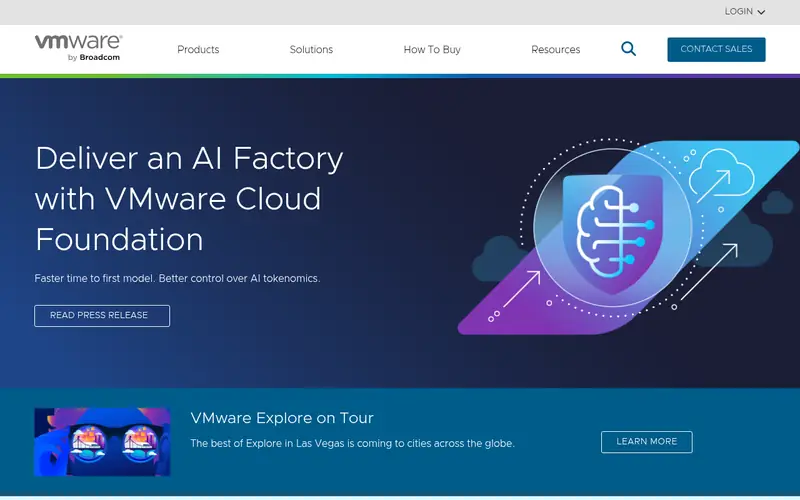
VMware ESXi is the hypervisor at the base of VMware's vSphere platform. It is type-1 and managed through the host client or vCenter Server. The vendor publishes a hardware compatibility guide, and ESXi is common in enterprise data centers, which makes it useful for practicing job-relevant skills.
The catch is licensing. VMware's ownership change to Broadcom brought new subscription models and the end of the long-standing free ESXi edition for many users. Anyone building a lab around ESXi should read the current licensing terms on the vendor site before buying hardware, because per-core pricing changes the math quickly.
Where the price comes from
See vendor site (licensed per CPU and per core), as listed by the vendor (VMware ESXi website). Confirm the current plan price before you buy.
Benefits
- Widely used in enterprise environments
- mature management through vCenter
- broad hardware compatibility list
Drawbacks
- Licensing changed under Broadcom
- free edition is limited or discontinued depending on version
Use case to skip: this limit matters to you: licensing changed under Broadcom.
Our take. A sensible pick for practicing vSphere and enterprise workflows.
If it does not fit, compare Proxmox VE or XCP-ng in this list.
- Best for
- Windows and Active Directory labs
- Standout
- Included with Windows Server
- Starting price
- See vendor site (included with Windows Server licensing)
- Free plan or trial
- No free plan
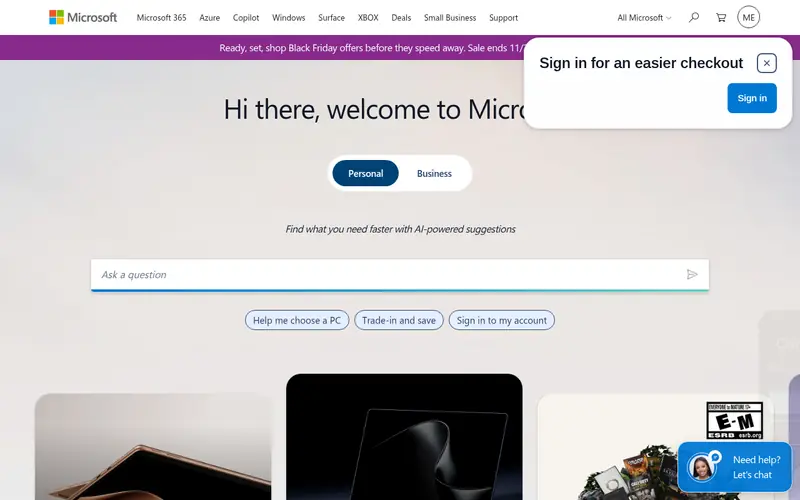
Hyper-V is Microsoft's type-1 hypervisor. It ships as a role in Windows Server and is also available in the free standalone Hyper-V Server line, though Microsoft has stated that Hyper-V Server 2019 was the last standalone version. Management is through Hyper-V Manager, Windows Admin Center, or PowerShell.
For a home lab focused on Windows, Active Directory, or System Center practice, Hyper-V is the shortest path because the host and guests share the same licensing and tooling. The catch is that current Hyper-V is tied to Windows Server licensing, so the cost depends on the edition and program you buy through.
Where the price comes from
See vendor site (included with Windows Server licensing), as listed by the vendor (Microsoft Hyper-V website). Confirm the current plan price before you buy.
Benefits
- Included with Windows Server
- strong Windows guest support
- familiar management tools
Drawbacks
- Free standalone Hyper-V Server is no longer the current release
- licensing follows Windows Server
Use case to skip: this limit matters to you: free standalone Hyper-V Server is no longer the current release.
Our take. A sensible pick for windows and Active Directory labs.
If it does not fit, compare Proxmox VE or XCP-ng in this list.
- Best for
- Hyperconverged cluster practice
- Standout
- Native to the Nutanix platform
- Starting price
- See vendor site
- Free plan or trial
- No free plan
Nutanix AHV is the native hypervisor in the Nutanix Cloud Platform. It is managed through the Prism interface and is designed to run on Nutanix appliances or certified hardware. The vendor documents AHV as included with the platform rather than sold as a standalone product.
This option suits labs that want to practice hyperconverged infrastructure concepts or prepare for Nutanix certifications. It is not a free general-purpose hypervisor, and the hardware requirements are higher than a single spare desktop. The main catch is cost and platform lock-in: you are buying into the Nutanix stack, not just a hypervisor.
Where the price comes from
See vendor site, as listed by the vendor (Nutanix AHV website). Confirm the current plan price before you buy.
Benefits
- Native to the Nutanix platform
- managed through Prism
- integrates with Nutanix storage services
Drawbacks
- Tied to Nutanix hardware or certified platforms
- not a general-purpose free hypervisor
Use case to skip: this limit matters to you: tied to Nutanix hardware or certified platforms.
Our take. A sensible pick for hyperconverged cluster practice.
If it does not fit, compare Proxmox VE or XCP-ng in this list.
- Best for
- Kubernetes-native VM hosting
- Standout
- Free and open source
- Starting price
- Free
- Free plan or trial
- Free and open source
Harvester is an open-source hyperconverged infrastructure product from SUSE that runs virtual machines on Kubernetes. It uses KVM under the hood and provides a web interface for VM management. The project documents integration with Rancher for cluster management.
It suits labs that want to learn how VMs and containers share a platform, or that already run Rancher. Installation is from an ISO onto bare metal. The main catch is that it assumes some Kubernetes familiarity, and the project is younger than Proxmox or XCP-ng, so troubleshooting resources are thinner.
Where the price comes from
Free, as listed by the vendor (Harvester website). Confirm the current plan price before you buy.
Benefits
- Free and open source
- runs virtual machines alongside Kubernetes
- integrates with Rancher
Drawbacks
- Newer project with a smaller community
- needs more Kubernetes knowledge
Use case to skip: this limit matters to you: newer project with a smaller community.
Our take. A sensible pick for kubernetes-native VM hosting.
If it does not fit, compare Proxmox VE or XCP-ng in this list.
What to look for
Start with licensing, because it decides whether a platform is viable for a lab at all. Proxmox VE, XCP-ng, and Harvester are free and open source, so the only cost is hardware and your time. VMware ESXi and Microsoft Hyper-V are commercial products with per-core or per-edition licensing, and the terms have changed in recent years. Read the vendor's current licensing page before you commit to hardware.
Next, match the platform to what you want to practice. If you want a general-purpose lab with both full VMs and containers, Proxmox VE covers both in one console. If your goal is enterprise job skills, practicing on the same platform your employer uses has value, even at a licensing cost. If you want to learn Kubernetes-adjacent infrastructure, Harvester is built for that.
Finally, check hardware compatibility and management tooling. Each vendor publishes a compatibility list or minimum requirements, and some platforms expect specific storage or network setups. Also confirm how you will manage the host: a web console is convenient for a single node, while multi-node labs benefit from central management. Leave headroom in RAM, since hypervisors and their management layers consume memory before any guest runs.
Questions worth answering first
Buying checklist
- Confirm the platform is type-1 and installs directly on bare metal, not on top of another OS.
- Read the current licensing page, especially for VMware and Microsoft, since terms change.
- Check the vendor's hardware compatibility list for your CPU, network card, and storage controller.
- Verify minimum RAM and storage requirements for the hypervisor plus the guests you plan to run.
- Decide whether you need central management for multiple nodes or a single-host web console is enough.
- Confirm where you will get support: vendor subscription, community forums, or project documentation.
FAQ
What is a type-1 hypervisor?
A type-1 hypervisor runs directly on the host hardware and manages virtual machines without a general-purpose operating system underneath. Examples include Proxmox VE, XCP-ng, VMware ESXi, Microsoft Hyper-V, Nutanix AHV, and Harvester. Type-2 hypervisors, by contrast, run as applications on top of an operating system.
Is Proxmox VE really free?
Yes. Proxmox VE is free and open source. The vendor sells subscription support per CPU socket, which also provides access to the enterprise repository. For a home lab, the free repositories are sufficient to install and run the platform, though updates come from the community-supported channels.
Can I run VMware ESXi in a home lab for free?
The long-standing free ESXi edition has been affected by Broadcom's licensing changes. Whether a free option exists depends on the current version and program. Check VMware's licensing pages before planning a lab, because per-core subscription pricing applies to many editions.
Does Hyper-V require Windows Server?
Current Hyper-V ships as a role in Windows Server. Microsoft has stated that Hyper-V Server 2019 was the last free standalone release. For a lab, that means budgeting for Windows Server licensing unless you already have eligible licenses through a program.
Which hypervisor is best for learning Kubernetes?
Harvester runs virtual machines on Kubernetes and integrates with Rancher, so it suits labs that want to combine VM and container management. Proxmox VE is a better general starting point if Kubernetes is only one part of your plan, since it is simpler to set up.
How much RAM does a home lab hypervisor need?
It depends on the platform and the guests. Each vendor publishes minimum requirements, and the hypervisor plus its management layer consumes memory before any VM starts. Plan for the host overhead plus the sum of guest memory, and leave headroom for snapshots and backups.
Sources we checked
Change log: First published 21 Nov 2026.