6 Best Mac Virtualization Software in 2026
Parallels Desktop is the top pick for most Mac users who want the smoothest Windows-on-Mac experience, especially on Apple silicon. It suits people who need Windows apps, shared folders and easy setup without much configuration. For a free option, UTM is a strong choice on Apple silicon and Intel Macs. VMware Fusion suits users who want a free personal license and broad OS support.
 By Shihab Mia · Published 21 Nov 2026
We run no ads and no affiliate links at launch. The order of a list follows our published method. How lists are ordered: how we score.
Prices are the starting prices vendors list publicly. Plans change, so confirm the current price on the vendor page before you buy.
Key takeaways
- Parallels Desktop is the most polished option but requires a paid subscription or one-time purchase.
- VMware Fusion offers a free personal-use license and runs on both Apple silicon and Intel Macs.
- UTM is free and open source, built on QEMU, and supports Apple silicon and Intel.
- Oracle VirtualBox is free and open source but has limited support for Apple silicon guests.
- All four tools can run Windows 11 on Apple silicon, but performance and setup differ.
Side-by-side
Grouped by fit and cost. Tap a product to jump to its full entry.
| Fit | Cost | |||
|---|---|---|---|---|
| Product | Best for | Standout feature | Listed starting price | Free plan or trial |
| 1Parallels Desktop | Easiest Windows on Mac | Polished setup and shared folders | $99.99 per year (Standard edition, per vendor site) | Free trial (14 days) |
| 2VMware Fusion | Free personal use with broad OS support | Free for personal use | $0 for personal use (commercial license paid) | Yes (personal use) |
| 3UTM | Free open-source virtualization on Apple silicon | Free and open source | Free (open source) | Free and open source |
| 4Oracle VirtualBox | Free cross-platform VMs | Free and open source | Free (open source) | Free and open source |
| 5QEMU | Advanced and scriptable setups | Free and open source | Free (open source) | Free and open source |
| 6Apple Virtualization framework | Developers building Mac apps | Built into macOS | Free with macOS (developer tools required) | Yes (built into macOS) |
How we picked
We compared these tools by reading vendor pages, official documentation, license terms and published prices. We checked which Macs each tool supports, including Apple silicon and Intel, and which guest systems the vendors list. We noted free plans, trial periods and commercial licensing rules. We did not run hands-on benchmarks. The comparison reflects publicly available information at the time of writing, and features can change.
The 6 picks in detail
- Best for
- Easiest Windows on Mac
- Standout
- Polished setup and shared folders
- Starting price
- $99.99 per year (Standard edition, per vendor site)
- Free plan or trial
- Free trial (14 days)
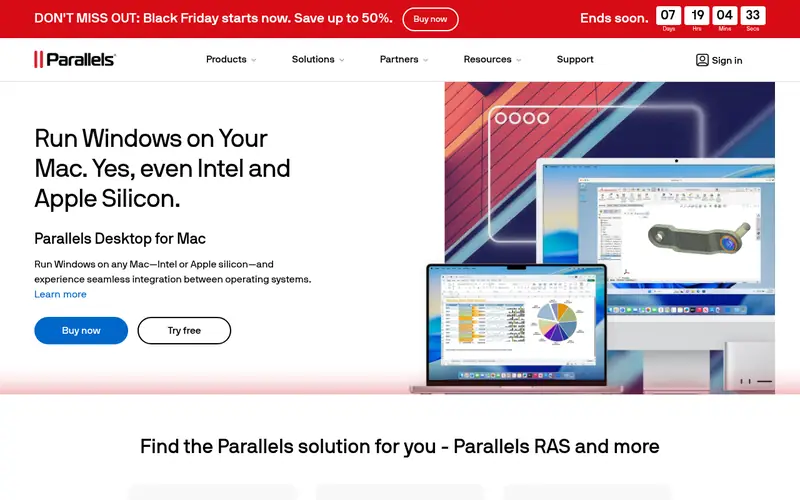
Parallels Desktop is a commercial virtualization app for Mac. It runs Windows, Linux and other operating systems in a window alongside macOS. The vendor lists support for Apple silicon and Intel Macs. It offers features like shared folders, copy and paste between systems, and a Coherence mode that hides the guest desktop. Parallels also publishes editions with more features for developers and business users.
The main catch is price. Parallels uses a subscription model for its Standard edition, and higher editions cost more. A free trial lets you test it first. It suits users who want the least friction when running Windows apps on a Mac and do not mind paying for convenience.
Where the price comes from
$99.99 per year (Standard edition, per vendor site), as listed by the vendor (Parallels Desktop website). Confirm the current plan price before you buy.
Benefits
- Polished setup and shared folders
- strong Apple silicon support
- runs Windows 11 and Linux
- good performance for everyday apps
Drawbacks
- Subscription cost
- some features need higher editions
Use case to skip: this limit matters to you: subscription cost.
Our take. A sensible pick for easiest Windows on Mac.
If it does not fit, compare VMware Fusion or UTM in this list.
- Best for
- Free personal use with broad OS support
- Standout
- Free for personal use
- Starting price
- $0 for personal use (commercial license paid)
- Free plan or trial
- Yes (personal use)
VMware Fusion is a desktop hypervisor for Mac. The vendor offers a free personal-use license and a paid commercial license. It supports Apple silicon and Intel Macs and can run Windows, Linux and other systems. Fusion is often used by developers and IT staff because it fits into VMware's wider tooling.
The catch is licensing. Personal use is free, but business use requires a paid license. Setup is a bit more technical than Parallels. It suits users who want a no-cost personal option with solid support for many operating systems.
Where the price comes from
$0 for personal use (commercial license paid), as listed by the vendor (VMware Fusion website). Confirm the current plan price before you buy.
Benefits
- Free for personal use
- runs on Apple silicon and Intel
- supports many guest systems
- good for developers
Drawbacks
- Commercial use needs a paid license
- interface less consumer-focused than Parallels
Use case to skip: this limit matters to you: commercial use needs a paid license.
Our take. A sensible pick for free personal use with broad OS support.
If it does not fit, compare Parallels Desktop or UTM in this list.
- Best for
- Free open-source virtualization on Apple silicon
- Standout
- Free and open source
- Starting price
- Free (open source)
- Free plan or trial
- Free and open source
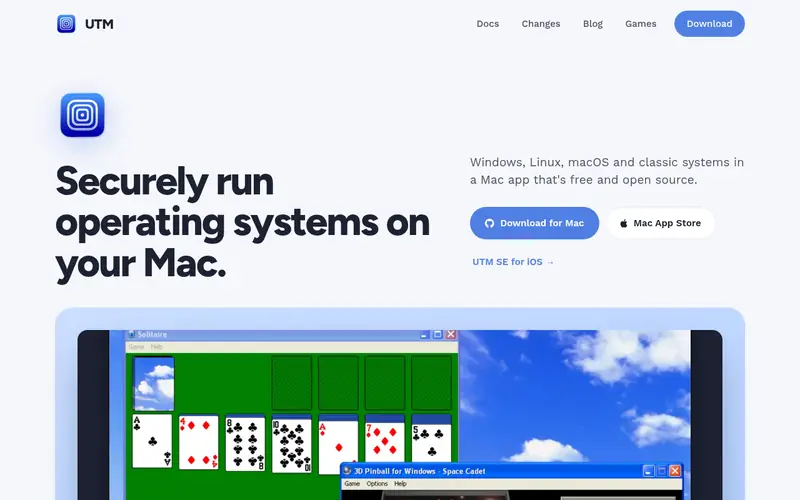
UTM is a free, open-source virtualization app for Mac. It is built on QEMU and supports Apple silicon and Intel Macs. UTM can run Windows, Linux and other systems, and it offers both a full system emulation mode and a faster virtualization mode where supported. It is available from the project site and the Mac App Store.
The catch is complexity. UTM gives you more control but requires more manual configuration than Parallels. Performance depends on the guest system and whether hardware virtualization is used. It suits tinkerers, developers and anyone who wants a free option on Apple silicon.
Where the price comes from
Free (open source), as listed by the vendor (UTM website). Confirm the current plan price before you buy.
Benefits
- Free and open source
- supports Apple silicon and Intel
- based on QEMU
- runs many guest systems
Drawbacks
- More manual setup
- performance varies by guest
- fewer polished consumer features
Use case to skip: this limit matters to you: more manual setup.
Our take. A sensible pick for free open-source virtualization on Apple silicon.
If it does not fit, compare Parallels Desktop or VMware Fusion in this list.
- Best for
- Free cross-platform VMs
- Standout
- Free and open source
- Starting price
- Free (open source)
- Free plan or trial
- Free and open source
Oracle VirtualBox is a free, open-source hypervisor from Oracle. It runs on Windows, Linux, macOS and other hosts. On Mac, it can create and run virtual machines for many guest systems. It is widely used for learning, testing and light workloads.
The catch on modern Macs is Apple silicon. VirtualBox support for Apple silicon hosts is limited compared with Parallels or UTM, and running some guests may not be practical. It suits users on Intel Macs or those who need a free cross-platform tool and can work within its limits.
Where the price comes from
Free (open source), as listed by the vendor (Oracle VirtualBox website). Confirm the current plan price before you buy.
Benefits
- Free and open source
- available on many host systems
- large user community
- good for learning
Drawbacks
- Limited Apple silicon guest support
- performance on Apple silicon hosts is restricted
Use case to skip: this limit matters to you: limited Apple silicon guest support.
Our take. A sensible pick for free cross-platform VMs.
If it does not fit, compare Parallels Desktop or VMware Fusion in this list.
- Best for
- Advanced and scriptable setups
- Standout
- Free and open source
- Starting price
- Free (open source)
- Free plan or trial
- Free and open source
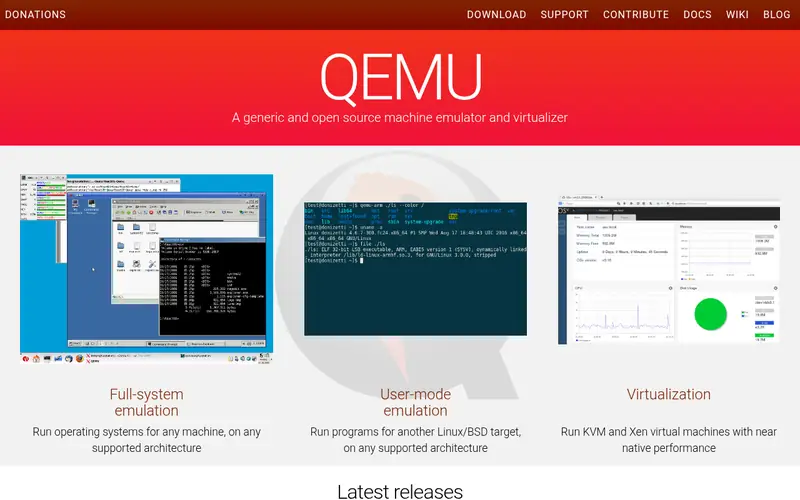
QEMU is a free, open-source emulator and virtualizer. It can run operating systems for many CPU architectures, including ARM and x86. On Mac, it is often used through a front end such as UTM, but it can also be run directly from the command line.
The catch is usability. QEMU is powerful but not a point-and-click consumer tool. It suits developers, researchers and advanced users who need fine control over virtual hardware or cross-architecture emulation.
Where the price comes from
Free (open source), as listed by the vendor (QEMU website). Confirm the current plan price before you buy.
Benefits
- Free and open source
- highly flexible
- supports many architectures
- scriptable
Drawbacks
- Command-line focus
- steep learning curve
- not a consumer app
Use case to skip: this limit matters to you: command-line focus.
Our take. A sensible pick for advanced and scriptable setups.
If it does not fit, compare Parallels Desktop or VMware Fusion in this list.
- Best for
- Developers building Mac apps
- Standout
- Built into macOS
- Starting price
- Free with macOS (developer tools required)
- Free plan or trial
- Yes (built into macOS)
The Apple Virtualization framework is part of macOS and lets developers build virtualization features into their own apps. It uses Apple's built-in support for running virtual machines on Apple silicon and Intel Macs. Several third-party apps, including UTM, build on it.
The catch is that it is a framework, not a consumer app. You need developer tools and coding knowledge to use it directly. It suits developers who want to embed virtual machine support in their own software.
Where the price comes from
Free with macOS (developer tools required), as listed by the vendor (Apple Virtualization framework website). Confirm the current plan price before you buy.
Benefits
- Built into macOS
- uses Apple's own virtualization support
- good for app developers
- no extra license
Drawbacks
- Requires coding
- not a ready-made desktop app
- limited to supported guest systems
Use case to skip: this limit matters to you: requires coding.
Our take. A sensible pick for developers building Mac apps.
If it does not fit, compare Parallels Desktop or VMware Fusion in this list.
What to look for
Start with your Mac's chip. Apple silicon Macs need software that supports ARM-based virtualization. Parallels Desktop, VMware Fusion and UTM all list Apple silicon support. Oracle VirtualBox has more limited support on Apple silicon hosts, so check the current documentation before you rely on it.
Next, decide between a paid app and a free tool. Parallels Desktop is the most polished but costs money. VMware Fusion is free for personal use but needs a paid license for commercial work. UTM and QEMU are free and open source but require more setup. Match the tool to your patience and your budget.
Check guest support. If you need Windows 11, confirm the tool supports it on your Mac. If you need Linux, most tools handle it well. Also look at features like shared folders, clipboard sharing and snapshots. Finally, read the license terms, especially for business use.
Questions worth answering first
Buying checklist
- Confirm the tool supports your Mac's chip, whether Apple silicon or Intel.
- Check that your required guest system, such as Windows 11 or a Linux distribution, is supported.
- Read the license terms to see whether personal or commercial use needs payment.
- Confirm whether a free trial is available and how long it lasts.
- Check for features you need, such as shared folders, clipboard sharing or snapshots.
- Review the vendor's system requirements and update policy before buying.
FAQ
What is the best virtual machine software for Mac?
Parallels Desktop is the most polished option for most users, with strong Apple silicon support and easy setup. VMware Fusion is a good free choice for personal use. UTM is the best free open-source option on Apple silicon.
Can I run Windows 11 on an Apple silicon Mac?
Yes. Parallels Desktop, VMware Fusion and UTM list support for running Windows 11 on Apple silicon Macs. Check each vendor's current documentation, because requirements and support can change with macOS updates.
Is there free virtualization software for Mac?
Yes. VMware Fusion is free for personal use. UTM, Oracle VirtualBox and QEMU are free and open source. Each has different setup requirements and limits, so match the tool to your needs.
Do I need a paid license for business use?
It depends on the tool. Parallels Desktop requires a paid license. VMware Fusion is free for personal use but needs a paid commercial license for business. Open-source tools have their own license terms, so read them carefully.
Which tool is best for developers?
VMware Fusion and UTM are common choices for developers. QEMU and the Apple Virtualization framework suit advanced users who need scripting or custom app integration. Parallels also offers editions aimed at developers.
Will virtualization slow down my Mac?
Virtual machines use your Mac's CPU, memory and storage, so performance depends on your hardware and the guest system. Apple silicon Macs generally handle virtualization well, but running heavy workloads in a VM can reduce available resources for macOS.
Sources we checked
Change log: First published 21 Nov 2026.