6 Best Media Center Software for a Home Theater PC in 2026
Kodi is the best media center software for most home theater PC builders who want a free, local-first library with deep skin and add-on options. Choose Plex if you want polished apps on many devices and are willing to pay for Plex Pass. Choose Jellyfin if you want a free, open-source server with no account requirement and full control over your own hardware.
 By Shihab Mia · Published 21 Nov 2026
We run no ads and no affiliate links at launch. The order of a list follows our published method. How lists are ordered: how we score.
Prices are the starting prices vendors list publicly. Plans change, so confirm the current price on the vendor page before you buy.
Key takeaways
- Kodi is free and open source, and runs on Windows, Linux, macOS, Android and Raspberry Pi hardware.
- Plex has a free tier; Plex Pass is a paid subscription that unlocks extras such as hardware transcoding and mobile downloads.
- Jellyfin is free and open source with no account or subscription, and runs as a server plus client apps.
- Emby splits into a free server tier and a paid Emby Premiere subscription for features like hardware transcoding.
- MediaPortal is Windows-only and free, aimed at TV tuner and DVR use on a dedicated HTPC.
Side-by-side
Grouped by fit and cost. Tap a product to jump to its full entry.
| Fit | Cost | |||
|---|---|---|---|---|
| Product | Best for | Standout feature | Listed starting price | Free plan or trial |
| 1Kodi | Free local media library on a dedicated HTPC | No cost or account | Free (open source, no subscription) | Free and open source |
| 2Plex | Polished apps across many devices | Apps on many TV, mobile and console platforms | See vendor site (Plex Pass subscription) | Free plan |
| 3Jellyfin | Free self-hosted server with no account | No account or subscription | Free (open source, no subscription) | Free and open source |
| 4Emby | Server plus DVR with paid extras | Server and client apps | See vendor site (Emby Premiere subscription) | Free plan |
| 5MediaPortal | Windows TV tuner and DVR setups | Free and open source | Free (open source, no subscription) | Free and open source |
| 6MythTV | Linux DVR and live TV recording | Free and open source | Free (open source, no subscription) | Free and open source |
How we picked
This comparison is based on research, not hands-on testing. We reviewed each project's official site, documentation and published feature lists, and checked which platforms each tool supports and which features sit behind a paid tier. Prices and subscription terms were taken from vendor pages where published, and marked "See vendor site" where terms vary or change. We did not benchmark performance or run lab tests. The ranking reflects fit for common home theater PC setups: local playback, multi-device streaming and DVR use.
The 6 picks in detail
- Best for
- Free local media library on a dedicated HTPC
- Standout
- No cost or account
- Starting price
- Free (open source, no subscription)
- Free plan or trial
- Free and open source
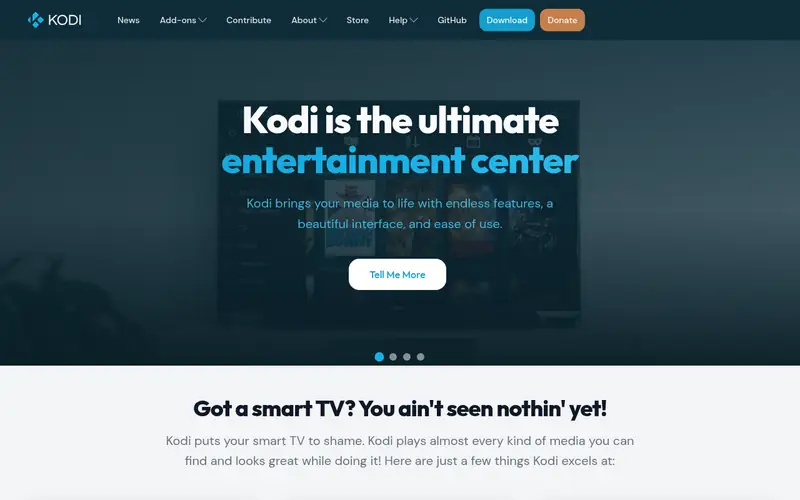
Kodi is a free, open-source media center application. It runs on Windows, Linux, macOS, Android and Raspberry Pi-class hardware, so it suits a dedicated HTPC connected to a TV. The interface is built around a ten-foot UI with skins, and it plays local video, music and photos from attached or networked storage.
The main strength is flexibility. Skins change the look, and add-ons extend function, though add-on quality varies and some third-party repositories are not maintained. Kodi keeps a local library and does not require an account. It also does not ship a built-in remote streaming server, so serving other devices means pairing it with something else.
It suits users who want a free, customizable front end and are willing to configure it. The catch is time: initial setup, scraping and skin choices take effort, and troubleshooting falls to community forums.
Where the price comes from
Free (open source, no subscription), as listed by the vendor (Kodi website). Confirm the current plan price before you buy.
Benefits
- No cost or account
- large skin and add-on ecosystem
- runs on many platforms including Raspberry Pi
- strong local file playback
Drawbacks
- Setup and skinning take time
- no built-in remote streaming server
Use case to skip: this limit matters to you: setup and skinning take time.
Our take. A sensible pick for free local media library on a dedicated HTPC.
If it does not fit, compare Plex or Jellyfin in this list.
- Best for
- Polished apps across many devices
- Standout
- Apps on many TV, mobile and console platforms
- Starting price
- See vendor site (Plex Pass subscription)
- Free plan or trial
- Free plan
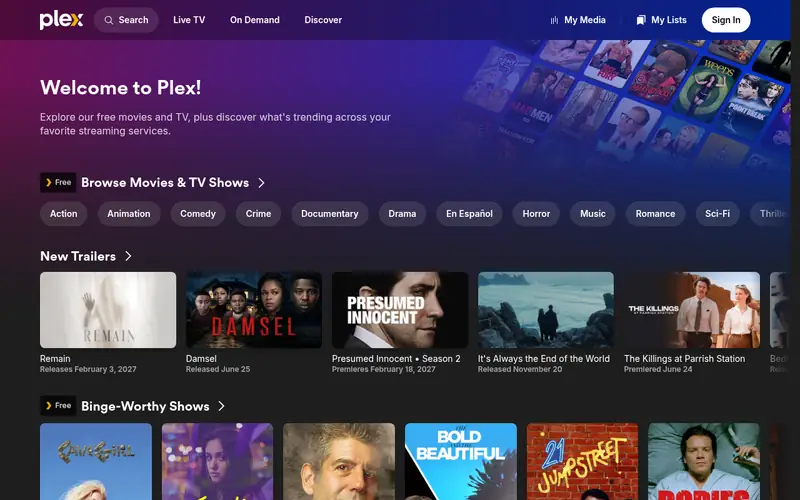
Plex is a media server plus client apps. You run the Plex Media Server on a PC or NAS, and client apps on TVs, phones, tablets and consoles play the library. The free tier covers basic streaming and library management. Plex Pass is the paid subscription that unlocks extras such as hardware-accelerated transcoding and mobile downloads.
The appeal is polish and reach. Apps exist across many platforms, and remote access lets you stream outside the home. Setup is guided and the interface is consistent across devices. A Plex account is required.
The catch is the subscription model. Some features that competing free servers include are behind Plex Pass, and pricing changes, so check the vendor site. It suits households that value app coverage and a tidy interface over full local control.
Where the price comes from
See vendor site (Plex Pass subscription), as listed by the vendor (Plex website). Confirm the current plan price before you buy.
Benefits
- Apps on many TV, mobile and console platforms
- clean interface
- remote streaming built in
Drawbacks
- Some features need Plex Pass
- account required
- server features depend on internet for some functions
Use case to skip: this limit matters to you: some features need Plex Pass.
Our take. A sensible pick for polished apps across many devices.
If it does not fit, compare Kodi or Jellyfin in this list.
- Best for
- Free self-hosted server with no account
- Standout
- No account or subscription
- Starting price
- Free (open source, no subscription)
- Free plan or trial
- Free and open source
Jellyfin is a free, open-source media server. You install the server on a PC, NAS or similar host, point it at your library, and use client apps on TVs, phones and browsers. There is no account requirement and no paid tier, so hardware transcoding and other features are not gated behind a subscription.
It suits users who want to own the stack. The server runs on your hardware, metadata and libraries stay local, and the project is community-driven. Client apps cover many platforms, though polish varies by platform and some features rely on plugins.
The catch is manual setup and uneven app quality. Compared with Plex, expect more configuration and occasional rough edges. For a home theater PC builder who does not mind that, Jellyfin is a strong free alternative.
Where the price comes from
Free (open source, no subscription), as listed by the vendor (Jellyfin website). Confirm the current plan price before you buy.
Benefits
- No account or subscription
- full control of your server
- client apps on many platforms
- active open-source development
Drawbacks
- Fewer polished apps than Plex
- some features depend on community plugins
- setup is more manual
Use case to skip: this limit matters to you: fewer polished apps than Plex.
Our take. A sensible pick for free self-hosted server with no account.
If it does not fit, compare Kodi or Plex in this list.
- Best for
- Server plus DVR with paid extras
- Standout
- Server and client apps
- Starting price
- See vendor site (Emby Premiere subscription)
- Free plan or trial
- Free plan
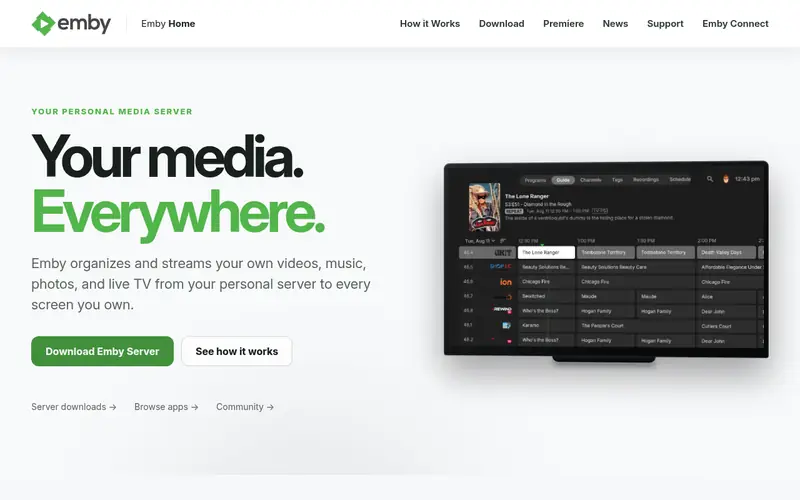
Emby is a media server with client apps for TVs, mobile and browsers. The free server tier covers basic library streaming. Emby Premiere is the paid subscription that unlocks features such as hardware transcoding, DVR and mobile sync, depending on the current plan.
It suits users who want a server with live TV and DVR options and are willing to pay for extras. Setup is guided, and apps cover common platforms. The interface is clean and library management is straightforward.
The catch is the paid tier. Features that Jellyfin offers free sit behind Emby Premiere, and plan terms change, so confirm on the vendor site. It is a reasonable middle ground between Plex polish and Jellyfin's fully free model.
Where the price comes from
See vendor site (Emby Premiere subscription), as listed by the vendor (Emby website). Confirm the current plan price before you buy.
Benefits
- Server and client apps
- DVR and live TV support
- hardware transcoding available with Premiere
Drawbacks
- Some features need Emby Premiere
- account required
- pricing varies by tier
Use case to skip: this limit matters to you: some features need Emby Premiere.
Our take. A sensible pick for server plus DVR with paid extras.
If it does not fit, compare Kodi or Plex in this list.
- Best for
- Windows TV tuner and DVR setups
- Standout
- Free and open source
- Starting price
- Free (open source, no subscription)
- Free plan or trial
- Free and open source
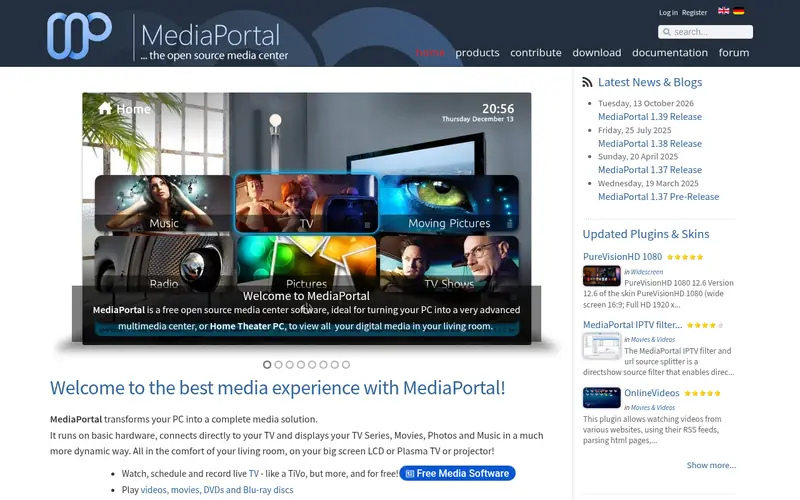
MediaPortal is a free, open-source media center for Windows. It is built around TV tuner support, live TV and scheduled recording, with media library features alongside. It suits a dedicated Windows HTPC with a tuner card and a remote.
The strength is DVR function on Windows. It handles channel scanning, EPG data and recordings, and the community maintains plugins and skins. It is not a cross-platform server like Plex or Jellyfin.
The catch is scope and polish. It is Windows-only, setup is technical, and the interface is less refined than commercial apps. It suits users who want free Windows DVR software and are comfortable with configuration.
Where the price comes from
Free (open source, no subscription), as listed by the vendor (MediaPortal website). Confirm the current plan price before you buy.
Benefits
- Free and open source
- strong TV tuner and DVR focus
- Windows HTPC integration
- active community
Drawbacks
- Windows-only
- setup is technical
- interface is less polished than commercial options
Use case to skip: this limit matters to you: windows-only.
Our take. A sensible pick for windows TV tuner and DVR setups.
If it does not fit, compare Kodi or Plex in this list.
- Best for
- Linux DVR and live TV recording
- Standout
- Free and open source
- Starting price
- Free (open source, no subscription)
- Free plan or trial
- Free and open source
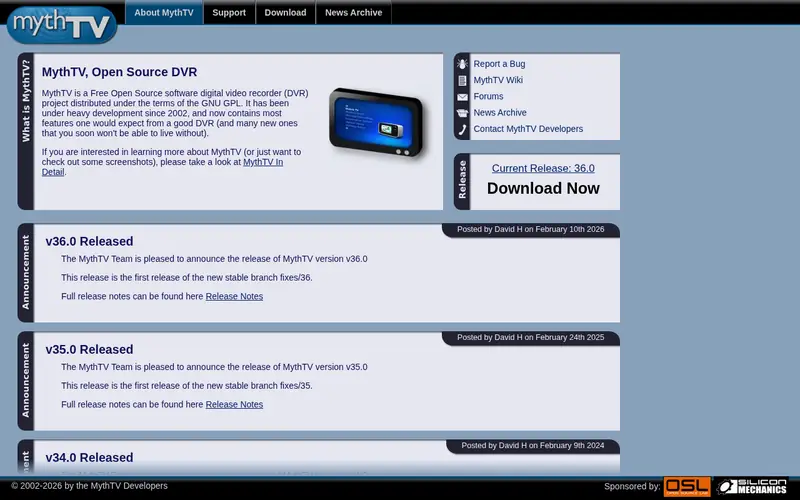
MythTV is a free, open-source DVR and media center built mainly for Linux. It uses a backend that records and stores TV and a frontend that plays it, which allows a multi-room setup with one recording host.
It suits Linux users who want scheduled recording, live TV and a local library on their own hardware. The project has run for years and has a dedicated community.
The catch is complexity. Setup is technical, documentation assumes Linux knowledge, and client options are narrower than Plex or Jellyfin. For a Linux HTPC builder who wants free DVR control, it remains a solid choice.
Where the price comes from
Free (open source, no subscription), as listed by the vendor (MythTV website). Confirm the current plan price before you buy.
Benefits
- Free and open source
- strong Linux DVR and live TV
- frontend/backend split for multi-room
- long-running project
Drawbacks
- Linux-focused and technical
- setup is complex
- fewer polished client apps
Use case to skip: this limit matters to you: linux-focused and technical.
Our take. A sensible pick for linux DVR and live TV recording.
If it does not fit, compare Kodi or Plex in this list.
What to look for
Start with how you will use the HTPC. If the PC is the only screen and the library lives on local disks, a player-first app like Kodi is enough. If you want to stream to phones, tablets and TVs around the house, a server model like Plex, Jellyfin or Emby fits better. DVR users should check tuner support and EPG handling before committing.
Check platform support for your hardware. Kodi and Jellyfin run on many platforms, including low-power boards. MediaPortal is Windows-only, and MythTV is Linux-focused. Confirm client apps exist for the TVs and phones in your home, because a great server with weak apps is frustrating.
Look at the cost model. Kodi, Jellyfin, MediaPortal and MythTV are free and open source. Plex and Emby have free tiers with paid subscriptions for extras such as hardware transcoding and mobile downloads. Decide whether those extras matter to you, and confirm current pricing and terms on the vendor site, since subscriptions change.
Finally, consider maintenance. Open-source servers need updates and occasional troubleshooting. Commercial apps are more guided but tie you to an account and a vendor roadmap. Match the tool to the time you want to spend.
Questions worth answering first
Buying checklist
- Confirm the software runs on your HTPC operating system and hardware.
- Check that client apps exist for your TV, phone and tablet platforms.
- Verify whether hardware transcoding needs a paid tier on your chosen server.
- Confirm TV tuner and EPG support if you plan to record live TV.
- Check the current price and terms on the vendor site before paying.
- Read the official setup documentation to judge the time commitment.
FAQ
Is Kodi free?
Yes. Kodi is free and open source, with no subscription or account requirement. You can install it on Windows, Linux, macOS, Android and Raspberry Pi-class hardware. Costs come only from your own hardware and any optional add-ons you choose to use.
Do I need Plex Pass?
No, the free Plex tier covers basic streaming and library management. Plex Pass adds extras such as hardware transcoding and mobile downloads. Whether you need it depends on your devices and whether you stream outside the home. Check the vendor site for current features and pricing.
Is Jellyfin a good Plex alternative?
Yes, for users who want a free, self-hosted server with no account. Jellyfin covers library streaming and runs on your own hardware. The trade-off is less polished apps and more manual setup. It suits users comfortable with configuration and open-source tools.
Can these tools record live TV?
MediaPortal and MythTV are built around DVR and live TV, and Emby and Plex offer DVR features, some behind paid tiers. Kodi and Jellyfin can handle live TV with tuner support and add-ons or plugins. Confirm tuner compatibility before buying hardware.
What hardware does a media center PC need?
It depends on the software and whether you transcode. A local player like Kodi runs on modest hardware, including low-power boards. A server that transcodes for remote devices benefits from a modern CPU or GPU with hardware encoding support. Check each project's documentation for guidance.
Which option is best for a Linux HTPC?
Kodi and Jellyfin run well on Linux and are free. MythTV is built mainly for Linux and suits DVR use. MediaPortal is Windows-only, so skip it on Linux. Match the choice to whether you want local playback, a server, or recording.
Sources we checked
Change log: First published 21 Nov 2026.