6 Best Self-Hosted Cloud Storage Software in 2026
Nextcloud is the top pick for most home servers. It combines file sync, sharing, calendars, and a large app library, and it is free and open source. If you want a lighter, simpler file server, try Seafile. If you want a drop-in Google Drive replacement with a clean interface, try ownCloud. All three run on modest home hardware and keep your files on your own disk.
 By Shihab Mia · Published 21 Nov 2026
We run no ads and no affiliate links at launch. The order of a list follows our published method. How lists are ordered: how we score.
Prices are the starting prices vendors list publicly. Plans change, so confirm the current price on the vendor page before you buy.
Key takeaways
- Nextcloud, Seafile, ownCloud, and Syncthing are free and open source; you pay only for hardware and your time.
- Nextcloud offers the widest feature set, including file sync, calendars, contacts, and a large app store.
- Seafile focuses on fast, reliable file sync and uses block-level deduplication to save disk space.
- Syncthing has no central server or web dashboard by default; it syncs files directly between devices.
- Commercial editions add support and enterprise features; check each vendor site for current pricing.
Side-by-side
Grouped by fit and cost. Tap a product to jump to its full entry.
| Fit | Cost | |||
|---|---|---|---|---|
| Product | Best for | Standout feature | Listed starting price | Free plan or trial |
| 1Nextcloud | All-in-one home cloud with apps | Large app ecosystem | Free and open source (paid support plans available) | Free plan |
| 2Seafile | Fast, reliable file sync | Block-level deduplication saves space | Free and open source (paid editions available) | Free plan |
| 3ownCloud | Simple file sync with a familiar interface | Clean web and desktop clients | Free and open source (paid editions available) | Free plan |
| 4Syncthing | Direct device-to-device sync | No central server needed | Free and open source | Free plan |
| 5FileCloud | Small teams that want vendor support | Vendor support | See vendor site | Free trial (14 days) |
| 6Pydio Cells | Granular sharing and access control | Fine-grained permissions | Free and open source (paid editions available) | Free plan |
How we picked
This comparison is based on research, not lab testing. We reviewed each project's official website, documentation, and published pricing pages. We looked at supported client platforms, core features such as sharing and versioning, licensing model, and stated system requirements. Where a vendor publishes prices, we cite them; where pricing is quote-based, we point to the vendor site. Feature claims come from vendor documentation and public project pages, and we did not run benchmarks or hands-on trials.
The 6 picks in detail
- Best for
- All-in-one home cloud with apps
- Standout
- Large app ecosystem
- Starting price
- Free and open source (paid support plans available)
- Free plan or trial
- Free plan
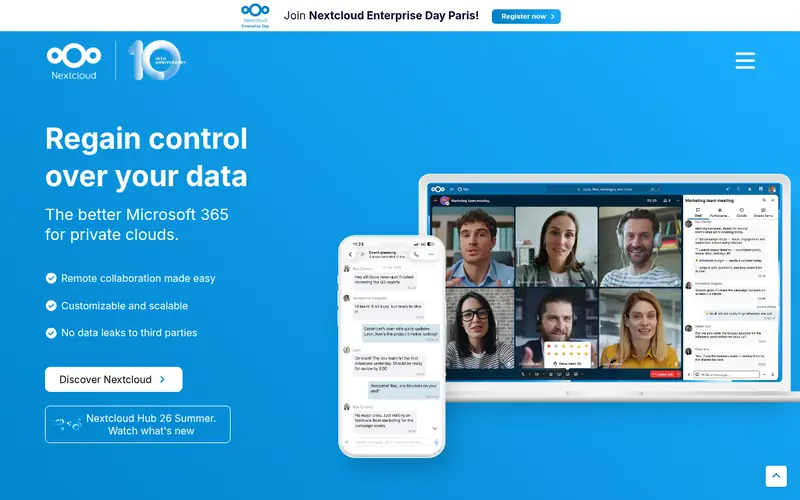
Nextcloud is a self-hosted platform for files, calendars, contacts, and collaboration. The vendor lists desktop clients for Windows, macOS, and Linux, plus mobile apps for Android and iOS. It runs on a web server with PHP and a database, so a small home server or even a single-board computer can host it.
The main strength is breadth. You can add apps for notes, talk, and office editing from the built-in app store. Sharing links, versioning, and external storage mounts are part of the core. The catch is that a full install needs more memory and maintenance than a simple sync tool, and major version upgrades should be planned.
Where the price comes from
Free and open source (paid support plans available), as listed by the vendor (Nextcloud website). Confirm the current plan price before you buy.
Benefits
- Large app ecosystem
- file sync, calendars, and contacts in one place
- strong sharing controls
Drawbacks
- Heavier resource use than focused sync tools
- setup needs care
Use case to skip: this limit matters to you: heavier resource use than focused sync tools.
Our take. A sensible pick for all-in-one home cloud with apps.
If it does not fit, compare Seafile or ownCloud in this list.
- Best for
- Fast, reliable file sync
- Standout
- Block-level deduplication saves space
- Starting price
- Free and open source (paid editions available)
- Free plan or trial
- Free plan
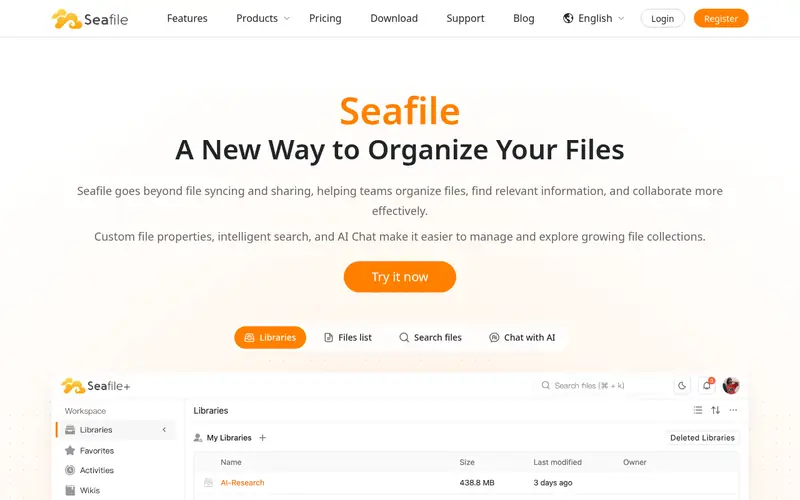
Seafile organizes files into libraries that can be shared with users or groups. It uses block-level deduplication and delta sync, so only changed chunks travel over the network. According to the vendor, this makes sync fast and reduces storage use on the server.
The Community Edition is free and open source. Paid editions add features aimed at organizations, such as advanced auditing and branding. For a home server, the free edition covers file sync, sharing, and versioning. The trade-off is a smaller app ecosystem than Nextcloud, so it suits people who mainly want files.
Where the price comes from
Free and open source (paid editions available), as listed by the vendor (Seafile website). Confirm the current plan price before you buy.
Benefits
- Block-level deduplication saves space
- fast sync
- libraries with per-user permissions
Drawbacks
- Fewer add-on apps than Nextcloud
- some features sit in paid editions
Use case to skip: this limit matters to you: fewer add-on apps than Nextcloud.
Our take. A sensible pick for fast, reliable file sync.
If it does not fit, compare Nextcloud or ownCloud in this list.

- Best for
- Simple file sync with a familiar interface
- Standout
- Clean web and desktop clients
- Starting price
- Free and open source (paid editions available)
- Free plan or trial
- Free plan
ownCloud is one of the longest-running self-hosted file sync projects. It provides a web interface, desktop sync clients, and mobile apps. Users get file sharing, versioning, and external storage support in the free community edition.
It suits home users who want a straightforward "my files in a browser" experience without a large app platform. The project split from Nextcloud years ago, and the two have diverged. ownCloud's commercial editions add features for larger organizations. For a home server, the free edition is enough for basic sync and sharing.
Where the price comes from
Free and open source (paid editions available), as listed by the vendor (ownCloud website). Confirm the current plan price before you buy.
Benefits
- Clean web and desktop clients
- mature file sharing
- broad client support
Drawbacks
- Core feature set is narrower than Nextcloud
- some add-ons are commercial
Use case to skip: this limit matters to you: core feature set is narrower than Nextcloud.
Our take. A sensible pick for simple file sync with a familiar interface.
If it does not fit, compare Nextcloud or Seafile in this list.
- Best for
- Direct device-to-device sync
- Standout
- No central server needed
- Starting price
- Free and open source
- Free plan or trial
- Free plan
Syncthing syncs folders directly between devices. Each device has an ID, and you pair devices to share folders. Data moves over encrypted connections, and there is no central cloud account. It runs on Windows, macOS, Linux, and several NAS platforms.
It is not a cloud drive in the usual sense. There is a web admin interface for managing folders and devices, but no user-facing file portal with share links by default. That makes it ideal for keeping a laptop, phone, and home server in sync, and less ideal if you want to hand out browser links to files.
Where the price comes from
Free and open source, as listed by the vendor (Syncthing website). Confirm the current plan price before you buy.
Benefits
- No central server needed
- encrypted transport
- runs on many platforms
Drawbacks
- No built-in web file browser for sharing
- sync model differs from cloud drives
Use case to skip: this limit matters to you: no built-in web file browser for sharing.
Our take. A sensible pick for direct device-to-device sync.
If it does not fit, compare Nextcloud or Seafile in this list.
- Best for
- Small teams that want vendor support
- Standout
- Vendor support
- Starting price
- See vendor site
- Free plan or trial
- Free trial (14 days)
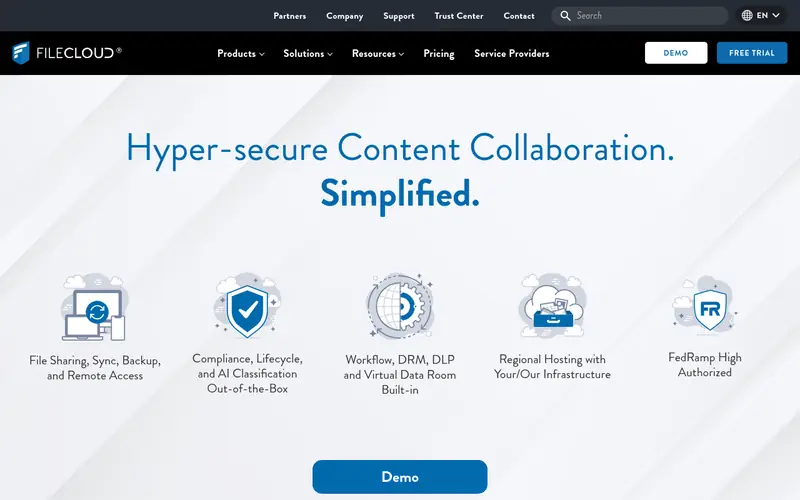
FileCloud is commercial self-hosted file sharing software aimed at businesses and teams. It offers a web portal, desktop and mobile clients, and administrative controls for users and shares. It can run on your own server or in a private cloud.
For a home server, it makes sense mainly if you want paid support and a managed feature set rather than a community project. Licensing is per user and priced by the vendor, so check the current plans before committing. It is not open source, which matters if you want to inspect or modify the code.
Where the price comes from
See vendor site, as listed by the vendor (FileCloud website). Confirm the current plan price before you buy.
Benefits
- Vendor support
- admin controls
- client apps for major platforms
Drawbacks
- Commercial licensing
- not open source
Use case to skip: this limit matters to you: commercial licensing.
Our take. A sensible pick for small teams that want vendor support.
If it does not fit, compare Nextcloud or Seafile in this list.
- Best for
- Granular sharing and access control
- Standout
- Fine-grained permissions
- Starting price
- Free and open source (paid editions available)
- Free plan or trial
- Free plan
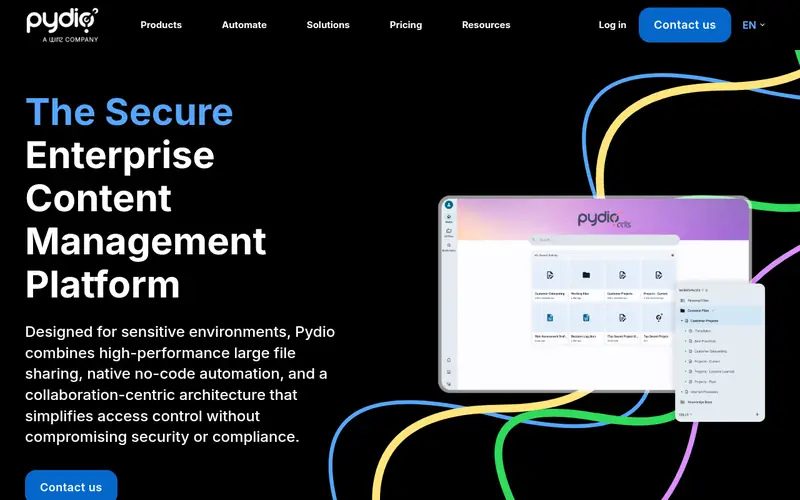
Pydio Cells is a self-hosted content and file sharing platform. It provides a web interface, sync clients, and detailed access controls. The open source edition covers core file management and sharing, while paid editions add enterprise features.
It suits home lab users who want strong sharing rules or who plan to grow into a small team setup. Installation is more involved than a single-binary tool, and the documentation assumes some server experience. For a single user with simple needs, a lighter option is usually easier.
Where the price comes from
Free and open source (paid editions available), as listed by the vendor (Pydio Cells website). Confirm the current plan price before you buy.
Benefits
- Fine-grained permissions
- modern web interface
- open source core
Drawbacks
- Heavier setup
- aimed more at organizations than single users
Use case to skip: this limit matters to you: heavier setup.
Our take. A sensible pick for granular sharing and access control.
If it does not fit, compare Nextcloud or Seafile in this list.
What to look for
Start with how you will use the files. If you want a browser portal, share links, and mobile apps, choose a platform like Nextcloud, ownCloud, or Seafile. If you mainly want to keep folders in sync across your own devices, a sync engine like Syncthing is simpler and lighter.
Check the resource needs. Full platforms usually need a web server, a database, and PHP or a similar runtime. That means more RAM and more maintenance than a single binary. Look at the vendor's system requirements before you buy hardware, and leave headroom for updates and indexing.
Consider licensing and support. Open source projects are free to run but rely on community help. Commercial products cost money but include support and admin tools. Also check client coverage for the phones and computers you actually use, and confirm how versioning and backups work so a bad sync does not delete your only copy.
Questions worth answering first
Buying checklist
- Confirm the software runs on your server's operating system and hardware.
- Check the vendor's stated RAM and storage requirements for your user count.
- Verify desktop and mobile clients exist for every device you use.
- Read how versioning and trash work so deleted files can be recovered.
- Confirm the license terms and whether paid editions are needed for your features.
- Plan a backup routine that keeps a copy separate from the server.
FAQ
Is self-hosted cloud storage free?
The software can be free. Nextcloud, Seafile, ownCloud, Syncthing, and Pydio Cells all offer free and open source editions. Your costs are the server hardware, electricity, and your time for setup and maintenance. Commercial editions and support plans cost extra.
Can I run Nextcloud on a small home server?
Yes. Nextcloud runs on a web server with PHP and a database. A small home server or single-board computer can host it for a few users. Check the official system requirements and leave memory headroom for apps and updates.
What is the difference between Nextcloud and ownCloud?
Both are self-hosted file platforms with web and desktop clients. Nextcloud has a larger app ecosystem and more built-in collaboration tools. ownCloud focuses on core file sync and sharing. They share a common origin but are separate projects today.
Do I need a domain name for remote access?
Not strictly, but a domain name makes remote access and HTTPS certificates easier. Many users combine a domain with a reverse proxy. Check the project documentation for recommended setups before exposing a server to the internet.
Is Syncthing a replacement for a cloud drive?
Not exactly. Syncthing syncs folders directly between devices and has no user-facing share portal by default. It is excellent for keeping your own devices in sync. For browser-based sharing with other people, a platform like Nextcloud or Seafile fits better.
How much storage should I plan for?
Plan for your current data plus growth and versioning. Versioning and trash keep older copies, which use extra space. A common approach is to size disks for at least twice your active data, then add external backups.
Sources we checked
Change log: First published 21 Nov 2026.