6 Best RAM Test Software in 2026
MemTest86 is the top pick for most people because it runs from a USB stick outside Windows and works on any x86 PC. It suits builders checking new memory and anyone chasing random crashes. MemTest86+ is the free open-source alternative with a similar bootable approach. Karhu RAM Test suits Windows users who want a fast paid tool with a simple pass or fail result.
 By Shihab Mia · Published 21 Nov 2026
We run no ads and no affiliate links at launch. The order of a list follows our published method. How lists are ordered: how we score.
Prices are the starting prices vendors list publicly. Plans change, so confirm the current price on the vendor page before you buy.
Key takeaways
- MemTest86 has a free edition and a paid Pro edition; the vendor publishes current pricing on its site.
- MemTest86+ is free and open source, so there is no licence cost at all.
- Karhu RAM Test is paid Windows software; check the vendor site for the current price.
- HCI MemTest offers a free version and a paid Pro version for Windows.
- Windows Memory Diagnostic is built into Windows and costs nothing.
Side-by-side
Grouped by fit and cost. Tap a product to jump to its full entry.
| Fit | Cost | |||
|---|---|---|---|---|
| Product | Best for | Standout feature | Listed starting price | Free plan or trial |
| 1MemTest86 | Bootable memory testing on any x86 PC | Runs outside Windows from USB | See vendor site (free edition and paid Pro edition) | Free plan |
| 2MemTest86+ | Free open-source bootable testing | No cost | Free (open source) | Free and open source |
| 3Karhu RAM Test | Fast Windows-based memory testing | Runs inside Windows | See vendor site (paid licence) | No free plan |
| 4HCI MemTest | Windows testing with a paid Pro tier | Free version available | See vendor site (free version and paid Pro version) | Free plan |
| 5Prime95 | Stress testing CPU and memory together | No cost | Free | Free and open source |
| 6Windows Memory Diagnostic | Quick built-in check with no downloads | Already installed | Free (included with Windows) | Free plan |
How we picked
This guide is based on research, not lab testing. We read each vendor's product pages, documentation and published pricing, and checked which platforms each tool supports and how it runs. We compared bootable versus Windows-based approaches, free versus paid editions, and the kind of reporting each tool provides. No benchmarks were run for this article. Prices and features should be confirmed on the vendor site before you buy.
The 6 picks in detail
- Best for
- Bootable memory testing on any x86 PC
- Standout
- Runs outside Windows from USB
- Starting price
- See vendor site (free edition and paid Pro edition)
- Free plan or trial
- Free plan
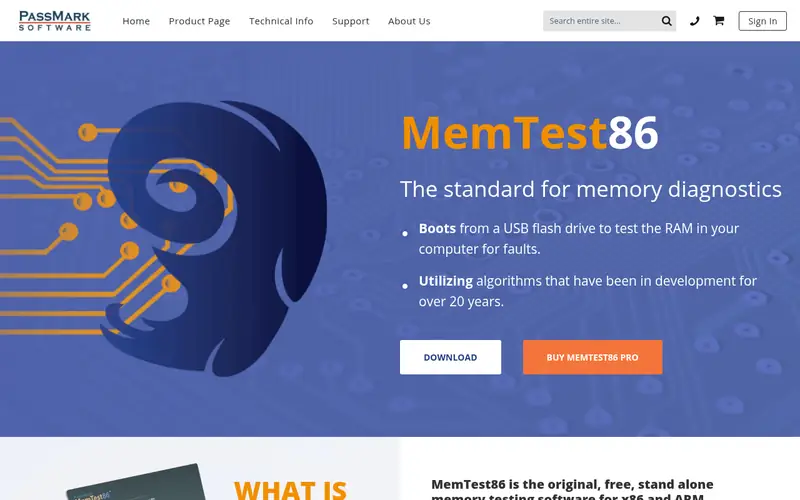
MemTest86 is the best-known bootable memory tester. You write it to a USB drive and boot from it, so it tests RAM without Windows or drivers in the way. It runs a series of test patterns and reports any errors with addresses. The vendor offers a free edition and a paid Pro edition; check the site for current pricing and the feature split. It suits new builds, suspected faulty sticks, and systems that crash randomly. The main catch is time: a thorough run means several full passes, which can take hours.
Where the price comes from
See vendor site (free edition and paid Pro edition), as listed by the vendor (MemTest86 website). Confirm the current plan price before you buy.
Benefits
- Runs outside Windows from USB
- broad hardware support
- detailed error reporting
Drawbacks
- Paid Pro edition needed for some features
- full passes take hours
Use case to skip: this limit matters to you: paid Pro edition needed for some features.
Our take. A sensible pick for bootable memory testing on any x86 PC.
If it does not fit, compare MemTest86+ or Karhu RAM Test in this list.
- Best for
- Free open-source bootable testing
- Standout
- No cost
- Starting price
- Free (open source)
- Free plan or trial
- Free and open source
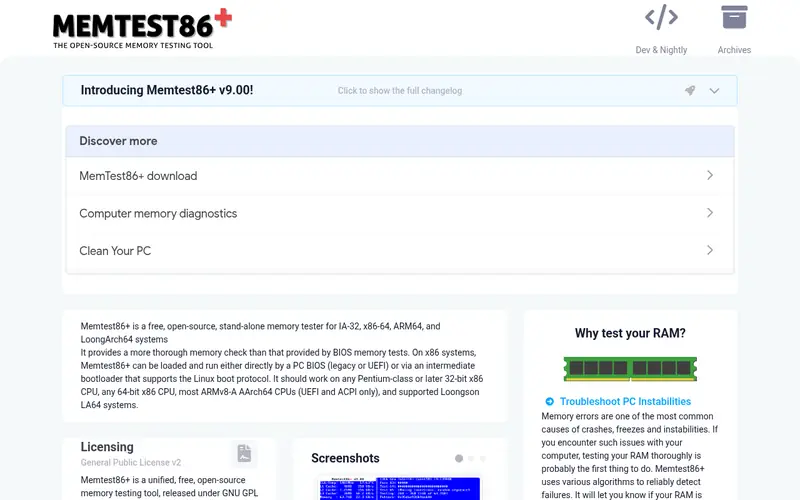
MemTest86+ is a free, open-source memory tester derived from the original MemTest86 codebase. It boots from removable media and runs test patterns against system RAM, reporting errors as it goes. Because it runs outside the operating system, it can catch faults that Windows-based tools miss. It suits anyone who wants a no-cost bootable test, including repair shops and home builders. The catch is that it is a focused tool: you get solid testing but not the reporting and support extras of paid products.
Where the price comes from
Free (open source), as listed by the vendor (MemTest86+ website). Confirm the current plan price before you buy.
Benefits
- No cost
- bootable like MemTest86
- actively maintained project
Drawbacks
- Fewer extras than commercial tools
- still needs a USB drive and a reboot
Use case to skip: this limit matters to you: fewer extras than commercial tools.
Our take. A sensible pick for free open-source bootable testing.
If it does not fit, compare MemTest86 or Karhu RAM Test in this list.
- Best for
- Fast Windows-based memory testing
- Standout
- Runs inside Windows
- Starting price
- See vendor site (paid licence)
- Free plan or trial
- No free plan
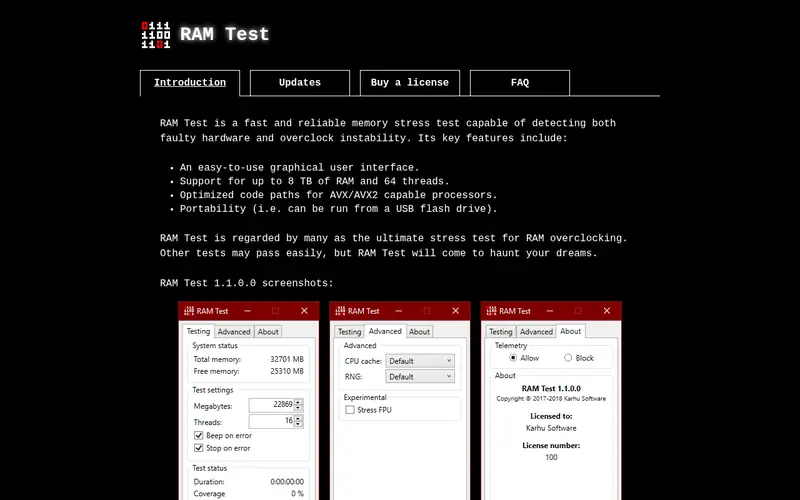
Karhu RAM Test is paid Windows software built for memory testing. It runs from the desktop and is designed to reach good coverage in less time than some bootable tools, which helps when you are tuning memory timings. It reports errors and gives a clear result. It suits overclockers and builders who want a quick check without rebooting. The catch is that it is paid, and it needs a stable Windows install, so a machine that will not boot is out of reach.
Where the price comes from
See vendor site (paid licence), as listed by the vendor (Karhu RAM Test website). Confirm the current plan price before you buy.
Benefits
- Runs inside Windows
- designed for quick coverage
- simple pass or fail result
Drawbacks
- Paid only
- Windows must be stable enough to run it
Use case to skip: this limit matters to you: paid only.
Our take. A sensible pick for fast Windows-based memory testing.
If it does not fit, compare MemTest86 or MemTest86+ in this list.
- Best for
- Windows testing with a paid Pro tier
- Standout
- Free version available
- Starting price
- See vendor site (free version and paid Pro version)
- Free plan or trial
- Free plan
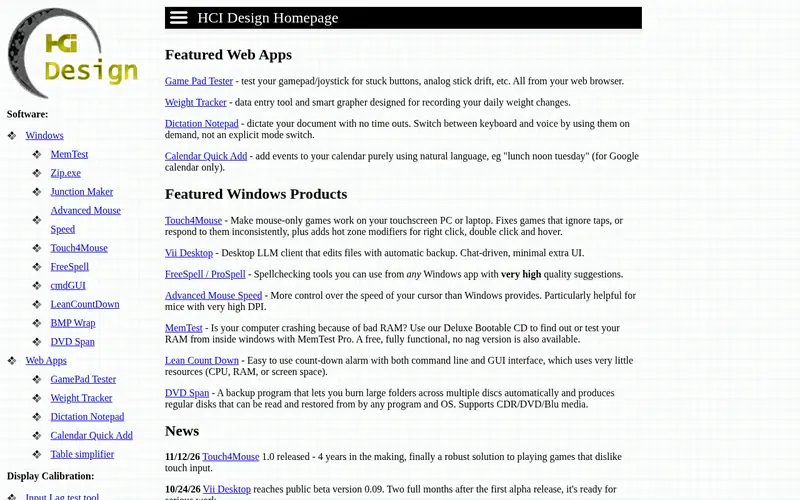
HCI MemTest is a Windows memory tester with a free version and a paid Pro version. The free version runs inside Windows and tests memory while the system is up; the Pro version adds features that make full coverage easier. It is often used alongside stress tools to check memory stability after overclocking. It suits desktop users who want to test without a reboot. The catch is that the free version takes manual work to cover all memory, and the Pro tier is paid.
Where the price comes from
See vendor site (free version and paid Pro version), as listed by the vendor (HCI MemTest website). Confirm the current plan price before you buy.
Benefits
- Free version available
- runs inside Windows
- Pro version adds convenience features
Drawbacks
- Free version needs manual setup for full coverage
- paid tier for extras
Use case to skip: this limit matters to you: free version needs manual setup for full coverage.
Our take. A sensible pick for windows testing with a paid Pro tier.
If it does not fit, compare MemTest86 or MemTest86+ in this list.
- Best for
- Stress testing CPU and memory together
- Standout
- No cost
- Starting price
- Free
- Free plan or trial
- Free and open source
Prime95 is a free stress-testing program best known for its Torture Test modes, which load the CPU and memory hard. It is not a dedicated RAM tester, but a memory fault often shows up as a calculation error or a crash during a run. It suits overclockers who want to prove a system is stable under load. The catch is that it pushes hardware hard, so cooling and power delivery must be adequate, and it does not report memory addresses the way dedicated testers do.
Where the price comes from
Free, as listed by the vendor (Prime95 website). Confirm the current plan price before you buy.
Benefits
- No cost
- heavy load exposes instability
- well known in overclocking circles
Drawbacks
- Not a dedicated memory tester
- very high heat and power draw
Use case to skip: this limit matters to you: not a dedicated memory tester.
Our take. A sensible pick for stress testing CPU and memory together.
If it does not fit, compare MemTest86 or MemTest86+ in this list.
- Best for
- Quick built-in check with no downloads
- Standout
- Already installed
- Starting price
- Free (included with Windows)
- Free plan or trial
- Free plan
Windows Memory Diagnostic is built into Windows. You launch it from the Start menu search, and it schedules a memory test that runs after a reboot. It reports problems in a basic way and needs no download. It suits a quick first check when a PC misbehaves and you want a fast answer. The catch is that it offers fewer test patterns and less detail than dedicated tools, so a clean result is not proof that memory is perfect.
Where the price comes from
Free (included with Windows), as listed by the vendor (Windows Memory Diagnostic website). Confirm the current plan price before you buy.
Benefits
- Already installed
- no download
- simple to start
Drawbacks
- Limited test options
- reboots the PC to run
Use case to skip: this limit matters to you: limited test options.
Our take. A sensible pick for quick built-in check with no downloads.
If it does not fit, compare MemTest86 or MemTest86+ in this list.
What to look for
Start with how the tool runs. Bootable testers like MemTest86 and MemTest86+ run outside the operating system, so they can test all of memory and still work on a PC that will not boot. Windows tools like Karhu RAM Test and HCI MemTest are easier to start but depend on a stable OS and may not cover every region.
Next, think about coverage and time. A single pass is rarely enough. Serious checks mean several full passes, which can take hours on large memory kits. Tools differ in how many test patterns they run and how quickly they reach good coverage. Read the vendor documentation to see what a full run involves before you commit an evening to it.
Then consider cost and support. MemTest86+ and Prime95 are free, and Windows Memory Diagnostic is already installed. MemTest86, Karhu RAM Test and HCI MemTest have paid tiers with extra features. Check the vendor site for current pricing, because these change. For a new build, a free bootable tester is usually enough. For overclocking, a fast Windows tool plus a stress test gives a practical combination.
Questions worth answering first
Buying checklist
- Confirm the tool supports your platform, whether that is Windows, Linux or a bootable USB.
- Check whether a free edition covers your needs or whether key features sit behind a paid tier.
- Read the vendor documentation to see how long a full multi-pass run takes.
- Verify the current price on the vendor site, since software pricing changes.
- Decide whether you need address-level error reporting or just a pass or fail result.
- Make sure you have a spare USB drive if the tool boots outside the operating system.
FAQ
Is MemTest86 free?
MemTest86 has a free edition and a paid Pro edition. The free edition covers core memory testing. The Pro edition adds features; check the vendor site for the current split and price.
How long should a RAM test run?
Most guides suggest several full passes rather than one. A thorough run can take hours depending on memory size and test patterns. Plan to leave the machine running overnight for a serious check.
Can Windows Memory Diagnostic find all RAM faults?
No single tool guarantees that. Windows Memory Diagnostic is a quick built-in check with limited options. For deeper testing, use a bootable tester like MemTest86 or MemTest86+ with multiple passes.
Do I need to test RAM on a new build?
It is worth doing. New memory can be faulty or unstable at its rated speed. A bootable test before you install the operating system saves time later if a stick needs replacing.
What is the difference between MemTest86 and MemTest86+?
They share origins but are separate projects. MemTest86 is commercial, with free and paid editions. MemTest86+ is free and open source. Both boot outside the operating system and run test patterns against RAM.
Can RAM test software damage my PC?
Memory testers are generally safe. Stress tools like Prime95 push hardware hard and raise heat and power draw, so ensure cooling is adequate. Stop any test if temperatures get too high.
Sources we checked
Change log: First published 21 Nov 2026.