6 Best System Information Software in 2026
HWiNFO is the top pick for most people who want detailed sensor and hardware data on a single PC, and it is free for personal use. AIDA64 suits buyers who want a paid tool with broader reporting and business licensing. Belarc Advisor is the better fit when you need a full software and hardware inventory report for auditing rather than live sensor readings.
 By Shihab Mia · Published 21 Nov 2026
We run no ads and no affiliate links at launch. The order of a list follows our published method. How lists are ordered: how we score.
Prices are the starting prices vendors list publicly. Plans change, so confirm the current price on the vendor page before you buy.
Key takeaways
- HWiNFO is free for personal use and reports CPU, GPU, memory, storage and sensor data.
- AIDA64 Extreme is a paid product; check the vendor site for the current price.
- Belarc Advisor builds a local inventory report and is free for personal use.
- CPU-Z and GPU-Z are free, focused tools for one component at a time.
- Speccy is free for home use and gives a simple summary view.
Side-by-side
Grouped by fit and cost. Tap a product to jump to its full entry.
| Fit | Cost | |||
|---|---|---|---|---|
| Product | Best for | Standout feature | Listed starting price | Free plan or trial |
| 1HWiNFO | Detailed sensor monitoring and hardware reporting | Deep sensor coverage | Free for personal use (Pro adds commercial licensing) | Free plan |
| 2AIDA64 Extreme | Paid all-in-one diagnostics and reporting | Broad hardware and software reporting | See vendor site (per license) | Free trial |
| 3Belarc Advisor | Local hardware and software inventory reports | Builds a full inventory report | Free for personal use (commercial licensing separate) | Free plan |
| 4CPU-Z | Fast CPU, memory and motherboard checks | Lightweight and quick | Free (donationware) | Free plan |
| 5GPU-Z | Graphics card specifications and sensor readings | Detailed GPU data | Free | Free plan |
| 6Speccy | Simple summaries for casual users | Clean summary screen | Free for home use (Professional edition paid) | Free plan |
How we picked
This comparison is based on vendor websites, published documentation and spec pages rather than hands-on lab testing. We looked at what each tool reports, whether it covers sensors, inventory or a single component, and how the vendor describes licensing for personal and commercial use. Prices were taken from vendor pages where published; where a vendor does not list a fixed public price, we point to the vendor site. We also noted free versus paid editions and the main scope limits stated by each vendor.
The 6 picks in detail
- Best for
- Detailed sensor monitoring and hardware reporting
- Standout
- Deep sensor coverage
- Starting price
- Free for personal use (Pro adds commercial licensing)
- Free plan or trial
- Free plan
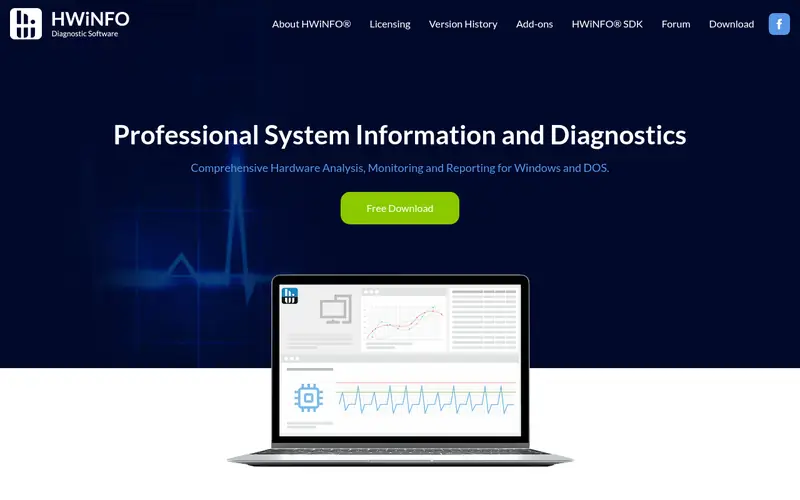
HWiNFO reads hardware details across the main PC components and shows live sensor values such as temperatures, voltages and fan speeds. It runs as a standalone portable file or as an installed program, which helps when you want to check a machine without changing it.
The main catch is the interface. It presents a lot of data in a tree layout, so new users need time to find what matters. The vendor offers a paid Pro version for commercial and business use, while personal use is free. It suits builders, troubleshooters and anyone who wants one tool for both inventory and monitoring.
Where the price comes from
Free for personal use (Pro adds commercial licensing), as listed by the vendor (HWiNFO website). Confirm the current plan price before you buy.
Benefits
- Deep sensor coverage
- portable and installer versions
- regular updates
Drawbacks
- Dense interface for beginners
- commercial use needs a paid license
Use case to skip: this limit matters to you: dense interface for beginners.
Our take. A sensible pick for detailed sensor monitoring and hardware reporting.
If it does not fit, compare AIDA64 Extreme or Belarc Advisor in this list.
- Best for
- Paid all-in-one diagnostics and reporting
- Standout
- Broad hardware and software reporting
- Starting price
- See vendor site (per license)
- Free plan or trial
- Free trial
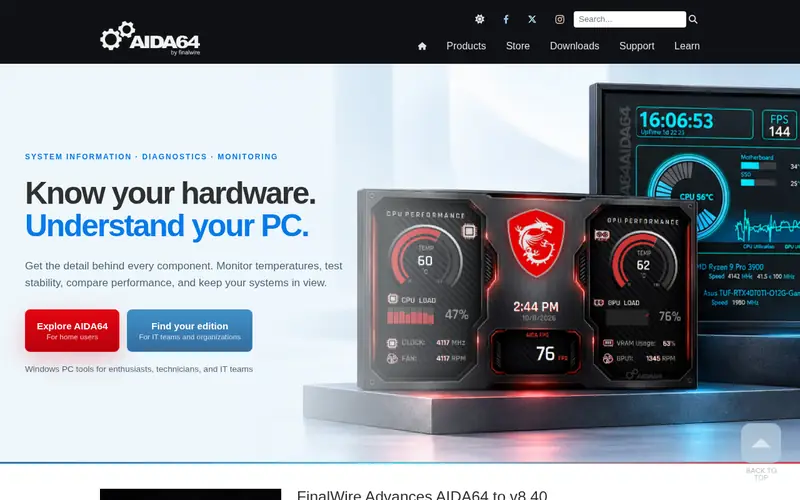
AIDA64 Extreme is a commercial diagnostics suite from FinalWire. It reports hardware and installed software, and it includes monitoring, stress testing and benchmark modules. Reports can be exported in several formats, which helps when you document a build or a fleet of machines.
The trade-off is cost and scope. It is a paid product, so check the vendor site for the current price and license terms. Buyers who only need a quick component check can use free tools instead. It suits technicians, small IT teams and enthusiasts who want one paid suite with support.
Where the price comes from
See vendor site (per license), as listed by the vendor (AIDA64 Extreme website). Confirm the current plan price before you buy.
Benefits
- Broad hardware and software reporting
- built-in stress and benchmark tools
- clear report export
Drawbacks
- Paid license
- more than casual users need
Use case to skip: this limit matters to you: paid license.
Our take. A sensible pick for paid all-in-one diagnostics and reporting.
If it does not fit, compare HWiNFO or Belarc Advisor in this list.
- Best for
- Local hardware and software inventory reports
- Standout
- Builds a full inventory report
- Starting price
- Free for personal use (commercial licensing separate)
- Free plan or trial
- Free plan
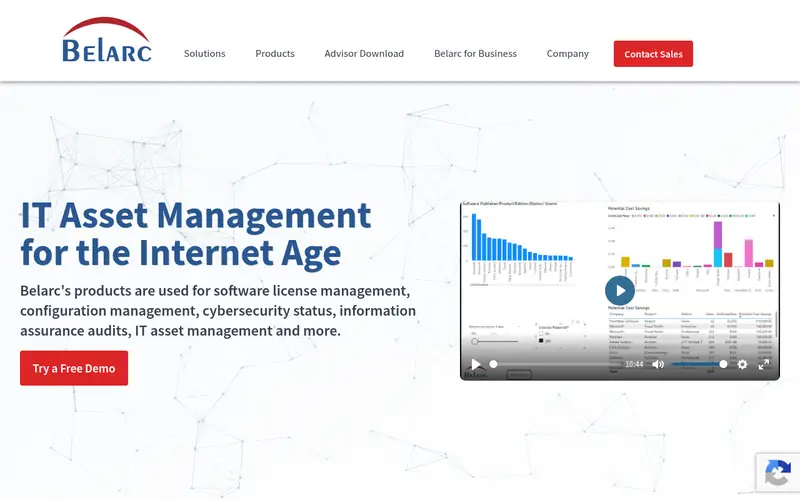
Belarc Advisor scans a PC and produces a report covering hardware, installed software, and license and security details. The report opens in a local browser page and is not sent to a server, according to the vendor. That makes it a practical choice for documenting a machine before a rebuild or for audit records.
It is not a live sensor monitor. If you want temperatures and fan speeds in real time, pair it with a tool like HWiNFO. Personal use is free, while business and commercial use require a separate license from Belarc.
Where the price comes from
Free for personal use (commercial licensing separate), as listed by the vendor (Belarc Advisor website). Confirm the current plan price before you buy.
Benefits
- Builds a full inventory report
- runs locally in a browser view
- useful for audits
Drawbacks
- Report-focused rather than live monitoring
- commercial use needs a license
Use case to skip: this limit matters to you: report-focused rather than live monitoring.
Our take. A sensible pick for local hardware and software inventory reports.
If it does not fit, compare HWiNFO or AIDA64 Extreme in this list.
- Best for
- Fast CPU, memory and motherboard checks
- Standout
- Lightweight and quick
- Starting price
- Free (donationware)
- Free plan or trial
- Free plan
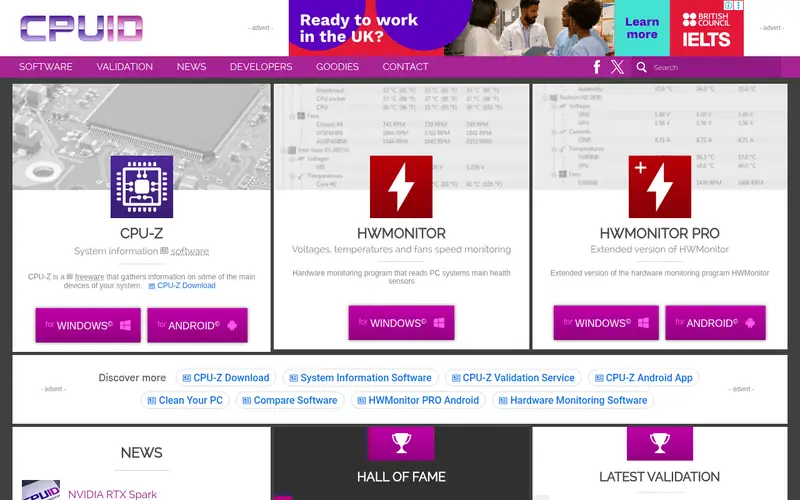
CPU-Z from CPUID focuses on the processor, motherboard, memory and basic graphics data. It opens fast and shows details such as the CPU model, cache, memory timings and slot information in a simple tab layout. A portable build is offered for USB use.
It is not a full inventory tool. It will not list installed software or give a complete audit report. Use it when you need to confirm a CPU model, memory speed or motherboard revision quickly. It is free, with the vendor accepting donations.
Where the price comes from
Free (donationware), as listed by the vendor (CPU-Z website). Confirm the current plan price before you buy.
Benefits
- Lightweight and quick
- clear CPU and memory tabs
- portable version available
Drawbacks
- No full system inventory
- limited sensor detail
Use case to skip: this limit matters to you: no full system inventory.
Our take. A sensible pick for fast CPU, memory and motherboard checks.
If it does not fit, compare HWiNFO or AIDA64 Extreme in this list.
- Best for
- Graphics card specifications and sensor readings
- Standout
- Detailed GPU data
- Starting price
- Free
- Free plan or trial
- Free plan
GPU-Z from TechPowerUp reports graphics card details such as the GPU model, memory type and bus width, plus live sensors for clocks, temperature and load. It also supports logging and a validation feature for sharing card data.
The limit is scope. It tells you about the graphics card and little else, so it works best alongside a broader tool. It is free to download. Users who submit validation data should check what information is shared, since the vendor publishes some submitted results.
Where the price comes from
Free, as listed by the vendor (GPU-Z website). Confirm the current plan price before you buy.
Benefits
- Detailed GPU data
- live clock and temperature sensors
- validation and logging features
Drawbacks
- Covers graphics only
- some features need care when sharing data
Use case to skip: this limit matters to you: covers graphics only.
Our take. A sensible pick for graphics card specifications and sensor readings.
If it does not fit, compare HWiNFO or AIDA64 Extreme in this list.
- Best for
- Simple summaries for casual users
- Standout
- Clean summary screen
- Starting price
- Free for home use (Professional edition paid)
- Free plan or trial
- Free plan
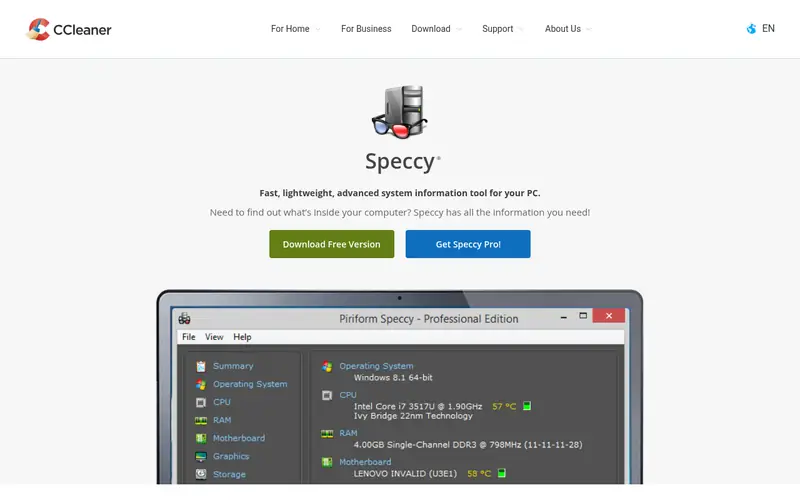
Speccy from CCleaner (Gen Digital) shows a summary of the CPU, motherboard, memory, graphics, storage and operating system in one screen. It is aimed at users who want a quick overview rather than deep sensor data.
It is free for home use, and a paid Professional edition exists for business use. Compared with HWiNFO or AIDA64, it offers less detail and fewer monitoring options. It suits casual users who want to check what is inside a PC without learning a complex interface.
Where the price comes from
Free for home use (Professional edition paid), as listed by the vendor (Speccy website). Confirm the current plan price before you buy.
Benefits
- Clean summary screen
- easy to read at a glance
- covers main components
Drawbacks
- Less depth than specialist tools
- paid Professional edition for some uses
Use case to skip: this limit matters to you: less depth than specialist tools.
Our take. A sensible pick for simple summaries for casual users.
If it does not fit, compare HWiNFO or AIDA64 Extreme in this list.
What to look for
Start with the job you need done. Live monitoring, a one-off inventory report and a single-component check are different tasks, and no single tool is best at all three. If you want temperatures and fan speeds over time, look for a tool with sensor logging. If you need a record of installed software and licenses, look for a report generator.
Check licensing before you deploy anything at work. Several tools are free for personal use but require a paid license for commercial or business use. Read the vendor's license page rather than assuming the free download covers office machines. This matters most for Belarc Advisor, HWiNFO and Speccy.
Consider how the tool handles data. Some tools run fully offline, while others offer optional online validation or upload features. For audit work, a local report is easier to justify. Also check update frequency, portable versus installed options, and whether reports can be exported to a format your records system accepts.
Questions worth answering first
Buying checklist
- Confirm whether the free edition covers personal use only or also business use.
- Check that the tool reports the specific data you need, such as sensors or installed software.
- Verify the current price and license terms on the vendor site before paying.
- Decide whether you need a portable build or an installed program.
- Check whether reports can be exported in a format you can store.
- Review any optional online or upload features and whether you want them enabled.
FAQ
Is HWiNFO free?
HWiNFO is free for personal use. The vendor offers a paid Pro version that covers commercial and business use. Check the vendor site for current licensing terms before using it at work.
What is the difference between system information and inventory software?
System information tools report hardware details and live sensors such as temperatures and clocks. Inventory tools build a record of hardware and installed software, often for audits. Some products, like Belarc Advisor, lean toward inventory, while HWiNFO leans toward live data.
Can I use these tools on a business PC?
Only if the license allows it. Several tools are free for personal use but require a paid license for commercial use. Check each vendor's license page before installing anything on a work machine.
Do I need more than one tool?
Often, yes. A single-component tool like CPU-Z or GPU-Z is quick for a specific check, while a broader tool covers sensors or inventory. Many users keep one detailed tool and one quick checker.
Do these tools send my data online?
It depends on the tool and the features you enable. Some run fully offline, while others offer optional validation or upload features. Review settings and vendor documentation if data privacy matters to you.
Which tool is best for a full audit report?
Belarc Advisor is built around producing a local inventory report covering hardware, software and license details. For live sensor data alongside inventory, pair it with a monitoring tool such as HWiNFO.
Sources we checked
Change log: First published 21 Nov 2026.