5 Best 3D Printer Firmware Options in 2026
Marlin is the best 3D printer firmware for most people because it is free, open source and runs on a very wide range of 8-bit and 32-bit boards. Choose Klipper if you want higher speed and input shaping on a Raspberry Pi or similar host. Choose RepRapFirmware if you own Duet hardware and prefer configuration files over recompiling.
 By Shihab Mia · Published 21 Nov 2026
We run no ads and no affiliate links at launch. The order of a list follows our published method. How lists are ordered: how we score.
Prices are the starting prices vendors list publicly. Plans change, so confirm the current price on the vendor page before you buy.
Key takeaways
- Marlin, Klipper and RepRapFirmware are free and open source; you pay only for hardware.
- Klipper needs a separate host computer, such as a Raspberry Pi, to run the motion planning.
- RepRapFirmware is designed around Duet controller boards and is configured with text files.
- Prusa firmware is tuned for Prusa printers, and PrusaSlicer is a separate slicing program.
- Vendor prices for host boards and controller boards change often, so check current retail prices.
Side-by-side
Grouped by fit and cost. Tap a product to jump to its full entry.
| Fit | Cost | |||
|---|---|---|---|---|
| Product | Best for | Standout feature | Listed starting price | Free plan or trial |
| 1Marlin | Broad board support and a large user base | Runs on many 8-bit and 32-bit boards | Free (open source, no license cost) | Free and open source |
| 2Klipper | Higher print speed with input shaping | Offloads motion planning to a host computer | Free (open source; host hardware sold separately) | Free and open source |
| 3RepRapFirmware | Duet controller board owners | Configured with text files | Free (open source; Duet boards sold separately) | Free and open source |
| 4Prusa firmware | Prusa printer owners who want official updates | Tuned for Prusa hardware | Free (open source, for Prusa printers) | Free and open source |
| 5Smoothieware | Simple setups on Smoothie-compatible boards | Configuration file on the SD card | Free (open source; boards sold separately) | Free and open source |
How we picked
We compared these projects by reading official documentation, vendor specification pages and published configuration guides. We checked supported hardware, configuration methods, licensing and the features each project documents. Prices reflect the vendor's own published figures or the open source status of each project. We did not run hands-on printer tests. Where a figure was unclear, we described the feature qualitatively instead of guessing.
The 5 picks in detail
- Best for
- Broad board support and a large user base
- Standout
- Runs on many 8-bit and 32-bit boards
- Starting price
- Free (open source, no license cost)
- Free plan or trial
- Free and open source
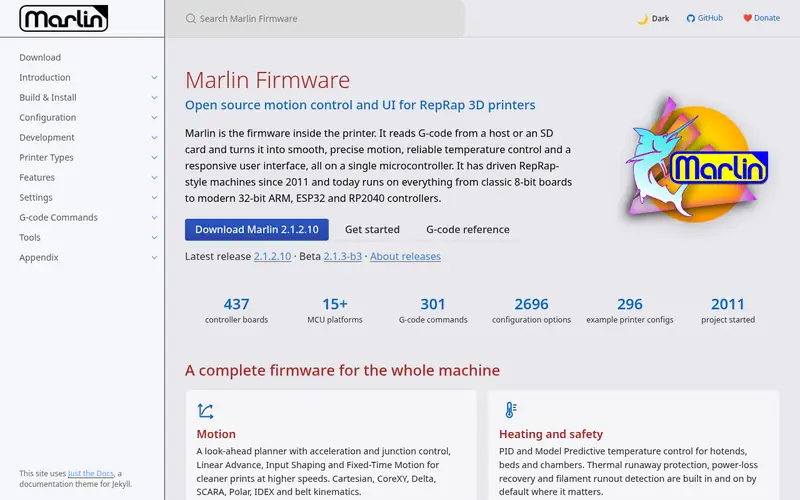
Marlin is the most widely used open source firmware for FDM printers. It runs on a long list of controller boards, including 8-bit AVR boards and 32-bit ARM boards. The project publishes configuration examples for many printer models, so you often start from a known-good file.
Feature support depends on the board and the build you compile. Marlin documents options such as mesh bed leveling, linear advance and thermal runaway protection. You enable them in the configuration files and rebuild the firmware with the Arduino IDE or PlatformIO.
The main catch is the workflow. Every settings change means editing files and reflashing. That is fine for a one-time setup but slower for constant tuning. It suits owners of stock or lightly modified printers who want a stable, well-documented base.
Where the price comes from
Free (open source, no license cost), as listed by the vendor (Marlin website). Confirm the current plan price before you buy.
Benefits
- Runs on many 8-bit and 32-bit boards
- large community and documentation
- supports linear advance and mesh bed leveling
Drawbacks
- Changing settings usually means recompiling
- configuration can be complex for beginners
Use case to skip: this limit matters to you: changing settings usually means recompiling.
Our take. A sensible pick for broad board support and a large user base.
If it does not fit, compare Klipper or RepRapFirmware in this list.
- Best for
- Higher print speed with input shaping
- Standout
- Offloads motion planning to a host computer
- Starting price
- Free (open source; host hardware sold separately)
- Free plan or trial
- Free and open source
Klipper runs the motion planning on a host computer, such as a Raspberry Pi, and uses the printer board mainly to drive motors and heaters. The project documents installation on Linux hosts and provides a web interface through Mainsail or Fluidd.
Because the host does the math, Klipper can support features like input shaping and pressure advance, which help reduce ringing and improve extrusion control. Configuration lives in a text file, so most changes take effect after a restart rather than a recompile.
The catch is hardware and setup. You need a host device, a stable connection and some comfort with the command line. It suits hobbyists who want to tune speed and quality and do not mind the extra work.
Where the price comes from
Free (open source; host hardware sold separately), as listed by the vendor (Klipper website). Confirm the current plan price before you buy.
Benefits
- Offloads motion planning to a host computer
- supports input shaping and pressure advance
- config changes need no reflash
Drawbacks
- Requires a separate host device
- more setup steps than Marlin
Use case to skip: this limit matters to you: requires a separate host device.
Our take. A sensible pick for higher print speed with input shaping.
If it does not fit, compare Marlin or RepRapFirmware in this list.
- Best for
- Duet controller board owners
- Standout
- Configured with text files
- Starting price
- Free (open source; Duet boards sold separately)
- Free plan or trial
- Free and open source
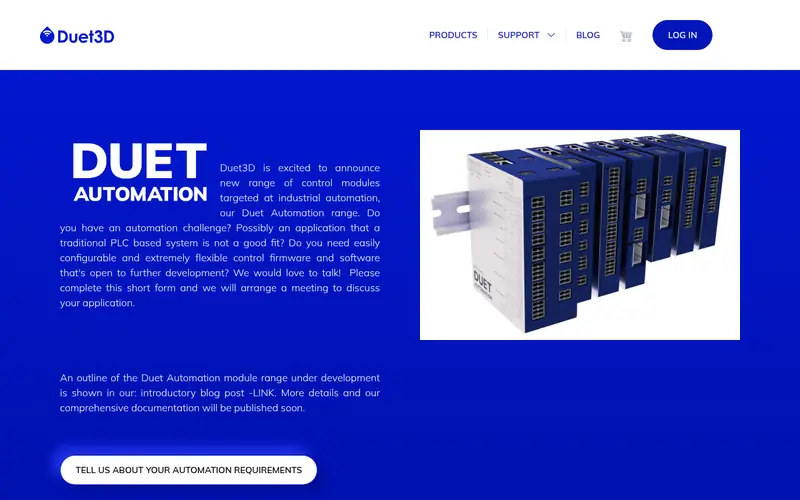
RepRapFirmware is an open source firmware built around Duet controller boards. It is configured through text files on the SD card, so you can change settings without recompiling. Duet Web Control gives you a browser-based interface for jogging, temperature control and file management.
The firmware supports multiple tools, heaters and fans, which makes it a common choice for multi-extruder and larger machines. Documentation is maintained by Duet and by the RepRapFirmware project.
The main catch is hardware fit. It is most at home on Duet boards, and support on other boards is limited. It suits owners of Duet-based printers or people building a machine around a Duet controller.
Where the price comes from
Free (open source; Duet boards sold separately), as listed by the vendor (RepRapFirmware website). Confirm the current plan price before you buy.
Benefits
- Configured with text files
- strong tool and heater control
- works well with Duet Web Control
Drawbacks
- Best supported on Duet hardware
- smaller community than Marlin
Use case to skip: this limit matters to you: best supported on Duet hardware.
Our take. A sensible pick for duet controller board owners.
If it does not fit, compare Marlin or Klipper in this list.
- Best for
- Prusa printer owners who want official updates
- Standout
- Tuned for Prusa hardware
- Starting price
- Free (open source, for Prusa printers)
- Free plan or trial
- Free and open source
Prusa ships its own firmware for its i3 and Core One printer lines. It is based on open source work and is published on the Prusa GitHub repository. Updates arrive through Prusa's release channels and include calibration wizards and safety features.
The firmware is tuned for the specific hardware, so you get tested defaults rather than a generic configuration. That reduces setup work and makes official support easier.
The catch is scope. It is intended for Prusa printers, not custom builds. It suits Prusa owners who want stable, vendor-supported firmware and do not need to tinker with the motion system.
Where the price comes from
Free (open source, for Prusa printers), as listed by the vendor (Prusa firmware website). Confirm the current plan price before you buy.
Benefits
- Tuned for Prusa hardware
- official release notes and update guides
- includes calibration helpers
Drawbacks
- Limited to Prusa printers
- fewer options for custom machines
Use case to skip: this limit matters to you: limited to Prusa printers.
Our take. A sensible pick for prusa printer owners who want official updates.
If it does not fit, compare Marlin or Klipper in this list.
- Best for
- Simple setups on Smoothie-compatible boards
- Standout
- Configuration file on the SD card
- Starting price
- Free (open source; boards sold separately)
- Free plan or trial
- Free and open source
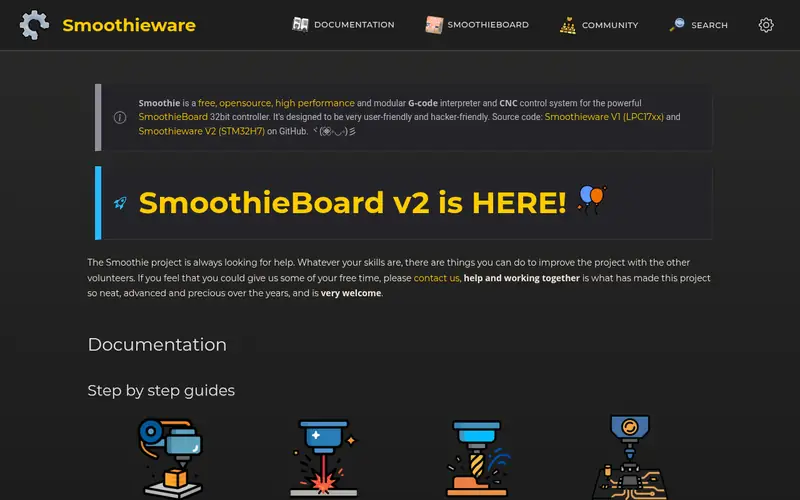
Smoothieware is an open source firmware for 32-bit controller boards, originally built around the Smoothieboard. It reads a configuration file from the SD card, so basic changes do not require a recompile.
It covers the core jobs: motion, temperature control and SD card printing. The project documents supported boards and configuration options on its site.
The catch is momentum. The feature set is smaller than Marlin or Klipper, and development is less active. It suits people with Smoothie-compatible boards who want a simple, file-based setup.
Where the price comes from
Free (open source; boards sold separately), as listed by the vendor (Smoothieware website). Confirm the current plan price before you buy.
Benefits
- Configuration file on the SD card
- straightforward codebase
- works on Smoothieboard hardware
Drawbacks
- Smaller feature set than Marlin or Klipper
- less active development
Use case to skip: this limit matters to you: smaller feature set than Marlin or Klipper.
Our take. A sensible pick for simple setups on Smoothie-compatible boards.
If it does not fit, compare Marlin or Klipper in this list.
What to look for
Start with board compatibility. Firmware must match your controller board's microcontroller and pin layout. Check the project's supported boards list before you download anything. A board that runs Marlin may not run Klipper without a host, and RepRapFirmware is built around Duet hardware.
Next, decide whether you want firmware-only or a host-based setup. Marlin and RepRapFirmware run on the printer board. Klipper and OctoPrint need a separate host device, which adds cost and setup time. Host-based setups make tuning easier but depend on a stable connection.
Then look at the features you actually need. Input shaping, pressure advance and mesh leveling are useful for speed and first-layer quality. Multi-tool support matters if you run more than one extruder. Thermal runaway protection is a safety feature worth confirming in the documentation.
Finally, check the update path. Projects with active repositories and clear release notes are easier to maintain. Read the license, confirm the configuration method, and make sure community guides match your board revision.
Questions worth answering first
Buying checklist
- Confirm your controller board is on the firmware's supported hardware list.
- Check whether the setup needs a separate host device and budget for it.
- Read the configuration method to see if changes require a recompile.
- Verify safety features such as thermal runaway protection in the docs.
- Confirm the project repository shows recent activity and release notes.
- Check that community guides match your exact board revision.
FAQ
Is Marlin or Klipper better?
It depends on your goal. Marlin runs directly on the printer board and suits stable, well-documented setups. Klipper needs a host computer but makes tuning and input shaping easier. Choose Marlin for simplicity and Klipper if you want to push speed and do not mind extra setup.
Do I need a Raspberry Pi for Klipper?
Yes, in most cases. Klipper runs motion planning on a host computer, and a Raspberry Pi is a common choice. The project documents Linux hosts, and you also need a web interface such as Mainsail or Fluidd to control it.
Is 3D printer firmware free?
The firmware projects covered here are free and open source. You may still pay for hardware, such as a host board for Klipper or a Duet controller for RepRapFirmware. Check current retail prices for any hardware you need.
Can I install Klipper on any printer?
Not automatically. Klipper needs a compatible controller board and a host device. Some printers have community configuration files, but you should confirm your board is supported before starting. Check the project documentation for your specific model.
Does OctoPrint replace my printer firmware?
No. OctoPrint is host software that controls and monitors a printer over a serial connection. You still need firmware such as Marlin or Klipper on the printer board. OctoPrint adds remote control, file management and webcam monitoring.
What is RepRapFirmware best for?
RepRapFirmware is designed around Duet controller boards and is configured with text files. It suits multi-tool and larger machines where you want file-based settings and a browser interface. Support on non-Duet boards is limited, so check compatibility first.
Sources we checked
Change log: First published 21 Nov 2026.