7 Best 3D Printers for Beginners in 2026
The Bambu Lab A1 is the best first FDM printer for most beginners. It ships with automatic bed leveling, a full-metal hotend and multi-color support, and the vendor lists it at a low entry price. If you want a fully enclosed machine for ABS and ASA, look at the Creality K1C. If budget is the priority and you accept manual assembly and tuning, the Creality Ender-3 V3 SE is the cheapest sensible starting point.
 By Shihab Mia · Published 21 Nov 2026
We run no ads and no affiliate links at launch. The order of a list follows our published method. How lists are ordered: how we score.
Prices are the starting prices vendors list publicly. Plans change, so confirm the current price on the vendor page before you buy.
Key takeaways
- The Bambu Lab A1 is the strongest all-round first printer, with automatic bed leveling and a 256 x 256 x 256 mm build volume.
- Enclosed printers like the Creality K1C and Bambu Lab P1S handle ABS and ASA better because the chamber holds heat and blocks drafts.
- The Creality Ender-3 V3 SE is the lowest-cost pick but needs more manual tuning than the others.
- Multi-color printing needs extra hardware: the Bambu AMS lite for the A1 and the AMS 2 Pro for the P1S.
- All seven printers use 1.75 mm filament and standard slicers, so you are not locked into one ecosystem.
Side-by-side
Grouped by fit and cost. Tap a product to jump to its full entry.
| Fit | Cost | |||
|---|---|---|---|---|
| Product | Best for | Standout feature | Listed starting price | Free plan or trial |
| 1Bambu Lab A1 | Best overall first printer | Automatic bed leveling and vibration compensation | $339 (printer only; combo with AMS lite costs more) | One-time hardware purchase |
| 2Bambu Lab P1S | Enclosed all-rounder | Fully enclosed chamber for ABS and ASA | $599 (printer only; combo with AMS 2 Pro costs more) | One-time hardware purchase |
| 3Creality K1C | Fast enclosed printing | Enclosed CoreXY frame | $499 (printer only) | One-time hardware purchase |
| 4Creality Ender-3 V3 SE | Lowest-cost start | Very low entry price | $199 (printer only) | One-time hardware purchase |
| 5Prusa Core One | Kit builders who want support | Enclosed CoreXY design | $949 (kit; assembled version costs more) | One-time hardware purchase |
| 6Elegoo Neptune 4 Pro | Large bed on a budget | 265 x 265 x 265 mm build volume at a low price | $299 (printer only) | One-time hardware purchase |
| 7Anycubic Kobra 3 Combo | Multi-color on a budget | Multi-color unit included in the combo price | $349 (combo with color unit) | One-time hardware purchase |
How we picked
We compared these printers using manufacturer product pages, published spec sheets, official documentation and listed prices. We checked build volume, motion system, enclosure, bed leveling, hotend type, material compatibility and add-on costs such as multi-color units. We limited the list to models released between 2023 and 2025 that the vendor still sells. We did not run hands-on tests; every figure here comes from vendor material, and prices are list prices that can change.
The 7 picks in detail
- Best for
- Best overall first printer
- Standout
- Automatic bed leveling and vibration compensation
- Starting price
- $339 (printer only; combo with AMS lite costs more)
- Free plan or trial
- One-time hardware purchase
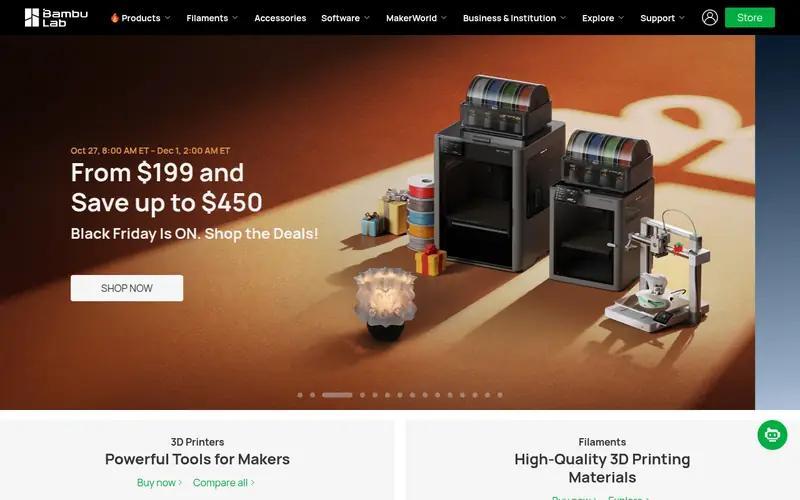
The A1 is a bed-slinger with a 256 x 256 x 256 mm build volume and a full-metal hotend. Bambu Lab lists automatic bed leveling, active flow calibration and a textured PEI build plate. The touchscreen and the Bambu Studio slicer keep setup simple for a first-time owner.
It suits beginners who want to print PLA and PETG with minimal fuss. The main catch is the open frame: ABS and ASA warp more easily without an enclosure. Multi-color printing requires the AMS lite, sold separately or as a combo.
Where the price comes from
$339 (printer only; combo with AMS lite costs more). Hardware prices move often, so check the Bambu Lab A1 maker page or a retailer before you buy.
Benefits
- Automatic bed leveling and vibration compensation
- 256 x 256 x 256 mm build volume
- Full-metal hotend with quick-swap nozzle
Drawbacks
- Open frame, so drafts affect ABS and ASA
- Multi-color needs the AMS lite add-on
Use case to skip: this limit matters to you: open frame, so drafts affect ABS and ASA.
Our take. A sensible pick for best overall first printer.
If it does not fit, compare Bambu Lab P1S or Creality K1C in this list.
- Best for
- Enclosed all-rounder
- Standout
- Fully enclosed chamber for ABS and ASA
- Starting price
- $599 (printer only; combo with AMS 2 Pro costs more)
- Free plan or trial
- One-time hardware purchase
The P1S is a CoreXY printer in a full enclosure with a 256 x 256 x 256 mm build volume. Bambu Lab lists automatic bed leveling, a hardened steel nozzle option and a camera for remote monitoring. The enclosure holds chamber heat and keeps dust and drafts out.
It suits beginners who already know they want to print engineering materials. The catch is cost: it is roughly $260 more than the A1 at list price, and the AMS 2 Pro is a further add-on.
Where the price comes from
$599 (printer only; combo with AMS 2 Pro costs more). Hardware prices move often, so check the Bambu Lab P1S maker page or a retailer before you buy.
Benefits
- Fully enclosed chamber for ABS and ASA
- CoreXY motion for faster moves
- Works with the AMS 2 Pro for multi-color
Drawbacks
- Higher price than the A1
- Louder in a small room than an open frame
Use case to skip: this limit matters to you: higher price than the A1.
Our take. A sensible pick for enclosed all-rounder.
If it does not fit, compare Bambu Lab A1 or Creality K1C in this list.
- Best for
- Fast enclosed printing
- Standout
- Enclosed CoreXY frame
- Starting price
- $499 (printer only)
- Free plan or trial
- One-time hardware purchase
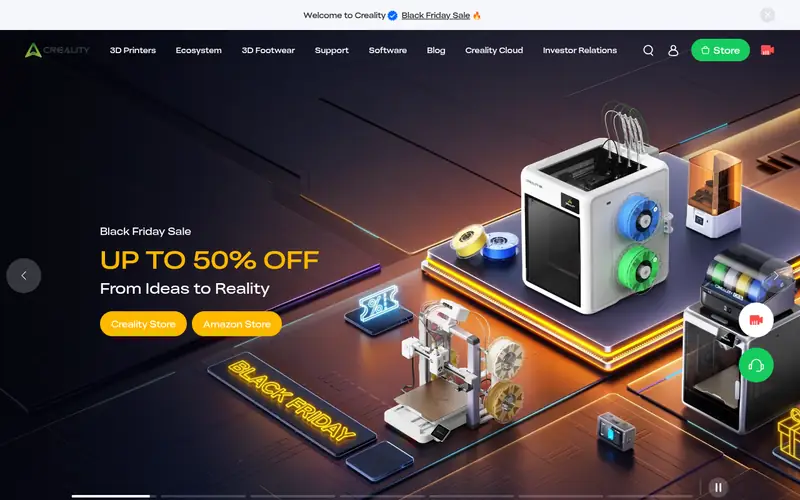
The K1C is an enclosed CoreXY machine with a 220 x 220 x 250 mm build volume. Creality lists an all-metal hotend, a direct-drive extruder and automatic bed leveling. Input shaping reduces ringing at higher speeds.
It suits beginners who want an enclosure without paying Bambu prices. The catch is that the software ecosystem is less mature, so expect to tune profiles yourself for unusual filaments.
Where the price comes from
$499 (printer only). Hardware prices move often, so check the Creality K1C maker page or a retailer before you buy.
Benefits
- Enclosed CoreXY frame
- All-metal hotend rated for high-temperature filament
- Automatic bed leveling and input shaping
Drawbacks
- Smaller community of tuned profiles than Bambu
- Slicer workflow less polished for newcomers
Use case to skip: this limit matters to you: smaller community of tuned profiles than Bambu.
Our take. A sensible pick for fast enclosed printing.
If it does not fit, compare Bambu Lab A1 or Bambu Lab P1S in this list.
- Best for
- Lowest-cost start
- Standout
- Very low entry price
- Starting price
- $199 (printer only)
- Free plan or trial
- One-time hardware purchase
The Ender-3 V3 SE is a bed-slinger with a 220 x 220 x 250 mm build volume. Creality lists automatic bed leveling, a dual-gear extruder and a spring steel build plate. Assembly is minimal compared with older Ender kits.
It suits buyers on a tight budget who mainly print PLA. The catch is speed and material range: without an enclosure, ABS and ASA are difficult, and print times are longer than on the CoreXY options here.
Where the price comes from
$199 (printer only). Hardware prices move often, so check the Creality Ender-3 V3 SE maker page or a retailer before you buy.
Benefits
- Very low entry price
- Automatic bed leveling and CR Touch probe
- Simple bed-slinger design that is easy to repair
Drawbacks
- Open frame with no enclosure
- Slower than CoreXY rivals
Use case to skip: this limit matters to you: open frame with no enclosure.
Our take. A sensible pick for lowest-cost start.
If it does not fit, compare Bambu Lab A1 or Bambu Lab P1S in this list.
- Best for
- Kit builders who want support
- Standout
- Enclosed CoreXY design
- Starting price
- $949 (kit; assembled version costs more)
- Free plan or trial
- One-time hardware purchase
The Prusa Core One is an enclosed CoreXY printer with a 250 x 220 x 270 mm build volume. Prusa lists automatic bed leveling, a Nextruder toolhead and support for its own PrusaSlicer. The kit version ships as parts you assemble.
It suits beginners who value documentation and a long-running community over the lowest price. The catch is cost and time: it is the most expensive option here, and the kit needs a few hours of careful assembly.
Where the price comes from
$949 (kit; assembled version costs more). Hardware prices move often, so check the Prusa Core One maker page or a retailer before you buy.
Benefits
- Enclosed CoreXY design
- Strong documentation and open-source firmware
- Kit option lowers the entry price
Drawbacks
- Highest price in this list
- Kit assembly takes several hours
Use case to skip: this limit matters to you: highest price in this list.
Our take. A sensible pick for kit builders who want support.
If it does not fit, compare Bambu Lab A1 or Bambu Lab P1S in this list.
- Best for
- Large bed on a budget
- Standout
- 265 x 265 x 265 mm build volume at a low price
- Starting price
- $299 (printer only)
- Free plan or trial
- One-time hardware purchase
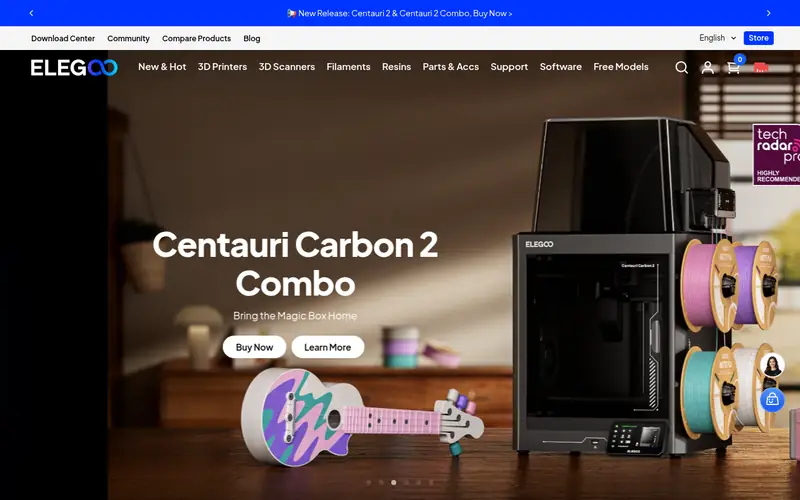
The Neptune 4 Pro is a bed-slinger with a 265 x 265 x 265 mm build volume, one of the largest here for the money. Elegoo lists a direct-drive extruder, automatic bed leveling and a PEI build plate.
It suits beginners who want to print larger parts in PLA and PETG without spending more. The catch is the open frame and moving bed: tall prints are slower and ABS needs care.
Where the price comes from
$299 (printer only). Hardware prices move often, so check the Elegoo Neptune 4 Pro maker page or a retailer before you buy.
Benefits
- 265 x 265 x 265 mm build volume at a low price
- Direct-drive extruder with high flow
- Automatic bed leveling
Drawbacks
- Open frame
- Bed-slinger motion limits top speed
Use case to skip: this limit matters to you: open frame.
Our take. A sensible pick for large bed on a budget.
If it does not fit, compare Bambu Lab A1 or Bambu Lab P1S in this list.
- Best for
- Multi-color on a budget
- Standout
- Multi-color unit included in the combo price
- Starting price
- $349 (combo with color unit)
- Free plan or trial
- One-time hardware purchase
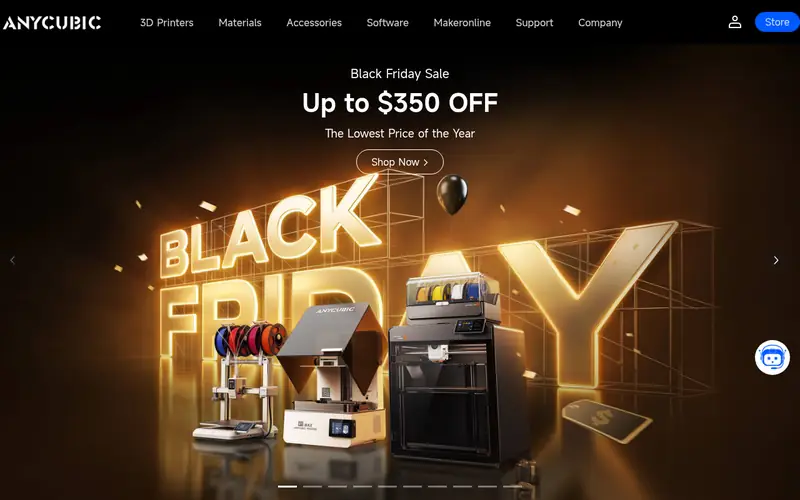
The Kobra 3 Combo bundles the printer with a multi-color unit. Anycubic lists a 250 x 250 x 260 mm build volume, automatic bed leveling and a direct-drive extruder. The combo price undercuts most multi-color setups.
It suits beginners who want to print in several colors without buying a separate add-on. The catch is that color changes slow prints and purge extra filament, and the open frame limits high-temperature materials.
Where the price comes from
$349 (combo with color unit). Hardware prices move often, so check the Anycubic Kobra 3 Combo maker page or a retailer before you buy.
Benefits
- Multi-color unit included in the combo price
- Automatic bed leveling
- Direct-drive extruder
Drawbacks
- Open frame
- Color changes add print time and waste filament
Use case to skip: this limit matters to you: open frame.
Our take. A sensible pick for multi-color on a budget.
If it does not fit, compare Bambu Lab A1 or Bambu Lab P1S in this list.
What specs matter when you buy
Build volume decides what you can print in one piece. A 220 x 220 x 250 mm bed covers most beginner projects; go larger only if you know you need it, because bigger beds are heavier and slower to move.
Bed leveling is the single biggest source of failed first prints. Automatic leveling with a probe or strain gauge removes most of the guesswork. Manual leveling with paper shims still works, but expect to redo it often.
Enclosure matters if you want ABS or ASA. An open frame is fine for PLA and PETG. A heated chamber or full enclosure reduces warping and keeps fumes and noise contained.
Hotend and extruder type affect material range. An all-metal hotend handles higher temperatures than a PTFE-lined one. A direct-drive extruder feeds flexible filament more reliably than a Bowden setup.
Motion system affects speed and print quality. CoreXY machines move a lighter toolhead and usually print faster than bed-slingers, where the bed itself moves. For a first printer, either works; CoreXY costs more.
Finally, check slicer support and spare parts. A printer with an active community and published firmware is easier to keep running. Confirm the vendor sells nozzles, hotends and build plates before you buy.
Questions worth answering first
Buying checklist
- Confirm the build volume covers the largest part you plan to print.
- Check whether bed leveling is automatic or manual on the exact model.
- Decide whether you need an enclosure for ABS or ASA before buying.
- Add the cost of any multi-color unit, spare nozzles and filament to the printer price.
- Verify the vendor sells replacement hotends, nozzles and build plates.
- Check that your slicer of choice has a profile for the printer.
FAQ
Do beginners need an enclosed 3D printer?
No, not if you print PLA and PETG. An open frame is cheaper and easier to access. Buy an enclosure only if you plan to print ABS or ASA, which warp without steady chamber heat.
How much should a first FDM printer cost?
Entry bed-slingers start around $199 at list price. Mid-range machines with automatic leveling and faster motion run $299 to $499. Enclosed CoreXY printers start around $499 and go above $900 for kit and assembled options.
Is automatic bed leveling worth it?
Yes for most beginners. It removes the most common cause of failed first layers. Manual leveling still works and costs less, but you will redo it more often and learn the feel of a good first layer.
Can these printers print in multiple colors?
Only with extra hardware. Bambu Lab uses the AMS lite or AMS 2 Pro, and Anycubic bundles a color unit with the Kobra 3 Combo. Color changes add print time and purge waste.
What filament should a beginner start with?
PLA is the easiest to print and the most forgiving. Move to PETG once you are comfortable, then to ABS or ASA only with an enclosure. Buy from a brand that publishes temperature and drying guidance.
Do these printers require assembly?
Most ship largely assembled. The Prusa Core One is sold as a kit or assembled, and the kit takes several hours. The others need only minor setup such as attaching the gantry or screen.
Sources we checked
Change log: First published 21 Nov 2026.