6 Best CNC Router CAM and Control Software in 2026
Fusion 360 is the strongest all-round pick for hobby CNC router users who want CAD and CAM in one place, since Autodesk publishes a free personal-use tier. For pure 2.5D CAM at low cost, VCarve Desktop from Vectric suits sign makers and woodworkers. If you want free and open-source control, GRBL running through a sender like Universal Gcode Sender is the common starting point.
 By Shihab Mia · Published 21 Nov 2026
We run no ads and no affiliate links at launch. The order of a list follows our published method. How lists are ordered: how we score.
Prices are the starting prices vendors list publicly. Plans change, so confirm the current price on the vendor page before you buy.
Key takeaways
- Fusion 360 has a free personal-use licence with limits Autodesk publishes on its site.
- VCarve Desktop is a paid, one-time purchase aimed at 2D and 2.5D routing.
- GRBL is free, open-source firmware for Arduino-based controllers.
- Universal Gcode Sender is free and open source and works with GRBL controllers.
- Carbide Create has a free tier and a paid Pro version from Carbide 3D.
Side-by-side
Grouped by fit and cost. Tap a product to jump to its full entry.
| Fit | Cost | |||
|---|---|---|---|---|
| Product | Best for | Standout feature | Listed starting price | Free plan or trial |
| 1Fusion 360 | Combined CAD and CAM for makers | CAD and CAM in one application | See vendor site (subscription; free personal-use tier) | Yes (personal use) |
| 2VCarve Desktop | 2D and 2.5D sign making and woodwork | Focused on 2D and 2.5D routing | See vendor site (one-time purchase) | No free plan |
| 3GRBL | Open-source firmware for Arduino-based controllers | Free and open source | Free | Free and open source |
| 4Universal Gcode Sender | Sending G-code to GRBL-based controllers | Free and open source | Free | Free and open source |
| 5Carbide Create | Simple 2D CAM for hobby routers | Free tier available | See vendor site (free tier and paid Pro version) | Free plan |
| 6Estlcam | CAM plus machine control for hobby routers | CAM and control in one application | See vendor site (licence; free trial available) | Free trial |
How we picked
This comparison is based on research, not hands-on testing. We reviewed each vendor's official product pages, published documentation and licence terms, and noted the pricing model each one states. For open-source projects we used the official repository and project site. We compared toolpath scope, controller compatibility, licence type and published limits, then grouped tools by the workflow they suit. Prices are shown as "See vendor site" where the vendor's current figure could not be confirmed.
The 6 picks in detail
- Best for
- Combined CAD and CAM for makers
- Standout
- CAD and CAM in one application
- Starting price
- See vendor site (subscription; free personal-use tier)
- Free plan or trial
- Yes (personal use)
Fusion 360 is Autodesk's cloud-connected design and manufacturing platform. For a hobby router, the useful part is the CAM workspace, which generates toolpaths from a 3D model and posts G-code for your controller. Autodesk publishes a free personal-use licence with limits on revenue and features, plus paid subscriptions for commercial work.
It suits makers who want to design a part and cut it without exporting between programs. The catch is the licensing: read Autodesk's current personal-use terms before you rely on the free tier for paid work. The learning curve is steeper than dedicated 2.5D CAM tools.
Where the price comes from
See vendor site (subscription; free personal-use tier), as listed by the vendor (Fusion 360 website). Confirm the current plan price before you buy.
Benefits
- CAD and CAM in one application
- supports 2D, 2.5D and 3D toolpaths
- large documentation and tutorial base
Drawbacks
- Subscription model
- personal-use licence has published restrictions
Use case to skip: this limit matters to you: subscription model.
Our take. A sensible pick for combined CAD and CAM for makers.
If it does not fit, compare VCarve Desktop or GRBL in this list.

- Best for
- 2D and 2.5D sign making and woodwork
- Standout
- Focused on 2D and 2.5D routing
- Starting price
- See vendor site (one-time purchase)
- Free plan or trial
- No free plan
VCarve Desktop from Vectric is CAM software built around 2D drawing and 2.5D toolpaths. It includes V-carving, pocketing, profiling and drilling, which covers most hobby router work in wood and plastic. Vectric sells it as a one-time purchase and publishes a cutting-area limit for the Desktop edition, with larger editions available.
It suits sign makers and furniture hobbyists who do not need parametric 3D CAD. The main catch is that the Desktop edition caps the work area, so check the published limit against your machine before buying.
Where the price comes from
See vendor site (one-time purchase), as listed by the vendor (VCarve Desktop website). Confirm the current plan price before you buy.
Benefits
- Focused on 2D and 2.5D routing
- strong V-carving and sign tools
- one-time purchase model
Drawbacks
- Desktop edition has a published cutting-area limit
- not a full 3D CAD package
Use case to skip: this limit matters to you: desktop edition has a published cutting-area limit.
Our take. A sensible pick for 2D and 2.5D sign making and woodwork.
If it does not fit, compare Fusion 360 or GRBL in this list.
- Best for
- Open-source firmware for Arduino-based controllers
- Standout
- Free and open source
- Starting price
- Free
- Free plan or trial
- Free and open source
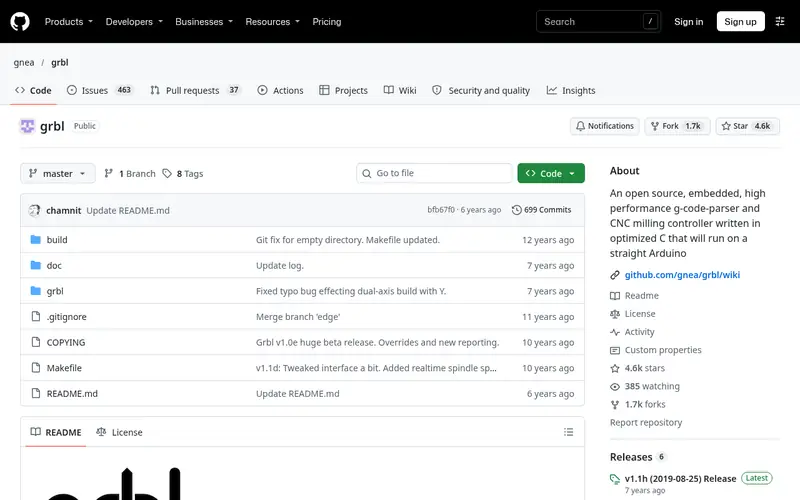
GRBL is open-source motion-control firmware that runs on Arduino-class boards and interprets G-code for stepper-driven machines. It is the firmware layer, not a design tool, so you pair it with CAM software and a G-code sender. The project is hosted on GitHub with published documentation.
It suits hobbyists building or upgrading a router around an Arduino-based controller board. The catch is that GRBL does no CAM and no drawing; you still need separate software to produce toolpaths, and wiring and configuration need attention.
Where the price comes from
Free, as listed by the vendor (GRBL website). Confirm the current plan price before you buy.
Benefits
- Free and open source
- runs on common Arduino hardware
- widely supported by senders
Drawbacks
- Firmware only, no design or CAM
- configuration requires care
Use case to skip: this limit matters to you: firmware only, no design or CAM.
Our take. A sensible pick for open-source firmware for Arduino-based controllers.
If it does not fit, compare Fusion 360 or VCarve Desktop in this list.
- Best for
- Sending G-code to GRBL-based controllers
- Standout
- Free and open source
- Starting price
- Free
- Free plan or trial
- Free and open source
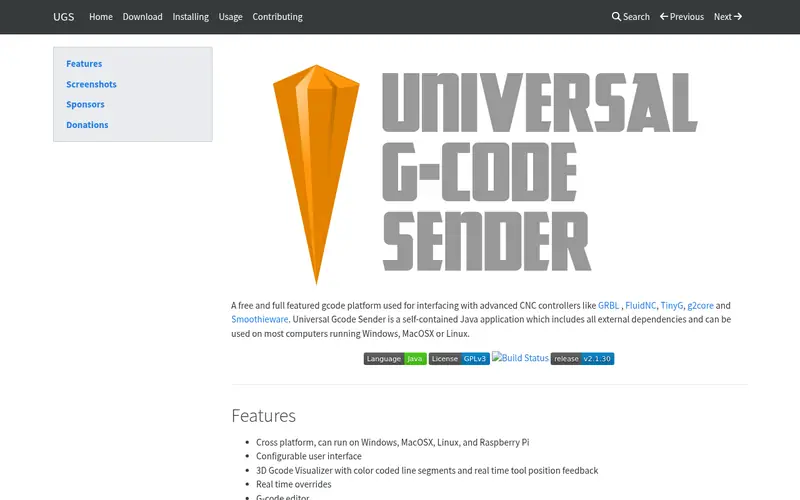
Universal Gcode Sender is a free, open-source desktop application that connects to GRBL-based controllers and streams G-code to the machine. It handles jogging, zeroing and job running, and the project publishes documentation and downloads on its site.
It suits anyone running GRBL who needs a reliable way to send files and control the machine. The catch is scope: it does not create toolpaths, so you still need CAM software upstream. New users should expect to learn basic G-code and machine coordinates.
Where the price comes from
Free, as listed by the vendor (Universal Gcode Sender website). Confirm the current plan price before you buy.
Benefits
- Free and open source
- works with GRBL controllers
- runs on desktop platforms
Drawbacks
- Sender only, no CAM
- interface assumes some G-code knowledge
Use case to skip: this limit matters to you: sender only, no CAM.
Our take. A sensible pick for sending G-code to GRBL-based controllers.
If it does not fit, compare Fusion 360 or VCarve Desktop in this list.
- Best for
- Simple 2D CAM for hobby routers
- Standout
- Free tier available
- Starting price
- See vendor site (free tier and paid Pro version)
- Free plan or trial
- Free plan
Carbide Create is CAM software from Carbide 3D, the company behind the Shapeoko range of hobby routers. It combines 2D drawing with toolpath generation and posts G-code. Carbide 3D publishes a free version and a paid Pro version with additional features.
It suits beginners who want a straightforward path from a 2D drawing to a cut file. The catch is that it is oriented toward 2D and simple 2.5D work, so complex 3D parts need different software. Check the vendor site for current Pro features and pricing.
Where the price comes from
See vendor site (free tier and paid Pro version), as listed by the vendor (Carbide Create website). Confirm the current plan price before you buy.
Benefits
- Free tier available
- 2D design and toolpaths in one tool
- from a router hardware maker
Drawbacks
- Paid Pro features are separate
- less suited to complex 3D work
Use case to skip: this limit matters to you: paid Pro features are separate.
Our take. A sensible pick for simple 2D CAM for hobby routers.
If it does not fit, compare Fusion 360 or VCarve Desktop in this list.
- Best for
- CAM plus machine control for hobby routers
- Standout
- CAM and control in one application
- Starting price
- See vendor site (licence; free trial available)
- Free plan or trial
- Free trial
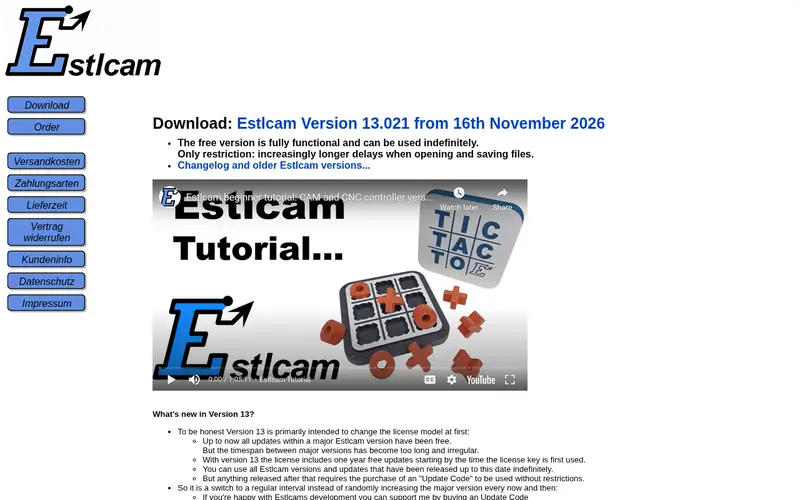
Estlcam is CAM and control software aimed at hobby CNC users. It imports 2D drawings, generates toolpaths, and can also drive the machine directly, which reduces the number of programs in the workflow. The vendor publishes a free trial and a paid licence.
It suits hobbyists who want one program for toolpaths and machine control, especially on Windows. The catch is that full use needs a licence, and the control side depends on compatible hardware, so confirm your controller is supported before committing.
Where the price comes from
See vendor site (licence; free trial available), as listed by the vendor (Estlcam website). Confirm the current plan price before you buy.
Benefits
- CAM and control in one application
- handles 2D and 2.5D toolpaths
- free trial to evaluate
Drawbacks
- Windows-oriented
- licence required for full use
Use case to skip: this limit matters to you: windows-oriented.
Our take. A sensible pick for CAM plus machine control for hobby routers.
If it does not fit, compare Fusion 360 or VCarve Desktop in this list.
What to look for
Start by separating CAM from control. CAM software turns a drawing or model into toolpaths and G-code. Control software or firmware runs the machine and streams that G-code. Some products, like Estlcam, do both. Decide whether you want one integrated program or a best-of-breed pair, because that choice shapes everything else.
Check the toolpath types you actually need. Most hobby router work is 2D and 2.5D: profiling, pocketing, drilling and V-carving. If you plan to cut 3D reliefs or machined parts, you need software with 3D CAM support, which usually means a steeper learning curve and a subscription. Match the software to the work, not to the feature list.
Confirm controller compatibility before paying. GRBL-based boards are common in hobby routers, and senders like Universal Gcode Sender are built for them. Other controllers need their own software or post-processors. Also check the licence model: one-time purchase versus subscription, and whether a free tier restricts commercial use. Finally, check any published work-area limits in cut-down editions.
Questions worth answering first
Buying checklist
- Confirm whether the tool is CAM, control, or both, so you do not buy the same function twice.
- Check that your controller board is supported, especially if it is not GRBL-based.
- Read the licence terms to see whether free tiers allow commercial work.
- Verify the toolpath types you need, such as V-carving, pocketing or 3D machining.
- Check any published work-area or feature limits in cut-down editions.
- Confirm the operating system your machine runs is supported.
FAQ
Do I need both CAM and control software?
Usually yes, unless one program does both. CAM creates toolpaths and G-code; control software or firmware runs the machine. Tools like Estlcam combine the two, while GRBL is firmware that still needs a sender and CAM upstream.
Is free software good enough for a hobby router?
Often yes. GRBL and Universal Gcode Sender are free and open source, and Carbide Create and Fusion 360 publish free tiers. Check licence limits, especially for commercial use, and confirm the free version covers the toolpaths you need.
What is GRBL?
GRBL is open-source firmware that runs on Arduino-class boards and interprets G-code to drive stepper motors. It is the control layer, not a design tool, so you pair it with CAM software and a G-code sender.
Can VCarve Desktop handle large parts?
Vectric publishes a cutting-area limit for the Desktop edition, so check that figure against your machine. Larger editions are available if your work exceeds it. Confirm the current limit on the vendor site before buying.
Does Fusion 360's free tier allow commercial work?
Autodesk publishes restrictions on its free personal-use licence, including limits on commercial use. Read the current terms on Autodesk's site before relying on the free tier for paid work, or choose a paid subscription.
Which software suits a complete beginner?
Carbide Create is aimed at simple 2D work and has a free tier, which makes it a common starting point. Fusion 360 offers more capability but a steeper learning curve. Pair either with a sender or controller software that matches your board.
Sources we checked
Change log: First published 21 Nov 2026.