6 Best Laser Engraver and Cutter Software in 2026
LightBurn is the strongest general pick for most hobbyists and small shops because it handles design, layout, and machine control in one paid program with broad controller support. LaserGRBL suits budget GRBL-based diode users who want free open-source software. If your machine came with a vendor app, such as xTool Creative Space or Glowforge's browser interface, start there before buying anything else.
 By Shihab Mia · Published 21 Nov 2026
We run no ads and no affiliate links at launch. The order of a list follows our published method. How lists are ordered: how we score.
Prices are the starting prices vendors list publicly. Plans change, so confirm the current price on the vendor page before you buy.
Key takeaways
- LightBurn is paid software with a perpetual license and a separate renewal for updates; check the vendor site for the current price.
- LaserGRBL is free and open source but targets GRBL-based controllers, mostly diode lasers.
- Vendor apps like xTool Creative Space and Glowforge are tied to their own hardware ecosystems.
- Inkscape is free and open source and works well as a design front end for laser work.
- Confirm your controller type before buying: software support depends on the board, not the brand name.
Side-by-side
Grouped by fit and cost. Tap a product to jump to its full entry.
| Fit | Cost | |||
|---|---|---|---|---|
| Product | Best for | Standout feature | Listed starting price | Free plan or trial |
| 1LightBurn | All-in-one control for mixed laser setups | Design, layout, and job control in one program | See vendor site (perpetual license, paid update renewal) | Free trial (30 days) |
| 2LaserGRBL | Free control of GRBL diode lasers | No cost | Free | Free and open source |
| 3xTool Creative Space | Owners of xTool laser machines | Free with xTool hardware | Free | Free plan |
| 4Glowforge App | Glowforge printer owners | Browser-based, no install | Included with Glowforge hardware | Yes (hardware required) |
| 5Inkscape | Free vector design for laser cutting | No cost | Free | Free and open source |
| 6RDWorks | Ruida-controlled CO2 laser cutters | No extra cost with Ruida machines | Free with compatible machines | Free plan |
How we picked
This comparison is based on vendor product pages, published documentation, official pricing pages, and project repositories. We checked which controller families each program supports, how it is licensed, whether a free tier or trial exists, and which operating systems the vendor lists. We did not run hands-on machine tests. Prices and feature sets change, so confirm details on the official site before buying.
The 6 picks in detail
- Best for
- All-in-one control for mixed laser setups
- Standout
- Design, layout, and job control in one program
- Starting price
- See vendor site (perpetual license, paid update renewal)
- Free plan or trial
- Free trial (30 days)
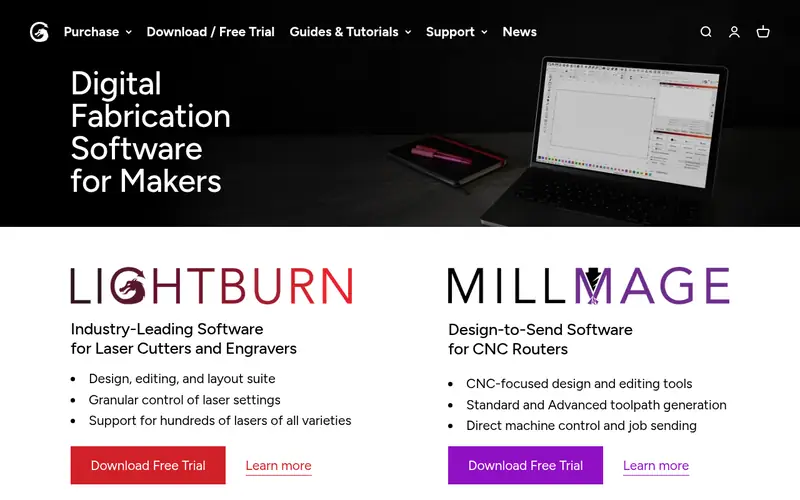
LightBurn is a laser layout and control package that combines vector editing, image handling, layer settings, and direct machine output. It supports common hobby and prosumer controllers, including GRBL-based boards and Ruida DSP controllers, which is why it appears in so many mixed-fleet workshops. The vendor documents camera alignment, rotary attachment setup, and material test patterns inside the program.
It suits users who are past the bundled-app stage and want one interface for several machines. The main catch is cost: it is commercial software sold as a perpetual license, with a paid renewal if you want continued updates after the included window. Confirm your controller is on the supported list before paying.
Where the price comes from
See vendor site (perpetual license, paid update renewal), as listed by the vendor (LightBurn website). Confirm the current plan price before you buy.
Benefits
- Design, layout, and job control in one program
- broad controller support including Ruida and GRBL
- camera and rotary setup tools
Drawbacks
- Paid license
- update renewal costs extra after the included period
Use case to skip: this limit matters to you: paid license.
Our take. A sensible pick for all-in-one control for mixed laser setups.
If it does not fit, compare LaserGRBL or xTool Creative Space in this list.
- Best for
- Free control of GRBL diode lasers
- Standout
- No cost
- Starting price
- Free
- Free plan or trial
- Free and open source
LaserGRBL is an open-source Windows program for sending jobs to GRBL-based laser engravers, which covers many budget diode machines. It imports images and vector files, converts them to G-code, and streams jobs to the controller. It also includes tools for jogging, framing, and basic power and speed settings.
It is the obvious starting point if you built or bought a cheap GRBL diode laser and the bundled software is thin. The catch is scope: it is not aimed at Ruida or other DSP controllers, and its design tools are minimal, so most users pair it with Inkscape for artwork.
Where the price comes from
Free, as listed by the vendor (LaserGRBL website). Confirm the current plan price before you buy.
Benefits
- No cost
- runs on GRBL-based controllers
- handles raster images and G-code
Drawbacks
- Limited to GRBL-family boards
- interface is more utilitarian than commercial tools
Use case to skip: this limit matters to you: limited to GRBL-family boards.
Our take. A sensible pick for free control of GRBL diode lasers.
If it does not fit, compare LightBurn or xTool Creative Space in this list.
- Best for
- Owners of xTool laser machines
- Standout
- Free with xTool hardware
- Starting price
- Free
- Free plan or trial
- Free plan
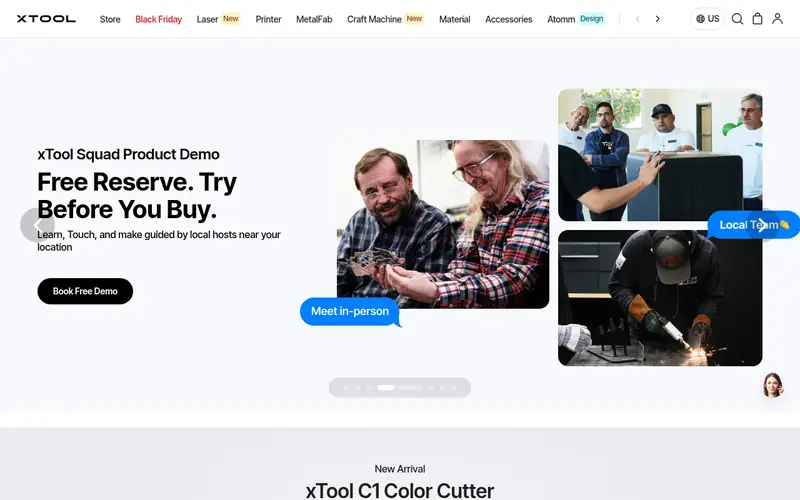
xTool Creative Space is the vendor application for xTool laser cutters and engravers. It provides canvas-based design, material presets, and direct job control for supported xTool models, and the vendor distributes it at no charge to machine owners.
It suits new xTool owners who want to start cutting without learning a separate control package. The catch is ecosystem lock-in: it is built around xTool hardware, so it is not a general answer for a mixed-brand shop. Check the vendor site for which models and features the current version supports.
Where the price comes from
Free, as listed by the vendor (xTool Creative Space website). Confirm the current plan price before you buy.
Benefits
- Free with xTool hardware
- guided setup for xTool models
- built-in design and material presets
Drawbacks
- Tied to xTool ecosystem
- less useful for other brands
Use case to skip: this limit matters to you: tied to xTool ecosystem.
Our take. A sensible pick for owners of xTool laser machines.
If it does not fit, compare LightBurn or LaserGRBL in this list.
- Best for
- Glowforge printer owners
- Standout
- Browser-based, no install
- Starting price
- Included with Glowforge hardware
- Free plan or trial
- Yes (hardware required)
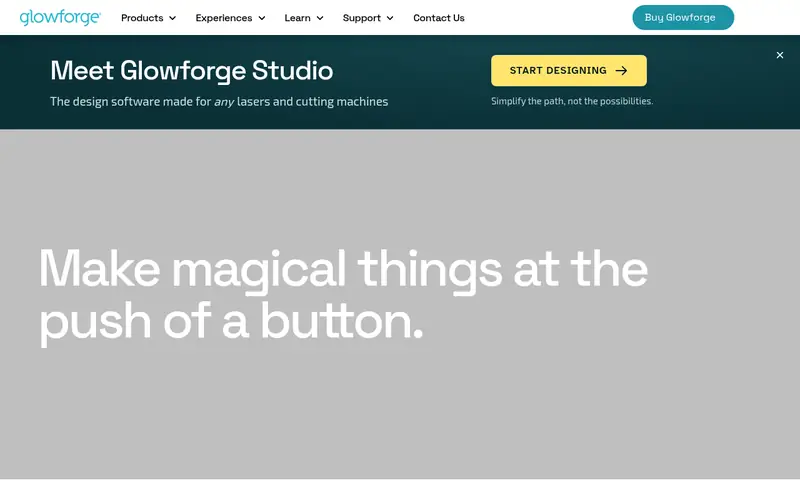
The Glowforge App runs in a browser and controls Glowforge laser printers. It uses the machine's camera for placement, offers a library of designs and settings, and handles job sending without local software installation. Access comes with the hardware rather than as a standalone purchase.
It is the simplest path for Glowforge owners and a poor fit for anyone else, since it does not drive third-party machines. The dependency on an internet connection and a Glowforge account is the main limitation to weigh.
Where the price comes from
Included with Glowforge hardware, as listed by the vendor (Glowforge App website). Confirm the current plan price before you buy.
Benefits
- Browser-based, no install
- works with Glowforge's camera-based positioning
- simple interface for beginners
Drawbacks
- Only works with Glowforge machines
- requires an account and internet connection
Use case to skip: this limit matters to you: only works with Glowforge machines.
Our take. A sensible pick for glowforge printer owners.
If it does not fit, compare LightBurn or LaserGRBL in this list.
- Best for
- Free vector design for laser cutting
- Standout
- No cost
- Starting price
- Free
- Free plan or trial
- Free and open source
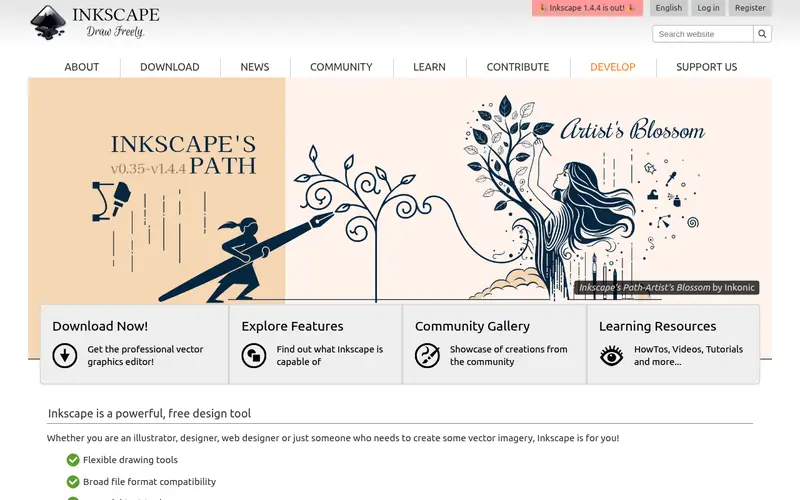
Inkscape is a free, open-source vector editor used widely as the design stage before laser cutting. You draw or trace artwork, set stroke colors to represent cut and engrave operations, and export SVG or DXF files for import into LightBurn, LaserGRBL, or a vendor app.
It suits anyone who needs clean vectors and does not want to pay for design software. The catch is that it does not talk to a laser: you still need a control program to set power, speed, and job order. Some laser extensions exist for Inkscape, but check compatibility with your controller before relying on them.
Where the price comes from
Free, as listed by the vendor (Inkscape website). Confirm the current plan price before you buy.
Benefits
- No cost
- strong SVG and vector editing
- exports formats laser software can import
Drawbacks
- Not a machine-control tool
- learning curve for beginners
Use case to skip: this limit matters to you: not a machine-control tool.
Our take. A sensible pick for free vector design for laser cutting.
If it does not fit, compare LightBurn or LaserGRBL in this list.
- Best for
- Ruida-controlled CO2 laser cutters
- Standout
- No extra cost with Ruida machines
- Starting price
- Free with compatible machines
- Free plan or trial
- Free plan
RDWorks is the control software commonly bundled with Ruida DSP controllers found on many imported CO2 laser cutters. It manages layers, power and speed settings, job preview, and direct output to the controller over USB or network.
It suits owners of Ruida-based machines who want to use what came with the cutter. The catch is polish: the interface feels old, and help often comes from the machine seller rather than a central vendor. Many users eventually move to LightBurn, which also supports Ruida controllers.
Where the price comes from
Free with compatible machines, as listed by the vendor (RDWorks website). Confirm the current plan price before you buy.
Benefits
- No extra cost with Ruida machines
- handles layers, power, and speed for DSP controllers
- widely used on imported CO2 cutters
Drawbacks
- Dated interface
- documentation quality varies by machine seller
Use case to skip: this limit matters to you: dated interface.
Our take. A sensible pick for ruida-controlled CO2 laser cutters.
If it does not fit, compare LightBurn or LaserGRBL in this list.
What to look for
Start with your controller, not the software brand. Laser software talks to a control board, and support is decided at that level. GRBL-based diode machines work with LaserGRBL and LightBurn. Ruida DSP controllers work with RDWorks and LightBurn. Closed ecosystems like Glowforge and xTool expect you to use their own app. Buying the wrong package is the most common and most expensive mistake.
Decide whether you need design, control, or both. Inkscape handles vectors but cannot run a job. LightBurn does both. Vendor apps usually do both but only for their own hardware. If you already design in another tool, a control-only program may be enough.
Check the licensing model carefully. Some tools are free and open source, some are included with hardware, and some are paid perpetual licenses with a separate update renewal. Read what the license covers, how many computers it allows, and whether updates stop when the renewal lapses. Also confirm the operating systems supported, since some packages are Windows-only.
Finally, look at the features you will actually use: camera alignment, rotary setup, material test patterns, layer-based power control, and file format support. These matter more than long feature lists.
Questions worth answering first
Buying checklist
- Identify your controller board (GRBL, Ruida, or a closed vendor system) before choosing software.
- Confirm your exact machine model appears on the software's supported list.
- Check the license type: free, included with hardware, or paid perpetual with update renewal.
- Verify which operating systems the current version supports.
- Confirm the file formats you use for design can be imported.
- Read whether camera, rotary, or other accessories need extra setup or paid add-ons.
FAQ
Is free laser software good enough?
For simple GRBL diode work, yes. LaserGRBL and Inkscape cover basic cutting and engraving at no cost. Free tools become limiting when you need camera alignment, rotary setup, or support for DSP controllers, where paid packages like LightBurn are more complete.
Does LightBurn work with my laser?
LightBurn supports several controller families, including GRBL-based boards and Ruida DSP controllers. Support depends on the board inside your machine, not the brand on the case. Check the vendor's supported-controller list against your machine before buying.
Can I use Inkscape to run my laser?
No. Inkscape is a design tool. It creates and edits vectors, then exports files for a control program. You still need software such as LightBurn, LaserGRBL, or a vendor app to set power and speed and send the job.
Why do some lasers require their own app?
Closed-system makers like Glowforge and xTool build their workflow around their own cloud or desktop app. That simplifies setup but limits you to their hardware. If you plan to run several brands, choose a controller-agnostic program instead.
Do I need internet access to run a laser?
Only for cloud-based tools such as the Glowforge App. Desktop programs like LightBurn, LaserGRBL, and RDWorks run locally. Check whether your chosen tool needs an account or connection before you commit.
What happens when a LightBurn update renewal ends?
Your license keeps working, but you stop receiving new updates until you renew. Check the vendor site for current renewal terms and what the included update period covers.
Sources we checked
Change log: First published 21 Nov 2026.